AI TEXT AND WRITING
Best AI Text Tools to Boost Your Productivity & Creativity in 2025
Write more, stress less. Discover the AI Writing tools that help freelancers, creators, and marketers write faster—without losing their voice.

Looking to write blogs, ebooks, emails, or sales pages faster—with better quality and zero writer’s block? The AI Text & Writing category was made for content creators, copywriters, freelancers, and digital entrepreneurs who want to write smarter, not harder. From AI writing assistants to rewriters and content generators, we’ve curated the top tools that help you write like a pro—even if you’re just starting. Whether you’re aiming to earn more, publish more, or save hours each week, these AI writing platforms will supercharge your workflow. Compare features, try free demos, and find your ideal AI copilot.
Explore the best AI Text & AI Writing tools trusted by top freelancers and creators
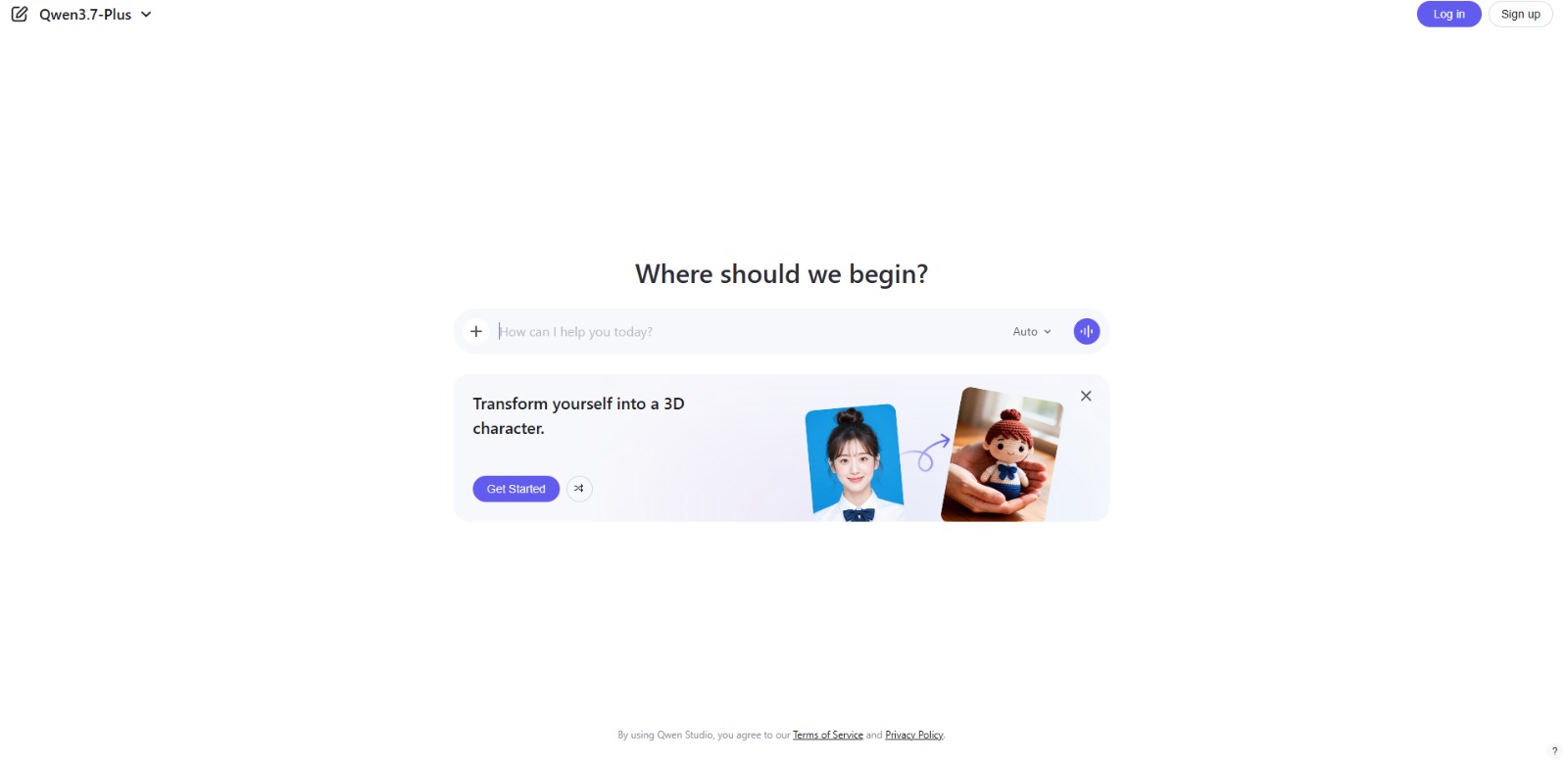
Qwen Chat Review: Is This AI Chatbot Your Next Productivity Power-Up? In this Qwen Chat review, we’ll explore its core capabilities, ideal users, and how this AI assistant can streamline your daily tasks and creative…

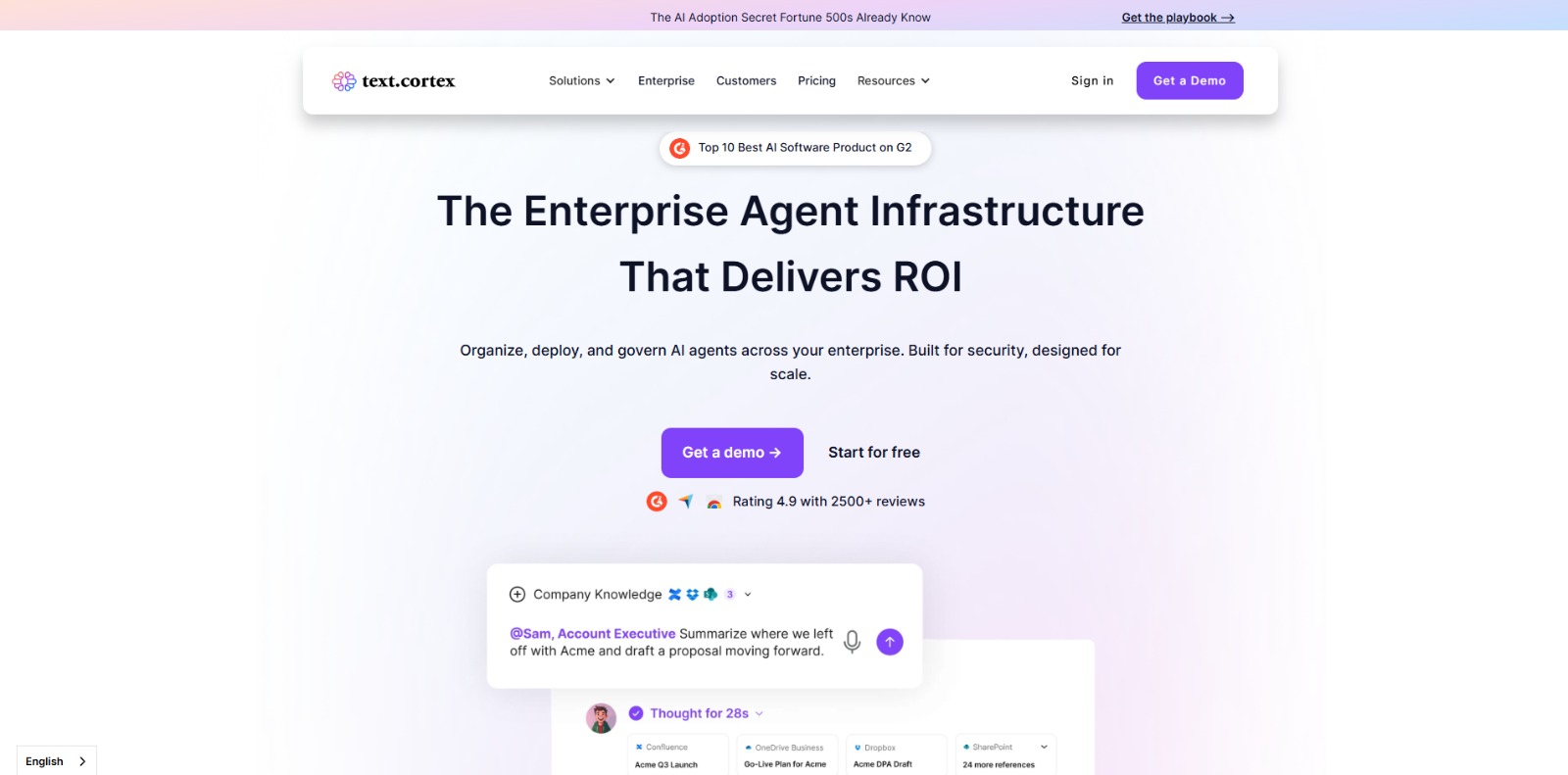
TextCortex: Enterprise AI platform to build, deploy, and govern secure AI agents—workflow automation, knowledge search, data analysis, and integrations included. 🚀


Simplified: All-in-one AI marketing suite—design, write, edit video, and schedule socials with brand kits and team collaboration. 🚀


AutoCrit: Polish your manuscript with genre-aware, real-time editing—style, pacing, repetition, dialogue, and readability insights, plus benchmarks and reports. 🚀


Novel Factory: Plan, plot, and write your novel faster—templates, character builders, world-building, and progress tracking in one intuitive app. 🚀


Winston AI: Detect AI-generated text with high accuracy, plus plagiarism and deepfake image checks—multilingual, API & Chrome extension. 🚀


Scalenut: Boost your SEO game with Scalenut—AI-powered content creation, optimization, and analytics for effortless rankings and results! 🚀

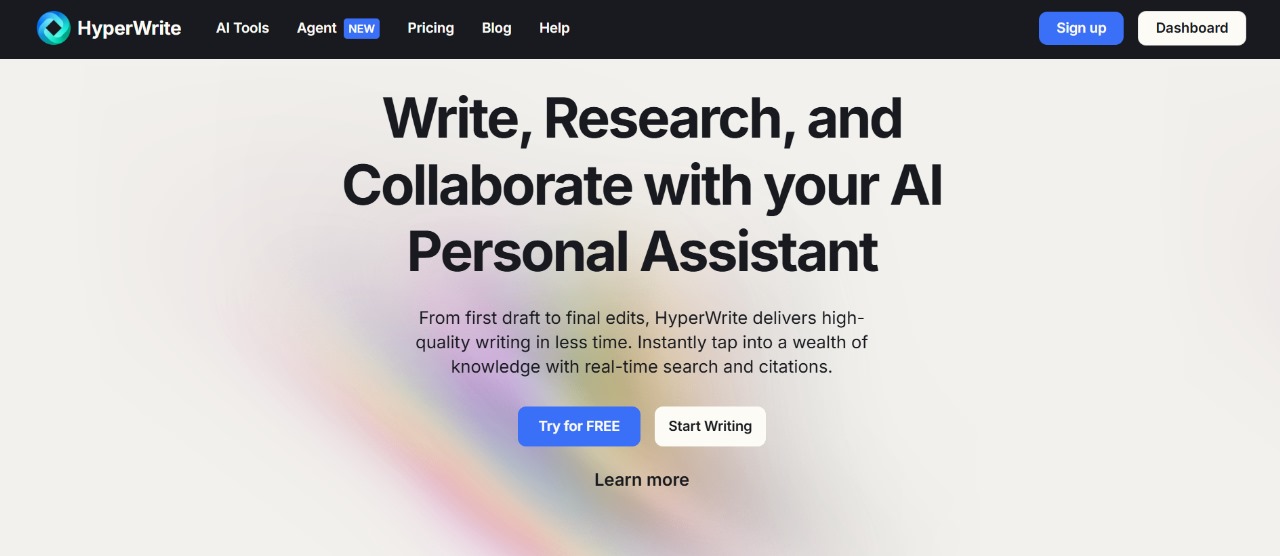
HyperWrite: Effortlessly craft professional, engaging content with HyperWrite—the AI writing assistant that saves you time and boosts creativity!

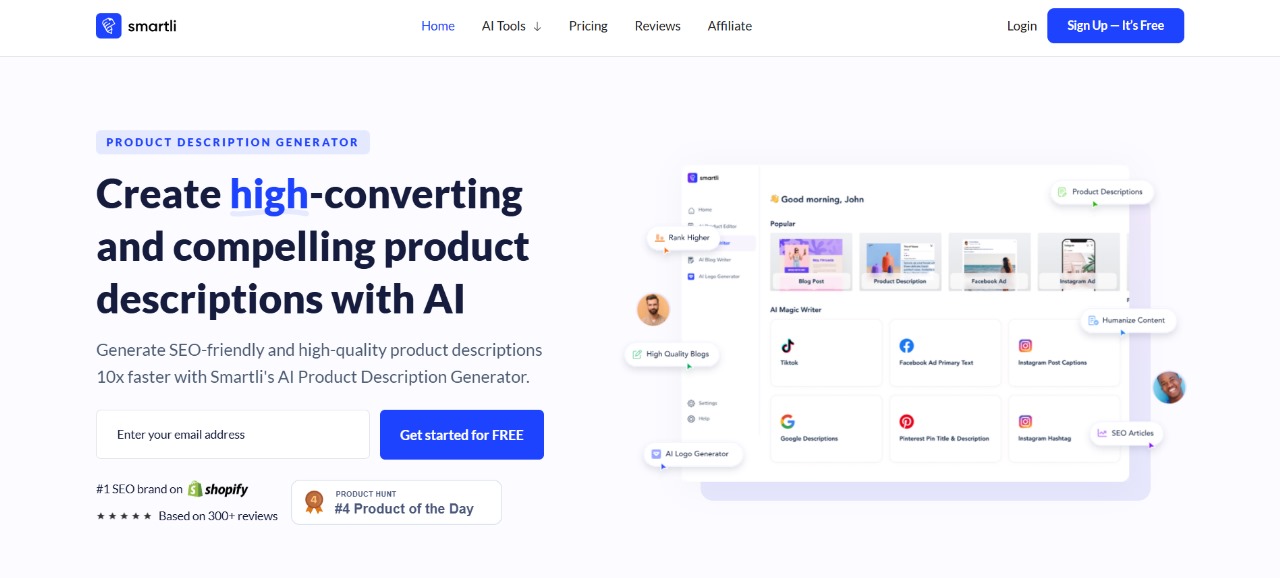
Smartli: Revolutionize e-commerce with SMARTLI: AI-driven tools for SEO, content creation, and marketing automation. Boost productivity effortlessly! 🚀


Laxis: AI-powered meeting assistant for real-time transcriptions, actionable insights, and seamless productivity. Revolutionize your workflow today!

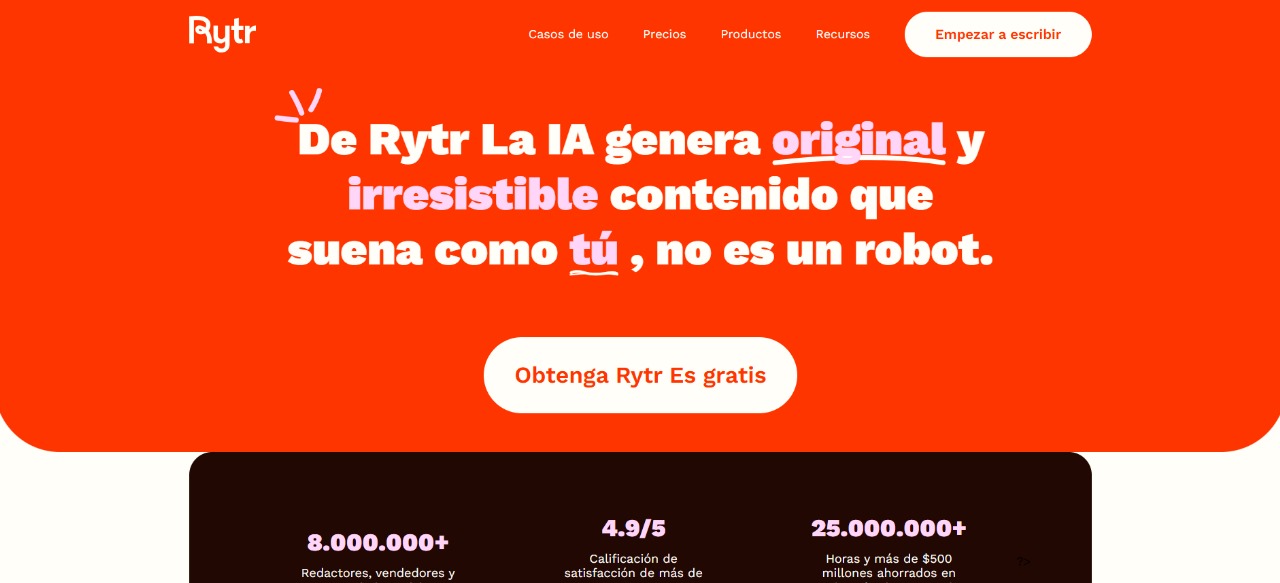
Ryte.me: Effortlessly create high-quality, SEO-optimized content in minutes with Rytr, your AI-powered writing companion! 🚀✨
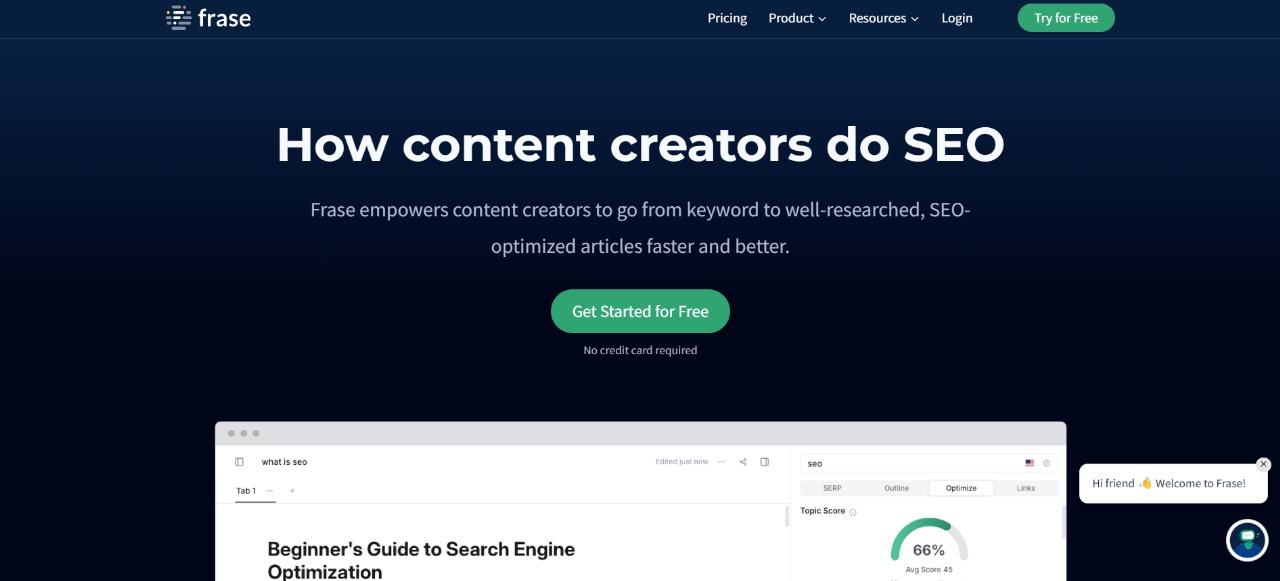
Frase.io: AI-powered tool that streamlines content creation, boosts SEO, and saves you hours effortlessly! 🚀📈
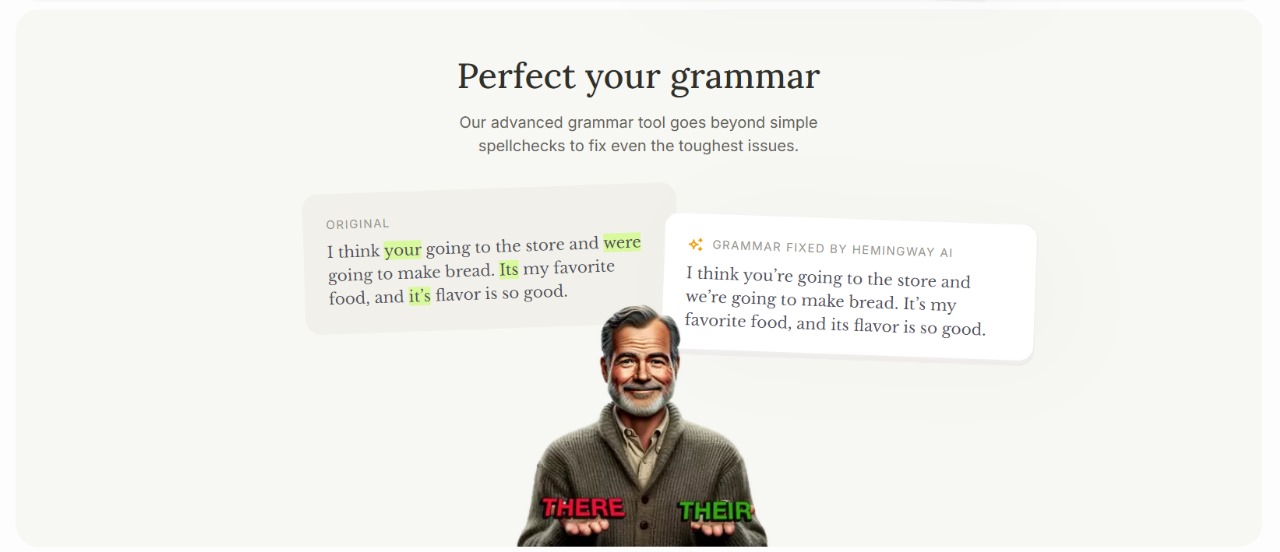
Hemingway Editor: Simplify your writing and boost readability instantly with Hemingway Editor—the ultimate tool for clear, concise content.

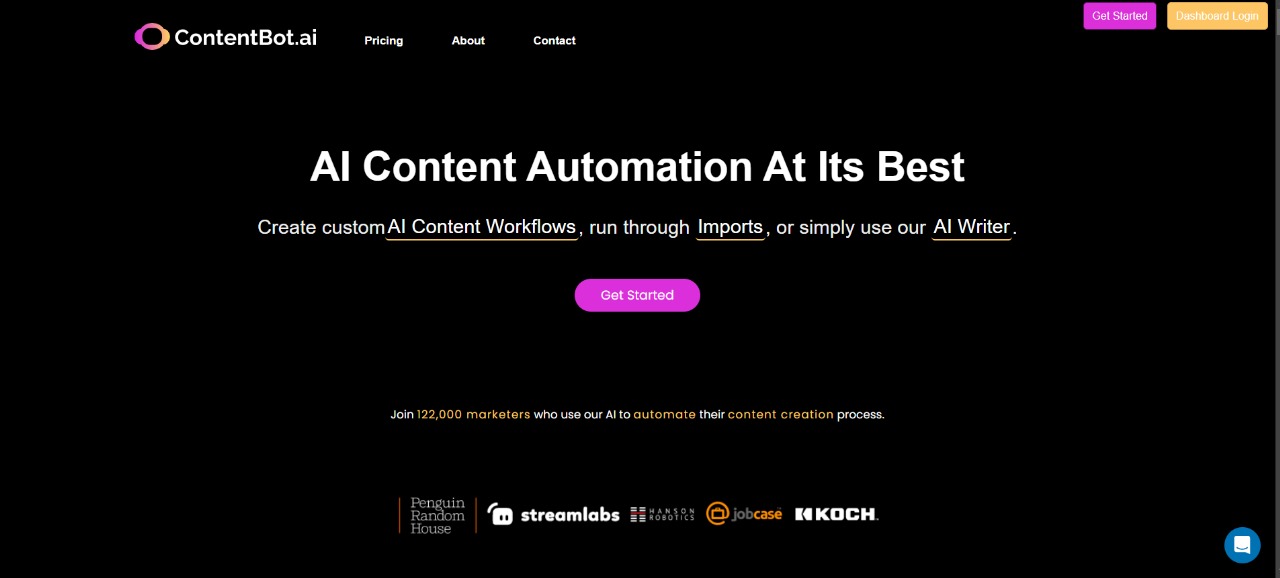
ContentBot: Boost your content marketing with ContentBot—AI-powered automation that generates high-quality, SEO-optimized content in minutes!
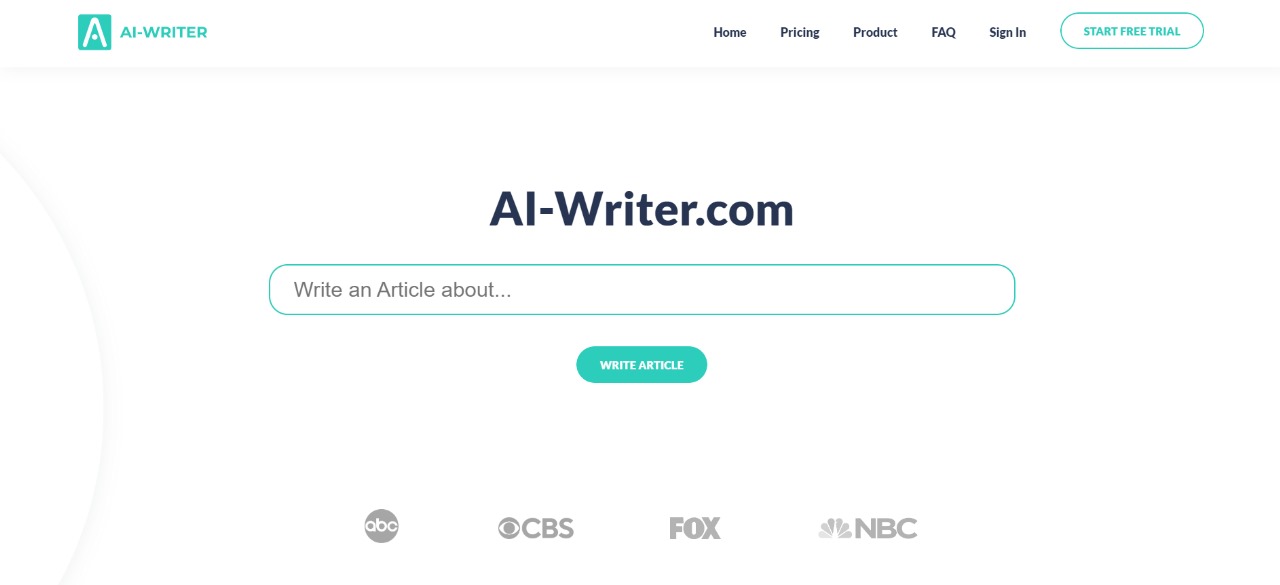
AI Writer is a fast, AI-powered writing tool that generates high-quality, SEO-optimized content in minutes. Save time effortlessly!

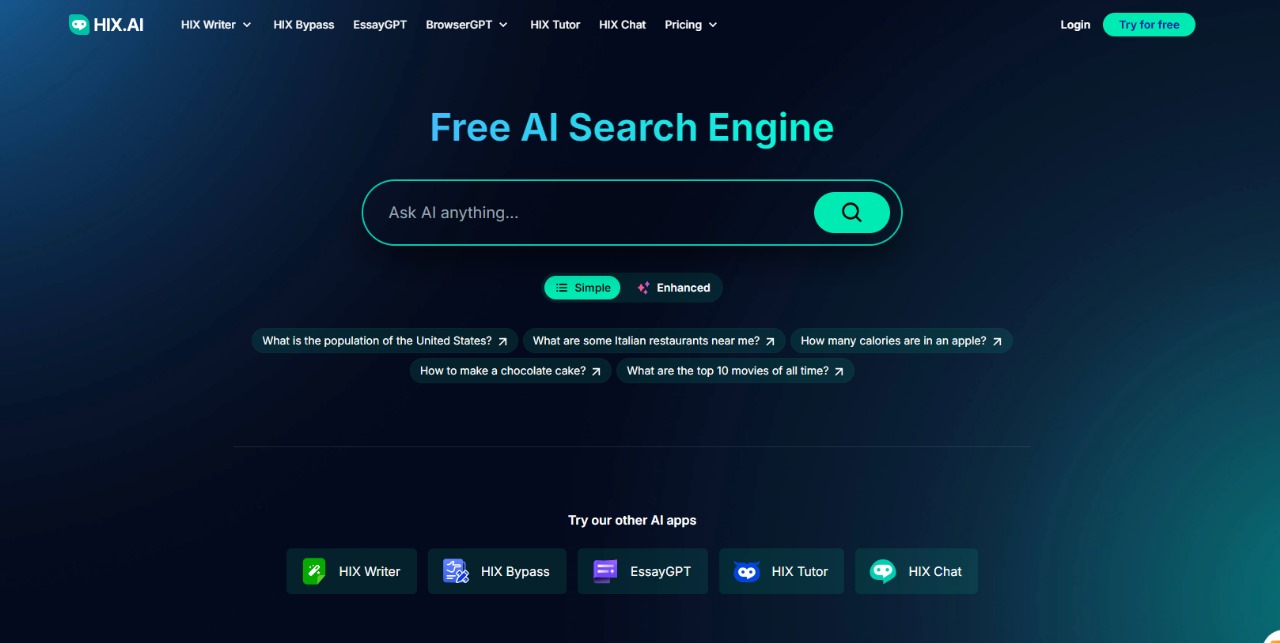
HIX.AI is an all-in-one AI writing tool that boosts productivity with seamless content generation, SEO optimization, and email automation.

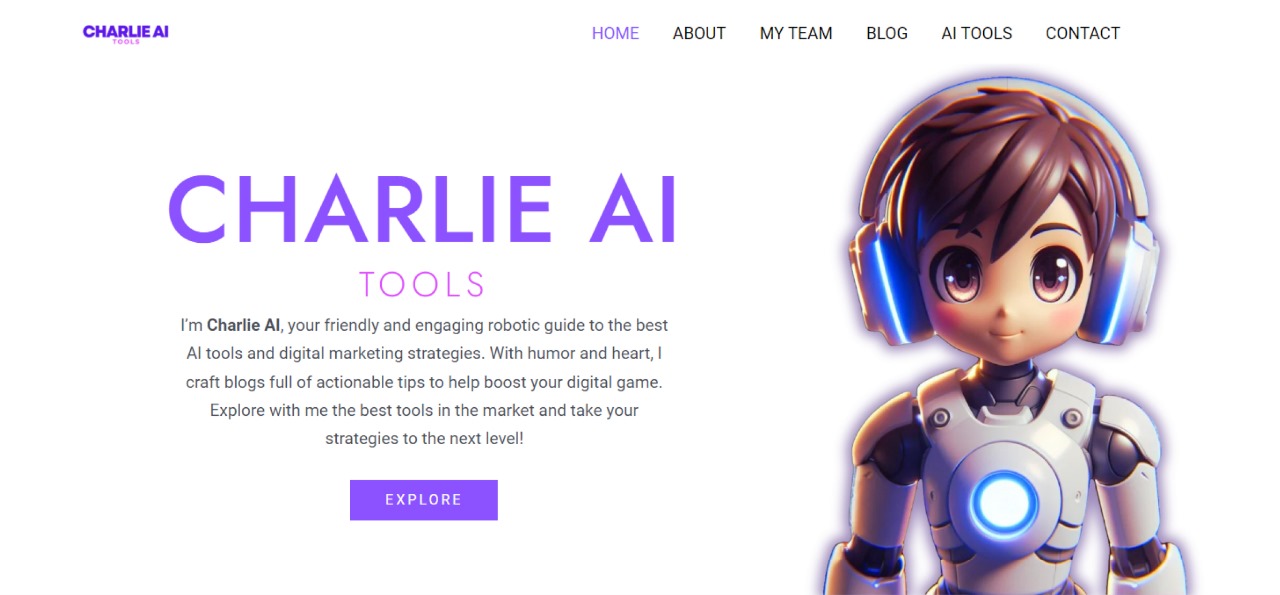
CharlieAItools.com: Discover the best AI tools, curated by experts, to boost productivity, creativity, and business growth—all in one place!
Curious? Find Your AI Category and See What Awaits!
Recently Added AI Tools



Webydo: All-in-one web design platform to create, launch, and manage client websites without code—fast, polished, and CMS-ready. 🚀


LearnWorlds: AI-powered LMS to create, market, and sell online courses with interactive learning, white-label sites, and built-in funnels. 🚀
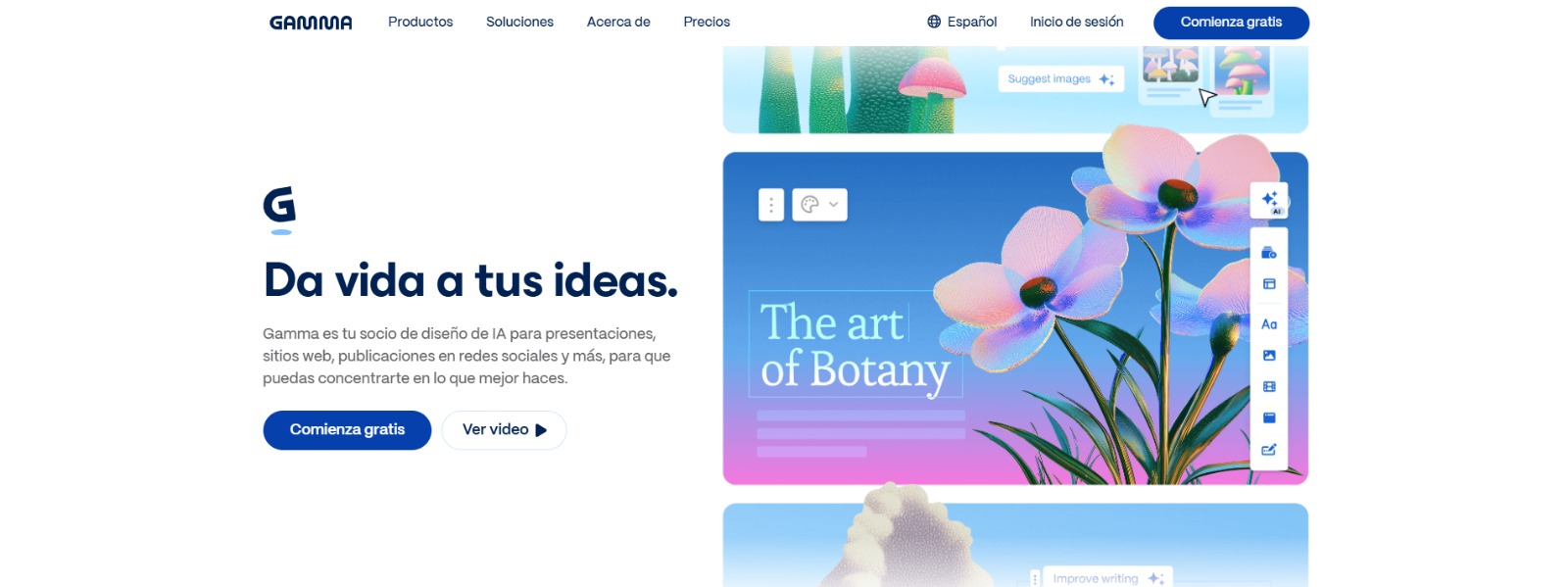
Gamma: Create stunning presentations, websites, and documents with AI—fast drafting, smart design, easy sharing, and export-ready content. 🚀
Qwen Chat Review: Is This AI Chatbot Your Next Productivity Power-Up? In this Qwen Chat review, we’ll explore its core capabilities, ideal users, and how this AI assistant can streamline your daily tasks and creative…

Trainual: AI-powered employee training software to document processes, onboard teams, centralize knowledge, and automate role-based learning at scale. 🚀
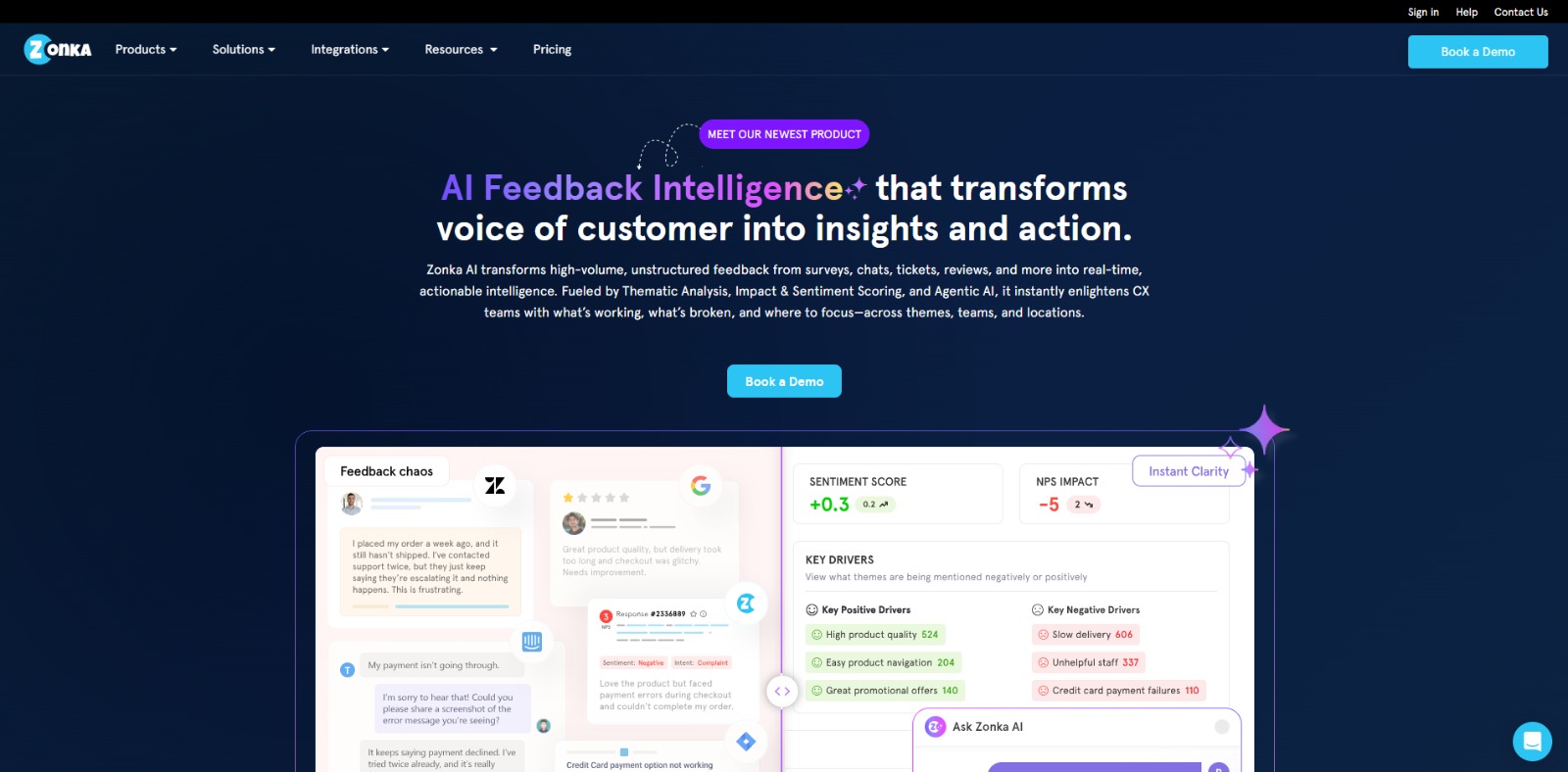
Zonka Feedback: Turn customer feedback into actionable insights with AI-powered surveys, analytics, sentiment tracking, and multichannel CX automation. 🚀
Mini Guide:
Master AI Text & Writing Tools Like a Pro
Struggling with writer’s block, tight deadlines, or bland copy? This quick guide will help you understand what AI writing tools really do, how they work, and how to choose the best one for your goals—whether you’re a freelancer, marketer, or content creator.
What is AI Text & Writing?
AI Text & Writing refers to tools powered by artificial intelligence that help users generate written content faster and more efficiently. These tools can write blog posts, emails, sales copy, social media content, and more—often based on just a short prompt or outline. They’re designed to reduce creative fatigue, save time, and improve the quality of your writing. Some tools are tailored for specific uses like academic writing, SEO content, or copywriting. Whether you’re a beginner or a pro, AI writing tools can give your creativity a major productivity boost.
How does an AI Text & Writing tool work?
AI for text tools use machine learning models—often trained on billions of text samples—to predict and generate human-like content. You simply input a prompt or a goal (like “write a blog introduction about AI”), and the tool produces a draft based on context, tone, and structure. Some tools offer:
Templates for blogs, emails, or ads.
Tone adjustments (casual, professional, persuasive).
Built-in plagiarism checkers or grammar correction.
The more you guide them with specific prompts, the better the results. Think of them as your creative co-writer—not a full replacement, but a powerful accelerator.

What are the top features to look for in an AI writing tool?
When choosing an AI writing tool, look for features that match your writing goals. Here are some key ones to consider:
Ease of use: Clear interface, no steep learning curve.
Output quality: Natural tone, grammar, and readability.
Template variety: Emails, blogs, product descriptions, etc.
Language support: Especially important if you write in multiple languages.
Customizability: Ability to train or tweak the tone for your brand.
Export and integration: Compatibility with Google Docs, Notion, WordPress, etc.
Free trial: Always test before committing!
What are the main benefits of using AI Text & Writing tools?
Using AI for text & writing tools can save you hours of work each week and help you overcome creative blocks. But the benefits go deeper:
Write faster, without sacrificing quality.
Boost productivity, especially for freelancers juggling multiple clients.
Repurpose content quickly (turn blog posts into social media captions, emails, etc.).
Reduce burnout by automating repetitive writing tasks.
Improve your writing style by learning from high-quality AI-generated drafts.
It’s not just about speed—it’s about scaling your content creation without losing your voice.
Who should use AI Text & Writing tools?
These tools are perfect for:
Freelancers who need to deliver more work in less time.
Content creators publishing blogs, ebooks, newsletters, or videos.
Entrepreneurs crafting sales pages, ads, and product descriptions.
Marketers looking to boost conversions with high-performing copy.
Students or educators generating ideas, outlines, or even full drafts.
If you write regularly and want to save time or increase your output, AI writing tools are your new best friend.
Ready to choose your perfect AI writing tool?
Don’t waste hours testing tools that don’t fit your needs. We’ve done the heavy lifting for you—comparing the best AI writing assistants for blogs, sales copy, email campaigns, and more.
👉 Explore our top picks below and find your ideal writing partner today.
Real Questions About AI Writing Tools,
From People Who Actually Use Them

Before choosing an AI writing tool, most users go through a mix of curiosity, doubt, and excitement. You might be wondering if it’s ethical, effective, or even safe to rely on a tool to help you write. These 10 real-world questions and answers are based on what freelancers, marketers, and content creators actually ask—so you can move forward with confidence, clarity, and creativity.
Why do AI writing tools sometimes sound robotic?
AI for writing tools rely on pre-trained models that generate content based on patterns—not feelings. If your input prompt is too vague or generic, the result can feel flat or emotionless. To fix this, add specific instructions like tone (“friendly” or “professional”), audience (“for freelancers”), or structure. Choosing tools that let you adjust tone or upload brand voice samples can make a big difference. Remember: AI is powerful, but it’s your direction that makes the magic happen.
Can I trust AI tools to write high-quality content for clients?
Yes, but with supervision. Many freelancers use AI tools to speed up drafts, generate ideas, or refine structure—but they still review, edit, and personalize the final text. Trust comes from knowing how to guide the tool effectively. You’ll get better results when you combine AI’s speed with your expertise. Think of it as co-creation, not delegation. For client work, always double-check tone, grammar, and originality.
Is it ethical to use AI for writing content?
It depends on how you use it. If you’re transparent, add personal value, and respect originality, AI can be a responsible co-writer. Problems arise when people publish raw AI outputs without editing, or pass off content as fully human without context. Most professionals today use AI to brainstorm, rephrase, or break through writer’s block. It’s a tool, not a cheat code—and when used thoughtfully, it can actually elevate your creativity.
How do I choose between tools like Jasper, Writesonic, and Copy.ai?
Start with your writing goals. If you need high-converting copy, Jasper is a solid bet. Writesonic is great for SEO content and affordability, while Copy.ai shines for short-form marketing text. Look at things like pricing, templates, tone flexibility, and multilingual support. Most tools offer free trials—test them using the same prompt and compare the outputs. The best one is the one that helps you write better, faster, and with less stress.
What mistakes should I avoid when using AI to write?
One common mistake is relying too much on default prompts. Vague inputs lead to generic results. Also, don’t assume AI will “understand” your voice automatically—it needs clear guidance. Avoid skipping the editing phase or publishing without proofreading. Don’t ignore the context or audience just because the text “sounds good.” Finally, always check for plagiarism and AI detectability if you’re working on sensitive or academic content.
How do I know if an AI tool is worth the subscription?
The best way to evaluate if an AI text generator tool is worth the subscription is to look at the real value it adds to your workflow. Does it help you write faster, reduce mental fatigue, or overcome creative blocks? If it saves you 10+ hours per month, helps you meet deadlines, or lets you take on more clients without compromising quality, then it’s more than just a tool—it’s a productivity booster. Check if it improves your writing output, consistency, and content variety.
Also look at user reviews, community feedback, customer support, and how often the tool gets updates. Bonus points if it offers SEO features, integrations, or templates tailored to your niche. If you’re monetizing your writing, even a $30/month subscription can pay for itself with just one client or project. Think of it not as an expense—but as an asset that multiplies your creative and business potential.
Can I make money using AI writing tools as a freelancer?
Absolutely—and many already are. Freelancers are leveraging AI writing tools to offer content creation services like blog posts, SEO articles, email campaigns, LinkedIn posts, product descriptions, and more. By combining smart prompts with solid editing skills, you can deliver high-quality content faster and take on more clients without burning out.
Some freelancers even use AI to write ebooks, lead magnets, or ghostwrite for influencers and entrepreneurs. Others create their own info-products or newsletters powered by AI. The secret isn’t pretending AI does it all—it’s showing that you know how to guide it. Clients want real humans with strategy, voice, and judgment—so position yourself as a professional who uses AI to increase value and productivity, not as someone who just clicks a button. That’s how you stand out, scale up, and boost your income in the new AI-powered economy.
What if my AI-generated content is flagged as “too artificial”?
That’s usually a signal to refine your inputs or tweak the tone. Try using more human-like prompts, adding storytelling elements, or editing key phrases to match your natural voice. Some tools let you select “casual,” “friendly,” or “empathetic” tones—use those to your advantage. Also, mix AI-generated text with your own insights. The final content should sound like you, just faster.
Can AI tools write in Spanish or other languages well?
Many top AI tools support multiple languages, including Spanish, French, Portuguese, and German. However, not all handle regional expressions or grammar equally well. If you’re writing in Spanish for Latin America, for instance, test a few sentences and adjust manually. Look for platforms that offer regional tone settings or let you preview the tone. The output may not be perfect, but it can give you a strong starting point to polish from.
How do I avoid wasting time testing too many tools?
The key is to start with clarity. Before jumping into free trials, define your specific writing goals—are you creating blog content, email sequences, sales pages, academic essays, or social media posts? Once you know your needs, visit curated directories like charlieaitools.com, where tools are already compared by use case, pricing, tone style, and features. This helps you filter options fast. Instead of testing 10 tools blindly, pick 2–3 that align with your goals and run the exact same prompt through each.
Then evaluate output quality, ease of use, and how much editing is needed. Pay attention to trusted reviews and expert recommendations, not just viral videos or ads. Remember: the goal isn’t to find the most hyped tool—it’s to find the one that actually fits your workflow, feels intuitive, and helps you save time, not waste it.
AI Text & AI Writing Tools FAQs
Navigating the world of AI writing can raise a lot of questions—from how it works to whether it’s ethical or safe to use. That’s why we’ve compiled the most frequently asked questions about AI text generation. Whether you’re a curious beginner or a content creator looking to scale your output, these answers will help you understand the basics, avoid common pitfalls, and make informed choices when using AI-powered writing tools.
Is AI text generation free or do I need to pay?
Is AI text generation free or do I need to pay?
Some AI writing tools offer free versions with limited features, like word count caps or fewer templates. Popular tools like ChatGPT, Rytr, or Writesonic have freemium models—free for basic use, but paid plans unlock advanced functions like SEO optimization, plagiarism checks, or longer outputs. For serious writing or commercial projects, investing in a paid plan is often worthwhile.
Is it legal to use AI to write content?
Is it legal to use AI to write content?
Yes, using AI to write content is generally legal—as long as you’re not infringing on copyright, violating platform rules, or misleading audiences. Most AI tools generate original text, but it’s your responsibility to ensure the output doesn’t plagiarize existing works. Also, if you’re publishing or selling AI-written material, check terms of service on platforms like Amazon, Medium, or freelance marketplaces. For academic or professional settings, always verify if AI-assisted writing is permitted. When in doubt, transparency and attribution are your safest allies.
Can AI writing tools replace human writers?
Can AI writing tools replace human writers?
No—AI writing tools are powerful assistants, but they can’t replace human writers entirely. While they excel at speeding up content creation, brainstorming ideas, and generating drafts, they still lack the intuition, empathy, and deep contextual understanding that human writers bring to the table.
AI can mimic tone and structure, but it doesn’t truly understand your audience, brand voice, or emotional nuance. That’s why human input remains essential—especially for storytelling, persuasion, humor, and critical thinking. The best results come when AI is used as a creative partner, not a replacement: helping with the heavy lifting so you can focus on refining, adapting, and connecting with your readers in meaningful ways. In short, AI can write fast—but only you can write with heart.
How do I know if a text was written by AI?
How do I know if a text was written by AI?
You can use AI detector tools to analyze writing patterns and flag whether the content is likely AI-generated. These tools look for traits like overly uniform sentence structure, lack of deep context, or unusual word choices. While no AI detector is 100% accurate—especially with the latest models like GPT-5—combining detector results with human review gives a more reliable assessment. Reading for tone, logic flow, and factual depth can also help you spot AI-written text.
What are the most common use cases for AI writing tools?
What are the most common use cases for AI writing tools?
AI writing tools are incredibly versatile and used across a wide range of industries and content types. They’re commonly used to create blog posts, product descriptions, social media captions, email newsletters, ad copy, academic essays, video scripts, and even eBooks or resumes. Freelancers and solopreneurs use them to produce content faster without hiring extra help, while marketers rely on them for consistent brand messaging and A/B testing.
Educators and students benefit from tools that assist with idea generation and draft creation. These platforms are also ideal for multilingual writing, SEO content, and paraphrasing. Their biggest strength? Eliminating writer’s block, accelerating workflows, and handling large volumes of text with minimal effort—without compromising quality. Whether you’re managing a content calendar, launching a product, or writing a grant proposal, there’s an AI writing tool that can help you write smarter, not harder.
