
TEXT TO SPEECH & AI VOICE
Text to Speech & AI Voice Tools.
Sound Human, Scale Faster
Level up your content with hyper-realistic AI voices,
no recording booth needed.

Looking for a way to turn your scripts into professional-sounding audio—without ever recording a word? Whether you’re a content creator, educator, marketer, or digital entrepreneur, the Text to Voice category has what you need. Discover tools that generate realistic, emotional, and multilingual voices, ideal for videos, courses, reels, audiobooks, and more. We’ve curated the best AI-generated voice platforms with clear commercial licenses, intuitive interfaces, and affordable pricing—so you can create faster, sound better, and grow smarter. Say goodbye to robotic voices and hello to your AI-powered voiceover studio.
Ready to find your perfect AI voice? Browse the top tools now

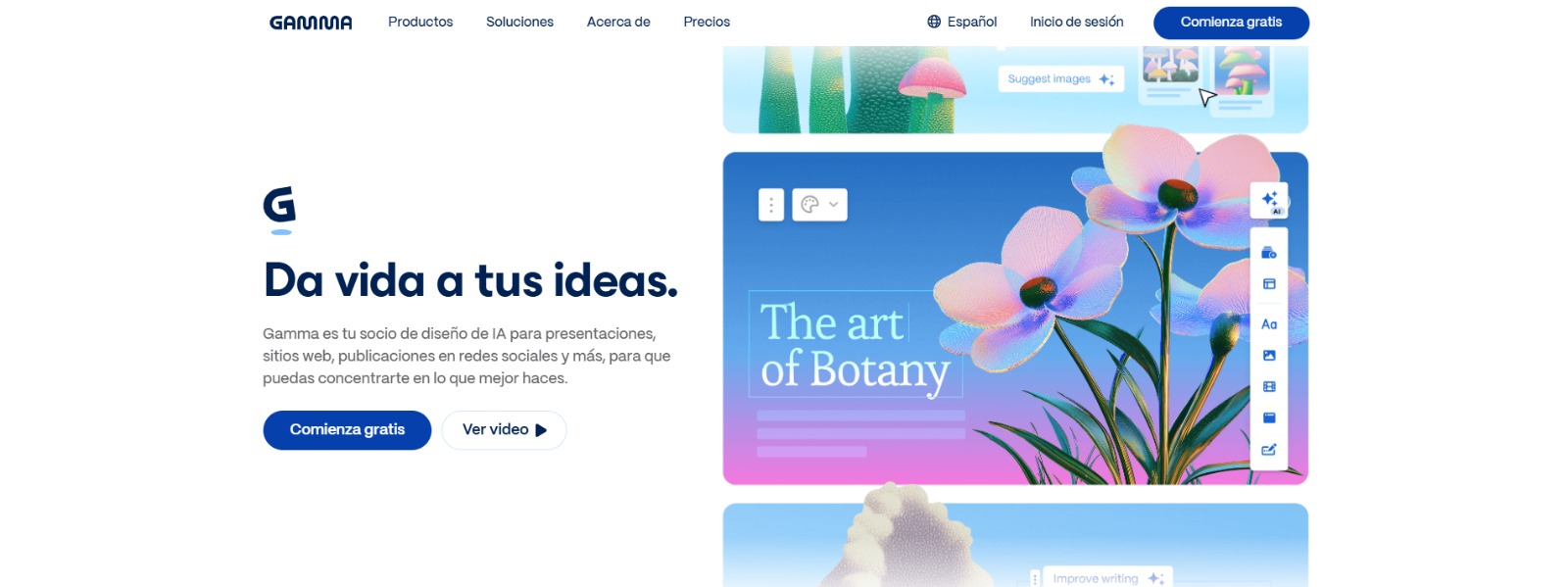
Gamma: Create stunning presentations, websites, and documents with AI—fast drafting, smart design, easy sharing, and export-ready content. 🚀

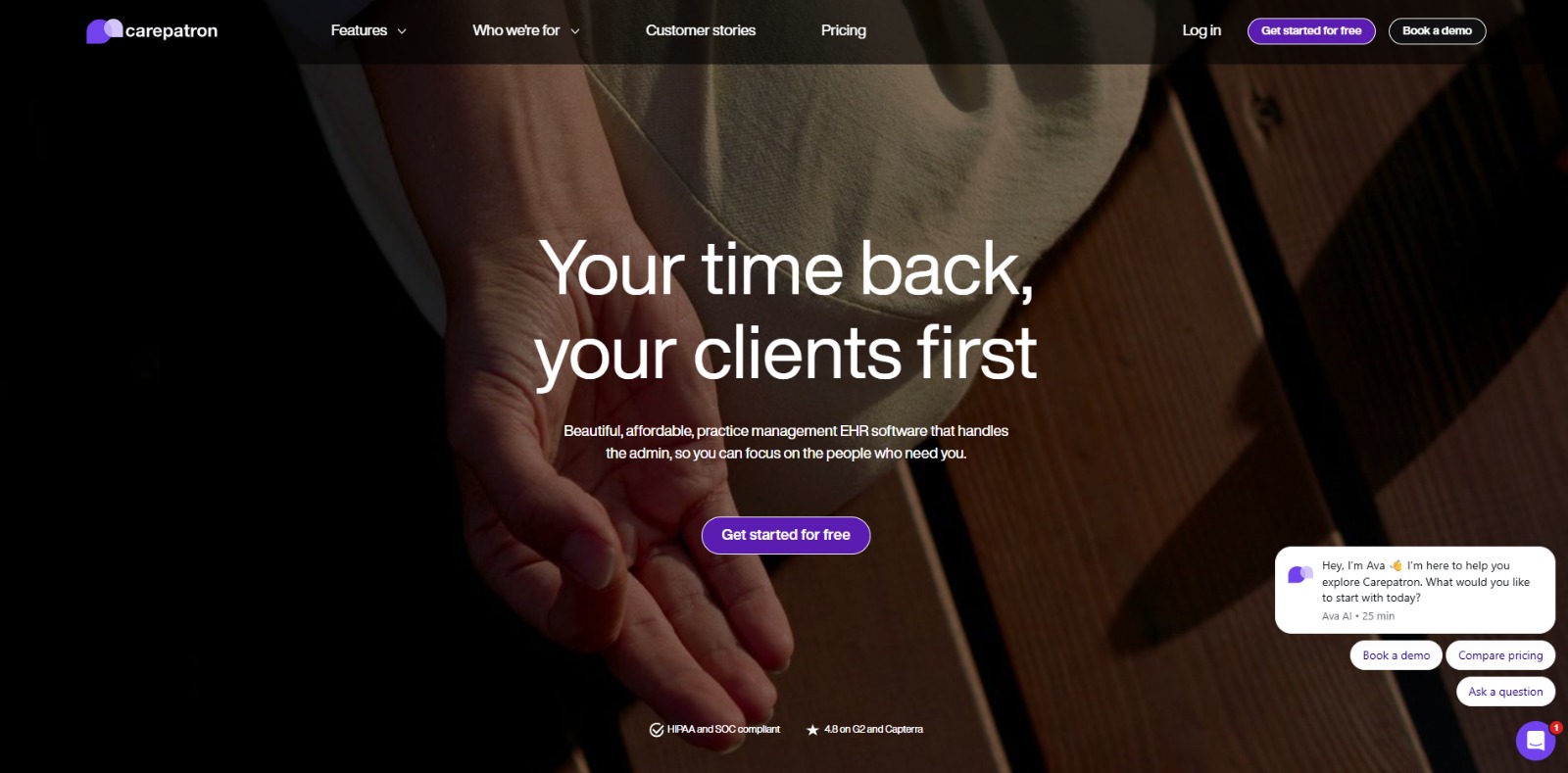
Carepatron: All-in-one healthcare practice management software—scheduling, EHR, telehealth, billing, and AI-powered workflows for faster, better care. 🚀


Simplified: All-in-one AI marketing suite—design, write, edit video, and schedule socials with brand kits and team collaboration. 🚀

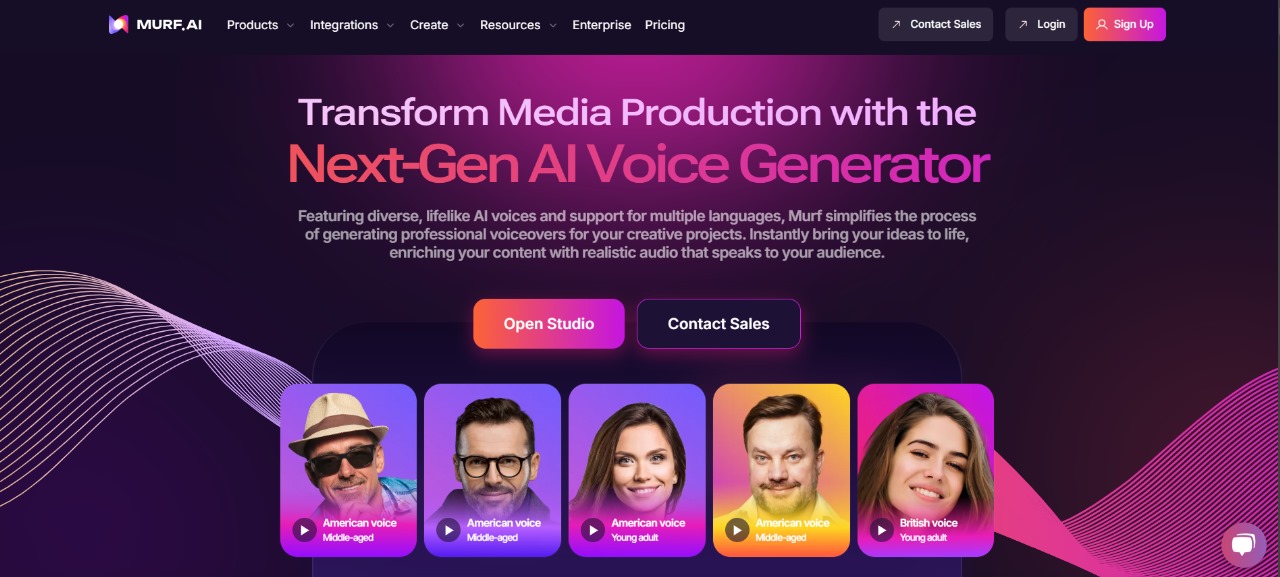
Murf AI: Create stunning, natural voiceovers in minutes with Murf.ai—your ultimate AI-powered text-to-speech solution! 🎙️✨
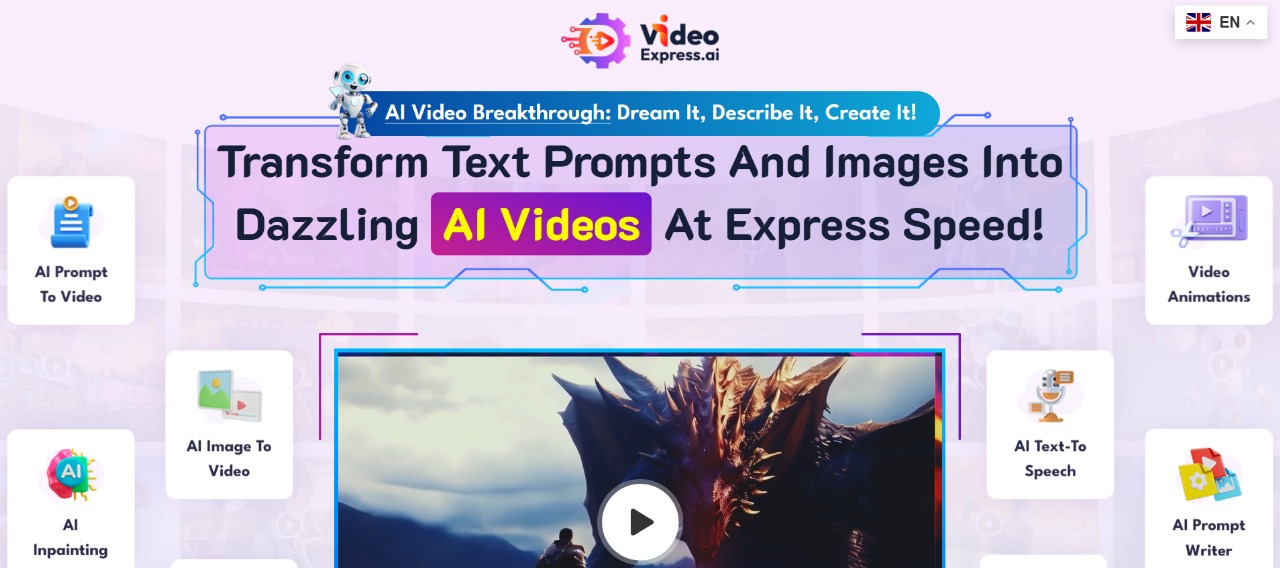
VideoExpress: Create stunning videos effortlessly with VideoExpress.ai—your all-in-one AI tool for fast, professional video production! 🎥✨
Curious? Find Your AI Category and See What Awaits!
Recently Added AI Tools


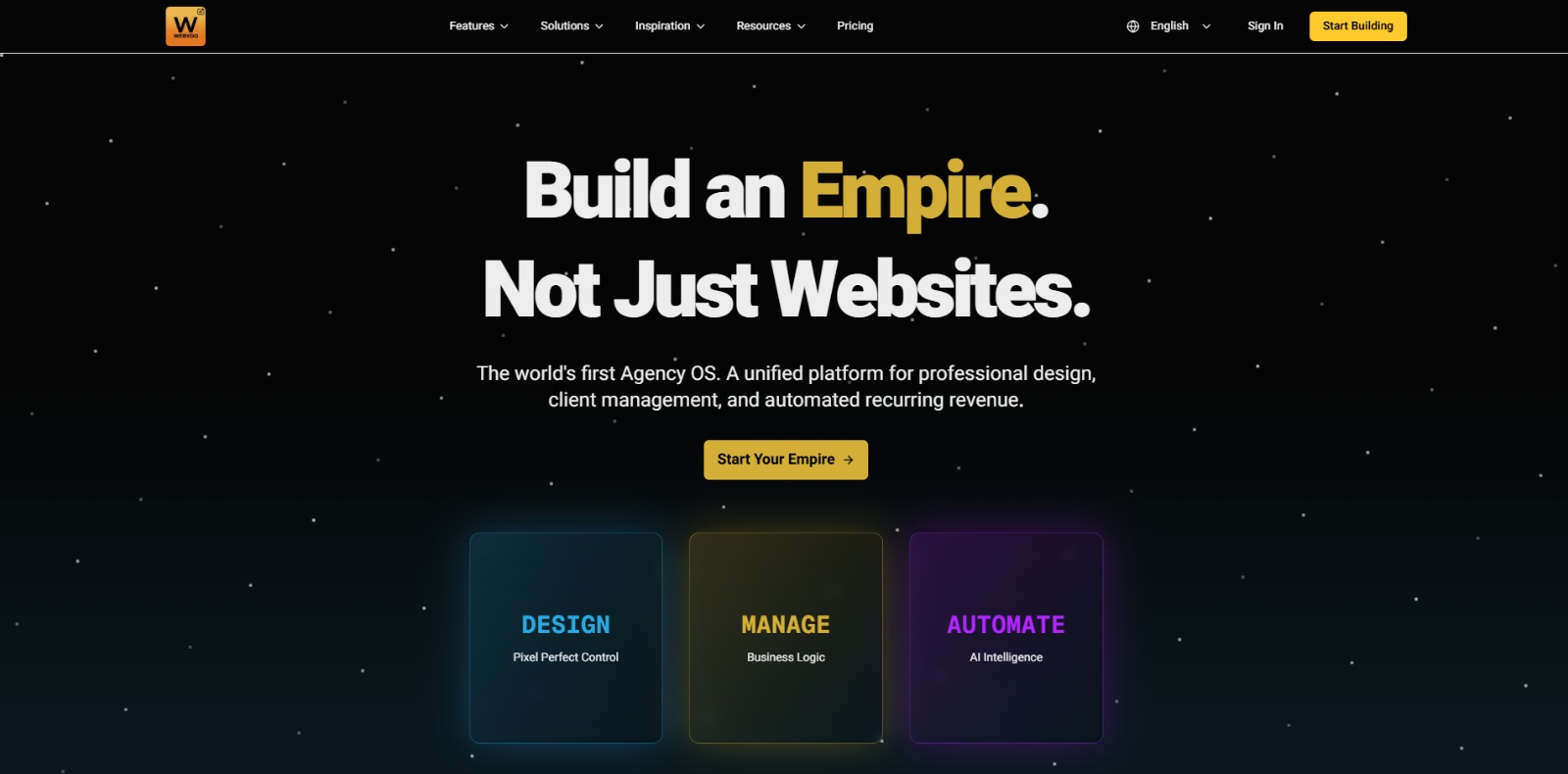
Webydo: All-in-one web design platform to create, launch, and manage client websites without code—fast, polished, and CMS-ready. 🚀

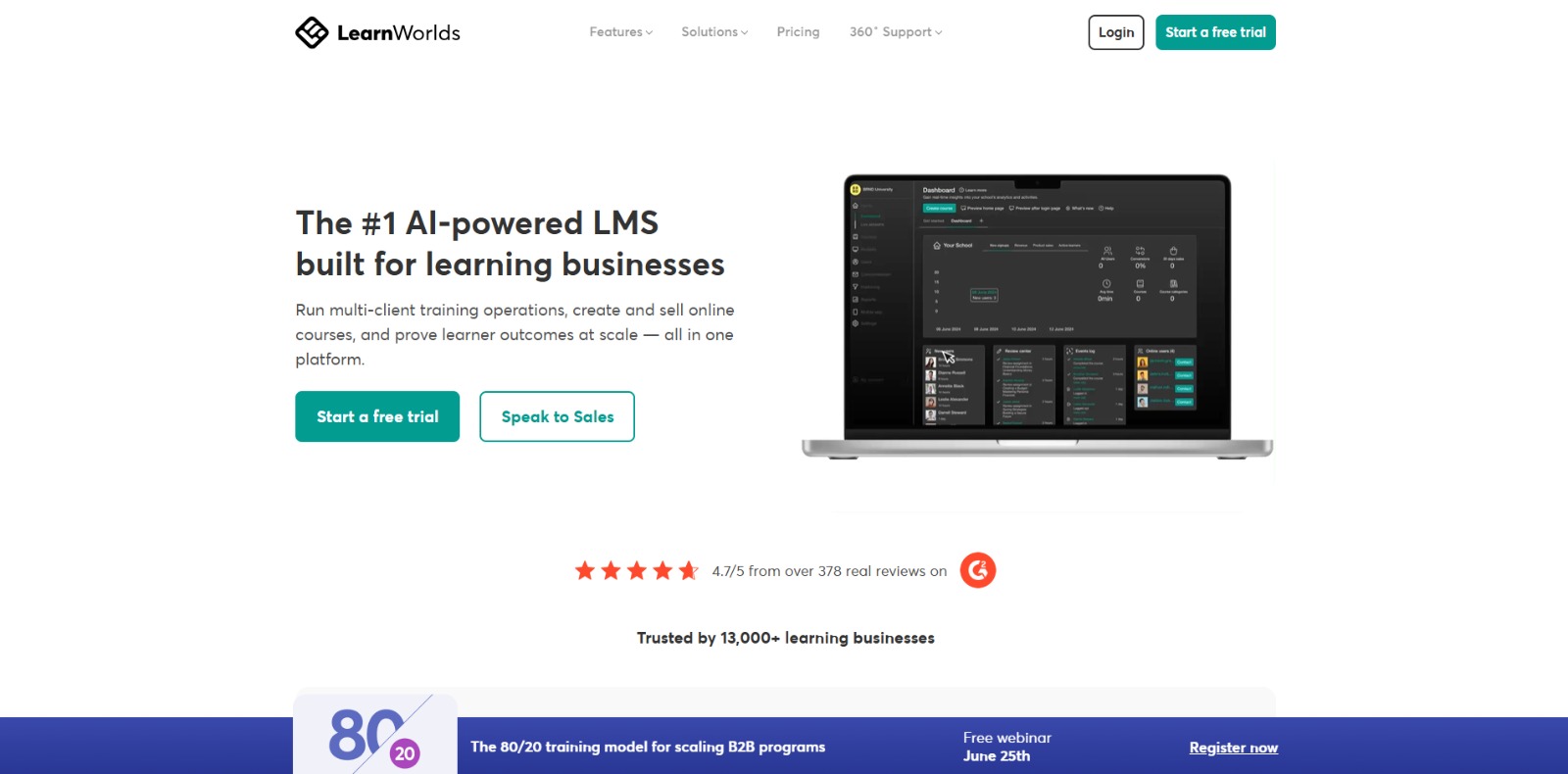
LearnWorlds: AI-powered LMS to create, market, and sell online courses with interactive learning, white-label sites, and built-in funnels. 🚀
Gamma: Create stunning presentations, websites, and documents with AI—fast drafting, smart design, easy sharing, and export-ready content. 🚀
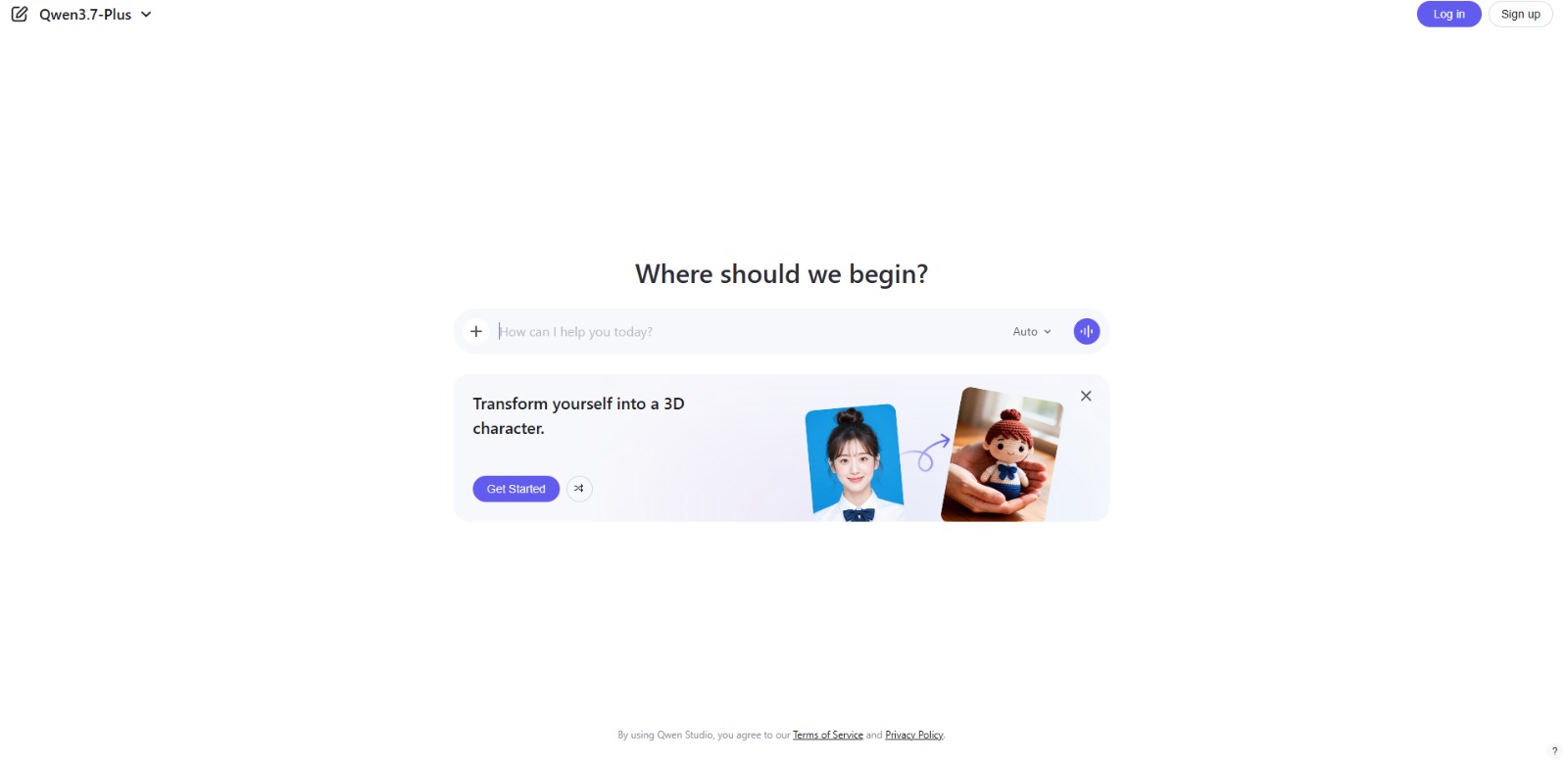
Qwen Chat Review: Is This AI Chatbot Your Next Productivity Power-Up? In this Qwen Chat review, we’ll explore its core capabilities, ideal users, and how this AI assistant can streamline your daily tasks and creative…

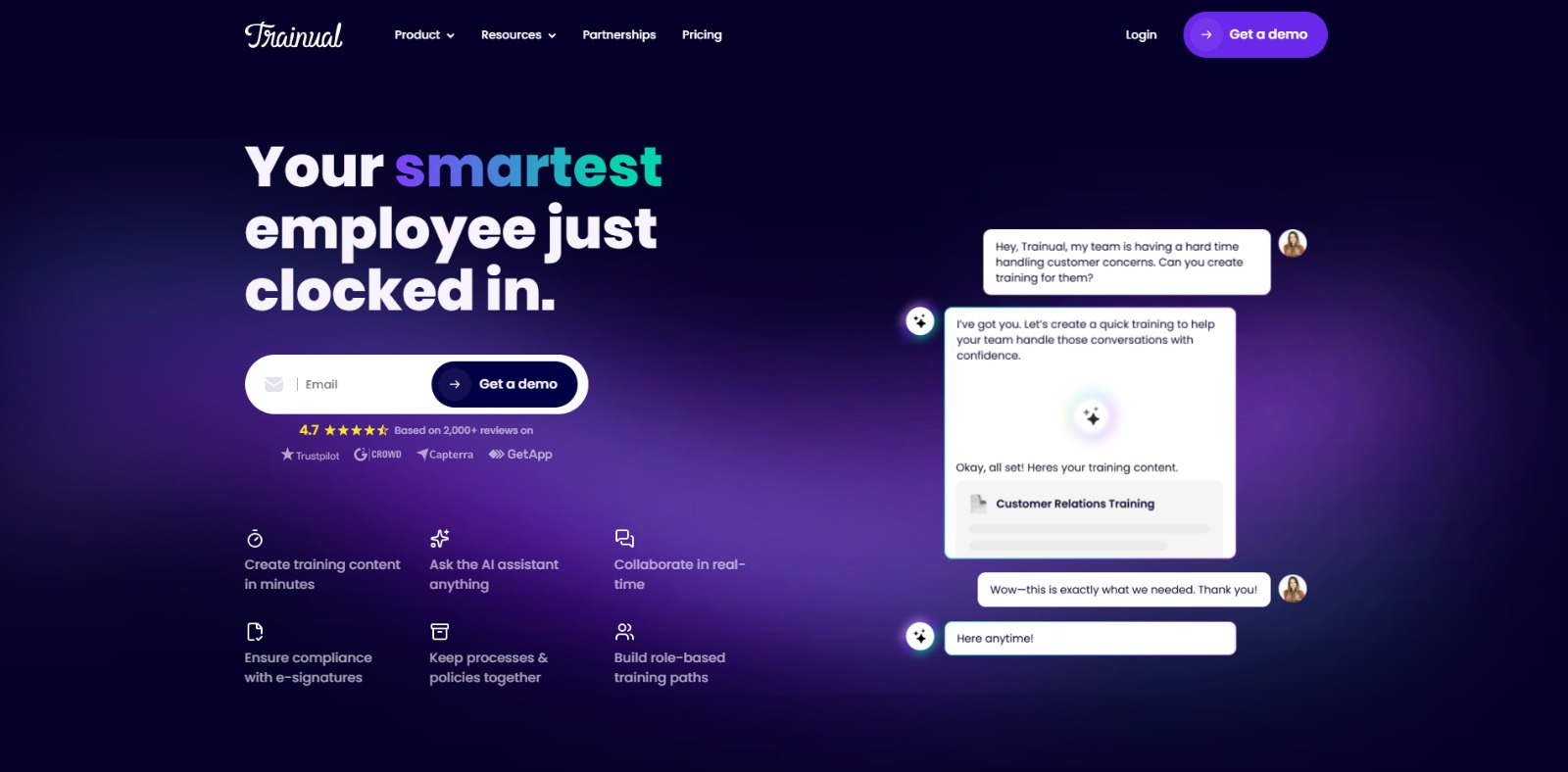
Trainual: AI-powered employee training software to document processes, onboard teams, centralize knowledge, and automate role-based learning at scale. 🚀

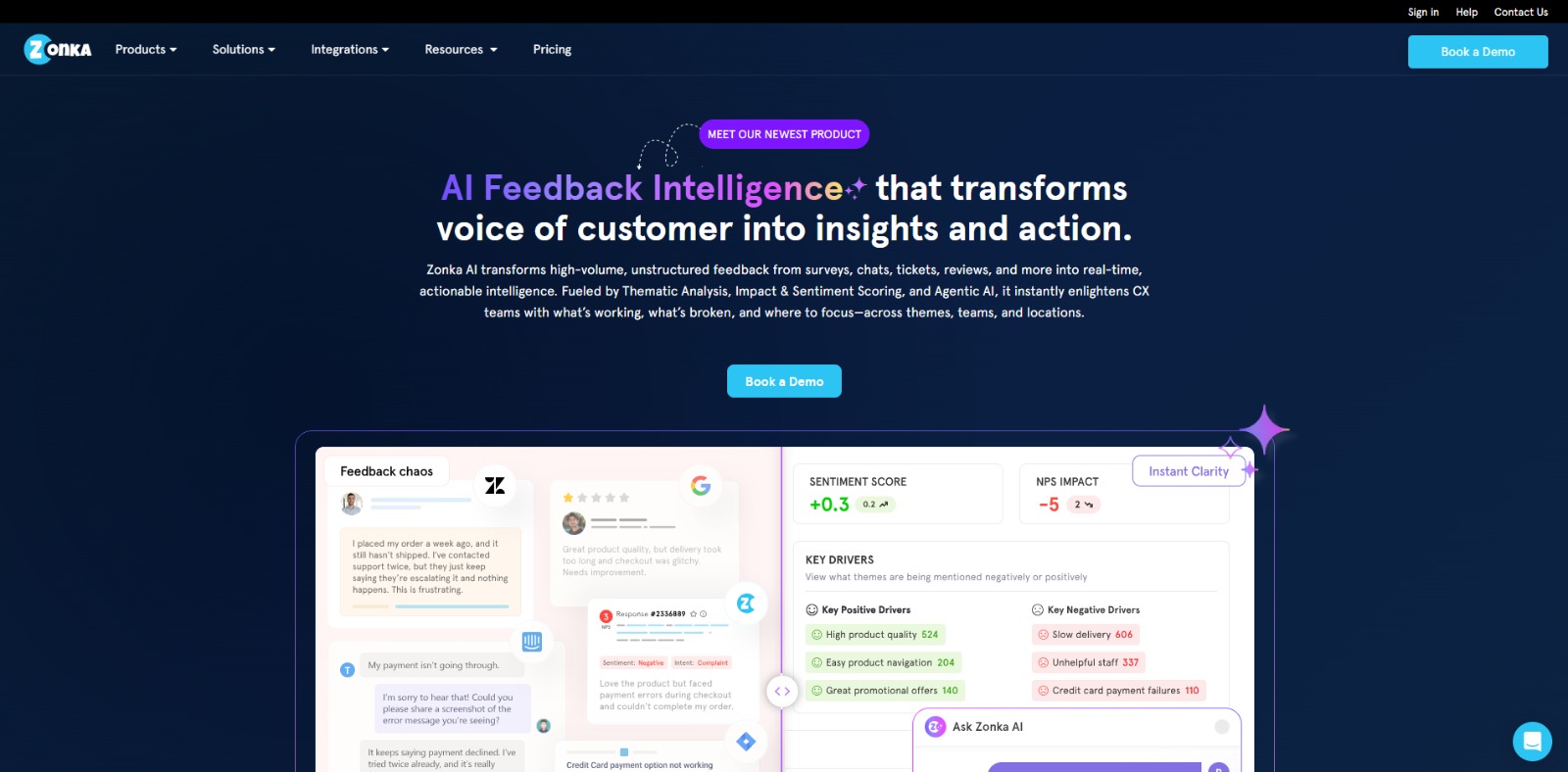
Zonka Feedback: Turn customer feedback into actionable insights with AI-powered surveys, analytics, sentiment tracking, and multichannel CX automation. 🚀
Mini Educational Guide: Everything You Need to Know About Text to Speech & AI Voice Tools
Thinking about switching to AI voice tools but not sure how they work or if they sound natural? Whether you’re recording courses, dubbing videos, creating audiobooks, or making your content more accessible, this quick guide will help you understand the essentials. Discover how Text to Voice technology works, what features really matter, and how to choose the perfect tool for your needs—without wasting hours (or dollars) testing dozens of platforms.
What is Text to Speech & AI Voice?
These are technologies that convert written text into spoken words using synthetic yet realistic voices. Thanks to advances in neural voice synthesis, modern these tools now sound incredibly human—emotionally expressive, multilingual, and full of nuance, and used for:
Videos, courses, podcasts, reels
Audiobooks and voiceovers
Accessibility (for people with visual or vocal limitations)
In short, TTS turns your written content into engaging audio—without a microphone or studio. And yes, some voices are so real that your audience won’t even know it’s AI.

How does a Text to Speech & AI Voice tool work?
TTS tools use machine learning and deep neural networks to analyze text, understand punctuation, and produce speech that mimics real human tone, rhythm, and emotion. Many platforms allow you to:
Choose between male/female options, tones, and languages
Adjust speed, pauses, emphasis, or even whispering
Export in audio formats (like MP3 or WAV)
The best part? Some tools even let you clone your voice or generate tailored for YouTube, TikTok, audiobooks, and more—no complex setup required.
What are the top features to look for in a Text to Speech tool?
Not all TTS tools are created equal. When choosing one, make sure it includes:
Realistic and expressive voice quality (no robot vibes)
Commercial usage rights (for monetized content)
Multiple languages and accents
Voice customization and emotional tone
User-friendly interface for fast workflow
Affordable plans or free trials to test before committing
And if you’re creating for an audience—emotion and clarity in delivery are non-negotiable. Your voice should connect, not just speak.
What are the main benefits of using Text to Speech & AI Voice tools?
Using these tools can save you time, energy, and money—while keeping your content professional and scalable. Key benefits include:
Faster production of audio content (no voice recording needed)
Consistent branding with a unified voice across channels
Reach wider audiences via multilingual and dubbed content
Accessibility for visually impaired or multitasking users
Less burnout, especially for creators recording daily
In short, you can produce more content, with higher quality, and less effort.
Who should use Text to Speech & AI Voice tools?
AI Generator tools are a game-changer for:
Content creators on YouTube, TikTok, or podcasts
Educators and coaches creating online courses
Digital entrepreneurs scaling their brand or funnel
Marketers and small agencies needing voiceovers fast
People with disabilities needing reading or vocal support
Authors or bloggers turning text into audiobooks
Basically, if your project has words, it can have a voice—with zero recording required.
Ready to choose your perfect Text to Voice tool?
Explore our handpicked tools list—tested, reviewed, and ready to help you scale smarter, sound better, and save time.
↓ Browse the best AI voice tools now ↓
Real Questions Answered:
How to Get the Most Out of AI Voice Tools

Still not sure if AI voice tools are for you? You’re not alone. Creators, educators, and marketers often have the same doubts: Is it legal? Will it sound real? Can I monetize it? This FAQ block answers the top questions based on real user concerns—so you can choose your tool with clarity and confidence.
Can I legally use AI voices in my YouTube videos?
Yes—AI voices can be legally used in YouTube videos as long as you comply with the licensing terms of the text-to-speech or AI voice platform you’re using. Many providers grant commercial use rights for their generated audio if you have a proper subscription or commercial license, allowing you to monetize your videos. However, some free or trial versions may restrict usage, add watermarks, or prohibit revenue-generating content. You should also avoid creating AI voices that mimic real people—especially celebrities or public figures—without their consent, as this can lead to copyright, trademark, or right-of-publicity issues. Always review the platform’s terms of service, keep proof of your license, and follow YouTube’s community guidelines to ensure your AI voice content remains safe and compliant.
What’s the best AI voice generator tool for non-English content?
The best AI voice generator for non-English content is one that offers high-quality, natural-sounding voices in multiple languages and dialects. Tools like ElevenLabs, Murf AI, and LOVO AI stand out for their wide language support, realistic pronunciation, and customization features. Look for platforms that allow fine-tuning of tone, speed, and emphasis to match cultural nuances. Testing samples in your target language is essential, as some tools excel in English but produce less natural results in other languages.
Can AI voices help me save time when creating online courses?
Yes—AI voices can significantly reduce production time for online courses by eliminating the need for manual voice recording and editing. With text-to-speech tools, you can quickly turn scripts into professional-quality narration, update content without re-recording, and generate multiple language versions for a global audience. This speeds up course creation, lowers costs, and ensures consistency in tone and quality across all modules.
Are free AI voice tools good enough for serious projects?
Free AI voice tools can work for basic or experimental projects, but they often have limitations such as shorter recording time, fewer voice options, lower audio quality, or restrictions on commercial use. For serious projects—like monetized YouTube videos, corporate training, or professional audiobooks—investing in a paid plan ensures higher-quality voices, licensing rights, and advanced customization.
How do I choose between ElevenLabs, Murf, and Play.ht?
It depends on your goals:
ElevenLabs is best for ultra-realistic voice cloning and emotional storytelling.
Murf is great for business presentations, training, and team collaboration.
Play.ht offers flexible pricing and solid multilingual support.
Compare based on voice quality, supported features, pricing, and commercial rights. Use demos or trials to hear how each tool fits your project’s tone and audience.
What mistakes should I avoid when using text-to-speech tools?
Common beginner mistakes include:
Choosing the wrong language variant (e.g., Spain vs. LATAM Spanish)
Ignoring punctuation, which affects pauses and emphasis
Using a robotic voice for emotional or persuasive content
Not checking the license for commercial usage
Always preview your script, adjust pacing or emotion, and don’t assume the default settings are perfect—customization makes a big difference.
Can AI-generated voices really connect with an audience?
Yes—if you use the right tool. Many platforms now support emotion control like happy, sad, or excited tones. This makes AI voices sound more human, especially for storytelling, YouTube videos, or courses. With realistic pacing, breathing, and intonation, your content can feel warm, engaging, and authentic—even if it’s 100% AI-generated.
Can AI voices sound emotional or expressive?
Yes—modern AI voice generators can produce speech with emotional and expressive qualities, including variations in tone, pitch, pacing, and emphasis. Advanced platforms like ElevenLabs, Murf AI, and LOVO AI offer voice models capable of conveying happiness, sadness, excitement, or urgency, making narration feel more human and engaging. These tools use deep learning to mimic natural speech patterns, allowing you to adjust delivery for storytelling, advertising, or character work. While AI voices still have limitations compared to skilled human actors, expressive text-to-speech is rapidly improving and can be highly effective for many creative and professional applications.
Are AI voice tools really worth paying for?
Yes—AI voice tools are often worth paying for if you need high-quality, professional audio with commercial usage rights. Paid plans typically offer more realistic, expressive voices, advanced customization (such as tone, speed, and emotion control), higher output quality, and support for multiple languages or accents. They also usually remove usage limits, watermarks, and restrictions that free versions impose. For content creators, businesses, and educators, the investment can save time, reduce production costs, and deliver a consistent, polished sound that enhances the audience’s experience. However, for casual or personal projects, a free plan may be enough to meet your needs.
Text to Speech & AI Voice Tools FAQs
Wondering how these tools actually work—and whether they’re worth it for creators like you? You’re not alone. This section answers the most common questions users have when exploring voice AI platforms, including how to use them, what’s legal, and how you can actually earn money using synthetic voices. Whether you’re a freelancer, content creator, or just curious, these insights will guide your next move with confidence.
What is the difference between text-to-speech and AI voice?
What is the difference between text-to-speech and AI voice?
Text-to-speech (TTS) is a technology that converts written text into spoken audio. Traditional TTS systems focus on reading text clearly, often with limited tone variation or emotional depth. They are designed for accessibility, navigation systems, and basic voice output, prioritizing clarity over expressiveness. Older TTS models tend to sound robotic or monotone because they rely on predefined phonetic rules and limited voice samples.
AI voice, on the other hand, uses advanced artificial intelligence—often deep learning and neural networks—to generate speech that sounds more natural, expressive, and human-like. AI voice tools can convey emotions, adjust pacing, mimic accents, and even replicate specific voices. They are trained on vast datasets of human speech, allowing them to adapt to context, storytelling, or branding needs. While text-to-speech is the core process, AI voice technology elevates it to a creative and dynamic tool for content creation, marketing, entertainment, and personalized user experiences.
Is it legal to use AI voice or text-to-speech for content creation?
Is it legal to use AI voice or text-to-speech for content creation?
Yes, it is generally legal to use these Text to Voice tools, especially for personal, educational, or commercial use—provided you’re not impersonating someone without consent or violating copyright laws. Be cautious with voice cloning or synthetic celebrity voices, as those could lead to legal issues. Always check the licensing terms of the AI-generated voice platform you use and avoid using voices to deceive or mislead audiences.
Can I make money using AI voice or text-to-speech tools?
Can I make money using AI voice or text-to-speech tools?
Absolutely. Many freelancers, content creators, and entrepreneurs use AI-generated voice tools to create audiobooks, podcasts, explainer videos, social media content, and even YouTube voiceovers—without recording their own voice. These tools save time, reduce costs, and allow for scalable content production. You can monetize your projects through ads, client services, affiliate marketing, or product sales, using AI voice as your main production asset.
Are text-to-speech and AI voice tools free to use?
Are text-to-speech and AI voice tools free to use?
Many platforms offer free basic versions, but advanced features like ultra-realistic voices, commercial rights, and long-form voiceovers are typically behind a paywall. Freemium models are common, with services like ElevenLabs, PlayHT, and Murf.ai offering limited free credits. For professional use or consistent output, expect to pay a monthly or per-minute fee depending on the platform.
How do content creators use AI voice and text-to-speech?
How do content creators use AI voice and text-to-speech?
Creators use these tools to narrate YouTube videos, generate podcast voiceovers, produce audiobooks, and even voice TikTok and Instagram content without recording themselves. Text is input into a platform, a voice is selected, and a natural-sounding audio file is generated. This streamlines production, especially for multilingual content, voice repetition, or when privacy is a concern. It’s also a great solution for creators with limited access to professional voice talent.
Is AI-generated voice safe and reliable to use?
Is AI-generated voice safe and reliable to use?
Yes, most reputable platforms offer secure environments for voice generation. However, the technology can be misused for deepfakes or impersonation if ethical guidelines aren’t followed. To stay safe, use only trusted tools, avoid uploading sensitive information, and steer clear of deceptive practices. When used responsibly, AI voice is a powerful and secure tool for content production and accessibility.
