AI ART
AI Art Generators: Create Stunning Visuals Without Knowing How to Draw
Unleash your creativity with powerful AI Art tools,
even if you’ve never touched a paintbrush
Want to create jaw-dropping digital art without being a professional illustrator? AI art tools let you turn ideas into visuals — fast, fun, and without needing design skills. Whether you’re a content creator, student, freelancer, or curious artist, this category showcases the best AI art generators, from Midjourney to DALL·E and more. Explore platforms that help you produce high-quality artwork, concept designs, NFTs, book covers, merch ideas, and beyond — even if you don’t know where to start. From free AI art tools to AI drawing generators, we’ve curated it all with ease, style, and results in mind.
Explore the top AI Art tools to start creating in seconds — no design skills needed

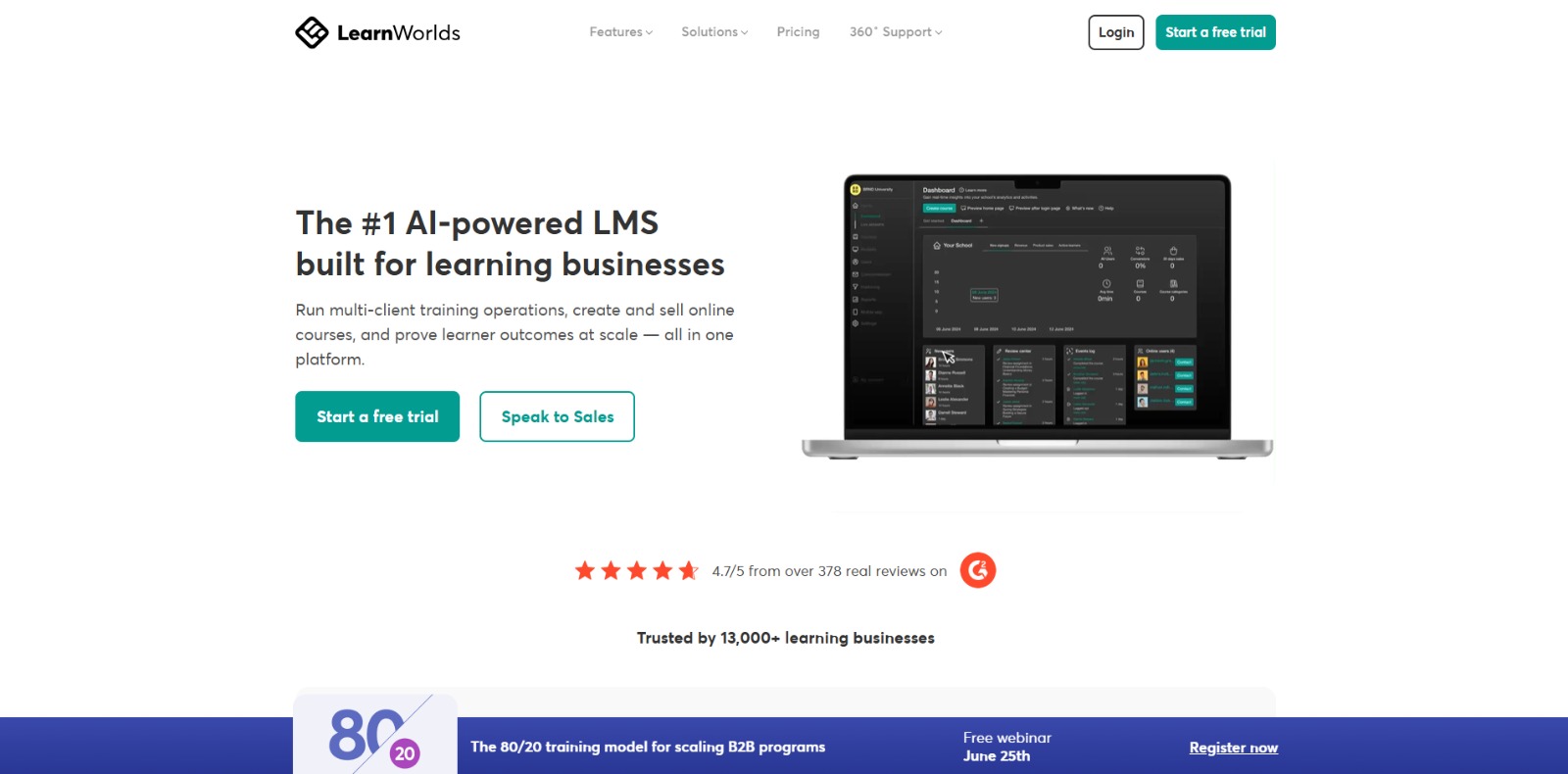
LearnWorlds: AI-powered LMS to create, market, and sell online courses with interactive learning, white-label sites, and built-in funnels. 🚀
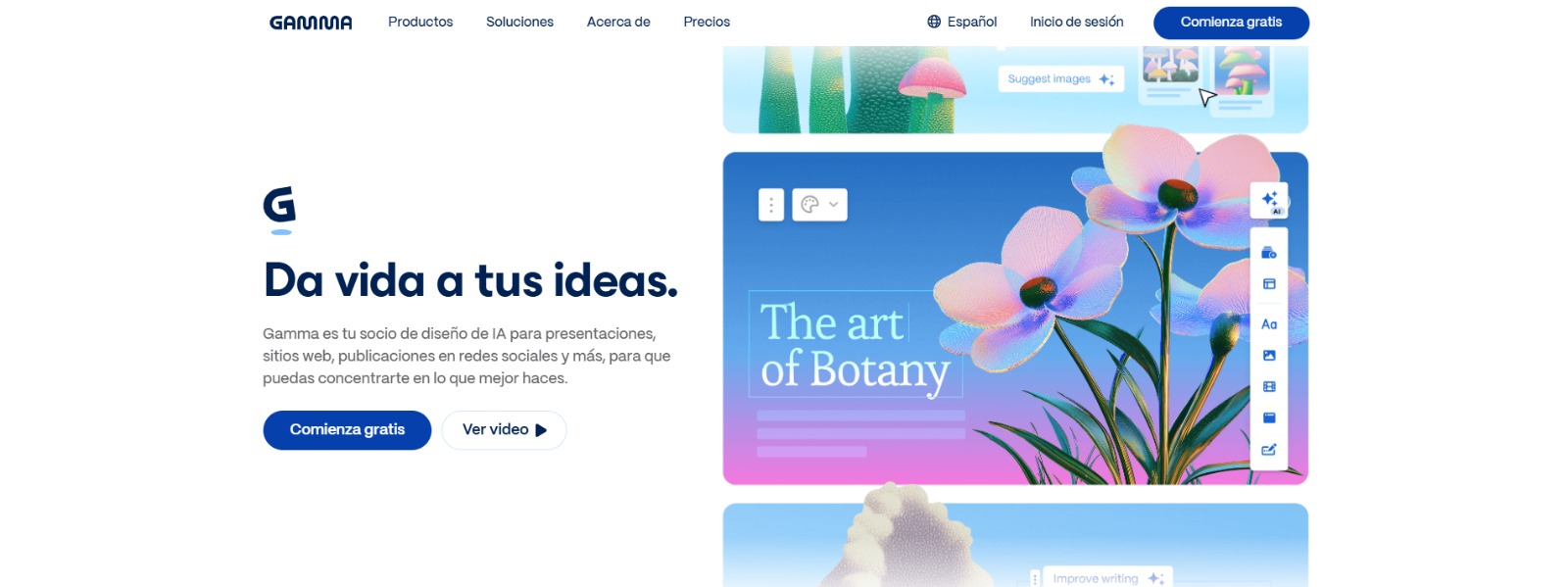
Gamma: Create stunning presentations, websites, and documents with AI—fast drafting, smart design, easy sharing, and export-ready content. 🚀
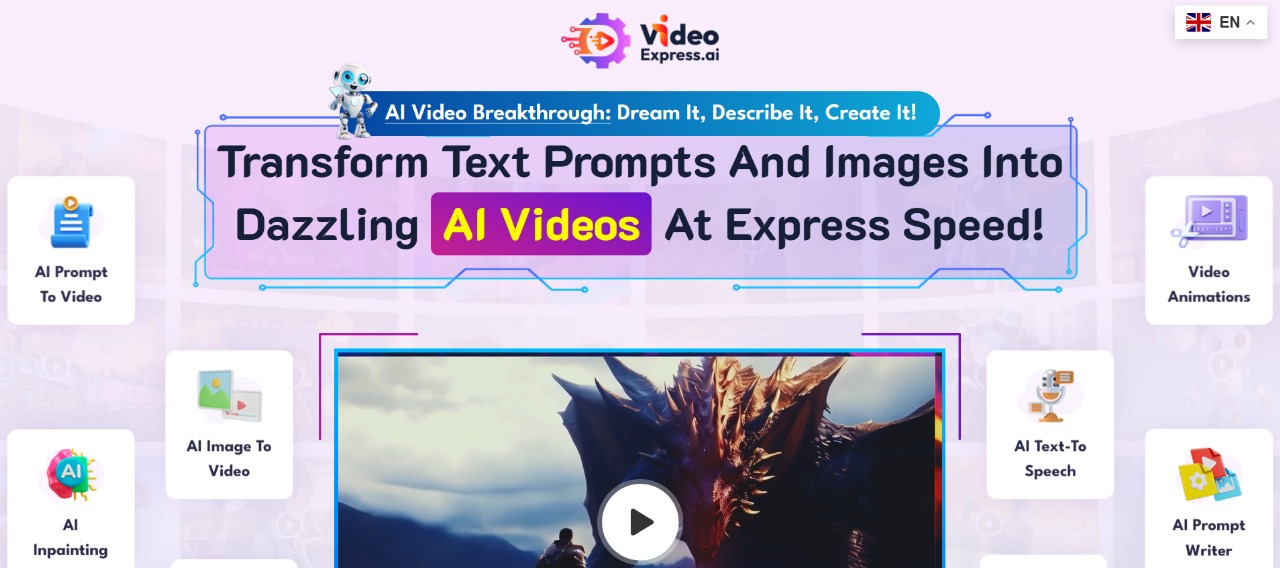
VideoExpress: Create stunning videos effortlessly with VideoExpress.ai—your all-in-one AI tool for fast, professional video production! 🎥✨
Curious? Find Your AI Category and See What Awaits!
Recently Added AI Tools

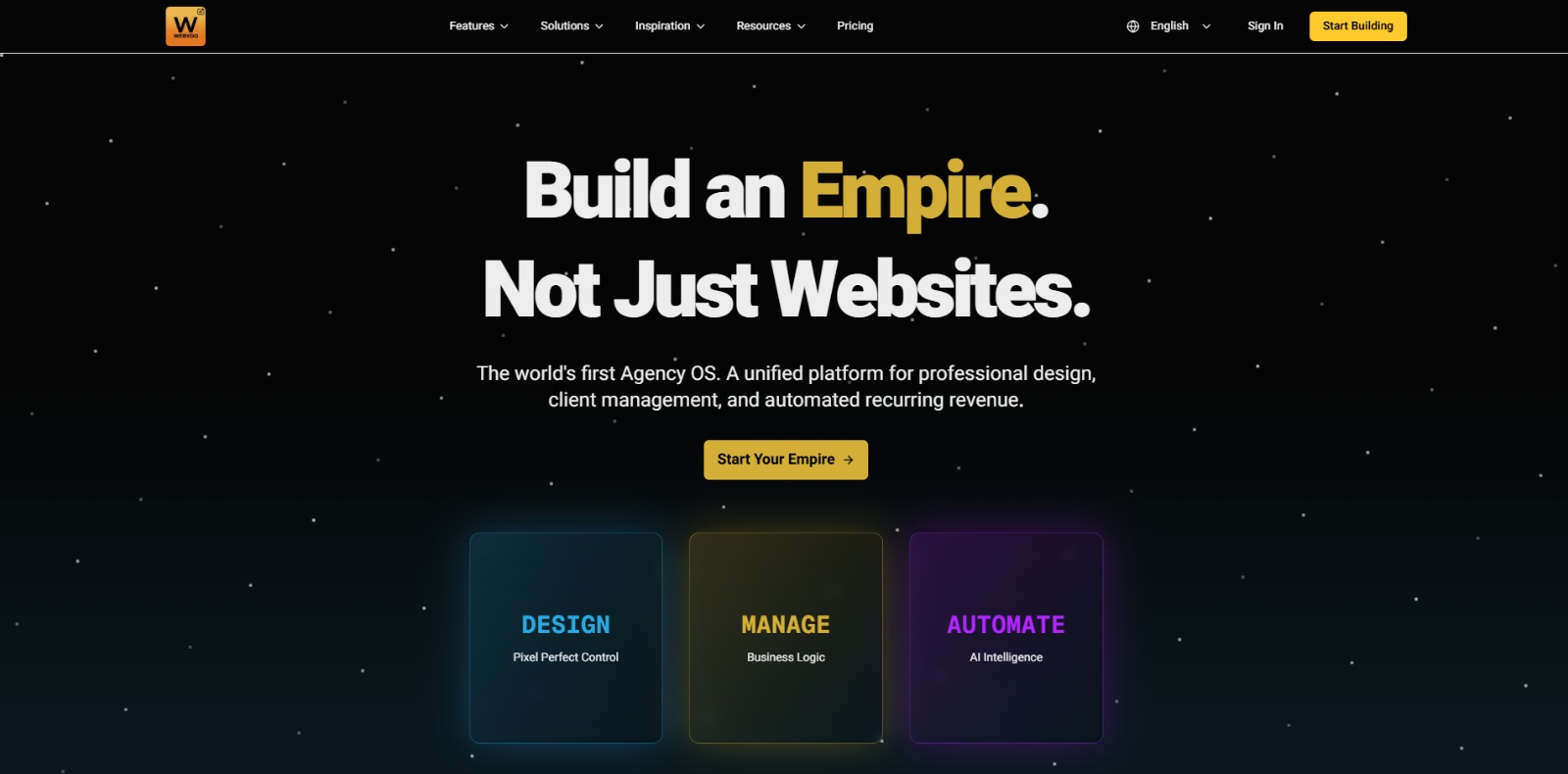
Webydo: All-in-one web design platform to create, launch, and manage client websites without code—fast, polished, and CMS-ready. 🚀
LearnWorlds: AI-powered LMS to create, market, and sell online courses with interactive learning, white-label sites, and built-in funnels. 🚀
Gamma: Create stunning presentations, websites, and documents with AI—fast drafting, smart design, easy sharing, and export-ready content. 🚀
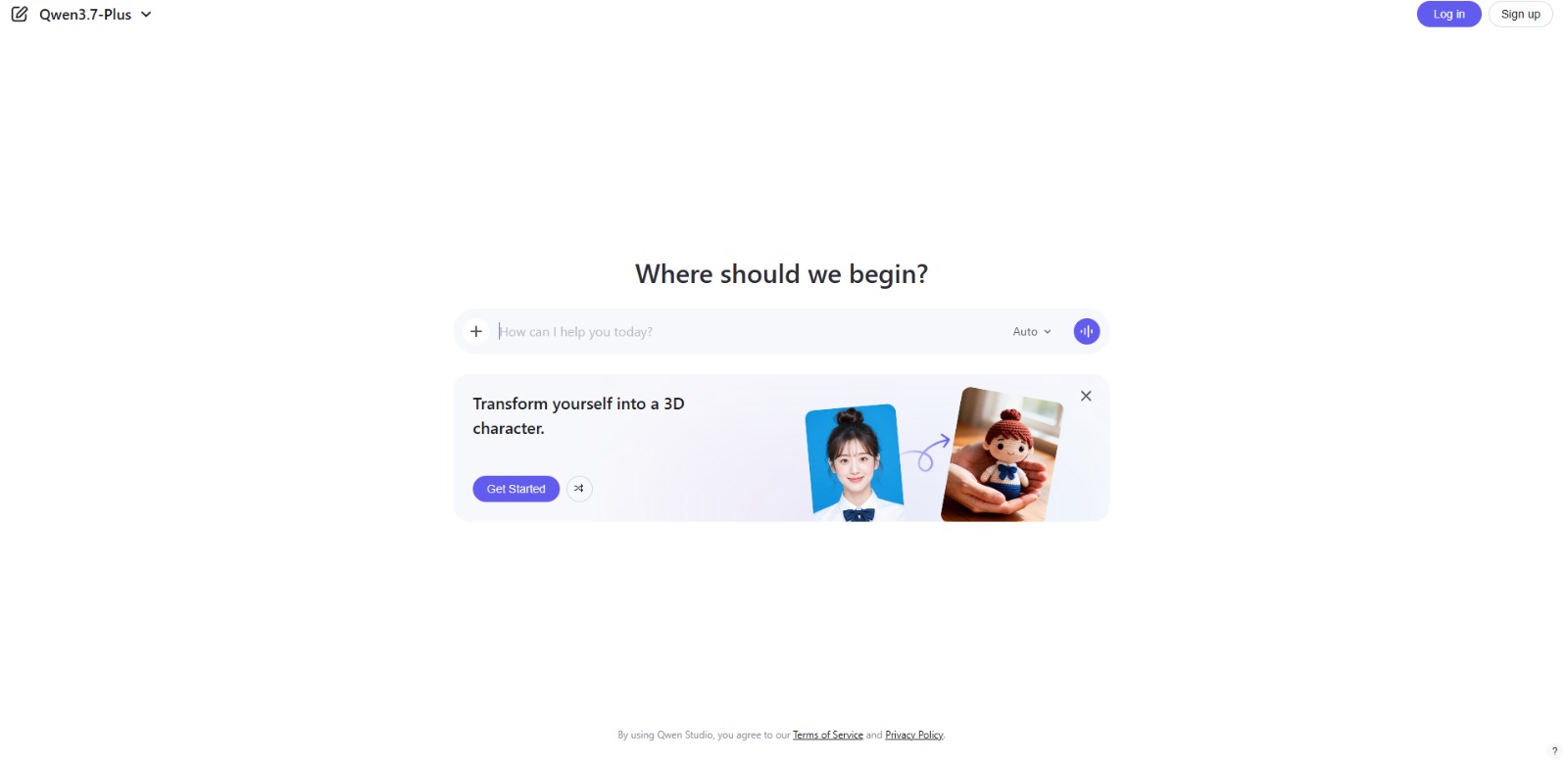
Qwen Chat Review: Is This AI Chatbot Your Next Productivity Power-Up? In this Qwen Chat review, we’ll explore its core capabilities, ideal users, and how this AI assistant can streamline your daily tasks and creative…
Trainual: AI-powered employee training software to document processes, onboard teams, centralize knowledge, and automate role-based learning at scale. 🚀
Zonka Feedback: Turn customer feedback into actionable insights with AI-powered surveys, analytics, sentiment tracking, and multichannel CX automation. 🚀
Mini Educational Guide:
Everything You Need to Know About AI Art Tools
Whether you’re here out of curiosity, creative ambition, or the dream of making your first AI-generated masterpiece, this guide is for you. We’ve gathered the most essential insights about AI Art tools to help you understand what they are, how they work, and how you can use them — even if you’ve never created digital art before. Let’s break down the basics and help you turn imagination into images, one prompt at a time.
What is AI Art?
AI Art refers to digital artwork generated with the help of artificial intelligence tools. These platforms use advanced algorithms to transform text prompts, styles, or photos into stunning visuals — even if you have zero design skills. Whether you want to create surreal paintings, comic-style portraits, or abstract concepts, AI art tools make it easy to bring your imagination to life. This isn’t just play — AI art is reshaping industries from digital marketing to NFTs and print-on-demand products. Think of it as your creative sidekick, translating your ideas into art, one prompt at a time.
How does an AI Art tool work?
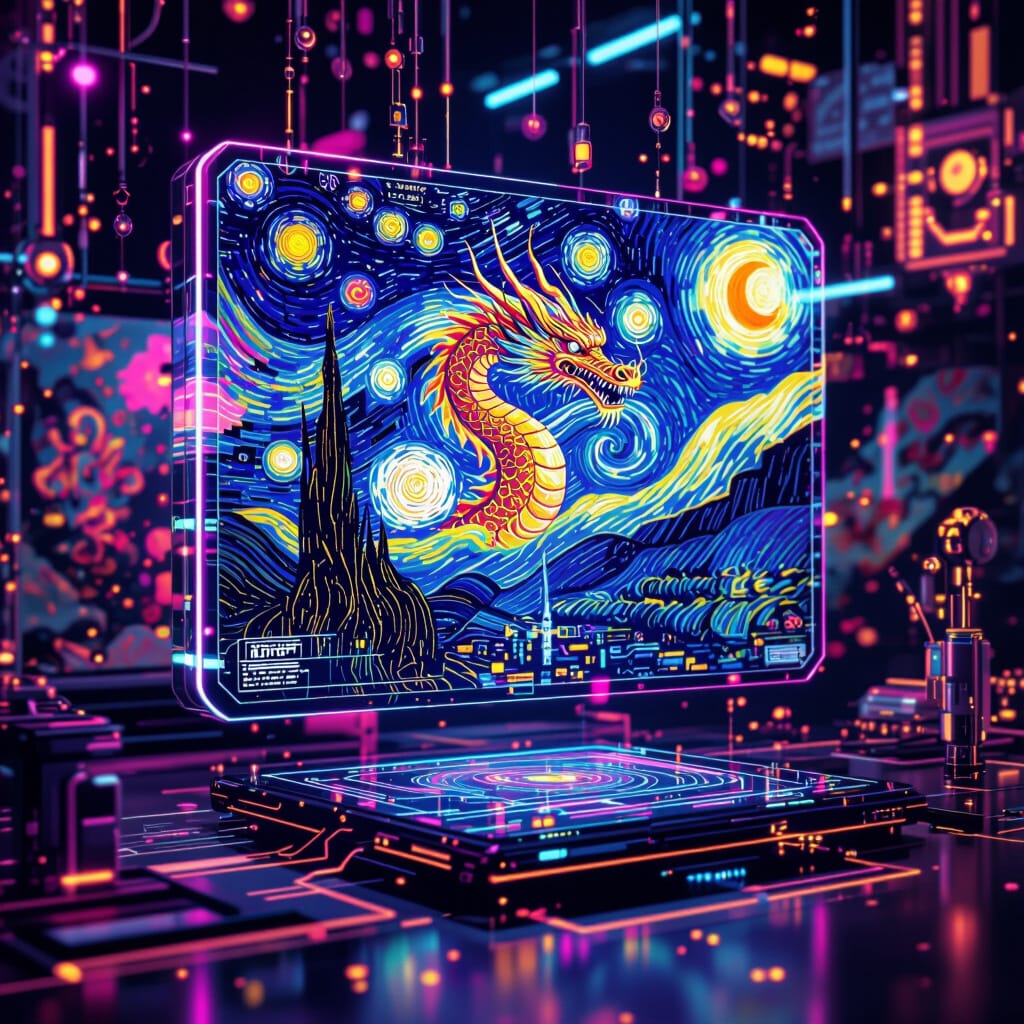
AI Art tools work by using machine learning models (often trained on millions of images) to interpret your input — usually a text prompt, image, or style reference — and generate new visuals based on it.
Here’s how it typically works:
You enter a description like “a cyberpunk city at night, watercolor style.”
The tool processes your input using generative models (like Stable Diffusion or DALL·E).
In seconds, it delivers a unique image based on your prompt.
Some tools let you tweak styles, resolutions, or remix outputs — and most don’t require any design background. It’s like having a design studio in your browser.
How does an AI Art tool work?
AI Art tools work by using machine learning models (often trained on millions of images) to interpret your input — usually a text prompt, image, or style reference — and generate new visuals based on it.
Here’s how it typically works:
You enter a description like “a cyberpunk city at night, watercolor style.”
The tool processes your input using generative models (like Stable Diffusion or DALL·E).
In seconds, it delivers a unique image based on your prompt.
Some tools let you tweak styles, resolutions, or remix outputs — and most don’t require any design background. It’s like having a design studio in your browser.
What are the top features to look for in an AI Art tool?
Not all AI art tools are created equal. To make sure you get stunning results, look for tools with:
Prompt customization: The more flexibility, the better.
High-resolution output: Ideal for prints or professional use.
Style variety: From photorealism to anime or oil painting.
User-friendly interface: Especially if you’re new to AI tools.
Free trial or freemium plan: Try before you buy.
Rights clarity: Make sure you can use your creations commercially.
Bonus points for tools that offer community prompts, editing options, or integrations with creative platforms.
What are the main benefits of using AI Art tools?
Using AI Art tools can feel like unlocking a creative superpower. Here’s why:
No design skills needed — anyone can create stunning visuals.
Faster workflows — generate art in seconds instead of hours.
Creative inspiration — perfect for breaking through art blocks.
Monetization potential — sell prints, create merch, design book covers or digital assets.
Accessibility — many tools are free or low-cost, with browser-based options.
For creators, freelancers, students, and entrepreneurs, AI Art opens doors to expression, income, and innovation — without steep learning curves.
Who should use AI Art tools?
AI Art tools are for anyone with a spark of imagination — not just digital artists. You’ll love these tools if you’re:
A content creator who needs eye-catching visuals for social media.
An entrepreneur looking to design product graphics or mockups.
A student creating artwork for school, portfolios, or side projects.
A freelancer or marketer in need of fast, customizable visual content.
A curious explorer who just wants to play and create cool stuff.
Basically, if you’ve ever said “I wish I could draw that idea,” AI Art tools are your new best friend.
Ready to choose your perfect AI Art tool?
Explore our handpicked collection of the best AI Art generators — tested, compared, and explained for real people like you.
✨ Whether you want to create jaw-dropping designs, monetize your art, or just have fun turning prompts into magic, you’ll find the right tool here.
Explore the top AI Art tools now 👇
Real Questions, Real Answers: What People Want to Know About AI Art
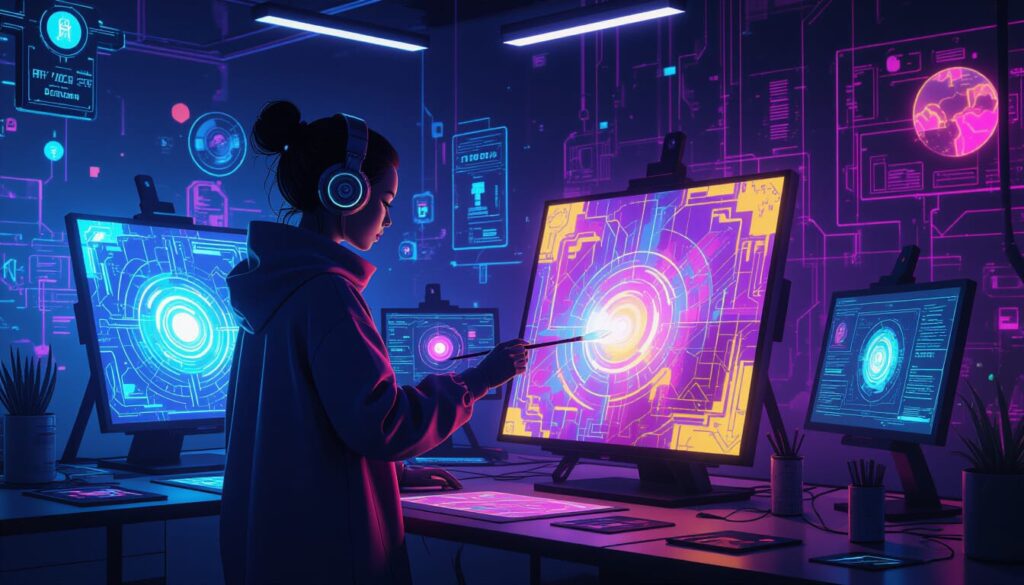
Let’s get real — AI art can feel magical and confusing. That’s why we pulled together the most common doubts, fears, and curiosities real users like you have when diving into this creative world. Simple, human answers — no tech jargon, just clarity.
Can I create good art with AI even if I can’t draw?
Yes — that’s the magic of AI art tools. You don’t need any drawing skills to create beautiful, professional-looking visuals. Just type a few descriptive words (called prompts), and the tool does the rest. It’s perfect for creators who have ideas but not the technical ability to bring them to life. Whether you’re making social media content, prints, or personal projects, AI helps you turn imagination into images — no sketchbook needed.
Are AI art tools beginner-friendly?
Most modern AI art tools are designed to be very beginner-friendly, especially those with visual interfaces or prompt templates. Tools like Leonardo AI or DALL·E often have:
Simple text boxes to enter your idea.
Pre-made styles and image ratios.
No design or coding knowledge required.
Even if you’re not tech-savvy, you can get started in minutes — and improve with practice.
How can I write better prompts for AI art?
To write better prompts for AI art, be clear, specific, and descriptive about what you want to see. Include the subject, environment, style, colors, lighting, and any artistic influences—for example: “A hyper-detailed watercolor painting of a hummingbird in flight, soft pastel colors, morning light, inspired by botanical illustrations.” Adding details about mood, camera angles, or art mediums (oil painting, digital illustration, cinematic shot) helps the AI match your vision more closely. Use precise adjectives, avoid vague terms, and iterate—test multiple variations of a prompt, refining based on the outputs you like best. The richer your description, the more controlled and high-quality your AI-generated art will be.
Why do my AI images look weird or messy?
That often happens when:
Prompts are too vague or contradictory.
The tool you’re using isn’t great at rendering specific styles or anatomy.
You’re generating large scenes without enough detail.
Try simplifying your input, using clearer descriptions, or switching tools. Some platforms are better for portraits, others for surreal scenes. A few small prompt tweaks can dramatically improve your results.
Is AI art considered “real art”?
Yes—AI art is increasingly recognized as “real art” by many in the creative community, though it remains a debated topic. Supporters argue that art is defined by creativity, expression, and the ability to evoke emotion—qualities that can emerge when a human uses AI as a tool to realize their vision. In this view, the artist guides the prompts, style, and intent, while the AI serves as a medium, much like paint or photography. Critics, however, question originality and authorship, noting that AI relies on learned patterns from existing works. Ultimately, whether AI art is “real art” often comes down to perspective, intent, and the role of the human creator in shaping the final piece.
Is AI art safe to use for school or educational projects?
Yes—AI art is generally safe to use for school or educational projects, as long as it follows your institution’s guidelines and the tool’s licensing terms. Many AI platforms allow non-commercial, educational use without restrictions, but it’s important to credit the source if required and avoid generating content that could be considered offensive or inappropriate. Teachers and students can use AI art to illustrate presentations, enhance assignments, or explore creative concepts, provided they ensure the imagery is original, ethically generated, and aligned with academic integrity policies.
Can I get in trouble for using AI art?
Yes, you could face legal or ethical issues when using AI art—especially if the image includes copyrighted elements, trademarks, or likenesses of real people without permission. Some AI-generated art is created using datasets that contain existing works, and depending on the laws in your country, this can raise copyright infringement concerns. If you use AI art commercially without confirming usage rights, you risk takedown requests, loss of monetization, or legal disputes.
That said, many AI platforms offer tools and licenses that allow safe, commercial use of their outputs. Always check the platform’s terms of service and any licensing agreements to see if the image is royalty-free, requires attribution, or is prohibited for certain uses. To minimize risk, use AI art tools that provide clear copyright policies, avoid generating content that mimics specific artists’ styles without consent, and keep records of your creation process and platform permissions.
What’s the biggest mistake beginners make with AI art tools?
Many beginners expect perfect results instantly — and give up too soon. Other common mistakes:
Using one-word prompts (“cat”) instead of descriptions.
Choosing the wrong tool for their desired style.
Ignoring licensing rules for commercial use.
Success with AI art is like any creative skill: it gets better with curiosity, practice, and play. Don’t be afraid to test, remix, and try again.
What’s the difference between AI art and AI image generators?
AI art refers to creative works produced with the help of artificial intelligence, often intended to be expressive, unique, or conceptual. It’s usually guided by an artist’s vision, combining human creativity with machine-generated output. AI art can involve style transfer, abstract compositions, or entirely original pieces influenced by artistic movements. The focus is on the artistic intent—using AI as a medium to produce something with emotional or aesthetic value, similar to how a painter uses a brush.
AI image generators, on the other hand, are tools designed to create images from text prompts, reference photos, or other inputs, often with a functional or illustrative purpose. While they can be used for artistic expression, they’re more commonly applied for marketing visuals, product mockups, concept design, or stock-style imagery. The focus here is on utility and versatility—producing fast, on-demand visuals that meet specific requirements. In short, AI art is about creative expression, while AI image generators are about producing images as a service or solution.
Can I turn my photo into AI-generated artwork?
Yes! Many AI art tools allow you to upload a photo and transform it into a stylized painting, cartoon, or surreal illustration. This is perfect for portraits, social media posts, or gifts. Tools like DeepArt, Lensa, or Fotor AI offer this feature. Just upload your image, pick a style, and let the AI do the rest — it’s fast, fun, and requires no editing skills.
Ready to create stunning art without picking up a brush? Explore our top AI tools and turn your imagination into images — no experience needed 👇
AI Art Tools FAQs
Whether you’re dreaming of turning wild ideas into stunning visuals or just exploring how AI can help you express your creativity, you’re in the right place. These AI Art FAQs answer the most common (and most searched) questions about creating, selling, and understanding art made with artificial intelligence. No gatekeeping, no tech talk—just simple, honest answers to help you go from “I’m not an artist” to “Look what I just made!”
Is AI art legal to use or sell?
Is AI art legal to use or sell?
Yes—AI art can be legal to use or sell, but it depends on copyright laws in your country and the licensing terms of the AI tool you use. Many platforms grant full commercial rights to their generated images, allowing you to sell prints, merchandise, or digital licenses. However, legal risks may arise if the AI-generated work contains copyrighted elements, uses trademarked material, or closely imitates a specific artist’s style without consent. Always review the platform’s terms of service, confirm commercial use rights, and keep records of how the artwork was created. When in doubt, choose AI tools that provide clear licensing policies and avoid generating content that could infringe on others’ intellectual property.
Can I use AI-generated art for my business or personal brand?
Can I use AI-generated art for my business or personal brand?
Absolutely. Many AI platforms allow you to use generated art for your business or personal brand, but it depends on the tool’s licensing terms. Some grant full commercial rights, letting you use the art for logos, marketing materials, or merchandise. Others may require attribution, limit commercial use, or prohibit certain applications. Before integrating AI-generated art into your brand identity, review the platform’s terms of service, confirm copyright ownership, and ensure the images align with your brand’s values and audience. Using royalty-free or commercially licensed AI art helps you avoid legal issues while maintaining a professional look.
What’s the best free AI art tool for beginners?
What’s the best free AI art tool for beginners?
There’s no one-size-fits-all answer, but some beginner-friendly, freemium tools include:
DALL·E (easy, good for quick results)
Leonardo AI (stylish, more control)
NightCafe (great for experimenting and learning)
These tools let you experiment without paying upfront. Most free versions offer basic features, and you can unlock more with upgrades. Always check usage limits and export quality if you plan to print or sell your creations. Look for platforms that offer free credits, user-friendly design, and prompt guides. Starting with a freemium tool helps you explore before committing to a paid plan.
Why is AI art controversial?
Why is AI art controversial?
AI art is controversial because it raises questions about authorship, ethics, and copyright. Some artists worry that AI tools are trained on existing artwork without consent. Others feel that using AI devalues traditional skills. There’s also debate around whether AI-generated pieces should be considered “real art.” Despite this, many see AI as a tool — not a threat — that empowers new forms of creativity and inclusion in the art world.
How can I make money with AI-generated art?
How can I make money with AI-generated art?
You can monetize AI-generated art in various ways, such as selling prints, licensing designs for merchandise, creating digital assets for marketplaces, or offering custom art services. Many creators use AI tools to produce unique designs for T-shirts, posters, book covers, and NFTs. You can also provide AI art as part of branding packages, social media content creation, or advertising campaigns. To succeed, focus on niche markets, ensure your work is legally cleared for commercial use, and add value through curation, customization, or creative direction—so your offerings stand out in a competitive market.
What is an AI Artist?
What is an AI Artist?
An AI artist is a human or a digital system that creates art using artificial intelligence tools. In many cases, it refers to individuals who use AI-powered platforms—like image generators or style transfer models—to produce visual art, illustrations, or digital designs. These creators input prompts or parameters, and the AI generates unique artwork based on learned patterns. The term can also describe AI models themselves when they autonomously produce original art. Whether human-guided or fully automated, AI artists are reshaping creative industries by blending human vision with machine-generated aesthetics.
