
AI VIDEO
AI Video Generator Tools – Create Stunning Videos Without Filming or Editing
The fastest way to create high-quality videos for your courses, reels, and business — no camera or editing skills required.

Whether you’re a content creator, marketer, or digital educator, AI video tools help you transform text, voice, or scripts into professional videos—in just minutes. Say goodbye to long editing hours or camera anxiety. From avatar-based videos to automatic video editing and voiceovers, this category gives you the best AI Video Generator platforms to scale your visual content fast, even if you’ve never edited a video before.
Explore the top AI video tools for creators, educators, and entrepreneurs

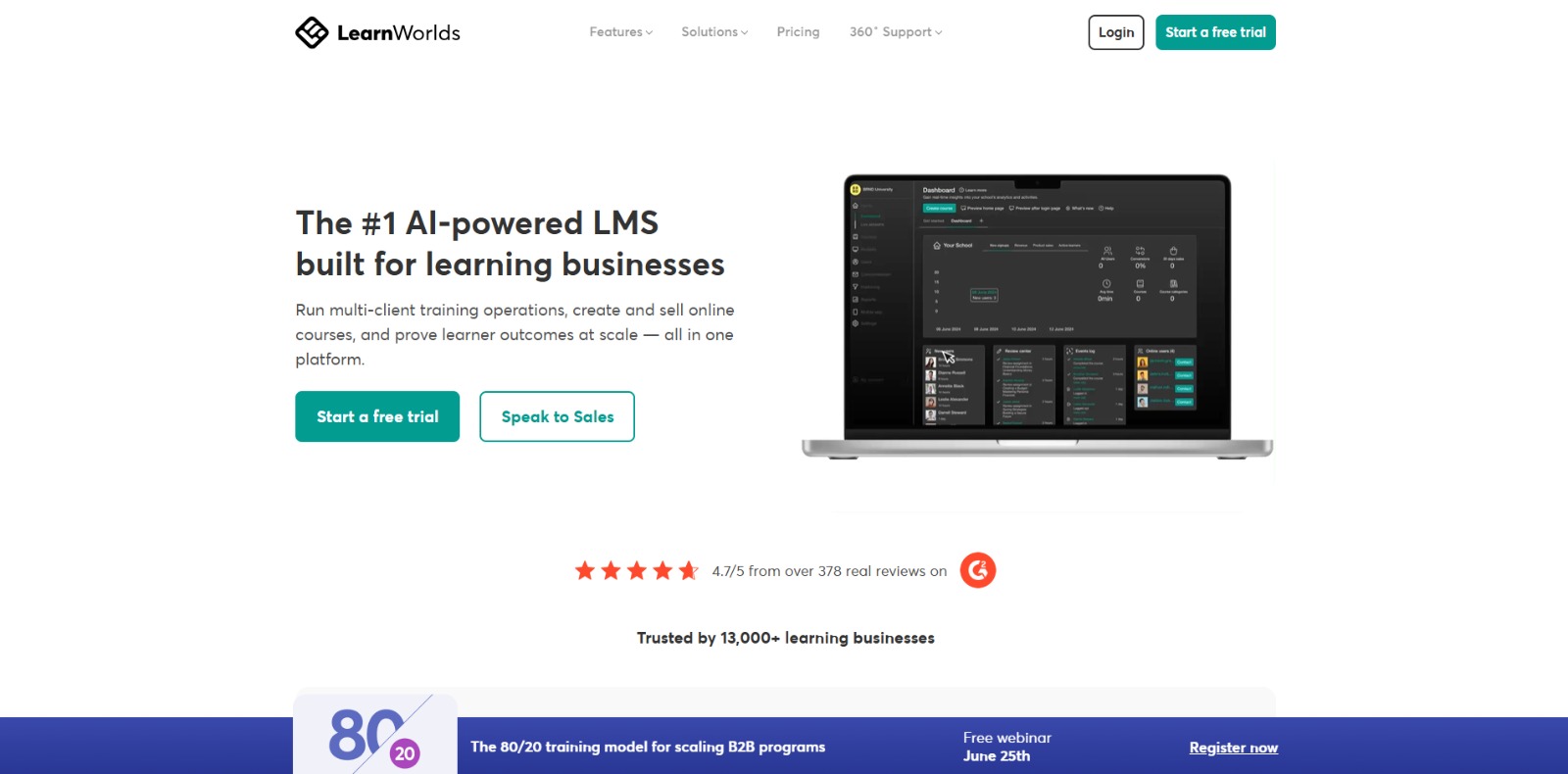
LearnWorlds: AI-powered LMS to create, market, and sell online courses with interactive learning, white-label sites, and built-in funnels. 🚀


Simplified: All-in-one AI marketing suite—design, write, edit video, and schedule socials with brand kits and team collaboration. 🚀

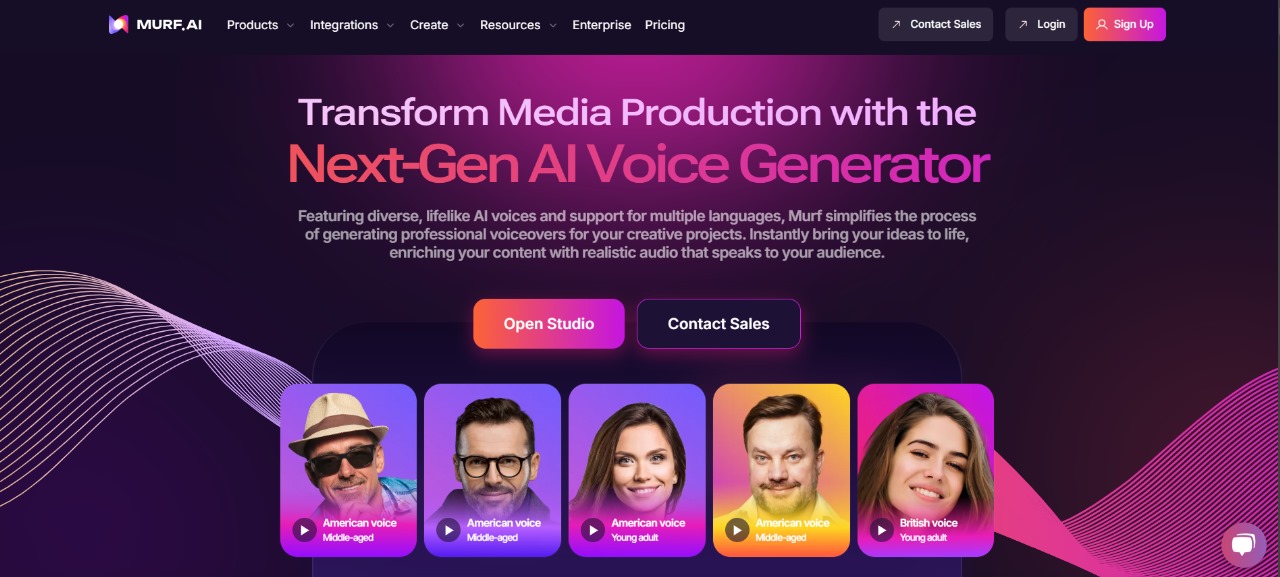
Murf AI: Create stunning, natural voiceovers in minutes with Murf.ai—your ultimate AI-powered text-to-speech solution! 🎙️✨
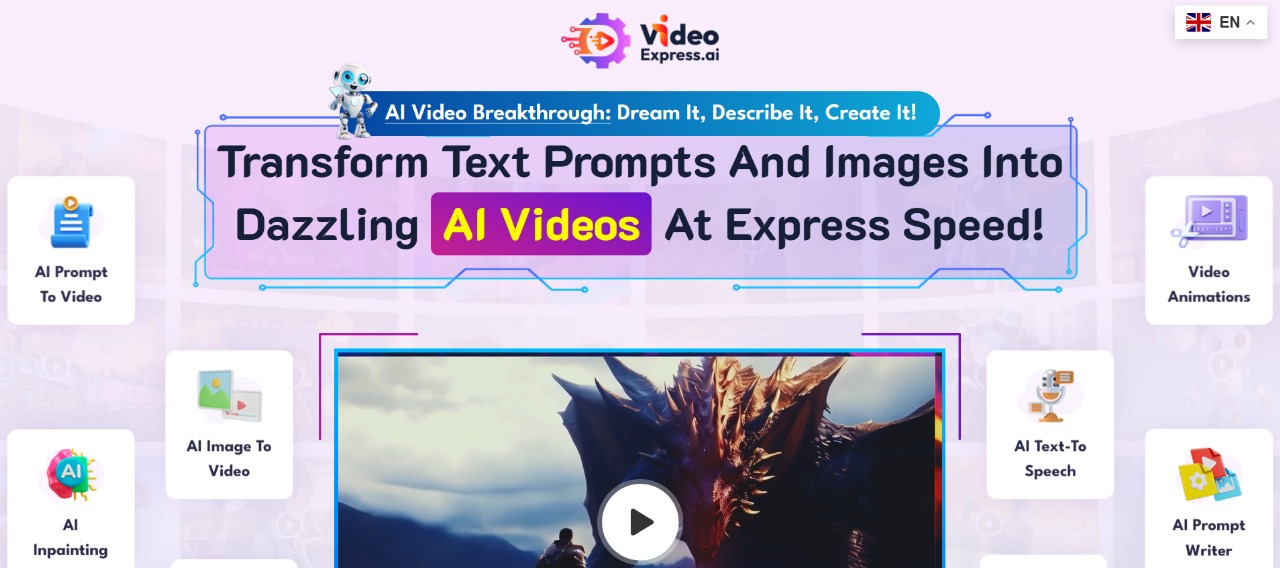
VideoExpress: Create stunning videos effortlessly with VideoExpress.ai—your all-in-one AI tool for fast, professional video production! 🎥✨
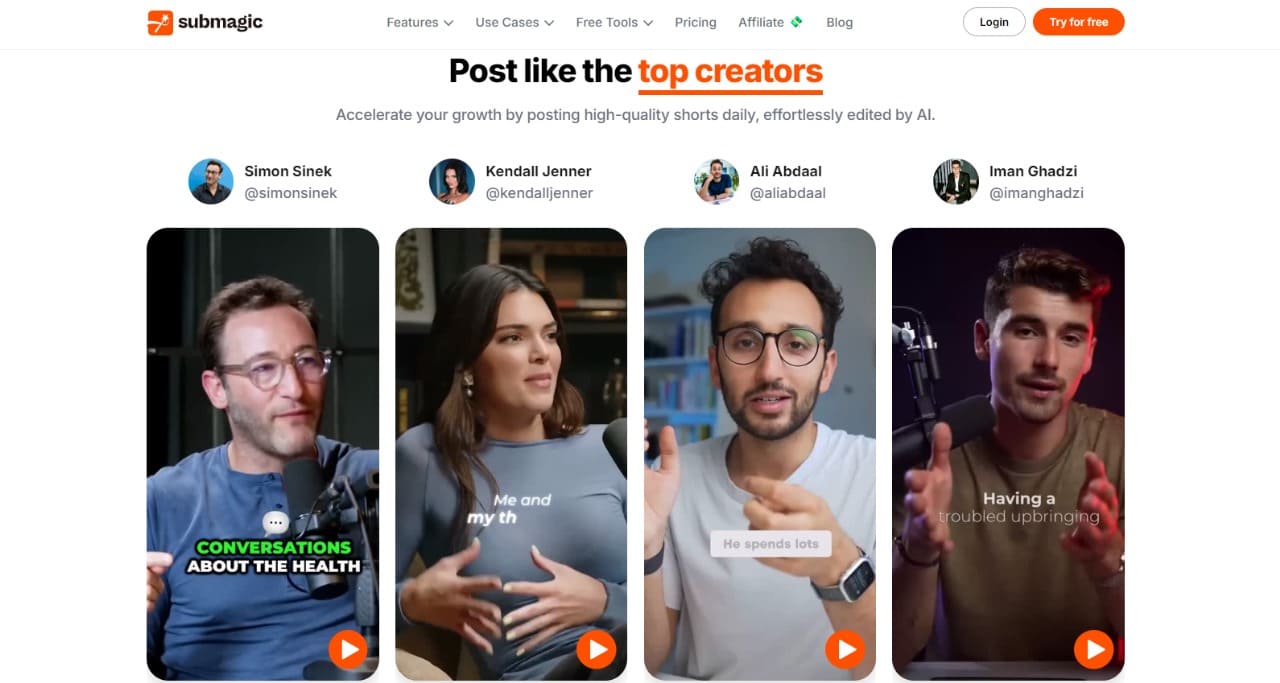
Submagic: Create Captions, B-rolls, Transitions, and Sound Effects with AI in seconds to create viral videos.
CharlieAItools.com: Discover the best AI tools, curated by experts, to boost productivity, creativity, and business growth—all in one place!
Curious? Find Your AI Category and See What Awaits!
Recently Added AI Tools

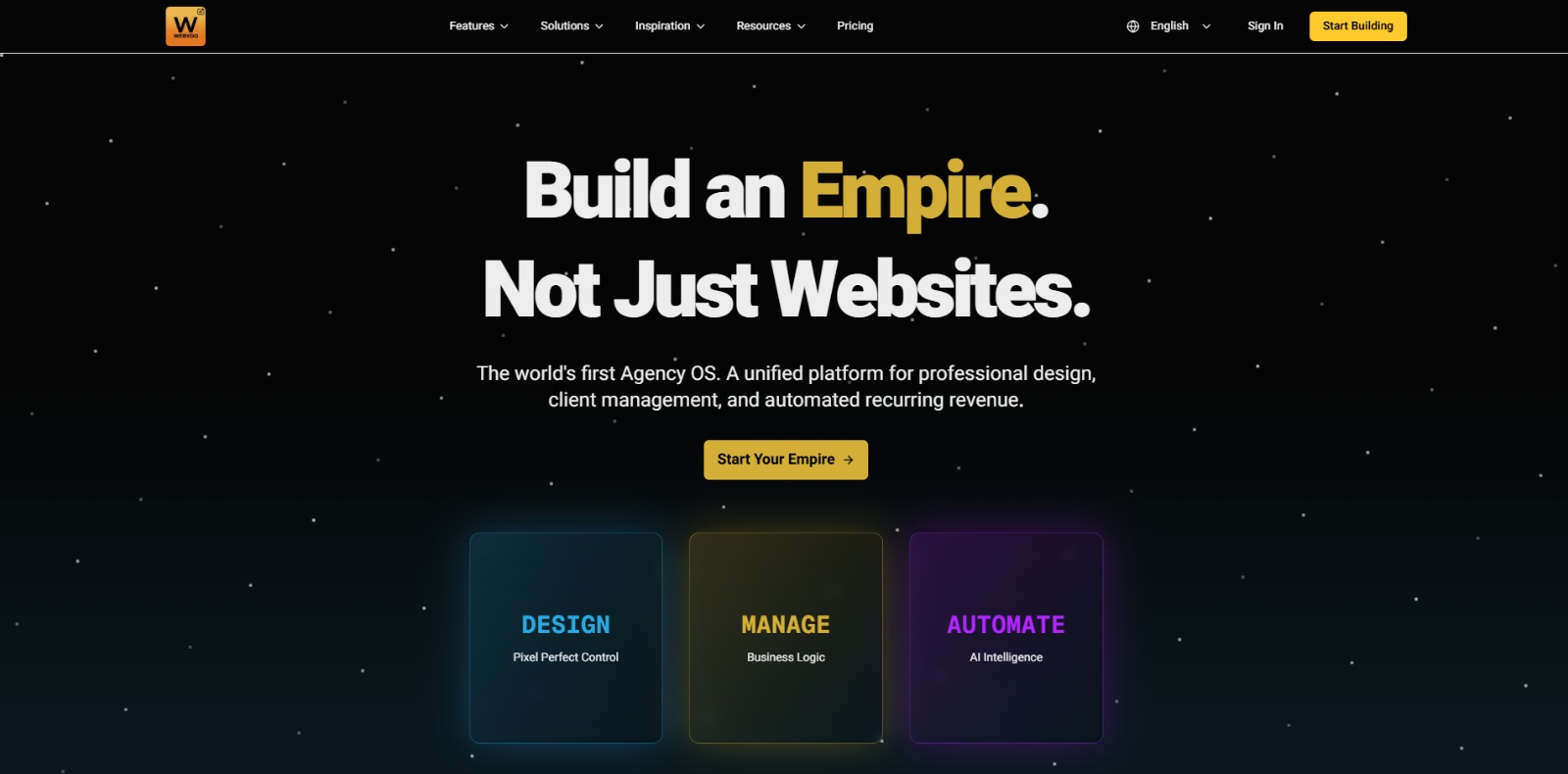
Webydo: All-in-one web design platform to create, launch, and manage client websites without code—fast, polished, and CMS-ready. 🚀
LearnWorlds: AI-powered LMS to create, market, and sell online courses with interactive learning, white-label sites, and built-in funnels. 🚀

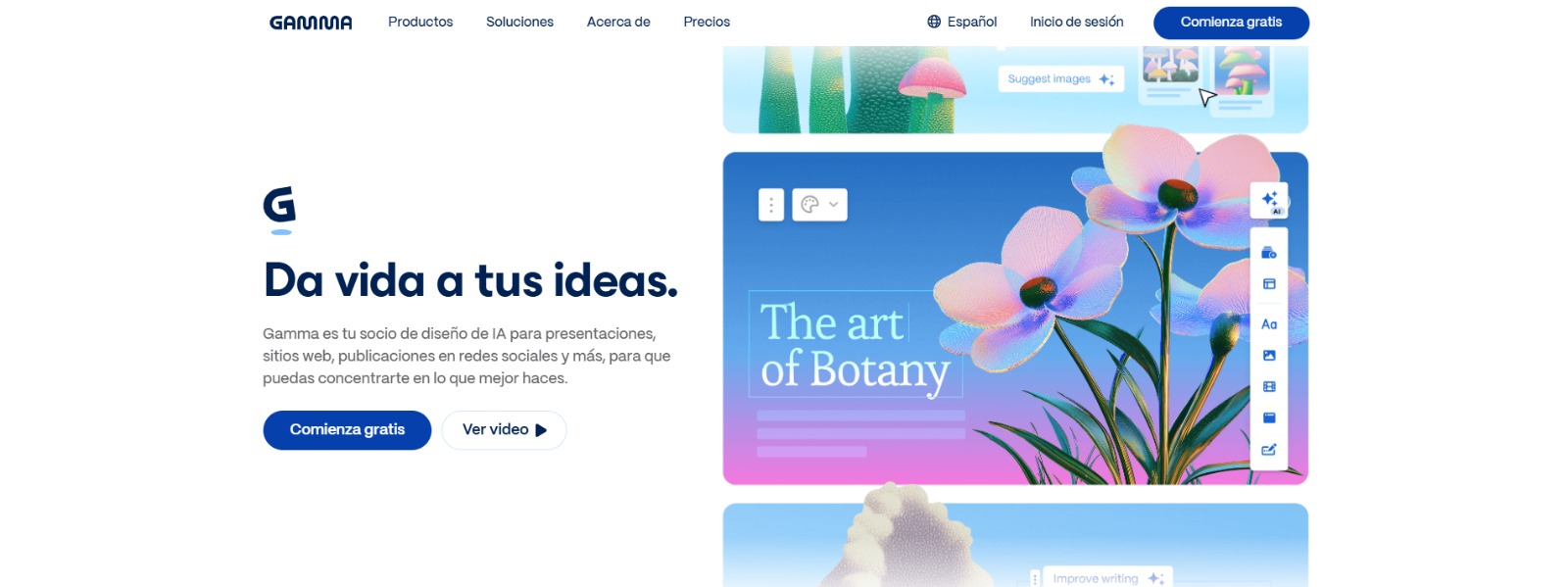
Gamma: Create stunning presentations, websites, and documents with AI—fast drafting, smart design, easy sharing, and export-ready content. 🚀
Qwen Chat Review: Is This AI Chatbot Your Next Productivity Power-Up? In this Qwen Chat review, we’ll explore its core capabilities, ideal users, and how this AI assistant can streamline your daily tasks and creative…
Trainual: AI-powered employee training software to document processes, onboard teams, centralize knowledge, and automate role-based learning at scale. 🚀
Zonka Feedback: Turn customer feedback into actionable insights with AI-powered surveys, analytics, sentiment tracking, and multichannel CX automation. 🚀
Mini Guide:
Your First Steps Into the World of AI Video Tools
Looking to dive into video creation without cameras, scripts, or editing headaches? This guide will answer your most pressing questions about AI video tools—from how they work to who they’re perfect for. Whether you’re a course creator, marketer, or camera-shy entrepreneur, you’ll learn how to turn ideas into professional videos… with zero technical experience.
What is AI Video?
AI video refers to technology that helps you create videos automatically using artificial intelligence. Instead of filming and editing manually, AI tools can generate full videos from text, voice, scripts, or even prompts. These tools can add avatars, subtitles, animations, and voiceovers—often in multiple languages.
The goal? To make video production faster, easier, and accessible to anyone, even without prior editing skills. From educational content to social media reels, AI video lets you scale your visual presence in record time—without hiring a team or buying expensive equipment.
How does an AI Video tool work?
An AI video tool takes your input—such as text, audio, or a script—and turns it into a fully edited video using automation. Here’s how most tools work:
You write or paste your script.
Choose a style: avatar, animation, stock footage, or slides.
Select a voice (or upload yours) and language.
The AI syncs everything together: visuals, voiceover, transitions, even subtitles.
In minutes, you get a polished video ready to share. Some tools even generate clips for TikTok, Instagram Reels, or YouTube Shorts automatically. It’s like having a video production team in your browser—with zero stress and full control.
What are the top features to look for in an AI Video tool?
When choosing the best AI video platform, look for features that align with your goals. Here are the top ones:
Text-to-video or script-to-video capabilities
Avatar presenters or voiceover AI with natural intonation
Custom branding options (logos, fonts, colors)
Automatic subtitles and translations
Commercial use rights (for courses, ads, client work)
Pre-made templates for reels, promos, or lessons
Multilingual voices if you reach a global audience
The ideal tool is easy to use, saves you time, and helps your content look professional without the complexity.
What are the main benefits of using AI Video tools?
The biggest benefit? Freedom. You no longer need to record yourself or spend hours editing. With AI video tools, you can:
Create videos in minutes, not days
Publish more content without increasing your workload
Avoid being on camera with avatars or voiceovers
Reach global audiences with multilingual support
Focus on your message instead of the tech
Whether you’re building a brand, selling a course, or growing on TikTok—AI video tools help you scale your impact without burnout.
Who should use AI Video tools?
AI video tools are perfect for anyone who wants to create engaging content without the pain of filming or editing. This includes:
Course creators and coaches who need high-quality video lessons
Marketers and agencies creating video ads or explainers
Freelancers and solopreneurs looking to boost their visual content
YouTubers, tiktokers, and educators publishing regularly
Camera-shy professionals who want to stay off-screen but still show up
If you’ve ever said “I need more video content, but I don’t have time or skills,”—these tools were made for you.
Ready to choose your perfect AI Video tool?
You’ve seen what’s possible. Now it’s time to pick the right AI video tool for your workflow, goals, and style. Whether you want to turn blog posts into videos, create animated explainers, or produce voice-over courses without a studio—we’ve curated the best AI video platforms to get you started.
🎥 Explore our top AI Video tools and find your perfect match today
Real Answers for Real Creators:
What People Are Really Asking About AI Video
Still unsure if AI video tools are right for you? You’re not alone. From licensing confusion to robotic results, many creators and educators have real concerns before jumping in. That’s why we’ve compiled the most common questions users like you ask—along with no-nonsense answers based on real use cases and expert tips. Read on to make smarter, faster decisions about your video workflow.
Can I make professional-looking videos without appearing on camera?
Yes, many AI video tools let you create high-quality videos without showing your face. You can use avatars, text-to-video systems, or AI-generated voiceovers to produce content that feels natural and engaging. These tools are perfect for camera-shy users or professionals who simply don’t want to be on screen all the time. The result can still feel authentic and professional—as long as you choose the right platform that offers voice customization, realistic avatars, and flexible templates.
What’s the difference between Text to Video and Image to Video AI tools?
Text to Video AI tools are designed to convert written content—like blog posts, scripts, or simple prompts—into fully edited videos. These platforms use natural language processing to interpret the text and generate relevant visuals, voiceovers, music, and transitions. They’re ideal for marketers, educators, and creators looking to turn articles or ideas into engaging video content without recording anything. Popular text-based video generation tools like Pictory or Lumen5 automatically pair text segments with stock footage, animations, and subtitles, making them perfect for explainer videos or social media storytelling.
On the other hand, Image to Video AI tools focus on transforming static images into animated or cinematic video clips. They use advanced motion design, pan-zoom effects, or even AI-generated transitions to bring photos or artworks to life. Tools like Runway or Kaiber allow users to upload one or more images and apply motion templates or generative effects for visual storytelling. This is ideal for creatives who want to animate illustrations, create music videos, or design eye-catching posts using visuals rather than text. While prompt-to-video tools work from words, image-to-video generators focus purely on visual inputs and aesthetics.
How do I know if an AI video tool allows commercial use?
Always check the licensing section on the platform’s pricing or FAQ page. Some AI video tools offer commercial usage only on paid plans, while others allow full usage rights even on free tiers. Look for phrases like “commercial use allowed”, “YouTube monetization”, or “business license included”. If it’s not clearly stated, don’t assume—it’s best to contact their support or review their terms of service. CharlieAITools.com highlights tools with clear commercial policies to save you the guesswork.
Are AI video tools good for educational content and courses?
Absolutely. AI video tools are increasingly used by educators, coaches, and course creators to produce lesson videos quickly and affordably. You can use avatars to simulate a presenter, add voiceovers to slide decks, or turn lesson outlines into videos. These tools help you publish consistently, save on production costs, and keep control over your material. Many platforms also support subtitles and multiple languages—ideal for reaching a broader audience.
Is it really faster to create videos with AI than editing manually?
Yes, and dramatically so. What used to take hours of filming and editing can now be done in 15–30 minutes using AI. Instead of recording takes, syncing audio, or adding transitions manually, AI tools automate the entire process. While you’ll still need to write or tweak your script, you skip the production headaches. This lets you scale your content output without burning out or hiring a team—especially helpful if you’re a solo creator or small business owner.
I’m overwhelmed by so many AI video tools. How do I choose one?
Start by identifying your main goal: do you want to create educational content, marketing videos, reels, or presentations? Once you know the use case, look for tools specialized in that area. Then filter by key needs: avatar or no avatar, voice customization, language support, branding options, etc. Use directories like CharlieAITools.com that group tools by function and provide honest, non-sponsored comparisons. The goal isn’t to find the “best tool,” but the right tool for your workflow.
Can I create videos in multiple languages using AI video tools?
Yes, many AI video tools now support multilingual voiceovers, subtitles, and avatars. You can generate content in Spanish, French, Hindi, and dozens of other languages—even with regional accents. This is ideal if you’re creating content for international clients or want to grow your audience beyond English-speaking users. Just make sure to test pronunciation and phrasing on your chosen platform, especially for technical or niche terms. Multilingual AI videos can double your reach with minimal extra effort.
Is using AI video tools actually profitable for freelancers or solopreneurs?
Definitely. Freelancers and solopreneurs can save time, reduce costs, and deliver faster by using AI tools. Whether you’re selling video services, teaching online, or building a brand, these tools let you produce more content without hiring editors or spending hours learning software. You can also offer services like script-to-video production, avatar-based promos, or voiceover videos for clients. The return on investment comes not only from saving money—but also from unlocking new revenue streams with minimal overhead.
AI Video Tools FAQs
Have legal or technical doubts about using AI to make videos? You’re not alone. Below, we’ve answered some of the most searched questions from creators like you—covering free tools, legality, platform rules, and common use cases. Get clear, actionable answers before you hit “render.”
Is it legal to use AI to make videos?
Is it legal to use AI to make videos?
Yes, using AI to create videos is legal in most countries, as long as you own the content or have rights to use it. Problems arise when you use copyrighted material, deepfake real people without consent, or mislead viewers. To stay compliant, always review the terms of service of the AI platform, respect privacy rights, and disclose when content is AI-generated if needed—especially in advertising or political contexts.
Are AI-generated videos allowed on YouTube or TikTok?
Are AI-generated videos allowed on YouTube or TikTok?
Yes, both YouTube and TikTok allow AI-generated videos, but you must follow their content and monetization policies. Platforms may restrict content that includes misleading deepfakes, violates copyright, or lacks proper disclosure. If you use AI voices or avatars, make sure you have the rights for commercial use. Many creators use AI tools successfully on these platforms for storytelling, reviews, explainer videos, and more.
Is there a free AI video editor I can use?
Is there a free AI video editor I can use?
Yes, several AI video tools offer free plans or trials. Popular options include Pictory, Lumen5, and Runway. These let you generate short videos using templates, AI voiceovers, or stock footage. However, free versions often come with limitations—like watermarks, video length caps, or limited export quality. If you’re just starting or testing workflows, these tools are a great entry point before upgrading to paid features.
Can I turn a photo or script into an AI video?
Can I turn a photo or script into an AI video?
Yes, many AI video generators let you upload a photo, paste a script, and turn it into a talking avatar or narrated video. This is especially useful for making product videos, profile intros, explainer content, or educational clips. Tools like Synthesia or HeyGen specialize in this feature. Just upload your image, enter the text, choose a voice and language, and let the AI handle the rest.
What is the best Text to Video AI generator?
What is the best Text to Video AI generator?
AI text-to-video tools turn written content—like scripts, blog posts, or prompts—into full videos using voiceovers, stock footage, animations, and captions. Leading platforms like Pictory, Lumen5, and Synthesia are ideal for marketers, educators, and content creators. These tools use natural language processing to match your text with relevant visuals, music, and narration. Some even support avatars or multilingual voice generation. If you’re looking to save time on video production, AI text-to-video generators are a powerful solution—especially for explainer videos, social posts, or YouTube content.
What is the best Image to Video AI tool?
What is the best Image to Video AI tool?
The best Image to Video AI tools let you transform static visuals into dynamic, animated videos with minimal effort. Platforms like Pika Labs, Runway, and Kaiber allow users to upload images and apply motion effects, transitions, music, or AI-generated animations. These tools are perfect for creators who want to bring still images to life for social media, storytelling, or branding. When choosing an Image to Video tool, look for features like HD export, watermark-free downloads (with paid plans), and easy customization options. Many also support multi-image sequencing and sound sync for a professional result.
Are AI videos profitable for content creators and marketers?
Are AI videos profitable for content creators and marketers?
Absolutely. AI videos help creators scale content production with less time and money. Marketers use them for ads, product explainers, or social media content. Course creators build entire video modules without recording themselves. The ability to produce high-quality video quickly improves ROI, boosts engagement, and allows teams or solopreneurs to handle more projects—especially when repurposing blogs or scripts into videos.
Can you make money using AI video tools?
Can you make money using AI video tools?
Yes, AI video tools can help you make money by streamlining video production for services, content creation, or education. Freelancers use them to offer video editing, avatar presentations, or explainer videos to clients—without needing to film or hire a team. Course creators build full modules using AI avatars and voices, saving hours of work. You can also monetize content on platforms like YouTube or TikTok, where AI speeds up production. The key is to match the right tool with a specific service or niche audience and focus on consistent, high-quality output.
