

Simplified
Simplified: All-in-one AI marketing suite—design, write, edit video, and schedule socials with brand kits and team collaboration. 🚀

Simplified
Imagine an AI tool that lets you design stunning graphics, write compelling blog posts, edit engaging videos, and schedule it all to social media—without ever leaving a single tab. Sounds like a marketer’s dream, right? The reality for most of us is a chaotic mess of subscriptions, wasted time tool-switching, and a hefty monthly software bill. This is where Simplified enters the chat. In this comprehensive Simplified Review, we’ll dive deep into this ambitious AI content creation software to see if it truly lives up to its promise of consolidating your entire workflow. Is it the powerhouse solution that finally lets you ditch the subscription overload? Let’s find out.
Simplified is an all-in-one, AI-powered marketing platform designed for modern creators, marketers, and teams. It integrates the core functions of content creation into a single, collaborative workspace. At its heart, it combines a graphic design tool, an AI writer, a video editor, and a social media scheduler, aiming to eliminate the need for multiple, disparate software subscriptions.
Simplified is important because it directly tackles the biggest pain points in modern digital marketing: tool fatigue and workflow inefficiency. The average solopreneur or small marketing team is drowning in subscriptions—one for design (like Canva), one for copywriting (like Jasper), and another for scheduling (like Hootsuite or Buffer). This “tool sprawl” isn’t just expensive; it creates massive friction. You waste precious time downloading assets from one platform just to upload them to another, breaking your creative flow and slowing down content production for multiple channels.
By consolidating these essential tools, Simplified offers a single source of truth for your marketing efforts. This addresses the critical problem of brand inconsistency, where graphics made in one tool don’t match the tone of copy written in another. With a centralized brand kit builder and shared assets, teams can ensure every piece of content is perfectly on-brand. For anyone whose core motivation is to “do more with less,” Simplified represents a fundamental shift from juggling scattered apps to orchestrating a seamless, end-to-end content engine. It’s an answer to the desperate need for a more affordable, efficient, and integrated way to create and publish content at scale.
Simplified packs a ton of functionality into one interface. While the list is long, here are the core features that deliver the most value and make it a true all-in-one AI marketing platform.
At first glance, the design interface feels familiar to anyone who has used a Canva alternative. It’s built on a drag-and-drop editor with a vast library of templates, stock photos, icons, and fonts. Where it shines is the AI integration. You can instantly remove backgrounds with the background remover, create complex designs with one-click AI tools, and use the magic resizer to adapt a single design for every social media platform in seconds. This feature alone drastically cuts down on slow content production.
This is Simplified’s answer to standalone writing tools like Jasper. The Simplified AI writer boasts over 50 templates for generating everything from blog posts and ad copy to social media captions and product descriptions. You can create long-form content, rewrite existing text, and expand on ideas to overcome writer’s block. The real magic happens when you use it alongside the designer—write a caption for a graphic you just created without ever leaving the project. Learning how to use Simplified AI writer for blogs is intuitive and can immediately speed up your content pipeline.
Video is non-negotiable in marketing today, but professional editing tools are complex and expensive. Simplified’s video editor AI offers a template-based, user-friendly solution. You can trim clips, add text overlays, generate subtitles automatically, and access a library of royalty-free audio and video clips. It’s perfect for creating social media shorts, product demos, and quick promotional videos without the steep learning curve of advanced software.
This is the feature that closes the loop. After designing your graphic, writing the caption, and editing your video, you can schedule it directly to all your social media channels. The visual content calendar allows you to plan your entire strategy, collaborate with your team on post approvals, and automate multi-channel publishing with Simplified. It’s a powerful social media scheduler that connects the creation process directly to the distribution process, solving a major workflow bottleneck.
A standout feature that often goes overlooked is the AI presentation maker. Instead of wrestling with PowerPoint or Google Slides, you can simply input a topic, and the AI will generate a multi-slide presentation complete with text, layouts, and design elements. You can then customize it with your brand assets, making it an incredibly fast way to create professional-looking pitch decks, webinars, and reports.
❤️ Also loved by: E-commerce store owners, startup founders, course creators, virtual assistants, community managers, non-profit organizations, real estate agents, bloggers, podcasters, students, event planners, coaches, consultants, and HR professionals.
Simplified fits into these categories. Explore each page for alternatives, and related tools.
If Simplified isn’t a perfect fit, these alternatives cover different budgets, features, and use cases in AI content creation. Compare strengths, pricing, and why each might beat Simplified for your workflow.
One of the most appealing aspects of Simplified is its straightforward pricing structure. They address the common “pricing and credit limits confusion” pain point well. Here’s a breakdown of the typical plans:
Compared to paying for Canva Pro (~$13/mo), Jasper (~$49/mo), and a scheduler (~$29/mo) separately, even Simplified’s paid plans offer substantial savings and immense value by bundling everything together.
After this extensive Simplified Review, the verdict is clear. If you are a power user who needs the absolute most advanced features in one specific area, a dedicated tool might still be your best bet. But for the vast majority of marketers, solopreneurs, and small teams—the pragmatic generalists wearing multiple hats—Simplified is a revelation. It’s not just a tool; it’s a new, streamlined way of working. It’s the feeling of closing 10 browser tabs and replacing them with one. It’s the relief of seeing your monthly software bill cut in half. It’s the power of going from a blank page to a fully designed, written, and scheduled campaign in record time.
Stop paying for five tools when you only need one. Click here to try Simplified’s Free Forever plan and experience a truly unified workflow today!
CharlieAITools was created with love to help you discover the best AI tools and transform your life, your ideas, and your projects. By signing up through my affiliate link, you help me keep this site running and continue to share valuable resources with fellow entrepreneurs. Thanks a ton for your support! 💛

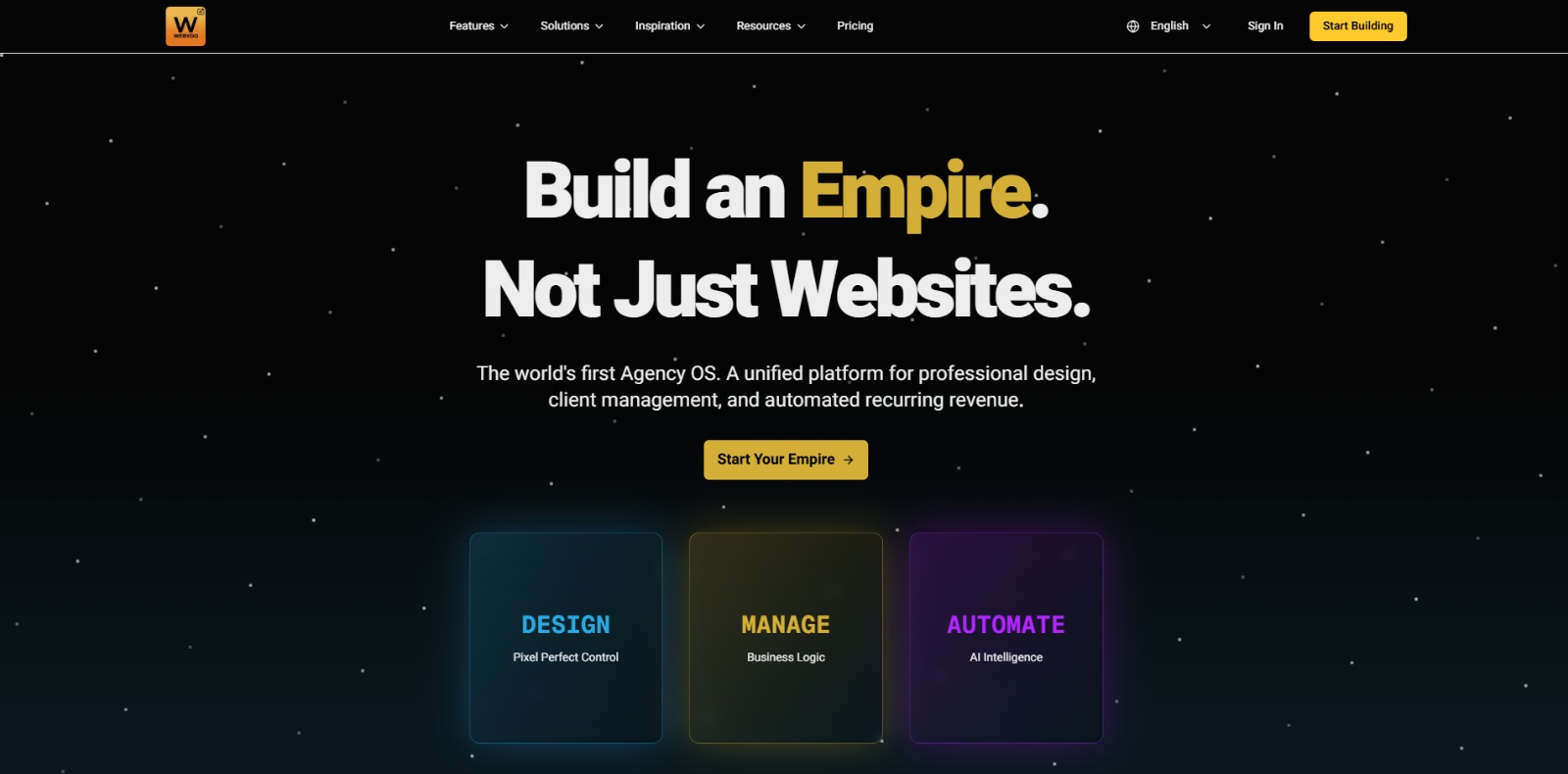
Webydo: All-in-one web design platform to create, launch, and manage client websites without code—fast, polished, and CMS-ready. 🚀

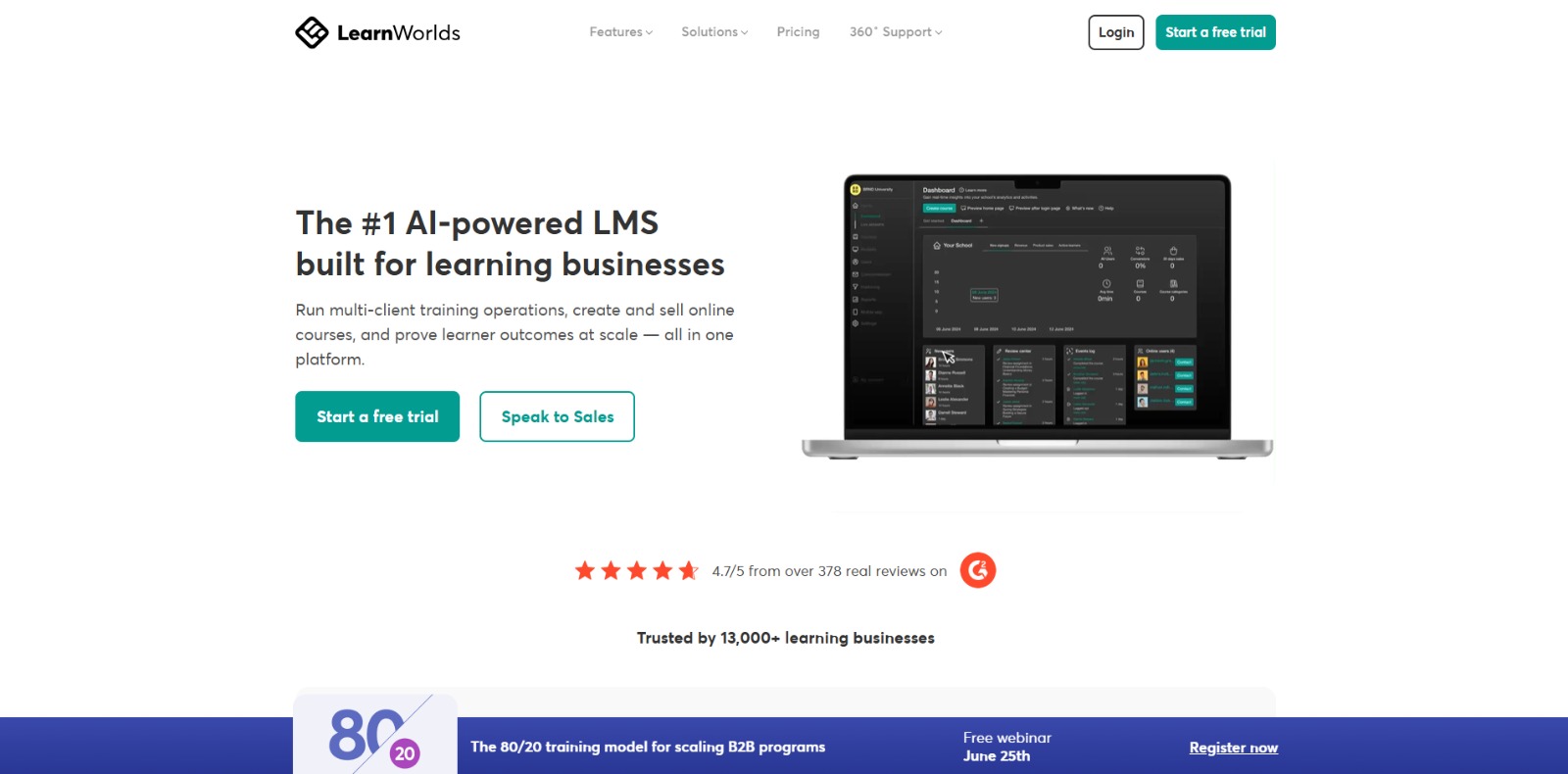
LearnWorlds: AI-powered LMS to create, market, and sell online courses with interactive learning, white-label sites, and built-in funnels. 🚀

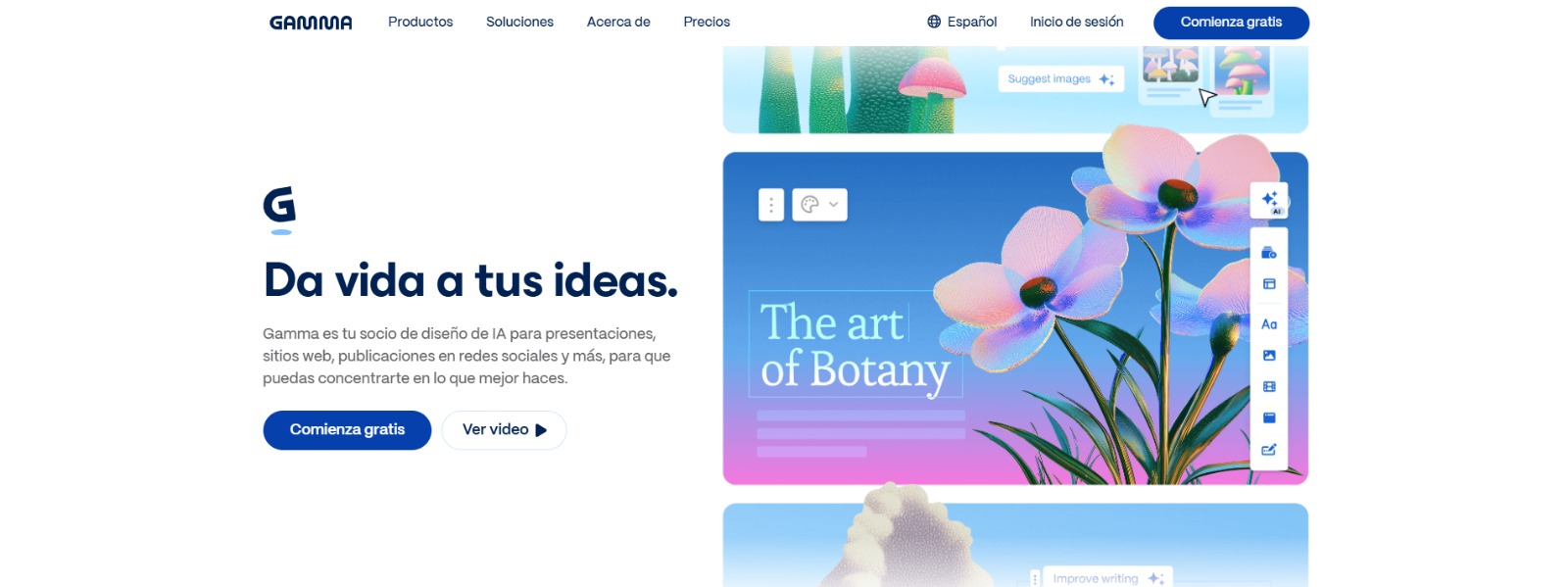
Gamma: Create stunning presentations, websites, and documents with AI—fast drafting, smart design, easy sharing, and export-ready content. 🚀
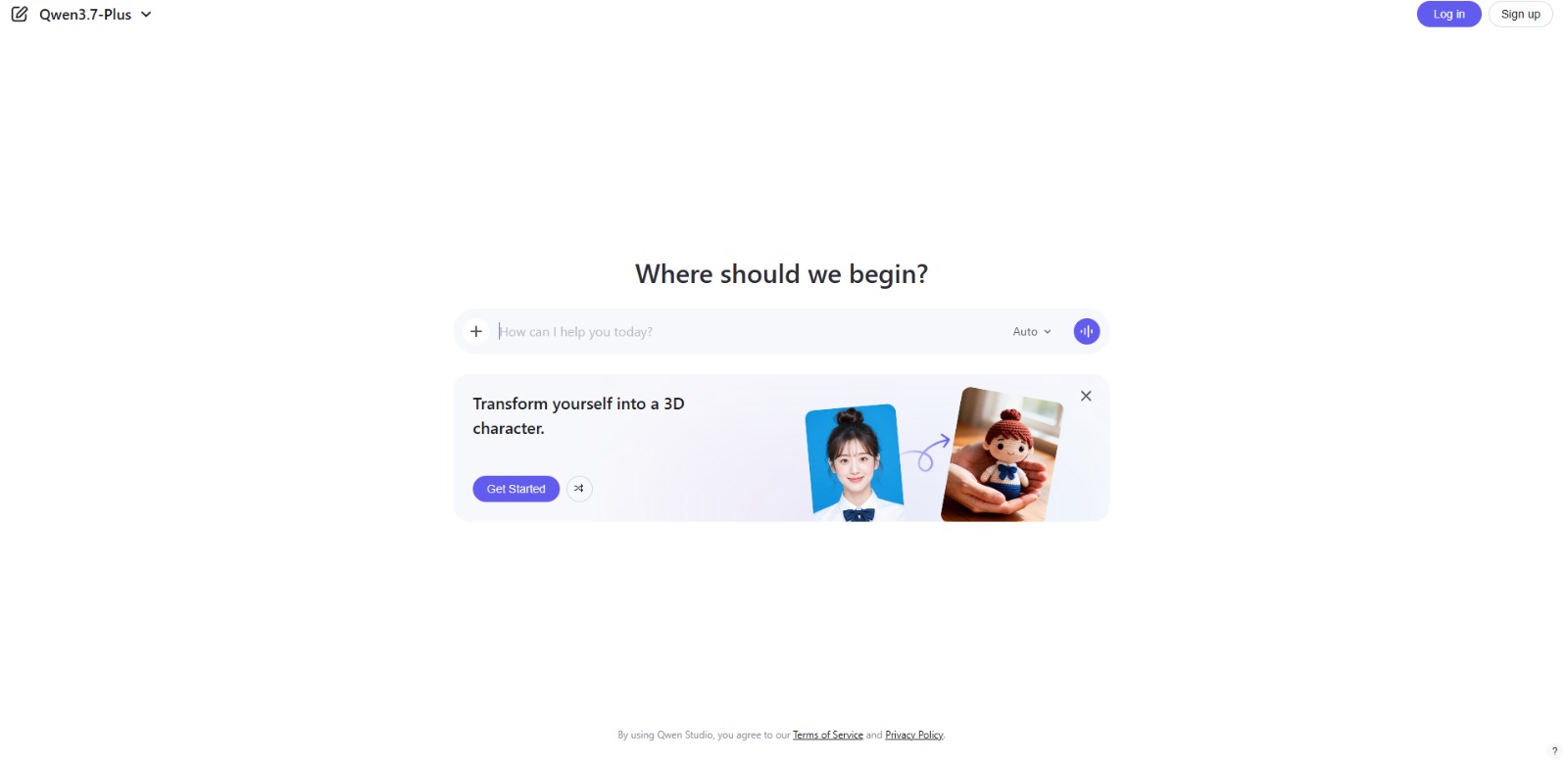
Qwen Chat Review: Is This AI Chatbot Your Next Productivity Power-Up? In this Qwen Chat review, we’ll explore its core capabilities, ideal users, and how this AI assistant can streamline your daily tasks and creative…

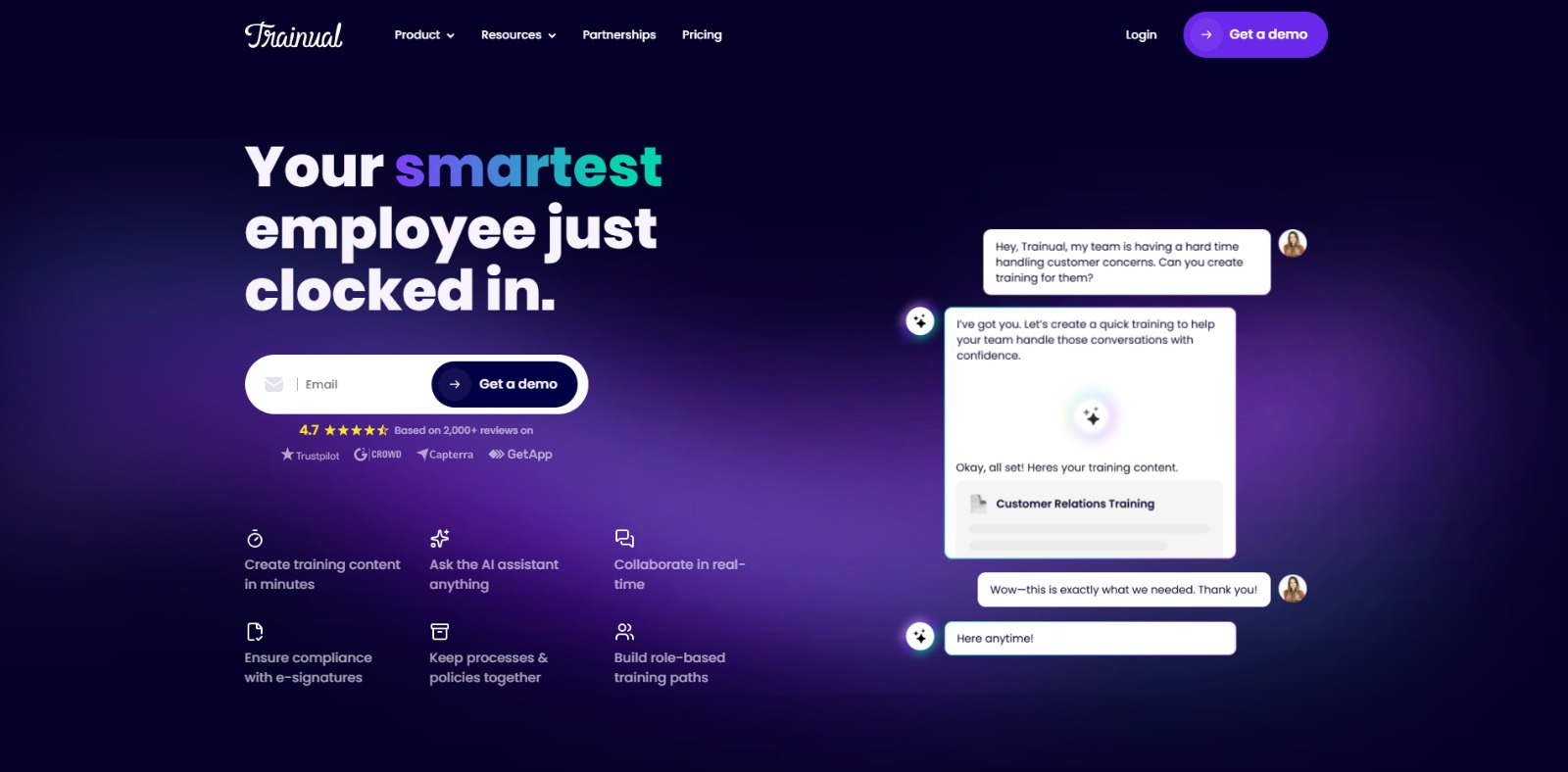
Trainual: AI-powered employee training software to document processes, onboard teams, centralize knowledge, and automate role-based learning at scale. 🚀

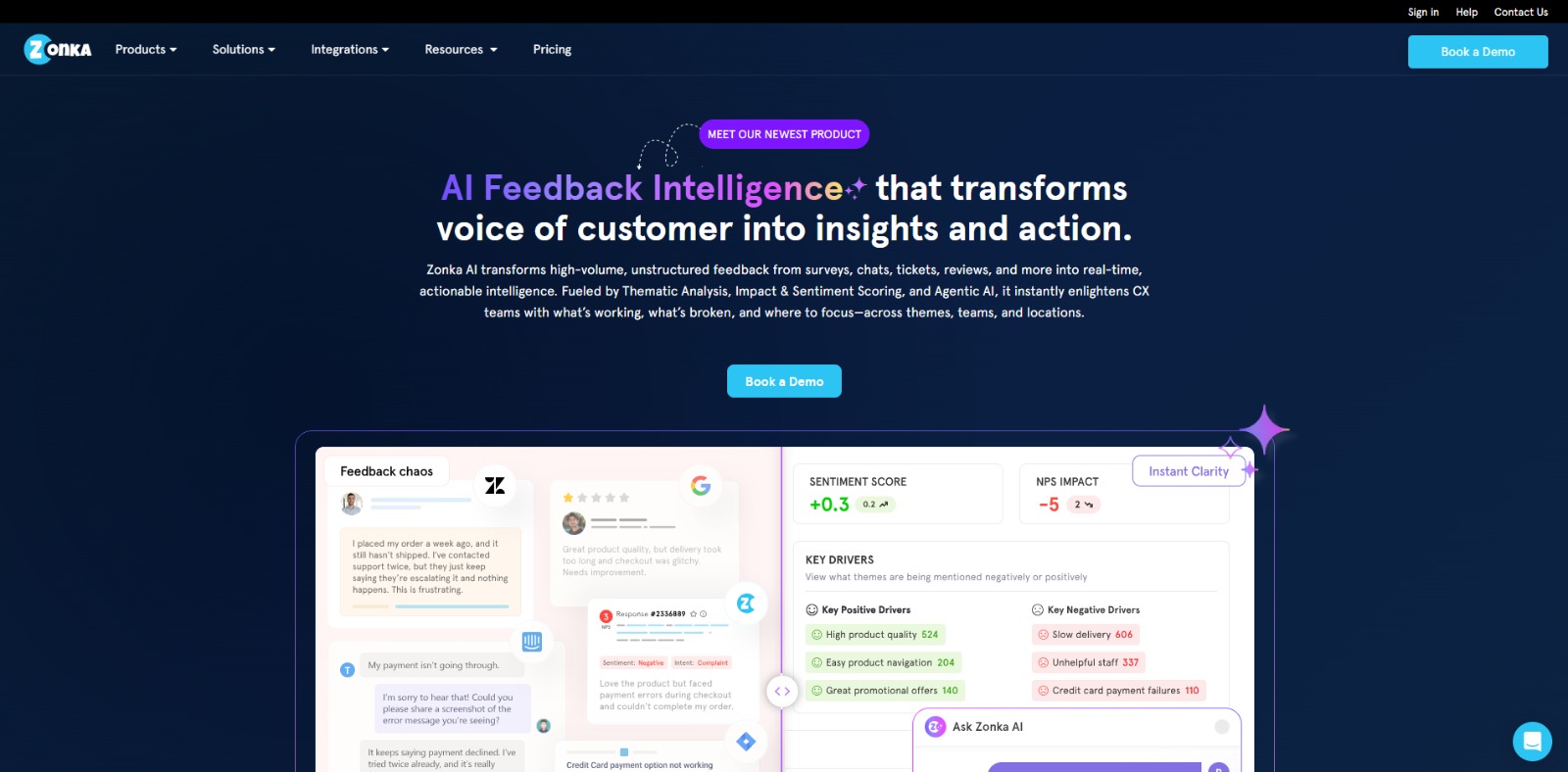
Zonka Feedback: Turn customer feedback into actionable insights with AI-powered surveys, analytics, sentiment tracking, and multichannel CX automation. 🚀

To provide the best experiences, we and our partners use technologies like cookies to store and/or access device information. Consenting to these technologies will allow us and our partners to process personal data such as browsing behavior or unique IDs on this site and show (non-) personalized ads. Not consenting or withdrawing consent, may adversely affect certain features and functions.
Click below to consent to the above or make granular choices. Your choices will be applied to this site only. You can change your settings at any time, including withdrawing your consent, by using the toggles on the Cookie Policy, or by clicking on the manage consent button at the bottom of the screen.