
AI IMAGE
AI Image Generator Tools – Create Stunning Visuals with Just a Prompt
AI Image: From blank canvas to eye-catching visuals in seconds.
Even if you're not a designer
Looking to create scroll-stopping images without spending hours in Photoshop or hiring a designer? AI image generators are changing the game for creators, marketers, entrepreneurs, and visual storytellers. Whether you’re designing social media posts, thumbnails, logos, or artistic content, these tools help you craft unique, high-quality images—fast. This category curates the best AI image tools to boost your productivity, spark creativity, and give your content that professional edge. No tech skills? No problem. All you need is an idea—and the right prompt.
Explore the best AI image generators for content creators, freelancers & marketers


Simplified: All-in-one AI marketing suite—design, write, edit video, and schedule socials with brand kits and team collaboration. 🚀
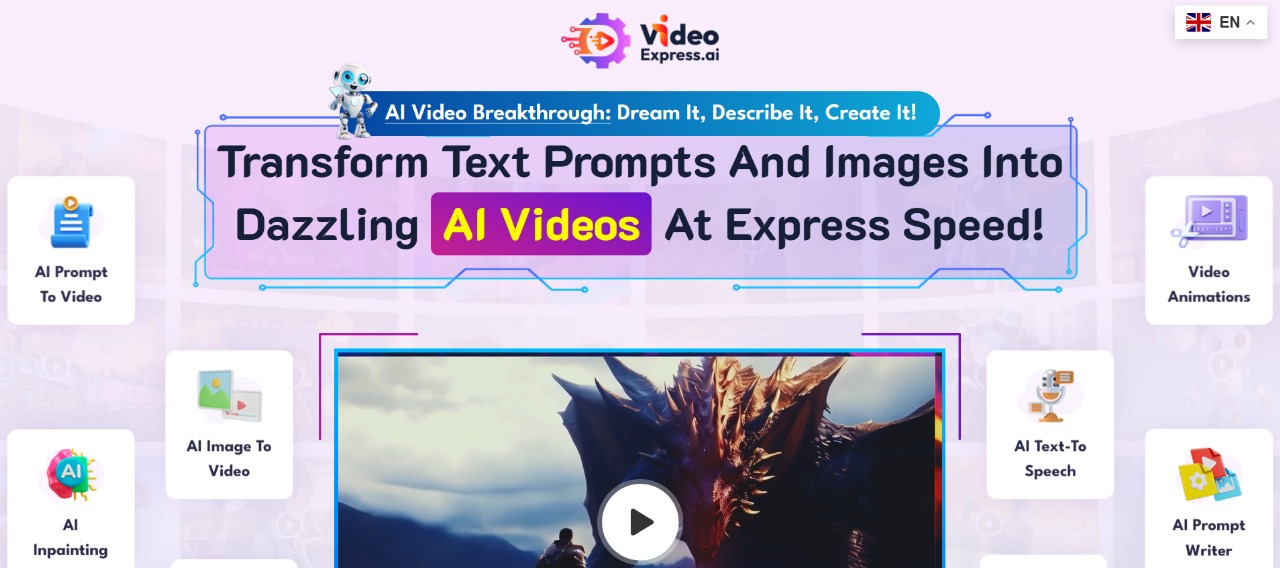
VideoExpress: Create stunning videos effortlessly with VideoExpress.ai—your all-in-one AI tool for fast, professional video production! 🎥✨
Smartli: Revolutionize e-commerce with SMARTLI: AI-driven tools for SEO, content creation, and marketing automation. Boost productivity effortlessly! 🚀
CharlieAItools.com: Discover the best AI tools, curated by experts, to boost productivity, creativity, and business growth—all in one place!
Curious? Find Your AI Category and See What Awaits!
Recently Added AI Tools


Claude: Advanced AI assistant for reasoning, writing, and coding—long context, secure by design, fast answers, and powerful API integrations. 🚀


Elicit: Your AI research assistant—find papers, summarize evidence, extract data, and draft literature reviews with citations and highlights. 🚀
Simplified: All-in-one AI marketing suite—design, write, edit video, and schedule socials with brand kits and team collaboration. 🚀


AutoCrit: Polish your manuscript with genre-aware, real-time editing—style, pacing, repetition, dialogue, and readability insights, plus benchmarks and reports. 🚀


Novel Factory: Plan, plot, and write your novel faster—templates, character builders, world-building, and progress tracking in one intuitive app. 🚀


Winston AI: Detect AI-generated text with high accuracy, plus plagiarism and deepfake image checks—multilingual, API & Chrome extension. 🚀
Mini Guide to AI Image Tools:
What They Are, How They Work, and Why They Matter
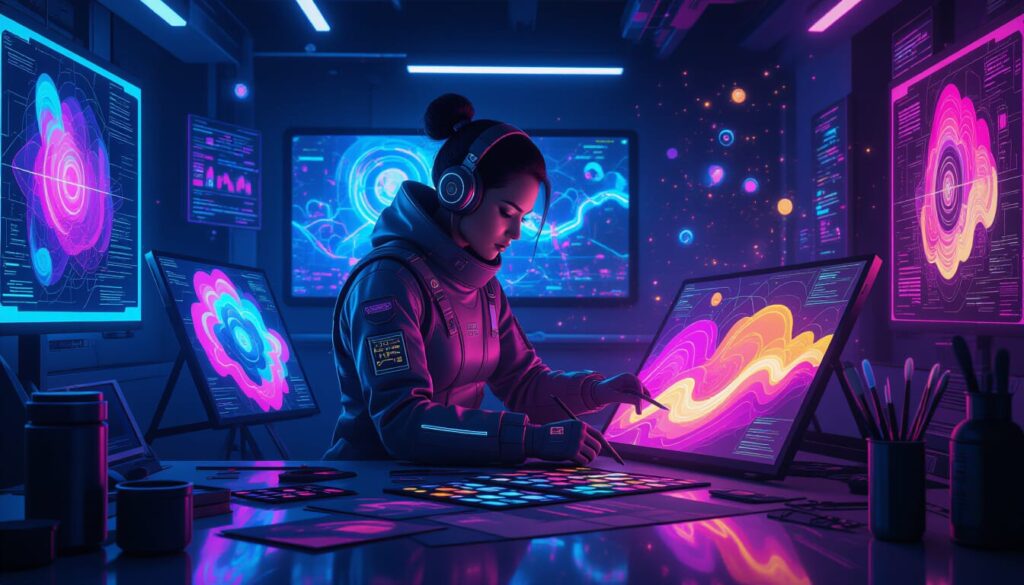
AI image tools aren’t just a passing trend—they’re quickly becoming a must-have for anyone working with visual content. Whether you’re designing for Instagram, building your brand, or creating eye-catching thumbnails, these tools empower you to go from idea to image in minutes. No fancy software. No design degree. Just your creativity and a smart tool that understands what you want. The best part? You stay in control, customizing every detail while the AI does the heavy lifting.
1. What is an AI Image tool?
An AI image tool is software that uses artificial intelligence to create or enhance images—often from just a simple text prompt. Instead of manually designing visuals from scratch, users can type in a description (like “a futuristic city at sunset”) and the AI Platforme generates an AI Picture instantly. These tools can also edit photos, upscale image quality, remove backgrounds, or even turn sketches into digital artwork. Whether you’re a creator, marketer, or small business owner, AI image tools give you creative superpowers without needing to master Photoshop.
2. How does an AI Image tool work?
AI image tools use machine learning models trained on millions of images to understand visual patterns and generate new content. Most tools let you type a “prompt” (a detailed description), and the AI interprets that text into a visual result—kind of like magic, but powered by code. Some tools specialize in artistic styles, others in photo-realistic edits. Many include extra features like style presets, background removal, or image upscaling. The more precise your prompt, the better the result. Don’t worry—most tools now offer prompt templates to help you get started faster.
3. What are the top features to look for in an AI Image tool?
Here’s what makes a great AI image tool stand out:
Easy-to-use interface (no design degree required!)
High image quality (realism or art, depending on your style)
Flexible output formats (for posts, prints, or ads)
Fast processing (you don’t want to wait minutes per image)
Customizable prompts or presets
Clear licensing terms (so you can use the images commercially)
Freemium plans to test before you commit
Look for tools that match your creative goals—whether you’re making thumbnails, product images, or full-on digital art.
4. What are the main benefits of using AI Image tools?
AI image tools offer a serious upgrade to your visual workflow. With just a few clicks, you can:
Save hours on design tasks
Create unique, personalized content for social media or websites
Skip stock photos and generate images that match your brand voice
Level up your creativity, even if you’re “not a designer”
Explore new styles or artistic ideas without technical limitations
For freelancers, creators, and small teams, AI image tools deliver speed, originality, and impact—all without the big-budget design team.
5. Who should use AI Image tools?
These tools aren’t just for artists or techies. AI image generators are perfect for:
Content creators who need fast, eye-catching visuals
Social media managers building posts, ads, or stories
Entrepreneurs making logos, product shots, or eBook covers
Students or educators enhancing presentations or materials
Freelancers & marketers looking to stand out without spending a fortune
Basically, if you’ve ever said “I wish I had a designer,” this is your shortcut. And if you are a designer? These tools can speed up your creative flow.
6. Ready to choose your perfect AI Image tool?
✨ You’re just one prompt away from unlocking visual magic.
Explore our top-rated AI image generators, handpicked for creators, marketers, and dreamers who want to design without limits.
👇 Let CharlieAI guide you to your perfect match 👇
Real Questions, Real Answers: AI Image Tools Explained
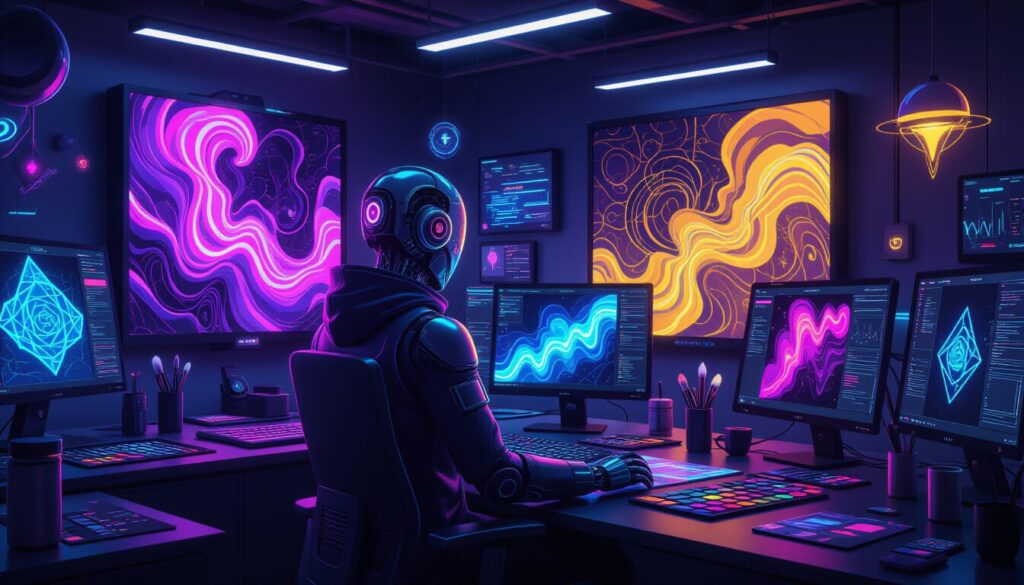
Still wondering if AI image tools are worth your time? You’re not alone. Creators, entrepreneurs, and digital marketers have real doubts—about usage rights, results, and what tools are actually worth it. In this section, we answer the most frequently asked (and honestly asked) questions straight from users like you. No fluff. Just practical, clear, and empathetic answers to help you feel confident before you choose. Let’s demystify AI image tools—one real question at a time.
1. Can I use AI-generated images for commercial purposes?
It depends on the tool you use. Some AI image generators offer royalty-free licenses for commercial use, while others limit usage or require attribution. Always check the terms of use or licensing section. Tools like Canva AI or Adobe Firefly often offer clearer rights than open-source platforms. If you’re creating images for client projects, ads, or eBooks, it’s smart to choose a platform that explicitly allows commercial rights—this avoids legal risks and builds trust with your audience.
2. What if the AI image doesn’t match what I had in mind?
That’s a common frustration! Most of the time, it’s due to the prompt being too vague. Try being more specific about style, colors, composition, and subject. Some tools also let you edit or regenerate parts of the image. To improve results:
Use prompt examples or templates
Add reference styles (e.g., “digital watercolor” or “realistic photo”)
Adjust settings like aspect ratio or resolution
The more context you give the AI, the closer the result gets to your vision.
3. Do I need to be a designer to use AI image tools?
Not at all. Most AI image tools are built for non-designers. You don’t need technical skills—just a basic idea of what you want. Tools like Leonardo AI, Canva AI, or Bing Image Creator have simple interfaces, one-click options, and preset styles. If you can write a sentence, you can create an image. For those who want more control, some platforms allow advanced settings, but they’re totally optional. AI tools are here to empower creativity—not complicate it.
4. Are AI image tools free to use?
Many AI image tools offer free plans or trial credits, allowing you to create a limited number of images at no cost. Popular platforms like DALL·E, Bing Image Creator, and Craiyon provide free access with certain restrictions—such as watermarks, lower resolution, or daily generation limits. For higher-quality outputs, commercial rights, or advanced features, most platforms require a paid subscription or pay-per-use credits. Always check licensing terms to ensure you can use free AI-generated images for commercial purposes without legal issues.
5. What are the best prompts to get high-quality AI images?
High-quality AI image prompts are clear, descriptive, and specific about the subject, style, and details you want. Include elements like lighting, camera angle, color palette, mood, and artistic style (e.g., “ultra-realistic portrait of a fox, golden hour lighting, shallow depth of field, 4K resolution”). Using reference keywords such as “hyper-detailed,” “cinematic,” or “digital painting” can help guide the AI toward your desired look. Adding context about the scene or environment also improves results, as AI tools respond best to prompts that paint a vivid mental picture.
6. Can AI images replace traditional design work?
AI images can speed up concept creation, provide inspiration, and deliver high-quality visuals quickly, but they don’t fully replace traditional design work—especially for branding, unique creative direction, or projects requiring a human touch. While AI excels at generating ideas and mockups, human designers bring originality, strategic thinking, and cultural context that AI alone can’t replicate. In many cases, the best results come from combining AI-generated assets with professional design skills for refinement, ensuring the final product is both visually appealing and aligned with the project’s goals.
7. What mistakes should I avoid when using AI image tools?
Common mistakes when using AI image tools include writing vague prompts, ignoring style or detail instructions, and failing to check licensing rights before using the output commercially. Many users also overlook resolution settings, leading to lower-quality images, or rely solely on AI results without making manual adjustments for accuracy or branding. Another error is expecting AI to perfectly match your vision without iteration—most tools require testing multiple prompt variations to achieve the best results. Clear, detailed inputs and reviewing outputs critically help avoid these pitfalls.
8. Which AI image tool is easiest for beginners?
For beginners, tools with simple interfaces, built-in templates, and guided prompt suggestions are ideal. Platforms like Bing Image Creator (powered by DALL·E), Canva’s AI image generator, and Fotor offer beginner-friendly controls with minimal learning curve. These tools typically include drag-and-drop editing, easy customization options, and quick export features—allowing new users to focus on creativity rather than technical complexity. Choosing a tool with active support communities and tutorial resources can further speed up learning.
9. How can AI image tools help my small business?
AI image tools can save small businesses time and money by creating high-quality visuals for marketing, social media, product listings, and branding without hiring a full-time designer. They can generate ads, banners, or product mockups on demand, enabling rapid content production for campaigns. AI tools also allow quick testing of creative concepts, seasonal designs, and personalized visuals targeted to specific audiences. This flexibility helps small businesses maintain a professional look, respond to market trends faster, and stand out visually—often on a fraction of a traditional design budget.
10. Is it worth paying for an AI image tool?
If you create content regularly—yes. Paid plans unlock:
Higher resolution downloads
Faster processing times
More accurate outputs
Access to advanced features or templates
Commercial usage rights
For freelancers, marketers, or content creators, even a modest subscription can pay for itself in time saved and content quality. Think of it as investing in a 24/7 creative assistant.
Ready to turn your ideas into stunning visuals?
Click below and discover the best AI image tools to bring your creativity to life—even if you’ve never designed before.
AI Image Tools FAQs
Whether you’re just getting started with AI image tools or trying to pick the right one for your creative needs, we’ve got you covered. These FAQs answer the most common (and most searched) questions about how to use, monetize, and trust AI-generated visuals. No jargon, no fluff—just clear, helpful info to help you move from “I’m curious” to “I’ve got this.”
What’s the difference between AI Image and AI Photo?
What’s the difference between AI Image and AI Photo?
An AI image typically refers to any visual content generated from scratch using artificial intelligence—based on text prompts, sketches, or other inputs. These images can be illustrations, abstract designs, or realistic renderings that never existed before. In contrast, an AI photo usually involves modifying, enhancing, or restoring real photographs using AI—for example, removing backgrounds, improving resolution, or changing facial expressions.
While AI image tools focus on creation, AI photo tools focus on editing and transformation. Both rely on machine learning, but their purpose and output are fundamentally different—one generates visuals from zero, the other works with existing photos.
How do I turn a photo into an AI image?
How do I turn a photo into an AI image?
To turn a photo into an AI image, upload it to an AI image editing or enhancement tool—such as Runway, Fotor, or Adobe Firefly—and choose an effect, style, or transformation you want. Many tools offer options like background replacement, artistic filters, upscaling, or turning the photo into a painting or 3D render. You can also use “image-to-image” AI features, where you provide a prompt describing the desired transformation, and the AI generates a new version of your photo based on that input. Adjust settings and preview results until you’re satisfied before downloading.
Can I use AI image tools without knowing design?
Can I use AI image tools without knowing design?
Yes—most AI image tools are built for users with no formal design skills. They often include simple interfaces, ready-made templates, and guided editing options, allowing you to create professional-looking visuals quickly. Many platforms offer drag-and-drop features, style presets, and prompt suggestions, so you can focus on describing your idea rather than managing complex design software. Beginners can start with tools like Canva’s AI image generator or Bing Image Creator to get results without needing to learn advanced editing techniques.
Are AI-generated images safe to use on social media?
Are AI-generated images safe to use on social media?
In most cases, AI-generated images are safe to use on social media, provided you follow the platform’s terms of service and the AI tool’s licensing agreement. Many AI platforms grant you rights to share their outputs, but some may require attribution or restrict commercial use. Always check for content guidelines—especially regarding realistic depictions of people, trademarks, or sensitive topics—to avoid policy violations. When used ethically and within the allowed rights, AI images can be a powerful way to enhance your social media presence.
Is there a completely free AI image generator?
Is there a completely free AI image generator?
Yes, some platforms offer free plans with no cost to start. Bing Image Creator, Fotor, and Craiyon are examples that let you generate images at no charge. However, free versions may include limitations like low resolution, watermarks, or fewer styles. If you need high-quality visuals regularly, consider upgrading to a freemium or affordable paid plan for better results.
How to make money with AI Image tools?
How to make money with AI Image tools?
There are several ways to monetize AI image tools, even if you’re not a designer. Many freelancers and entrepreneurs use these tools to:
Sell custom images or art on platforms like Etsy, Gumroad, or Fiverr
Offer social media content creation for clients using AI-generated visuals
Create branded visuals (logos, thumbnails, ebook covers) as a service
Sell prompt packs or templates for other creators to use
License unique images for commercial use or stock sites
Since these tools save time and reduce costs, your profit margins stay high. With the right strategy, AI image tools can become a creative business engine—no design degree needed.
