

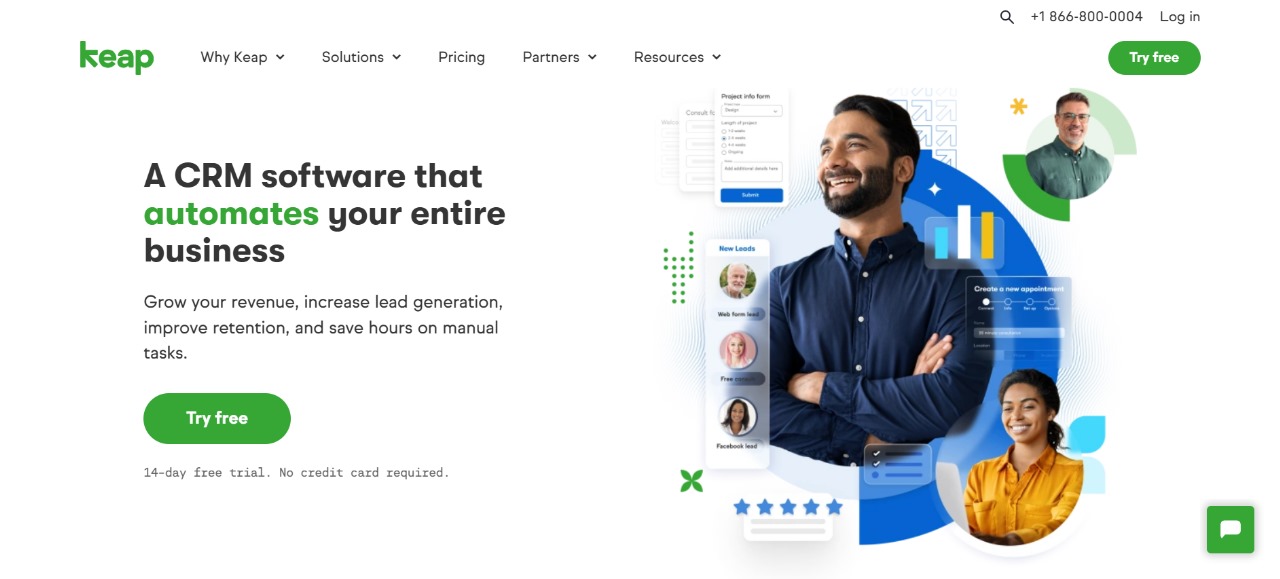
What is Keap — The CRM That Fixes Scattered Leads, Manual Follow-ups, and Fragmented Integrations
Estimated reading time: 10 minutes
Key Takeaways:
- Keap integrates CRM, automation, and email marketing to centralize and streamline sales processes.
- Solves common small business issues like scattered leads and manual follow-ups.
- Automations in Keap lead to significant time and revenue savings.
- Keap offers robust integrations with calendars, payment processors, and more.
- Ideal for non-technical users seeking a no-code solution for business automation.
Table of Contents
- What is Keap: A Quick Primer for Small Business Automation
- Why Small Businesses Ask “What is Keap” — The Core Problem
- Common Problems Keap CRM and Keap Automation Are Meant to Solve
- Why Unmanaged Leads and Clunky Automations Cost You Time and Money
- Meet Keap in Practice: A Practical Fix for Scattered Leads and Broken Follow-ups
- Step-by-Step: Setting Keap Up So It Actually Works for Your Business
- Expected Returns and Where ROI Shows Up
- Conclusion
- Frequently Asked Questions
What is Keap: A Quick Primer for Small Business Automation
Keap is a small-business CRM built to turn scattered contacts into predictable revenue. At its core, Keap combines Keap CRM, Keap automation, and Keap email marketing so you can capture leads, move them through Keap pipelines, and trigger Keap campaigns without relying on spreadsheets or sticky notes. Think of it as a central nervous system for sales and marketing workflows.
For owners, coaches, and small teams, the value is practical: fewer missed follow-ups, consistent messaging, and reusable automations that scale. Keap also includes landing pages, lead scoring, and integrations so you can connect payment systems, calendars, and ad platforms — all the pieces that tend to be fragmented in early-stage businesses.
Why Small Businesses Ask “What is Keap” — The Core Problem
Most searches for “What is Keap” come from people who feel their lead flow is chaotic. Leads are tucked into DMs, spreadsheets, or multiple apps, and there’s no single pipeline to see who’s hot or cold. Manual follow-ups pile up, tasks fall through the cracks, and email campaigns feel generic. Teams say: “We need Keap vs HubSpot comparisons,” or “how to build automations in Keap” because they want a no-code way to fix this without hiring an engineer.
Keap answers that exact need: a blend of CRM and automation designed for non-technical users. Keap automation lets you create rules that send personalized emails, assign tasks, and update Keap pipelines automatically. Instead of patching integrations together, you get built-in Keap integrations and templates — so campaigns, landing pages, and lead scoring work as a system. If you’ve ever wondered “is Keap worth it for coaches?” or compared Keap vs HubSpot vs ActiveCampaign, you’re in the right place to learn how the product directly addresses the everyday mess small businesses face.
Common Problems Keap CRM and Keap Automation Are Meant to Solve
Keap CRM
Leads scattered / no pipeline view. When contacts live in multiple places you can’t prioritize outreach. Imagine a salesperson juggling three spreadsheets — that’s low conversion and high stress. Keap pipelines provide a single visual board so you instantly see where prospects are and what action each needs next.
Keap Automation
Manual follow-ups and tasks. Reps forget to follow up; owners spend hours doing repetitive work. Creating automations should be like setting up dominoes — nudge once, and the rest falls into place. But many users struggle with design: branching logic can be confusing, and templates aren’t always tailored to niche businesses.
Keap Email Marketing & Keap Campaigns
Email campaigns not personalized. Sending the same message to everyone produces low open and click rates. Keap’s campaign builder aims to let you personalize at scale — using tags, lead scoring, and conditional paths — so your sequence feels one-to-one, not broadcast.
Why Unmanaged Leads and Clunky Automations Cost You Time and Money
When leads aren’t centralized you miss windows of opportunity. A single missed follow-up can turn a warm lead cold — and for many small businesses that’s lost monthly recurring revenue. Time is another cost: manually qualifying and emailing prospects eats into billable hours and growth work.
Poorly designed automations cause inconsistency. If your sequences send the wrong message or trigger at the wrong time, you confuse prospects and damage your brand. That’s why business owners searching for Keap pricing, Keap email templates setup, or comparisons like Keap vs HubSpot are really trying to calculate whether the platform will replace tedious manual labor with reliable, automated workflows. Keep reading — the next section breaks down exactly how to set up the essential Keap automations and measure ROI.
Meet Keap in Practice: A Practical Fix for Scattered Leads and Broken Follow-ups
Keap is the practical tool that stitches your sales and marketing into one predictable engine. Instead of juggling spreadsheets, email threads, and sticky notes, Keap CRM centralizes contacts, Keap pipelines visualize deal stages, and Keap automation handles the repetitive steps so your team focuses on conversations that matter. If you’re asking “What is Keap” because you want a no-code way to stop losing prospects, this is the answer: an all-in-one platform that reduces manual work and keeps every touchpoint in one timeline.
Where many systems add complexity, Keap simplifies common pain points. Keap email marketing lets you create segmented sequences that feel personalized, while Keap campaigns chain together triggers, delays, conditional paths, and task assignments so follow-ups happen exactly when they should. Built-in Keap integrations reduce data re-entry by connecting payment processors, calendars, and landing pages directly into contact records. For business owners wondering about Keap pricing or whether Keap is worth it for coaches, the value is practical — fewer missed replies, faster response times, and a single source of truth for lead activity.
Step-by-Step: Setting Keap Up So It Actually Works for Your Business
1) Start with Clean Data and a Simple Pipeline
Import contacts from spreadsheets, email lists, or other CRMs directly into Keap CRM. Before importing, standardize key fields (email, phone, lead source, estimated value). Create 3–5 pipeline stages that map to your real sales conversations (e.g., New → Contacted → Qualified → Proposal → Closed). A compact pipeline reduces decision paralysis and gives immediate visibility into priorities.
2) Build a Lead-Capture Path
Use Keap landing pages or embed forms on your site to capture leads. Every form should apply tags that identify source and intent (e.g., webinar_signup, ebook_download). Tags are the basic building blocks for Keap automation and Keap lead scoring later on. Tie form submissions to an initial campaign that sends a welcome email, creates a follow-up task, and assigns the lead owner.
3) Design One Core Campaign Sequence
Open the Keap campaigns builder and draft a single core campaign that covers the most common customer journey. Start simple: welcome email → two educational emails spaced three days apart → score update → task for a personal outreach if score exceeds threshold. Use conditional splits for actions like “opened email” or “visited pricing page” so messaging remains relevant. Save your campaign as a template you can clone and tweak for different segments.
4) Automate Follow-ups and Tasks
Replace memory-based task assignments with rule-based automations. For example: when a lead moves to “Qualified,” automatically create a 15-minute discovery task for the rep and add a one-week follow-up sequence if no contact is logged. Keap automation can also change pipeline stages on form completions or payment receipts so the board reflects reality in real time.
5) Add Personalization and Lead Scoring
Use merge fields and tags to personalize Keap email marketing. Combine engagement signals (email opens, link clicks, form submissions) with demographic tags to build Keap lead scoring rules. When a lead hits a scoring threshold, trigger a priority notification or an SMS reminder. This turns raw activity into a prioritized action list.
6) Connect Critical Integrations
Link your calendar, payment processor, webinar platform, and ad accounts through Keap integrations. That prevents data silos — payments update contact records, booked calls create tasks, and ad leads flow directly into your campaigns. If you’re comparing Keap vs HubSpot or Keap vs HubSpot vs ActiveCampaign, the deciding factor for many small teams is how quickly these integrations reduce manual work.
7) Test, Measure, Iterate
Run each campaign with a small segment first. Track open and click rates, conversion per pipeline stage, and time-to-close. Use these metrics to refine email copy, timing, and scoring. Keap’s reporting surfaces bottlenecks: if prospects stall in “Proposal,” add a targeted nurture to re-engage them.
8) Launch and Scale Responsibly
Once your core automations behave reliably, clone and adapt them for different offers, coaching packages, or lead sources. Keep templates for Keap email templates setup so new campaigns inherit best practices. When expansion is needed, revisit permissions and task routing to maintain response SLAs.

Expected Returns and Where ROI Shows Up
Deploying Keap correctly converts manual time into scalable, repeatable processes. The most visible ROI is time reclaimed: automated sequences and task creation eliminate routine admin so owners and reps can focus on revenue-generating calls. Expect faster follow-up times and higher contact rates — even small improvements in response windows dramatically increase conversion.
Revenue gains come from fewer lost leads and better prioritization. With Keap pipelines and lead scoring, your team chases warm prospects first; that single behavior change often lifts close rates. Keap campaigns that deliver personalized sequences produce higher open and click-through rates than generic blasts, improving campaign performance without increasing ad spend.
Operational benefits include fewer errors and clearer handoffs. Integrations mean payments, bookings, and ad leads update contact records automatically, reducing re-entry and missed steps. For coaches evaluating “is Keap worth it for coaches,” the platform pays back through saved admin hours, more consistent client onboarding, and clearer lifetime value tracking.
Conclusion
Keap becomes more than a tool when it’s implemented with a plan: it’s the system that stops leads from falling through the cracks and turns repetitive admin into predictable workflows. When you pair Keap CRM with concise pipelines, intentional Keap campaigns, and targeted Keap email marketing, the immediate wins are clear — faster follow-ups, fewer missed opportunities, and cleaner handoffs between marketing and sales. Over time, lead scoring and integrations compound those wins by ensuring your team focuses on high-intent prospects and that payments, bookings, and ad leads update contact records automatically.
Implementation doesn’t need to be perfect on day one. Start with one core campaign, a simple pipeline, and a handful of automations. Measure conversion rates per stage, iterate on your Keap landing pages and Keap email templates setup, and scale what works. For coaches and small teams, Keap pricing often pays for itself in saved hours and improved client onboarding — which is why many ask whether Keap is worth it for coaches and discover it is.
If you want a side-by-side feature view, check comparison pages like HubSpot’s product overview or ActiveCampaign’s site to benchmark integrations and reporting. In short: stop asking “What is Keap” as a theory — view it as a practical platform to organize leads, automate follow-ups, and grow steadily.


