

Design.com
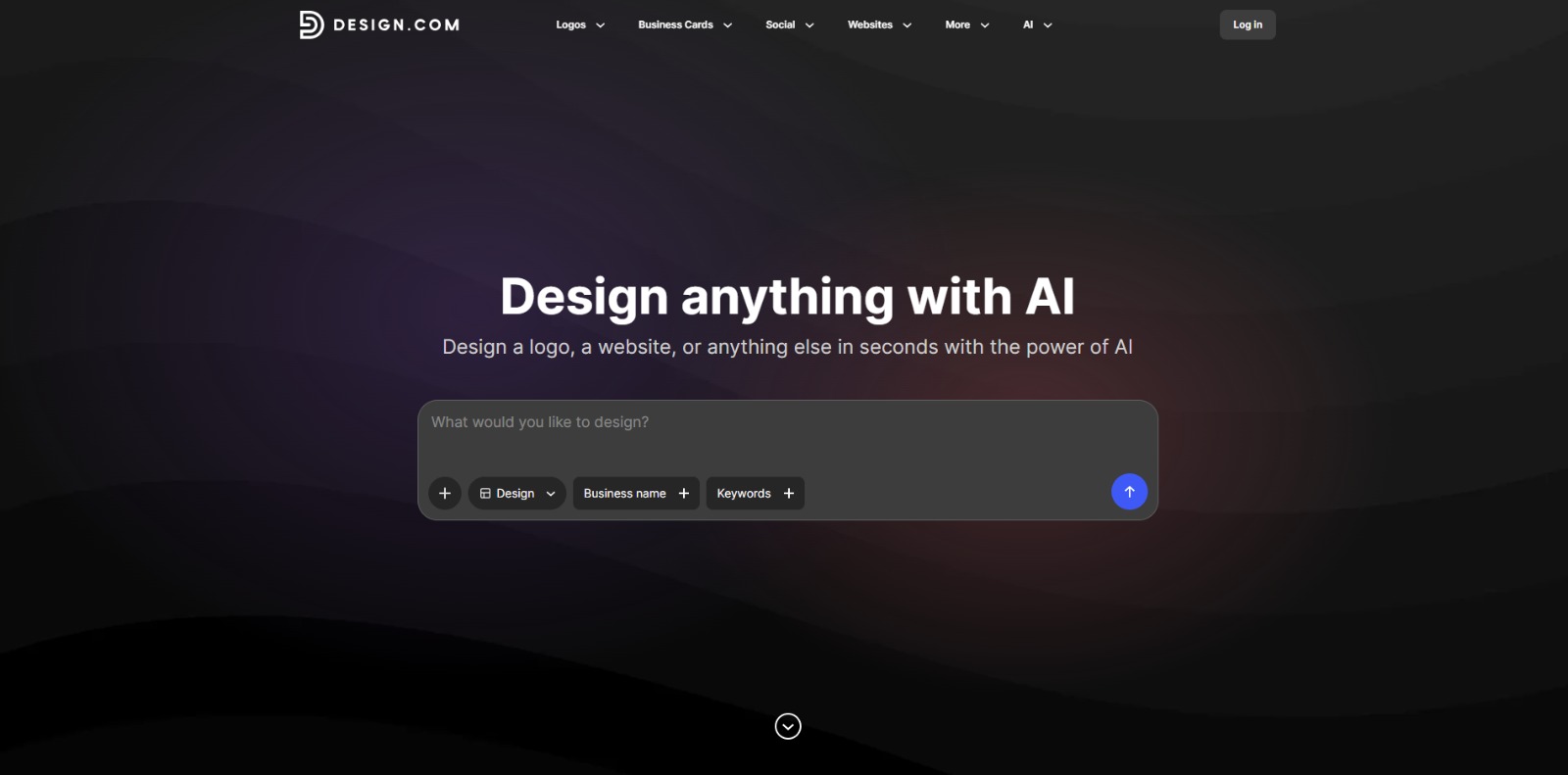
Design.com Review: Is This AI design platform Worth It for Your Brand? In this Design.com review, we’ll explore its core capabilities, who stands to benefit most, and how it can streamline your visual content creation….

Design.com
In today’s fast-paced digital world, standing out requires compelling visuals, but not everyone has a design degree or an unlimited budget for professional designers. This is where AI design platforms like Design.com step in, promising to democratize design and empower creators of all skill levels.
If you’ve ever felt the pinch of tight deadlines or the frustration of complex design software, you’re in good company. This platform aims to transform how you approach visual content, making it accessible, efficient, and surprisingly professional. But does Design.com truly deliver on its promise to simplify your design workflow?
Design.com is an AI-powered design platform engineered to help individuals and businesses create a wide array of visual assets with speed and ease. It acts as a comprehensive solution for generating everything from professional logos and brand kits to engaging social media graphics, business cards, flyers, posters, and even basic website elements.
By leveraging artificial intelligence, this tool aims to simplify the design process, allowing users to achieve polished results without needing extensive graphic design experience or specialized software.
The modern business landscape demands a constant stream of high-quality visual content, yet many entrepreneurs, small business owners, and marketers face significant hurdles. The primary pain points often revolve around a lack of design skills, the prohibitive cost of hiring professional designers, and the sheer time constraints involved in creating effective marketing materials.
Imagine needing a new logo by tomorrow, a series of social media posts for a campaign launch, or a professional business card for an unexpected networking event – all while juggling countless other responsibilities. It’s enough to make anyone feel overwhelmed. This is precisely where Design.com steps in as a crucial solution. It addresses the core need for quick, professional-looking visuals without the steep learning curve or the hefty price tag.
For those who worry about their brand appearing amateurish or inconsistent, this AI design platform offers a pathway to polished aesthetics. It empowers users to take control of their visual identity, ensuring brand consistency across all touchpoints, from digital ads to print materials. The potential of AI to automate and simplify tasks is immense, and Design.com harnesses this power to make design accessible to everyone.
Ultimately, the platform is important because it bridges the gap between the demand for professional visuals and the common limitations faced by non-designers. It allows users to transform their ideas into tangible, impactful designs, helping them compete more effectively, build stronger brands, and communicate their message clearly, all while saving precious time and resources. It’s about giving you the confidence to create, knowing your visuals will stand out for all the right reasons.
Design.com is packed with features designed to make visual creation straightforward and efficient. Here’s a look at some of the core capabilities that make this AI design platform a valuable asset for various users:
One of the standout features, the AI Logo Maker allows users to generate unique and professional logos in minutes. By inputting basic information about their brand, industry, and preferred styles, the AI suggests a range of design options.
This feature is perfect for startups and small businesses looking to establish a strong visual identity quickly and affordably.
Keeping up with social media demands can be a full-time job.
This tool simplifies the process by enabling users to create eye-catching posts, stories, and covers for various platforms. The AI can assist with layouts, font pairings, and color schemes, ensuring your content looks polished and engaging, helping you maintain a consistent presence online.
Beyond digital, Design.com extends its capabilities to print. Users can design professional business cards, letterheads, and email signatures that align with their brand’s aesthetic. This ensures a cohesive brand image across all professional communications, reinforcing credibility and professionalism.
For events, promotions, or announcements, creating effective flyers and posters is crucial. This feature provides templates and AI-guided design assistance to produce high-quality print materials. Users can customize text, images, and layouts to fit their specific needs, making event planning and marketing much easier.
While not a full-fledged web development platform, Design.com offers tools to assist with creating visual elements for websites, such as banners, headers, and general layout ideas. This capability helps ensure that your online presence maintains the same professional look and feel as your other marketing materials.
Even with AI assistance, personal touches are important. The platform provides user-friendly editing tools that allow for customization of fonts, colors, images, and layouts. This ensures that while the AI provides a strong foundation, users can fine-tune designs to perfectly match their vision and brand guidelines.
Design.com is built for a broad spectrum of users who need efficient, high-quality visual content without the typical design hurdles. Here are the key audiences who stand to benefit most:
❤️ Also loved by: E-commerce Store Owners, Event Planners, Real Estate Agents, Non-profit Organizations, Startup Founders, Personal Branding Enthusiasts, Students (for projects), Coaches, Authors, Podcasters, Local Business Owners, Solopreneurs, Digital Marketers, Brand Managers.
Design.com fits into these categories. Explore each page for alternatives and related tools.
If Design.com is not a perfect fit, these alternative AI tools may cover different budgets, features, and use cases in AI FOR MARKETING. Compare strengths, positioning, and why each tool might be a better fit for a specific workflow.
While specific pricing details for Design.com are not clearly specified, the value proposition of such an AI design platform typically lies in its ability to provide professional-grade design capabilities at a fraction of the cost of hiring traditional designers or subscribing to complex, high-end software.
Users should consider the potential time savings, the ease of creating a consistent brand identity, and the ability to produce a wide range of marketing materials as key factors in evaluating its value. It’s always a good practice to check the official Design.com website directly for the most current information regarding their pricing models, available plans, and included features, as these may evolve over time.
If you’re a small business owner, an ambitious entrepreneur, or a marketing professional constantly juggling visual content needs, Design.com offers a compelling solution. It promises to transform your design workflow, empowering you to create stunning visuals that resonate with your audience, build a stronger brand, and save valuable time and resources.
Imagine the freedom of bringing your creative ideas to life with just a few clicks, without the usual headaches of complex software or budget constraints. This platform could be the creative partner you’ve been searching for, helping you elevate your brand’s visual presence effortlessly.
Ready to explore a smarter way to design?
Visit Design.com today and see how this AI design platform can help you create professional-looking marketing materials with ease.
CharlieAITools was created with love to help you discover the best AI tools and transform your life, your ideas, and your projects. By signing up through my affiliate link, you help me keep this site running and continue to share valuable resources with fellow entrepreneurs. Thanks a ton for your support! 💛

Design.com Review: Is This AI design platform Worth It for Your Brand? In this Design.com review, we’ll explore its core capabilities, who stands to benefit most, and how it can streamline your visual content creation….
LogoAI Review: Your AI Logo Maker for Instant Brand Identity In this LogoAI review, we’ll explore how this innovative platform empowers entrepreneurs, startups, and small businesses to create professional logos and…

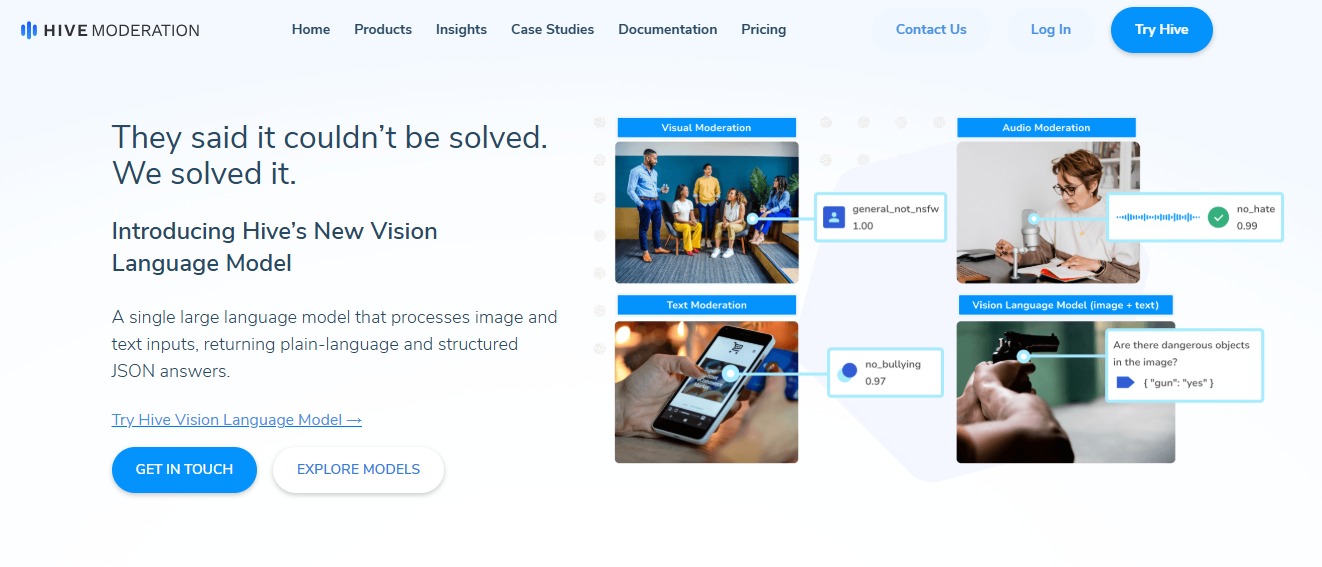
Hive Moderation: Detect and moderate harmful or AI-generated content across text, images, video, and audio with fast, scalable APIs. 🚀

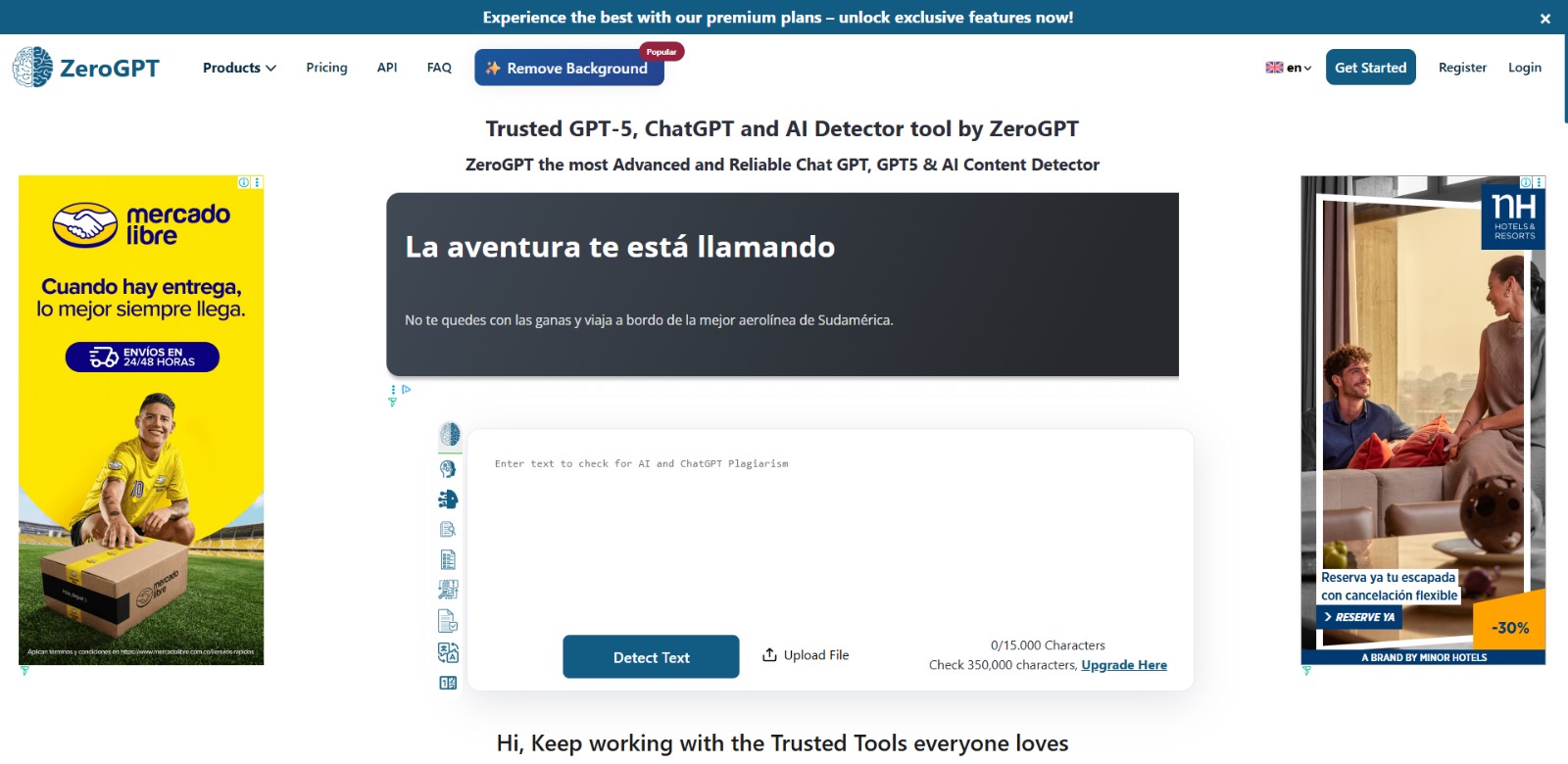
ZeroGPT: Detect AI-generated text instantly with fast scans, sentence-level analysis, and multilingual support for educators, writers, and teams. 🚀

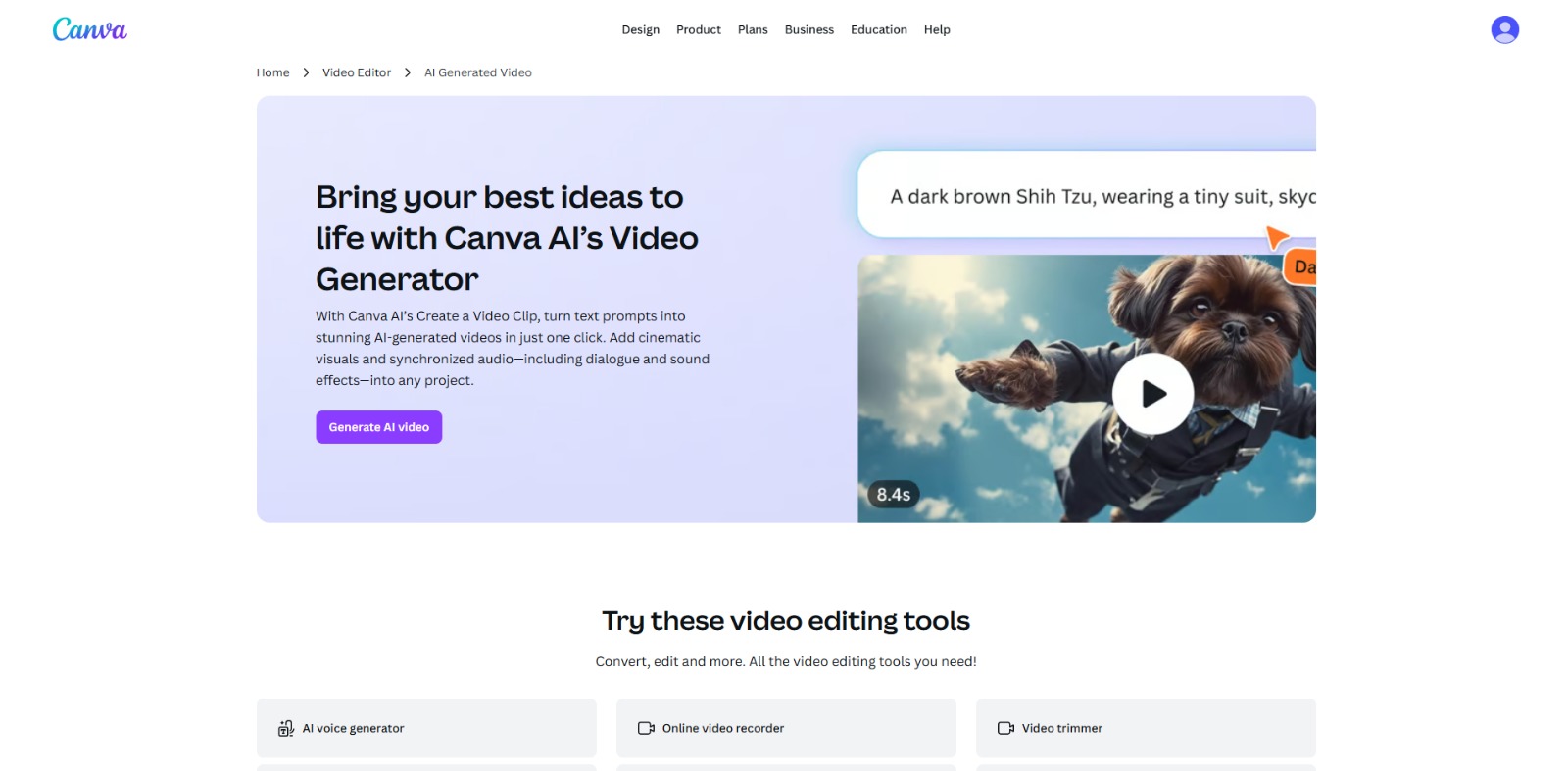
Canva AI Video Review: Is This AI video generator Worth It for Content Creators? In this Canva AI Video review, we’ll dive into its features, benefits, potential limitations, and help you decide if this AI video…

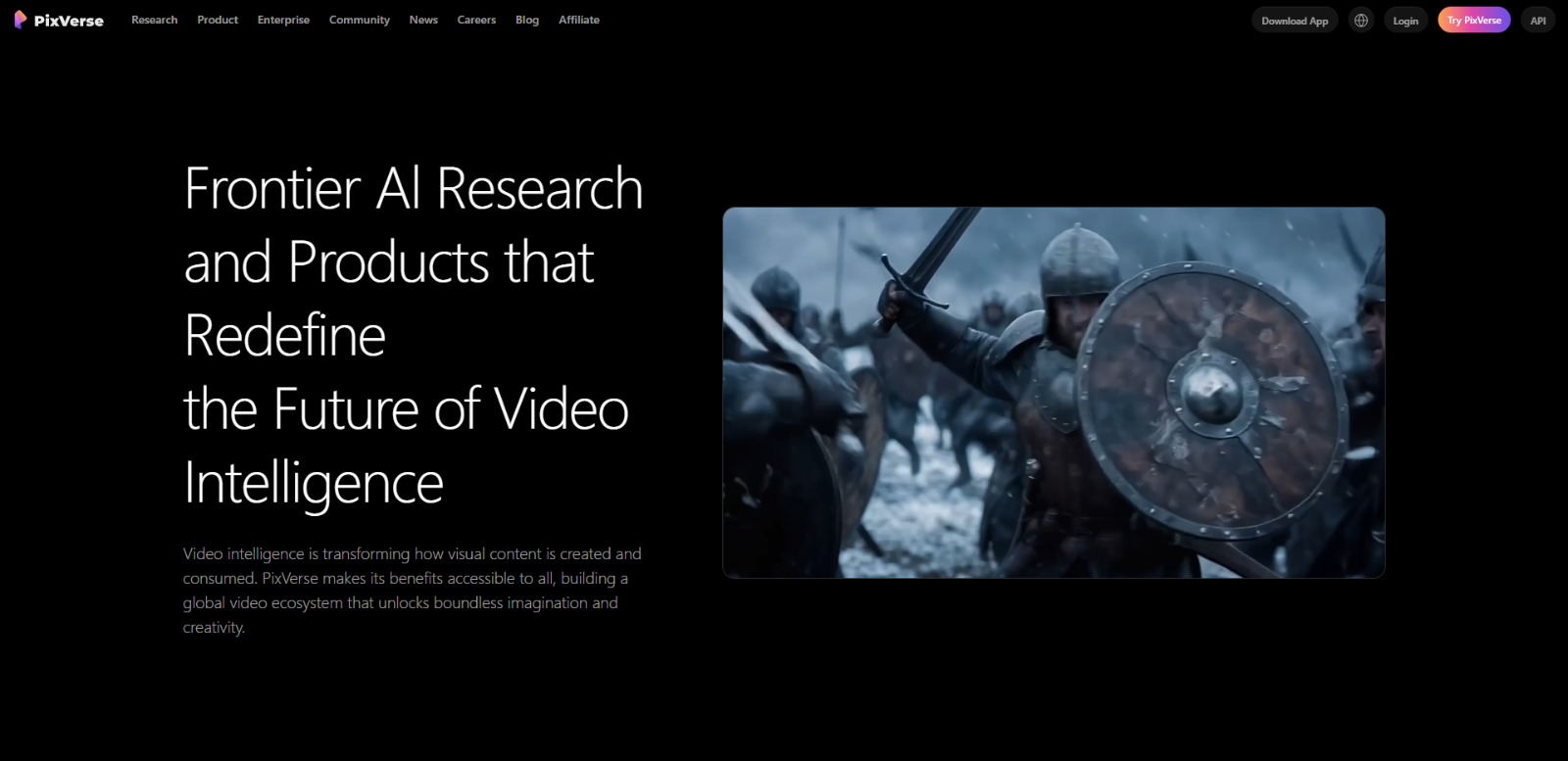
PixVerse Review: Elevating Your AI Video Generation with Precision and Creativity In this PixVerse review, we’ll explore how this innovative platform empowers creators to produce high-quality AI video content, its core…

To provide the best experiences, we and our partners use technologies like cookies to store and/or access device information. Consenting to these technologies will allow us and our partners to process personal data such as browsing behavior or unique IDs on this site and show (non-) personalized ads. Not consenting or withdrawing consent, may adversely affect certain features and functions.
Click below to consent to the above or make granular choices. Your choices will be applied to this site only. You can change your settings at any time, including withdrawing your consent, by using the toggles on the Cookie Policy, or by clicking on the manage consent button at the bottom of the screen.