

Slack
Slack Review: Is This AI work platform Your Team’s Next Productivity Hub? In this Slack review, we’ll explore its evolving capabilities, how it helps teams overcome common collaboration challenges, and whether its…

Slack
In today’s fast-paced work environment, effective communication and streamlined workflows are non-negotiable. Teams often find themselves juggling multiple tools, leading to fragmented information and lost productivity. This is where a robust AI work platform like Slack steps in, aiming to consolidate communication, automate tasks, and enhance collaboration. But with so many options available, how does Slack truly stand out, especially with its increasing focus on artificial intelligence? Let’s dive in.
Slack is a widely recognized digital workspace designed to facilitate real-time communication, collaboration, and workflow management for teams of all sizes. At its core, it’s a messaging platform, but it extends far beyond simple chat, integrating with numerous other business tools and offering features for organized project discussions, file sharing, and now, increasingly, AI-powered assistance to boost team productivity.
Teams today grapple with a myriad of challenges that hinder productivity and innovation. Information silos often leave team members struggling to access past decisions or crucial files, leading to duplicated efforts and missed context. Inefficient communication, buried in endless email threads or scattered across various apps, means important updates are frequently overlooked, causing delays and frustration.
The constant drain of time spent on repetitive tasks and manual processes further exacerbates these issues, pulling valuable resources away from strategic work. Many organizations also face the complexity of managing a patchwork of different tools and integrations, creating friction rather than seamless workflows. Without a centralized hub for knowledge and context, new team members struggle to get up to speed, and even seasoned professionals waste time searching for answers. This platform addresses these core pain points by aiming to unify communication, automate routine tasks, and provide intelligent assistance, ultimately fostering a more cohesive and productive work environment.
This platform is packed with features designed to streamline team communication and boost productivity. From real-time messaging to sophisticated automation, it offers a comprehensive suite of tools to keep your team connected and efficient.
At its heart, the software organizes conversations into channels, allowing teams to create dedicated spaces for projects, departments, or specific topics. This structure helps prevent information overload and ensures that relevant discussions are easily accessible to the right people. You can share messages, files, and updates, keeping all related communication in one place.
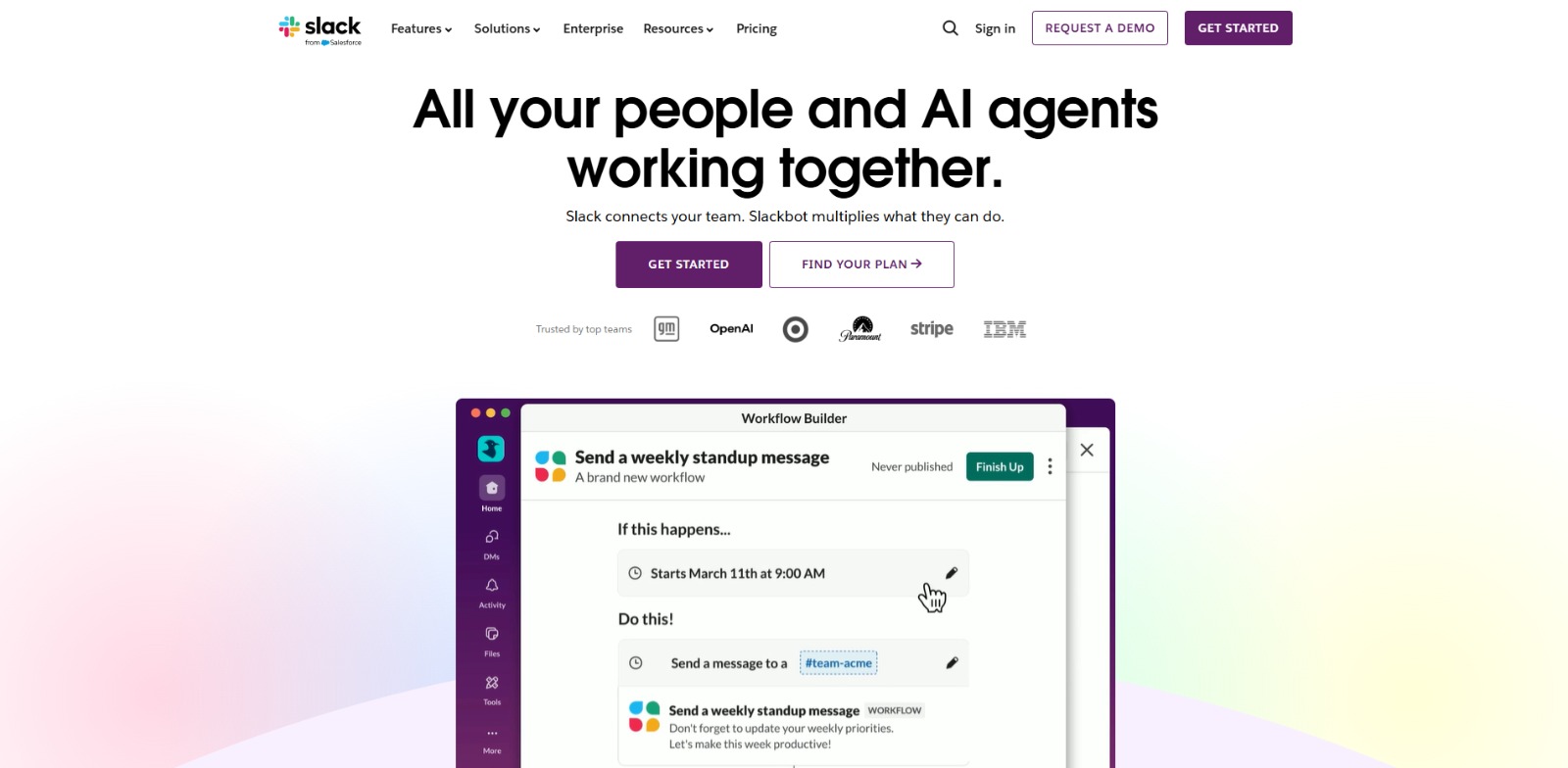
The Workflow Builder allows users to automate routine tasks and processes directly within the platform. You can create custom workflows that trigger actions based on specific events, such as new channel members, emoji reactions, or scheduled times. This feature helps eliminate manual steps, from onboarding new hires to collecting daily stand-up updates, saving valuable time.
Leveraging artificial intelligence, this tool enhances its search capabilities, making it easier to find specific information, files, or past conversations across all your channels. Its AI features can also summarize lengthy discussions, providing quick overviews of key decisions and action items, which is a game-changer for catching up after a break or joining an ongoing project.
One of the platform’s greatest strengths is its extensive app directory, offering thousands of integrations with popular business tools like Google Drive, Salesforce, Zoom, and Trello. This allows teams to centralize their work, bringing notifications and actions from other applications directly into their communication hub, reducing context switching.
This feature enables secure and seamless collaboration with external partners, clients, or vendors. Instead of relying on email, teams can create shared channels with external organizations, maintaining a unified communication experience while keeping sensitive information secure and organized.
The platform is designed to incorporate AI agents, sometimes referred to as Agentforce, which can perform various tasks to assist teams. These agents can help with information retrieval, automate responses, manage schedules, or even assist in project management, acting as intelligent assistants embedded directly into your daily workflows. Its capabilities may evolve as the company releases updates, so users should check the official website for the latest details.
This platform is a versatile solution, but it truly shines for specific professional segments looking to optimize their collaborative efforts and leverage AI for efficiency.
❤️ Also loved by: Customer Support Agents, HR Professionals, Operations Managers, Product Managers, Content Creators, Enterprise Executives, Freelancers, Educators, Researchers, Non-Profit Organizations, Event Planners, Consultants, Financial Analysts, Legal Teams, Healthcare Administrators.
Slack fits into these categories. Explore each page for alternatives and related tools.
If Slack is not a perfect fit, these alternative AI tools may cover different budgets, features, and use cases in AI PRODUCTIVITY. Compare strengths, positioning, and why each tool might be a better fit for a specific workflow.
While specific pricing details are not clearly specified here, it’s important to understand that this platform typically offers various tiers, often including a free version with limited features, and paid plans that unlock advanced capabilities like enhanced integrations, more storage, greater security controls, and expanded access to features such as Workflow Builder and AI assistance. The value derived from this tool often scales with the size and complexity of your team’s needs, with higher tiers providing more robust administrative controls and compliance features. Users should check the official website for the latest model availability, pricing, and feature details, as these can evolve over time.
Imagine a world where information silos are a distant memory, repetitive tasks handle themselves, and finding that crucial piece of data takes mere seconds. This platform, with its powerful communication features and growing suite of AI capabilities, is designed to bring that vision to life. It’s about empowering your team to work smarter, not harder, fostering a culture of seamless collaboration and efficiency. If you’re tired of fragmented communication and manual bottlenecks, exploring this AI work platform could be the catalyst your team needs to unlock its full potential.
Ready to see how this AI work platform can revolutionize your team’s communication and workflows? Visit Slack today to explore its features and find the right plan for your needs.
CharlieAITools was created with love to help you discover the best AI tools and transform your life, your ideas, and your projects. By signing up through my affiliate link, you help me keep this site running and continue to share valuable resources with fellow entrepreneurs. Thanks a ton for your support! 💛

Slack Review: Is This AI work platform Your Team’s Next Productivity Hub? In this Slack review, we’ll explore its evolving capabilities, how it helps teams overcome common collaboration challenges, and whether its…
Glean Review: Is This work AI Worth It for Your Enterprise? In this Glean review, we’ll explore how this powerful work AI helps businesses unify knowledge, boost productivity, and leverage AI securely. Navigating the…

ServiceNow Review: Streamlining IT Service Management for Enterprise Excellence In this ServiceNow review, we’ll dive deep into how this powerful platform can transform your IT service management, automate workflows,…

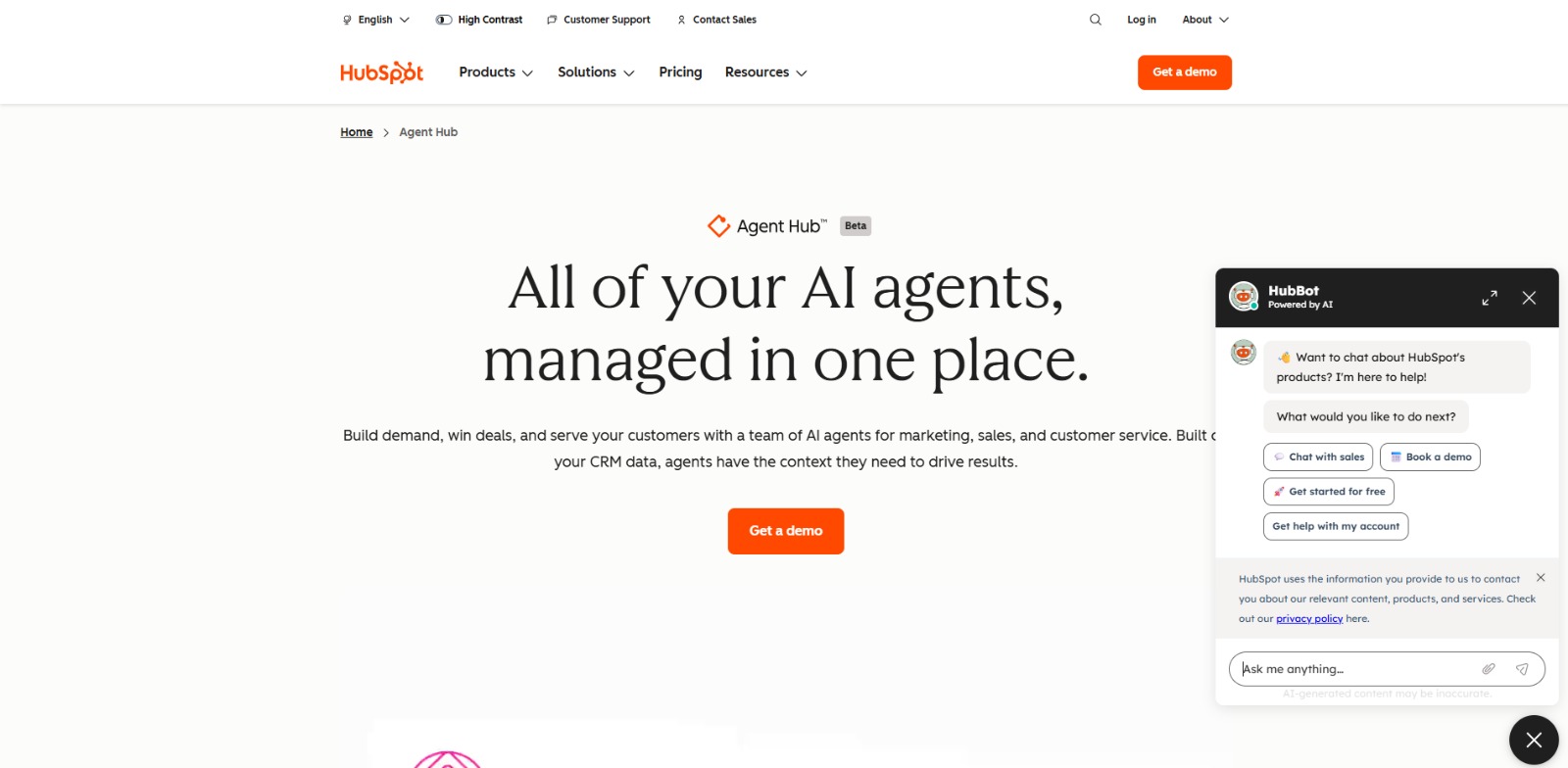
HubSpot Breeze Review: Your Central Hub for Smarter AI Agents? In this HubSpot Breeze review, we’ll dive into how this innovative platform empowers businesses with AI agents, exploring its features, benefits, and who…

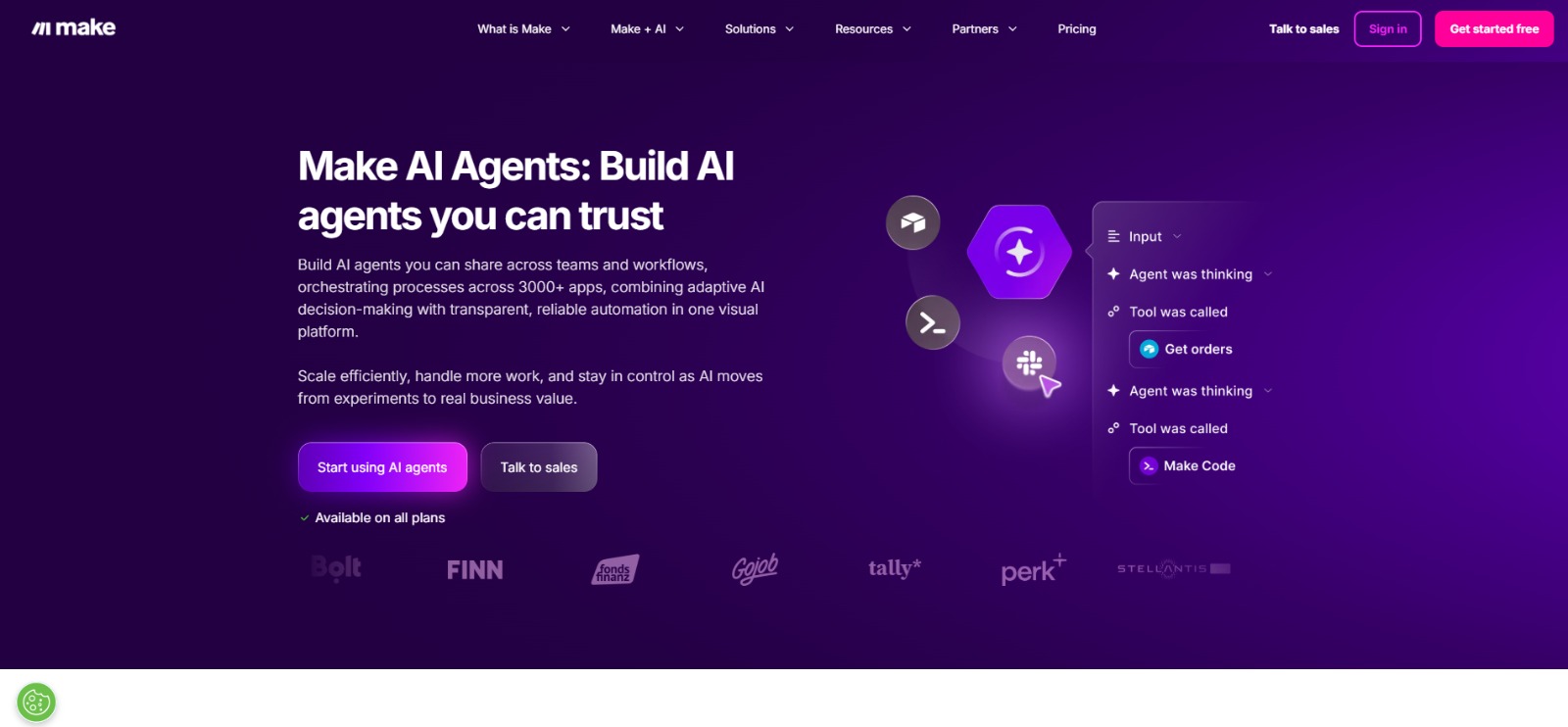
Make AI Agents Review: Build Smarter Workflows with Intelligent Automation In this Make AI Agents review, we’ll dive into how this platform empowers you to create custom AI agents, streamline operations, and what makes…
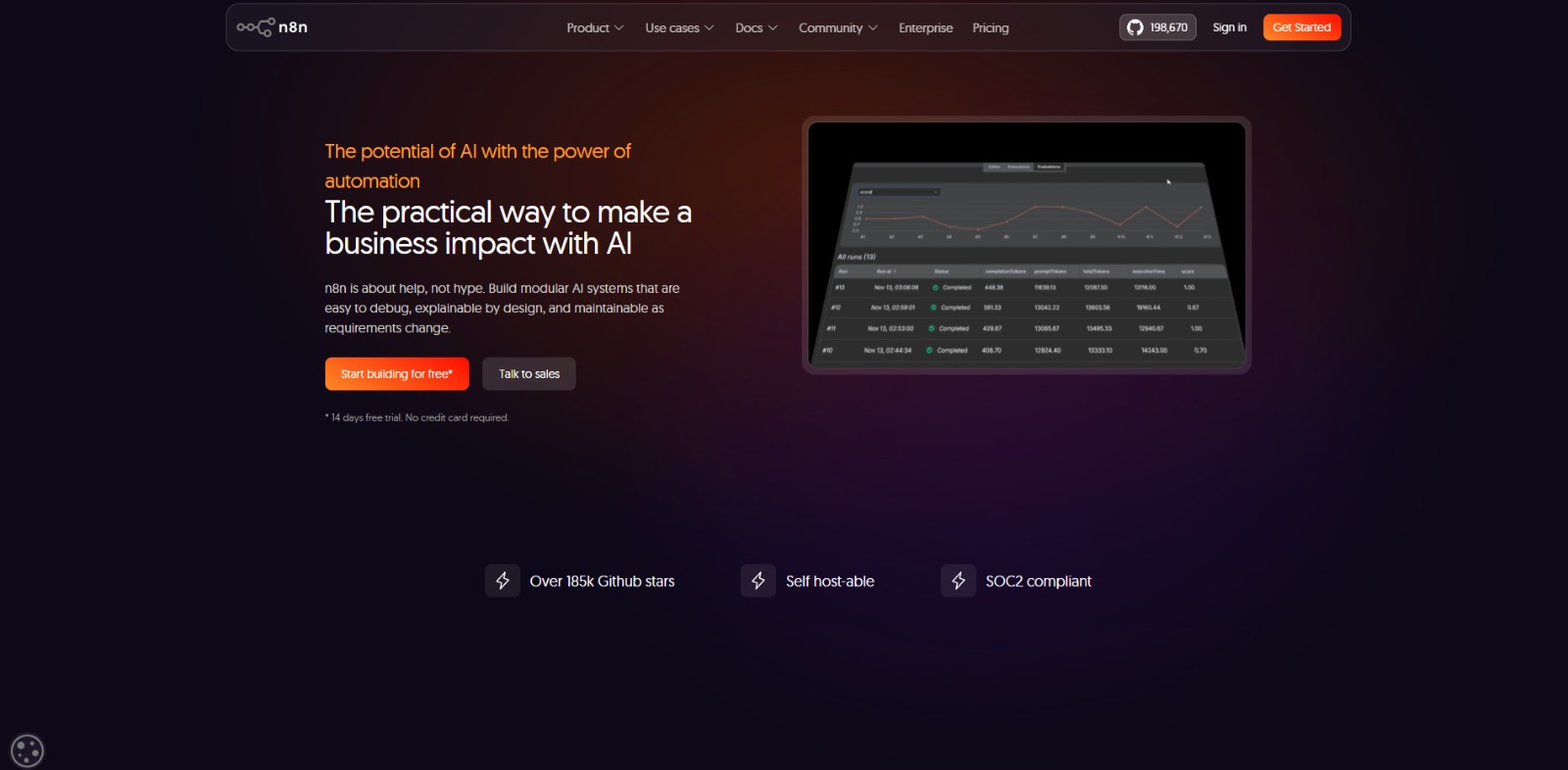
n8n AI Review: Automate Complex AI Workflows with Control and Clarity In this n8n AI review, we’ll dive into its core capabilities, ideal use cases, benefits, and limitations, helping you decide if it’s the right…

To provide the best experiences, we and our partners use technologies like cookies to store and/or access device information. Consenting to these technologies will allow us and our partners to process personal data such as browsing behavior or unique IDs on this site and show (non-) personalized ads. Not consenting or withdrawing consent, may adversely affect certain features and functions.
Click below to consent to the above or make granular choices. Your choices will be applied to this site only. You can change your settings at any time, including withdrawing your consent, by using the toggles on the Cookie Policy, or by clicking on the manage consent button at the bottom of the screen.