
Google Workspace with Gemini
Google Workspace with Gemini Review: A Practical AI tools for business for Productivity and Growth In this Google Workspace with Gemini review, we’ll explore its integrated AI features, key benefits, who it’s best for,…

Google Workspace with Gemini
In today’s fast-paced business world, staying productive and efficient is more challenging than ever. Repetitive tasks, information overload, and the constant need for fresh content can quickly drain time and energy. This is where AI steps in, promising to revolutionize how we work.
Google Workspace with Gemini aims to bring that revolution directly into the tools you already use every day, offering a seamless way to enhance productivity without a steep learning curve. But does this integrated AI solution truly deliver on its promise to be a game-changer for businesses? Let’s dive in and find out.
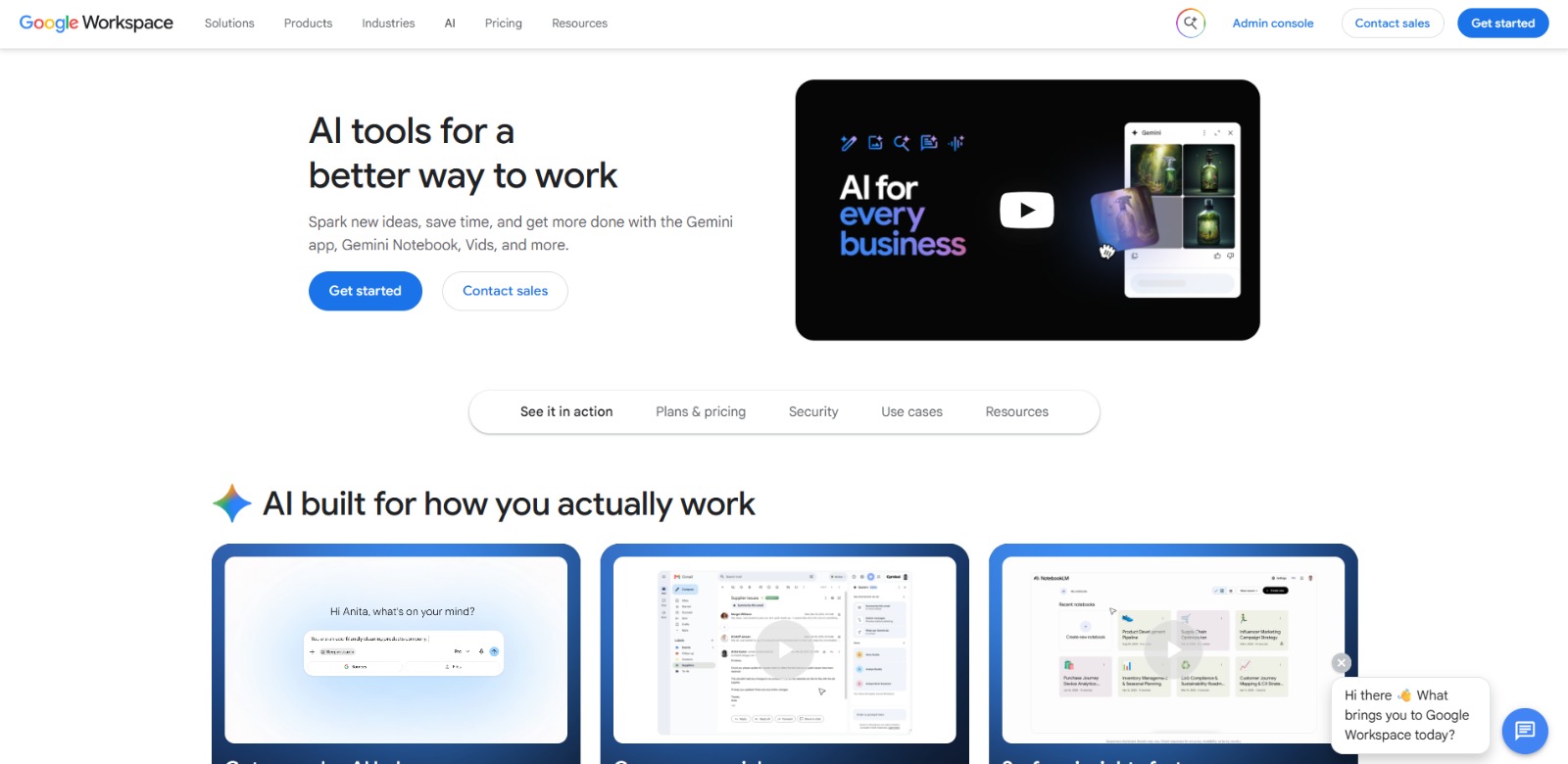
Google Workspace with Gemini is an integrated suite of AI capabilities embedded directly into the familiar applications of Google Workspace, such as Gmail, Docs, Sheets, Meet, and more.
It’s designed to act as a powerful AI assistant, helping users automate tasks, generate content, summarize information, and gain insights, all within their existing workflows. Rather than a standalone AI tool, it functions as an intelligent layer across Google’s popular business ecosystem, making advanced AI accessible and practical for everyday work.
The modern professional often feels overwhelmed by the sheer volume of work, constantly searching for ways to be more efficient and strategic. Many struggle with time-consuming, repetitive tasks like drafting emails, summarizing lengthy documents, or manually inputting data.
This information overload can lead to missed insights and a feeling of being perpetually behind. Content creation, from marketing copy to internal reports, is another significant bottleneck, demanding considerable time and effort.This is precisely where an AI productivity suite like Google Workspace with Gemini becomes crucial.
It directly addresses these pain points by integrating AI assistance into the core applications businesses use daily. Imagine an AI assistant that can instantly summarize a long email thread in Gmail, help draft a compelling presentation in Slides, or analyze data patterns in Sheets. This platform aims to free up valuable time currently spent on administrative and mundane tasks, allowing professionals to focus on higher-value, strategic work. For small to medium-sized businesses and departments within larger enterprises, this means not just increased individual productivity, but also enhanced team collaboration, faster decision-making, and a competitive edge in an increasingly AI-driven landscape. It’s about transforming existing workflows to be smarter, faster, and more effective, without the need to adopt entirely new, complex platforms.
Google Workspace with Gemini brings a suite of powerful AI capabilities directly into your favorite Google applications, designed to streamline your daily tasks and boost productivity. Here are some of its standout features:
This feature helps you manage your inbox more efficiently. It can draft emails from scratch based on simple prompts, summarize long email threads to quickly grasp key points, and even suggest replies, saving you significant time on communication.
For content creation and editing, Gemini in Docs is a powerful ally. It can generate first drafts of documents, brainstorm ideas, refine existing text for clarity and tone, and even help you structure complex reports or proposals.
Data analysis becomes more accessible with Gemini in Sheets. This capability can help you organize data, identify trends, generate formulas, and create visualizations from your spreadsheets, making it easier to extract actionable insights without extensive manual manipulation.
Meetings can be more productive with AI assistance. Gemini in Meet can provide AI-powered summaries of discussions, highlight key decisions, and even suggest action items, ensuring that important details are captured and follow-ups are clear.
Beyond individual applications, Gemini Notebook offers a dedicated space for more general AI assistance. It’s designed for brainstorming, research, summarizing complex information from various sources, and developing ideas in a flexible, interactive environment.
This feature allows users to build custom workflows and automate repetitive tasks across Google Workspace applications. It can connect different tools and actions, creating smart sequences that handle routine processes, freeing up time for more strategic work.
For engaging visual content, Vids provides AI-powered assistance in creating professional-looking videos. It can help with scriptwriting, storyboarding, and even generating initial video drafts, making video production more accessible for marketing, training, or internal communications.
Google Workspace with Gemini is designed for a broad spectrum of professionals and businesses looking to inject intelligence and efficiency into their daily operations.
❤️ Also loved by: Sales Representatives, Customer Support Agents, Data Analysts, HR Professionals, IT Administrators, Executives, Freelancers, Educators, Researchers, Developers, Entrepreneurs, Non-profit Managers, Event Planners, Consultants.
Google Workspace with Gemini fits into these categories. Explore each page for alternatives and related tools.
If Google Workspace with Gemini is not a perfect fit, these alternative AI tools may cover different budgets, features, and use cases in AI PRODUCTIVITY. Compare strengths, positioning, and why each tool might be a better fit for a specific workflow.
While specific pricing details for Google Workspace with Gemini are not clearly specified in the provided context, it’s generally understood that access to these advanced AI features is typically integrated into specific Google Workspace business plans.
This means that existing Google Workspace users may need to upgrade their subscription or add on specific AI capabilities. The value proposition lies in the significant productivity gains and time savings that the integrated AI can offer, potentially offsetting the additional cost through increased efficiency and improved work quality. Users should check the official Google Workspace website for the latest model availability, pricing tiers, and feature details, as these may evolve over time.
In a world where every minute counts, the ability to automate, create, and analyze with intelligent assistance isn’t just a luxury—it’s a necessity. Google Workspace with Gemini offers a compelling vision of the future of work, where your familiar tools become smarter, your tasks become lighter, and your focus shifts to what truly matters.
If you’re tired of repetitive tasks, overwhelmed by information, or constantly seeking ways to boost your team’s output, this integrated AI solution could be the catalyst you need to unlock new levels of productivity and innovation.
If you’re ready to explore how integrated AI can streamline your operations and free up valuable time, consider diving deeper into Google Workspace with Gemini.
CharlieAITools was created with love to help you discover the best AI tools and transform your life, your ideas, and your projects. By signing up through my affiliate link, you help me keep this site running and continue to share valuable resources with fellow entrepreneurs. Thanks a ton for your support! 💛

Google Workspace with Gemini Review: A Practical AI tools for business for Productivity and Growth In this Google Workspace with Gemini review, we’ll explore its integrated AI features, key benefits, who it’s best for,…

ChatGPT Business Review: Unlocking Enterprise Productivity with Advanced AI In this ChatGPT Business review, we’ll dive into its core capabilities, ideal use cases, potential benefits, and limitations, helping you…


Higgsfield AI Review: Unlock Cinematic AI Video Generation? In this Higgsfield AI review, we’ll dive into its unique approach to AI video generation, exploring its core features, ideal users, and what sets it apart in a…

Vidu Review: Your AI Video Generator for Fast, Engaging Content? In this Vidu review, we’ll explore its innovative features, key benefits, and how this AI video generator can streamline your content creation workflow….

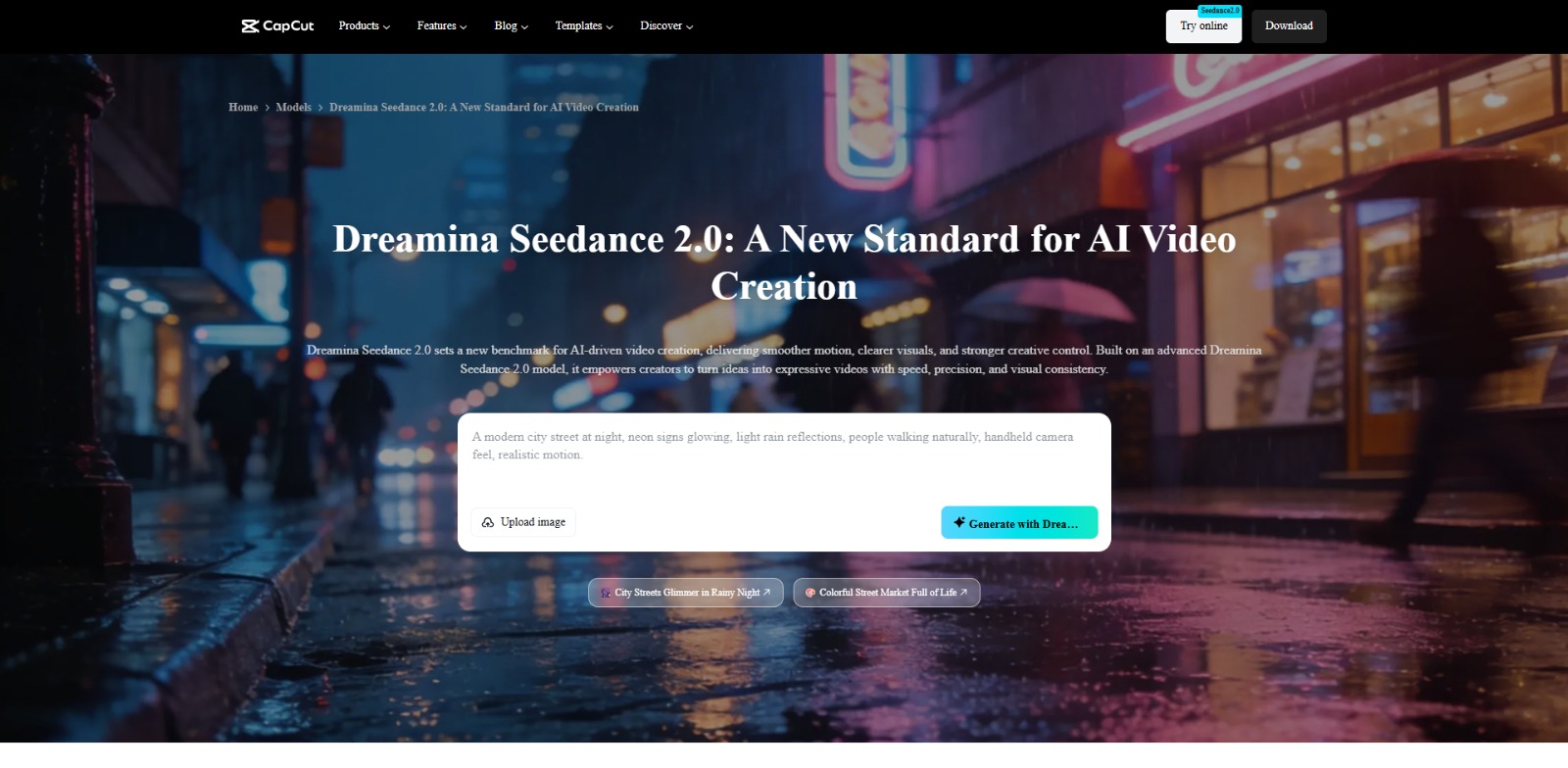
Dreamina Review: Your Go-To AI Video Generator for Creative Content? In this Dreamina review, we’ll explore its capabilities, target users, and how it can streamline your visual content creation. In today’s fast-paced…

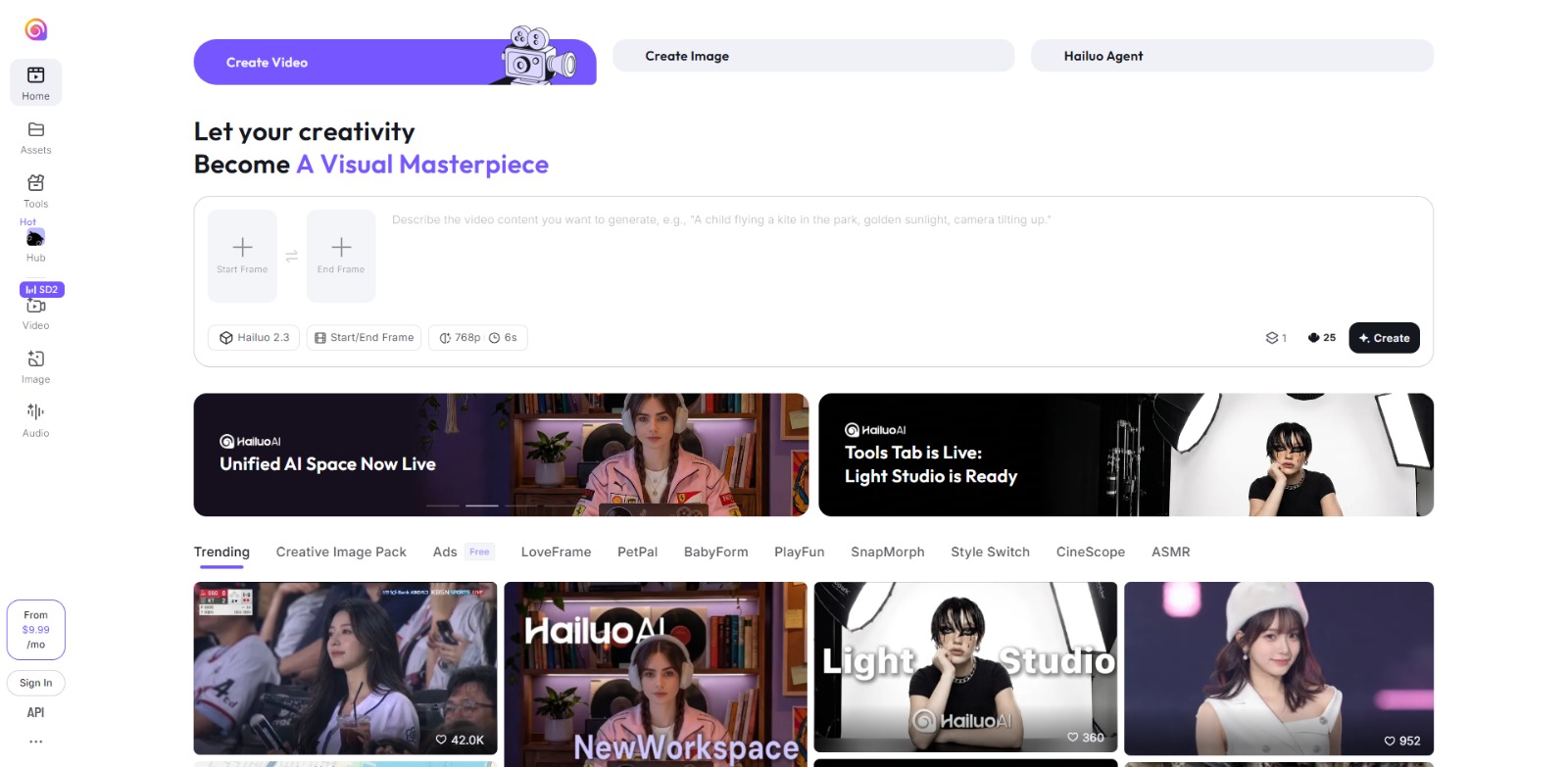
Hailuo AI Review: Is This AI video generator Your Next Creative Power-Up? In this Hailuo AI review, we’ll explore its capabilities for generating AI video and images, who it’s best for, and how it can streamline your…

To provide the best experiences, we and our partners use technologies like cookies to store and/or access device information. Consenting to these technologies will allow us and our partners to process personal data such as browsing behavior or unique IDs on this site and show (non-) personalized ads. Not consenting or withdrawing consent, may adversely affect certain features and functions.
Click below to consent to the above or make granular choices. Your choices will be applied to this site only. You can change your settings at any time, including withdrawing your consent, by using the toggles on the Cookie Policy, or by clicking on the manage consent button at the bottom of the screen.