Tripo AI Review: Is This AI 3D model generator Worth It?
In this Tripo AI review, we’ll look at its key features, best use cases, pricing, pros and cons, and whether it is a good fit for your workflow.
In the fast-paced world of digital creation, generating high-quality 3D assets can often feel like a bottleneck. Traditional 3D modeling is notoriously time-consuming, expensive, and demands a steep learning curve. This is where AI tools like Tripo AI step in, promising to revolutionize how creators approach 3D design. This innovative platform aims to democratize 3D content creation, making it accessible to a wider audience, from indie game developers to marketing professionals. But does it deliver on its promise? Let’s dive in and see if this AI 3D model generator can truly transform your creative pipeline.
What Is This Tool?
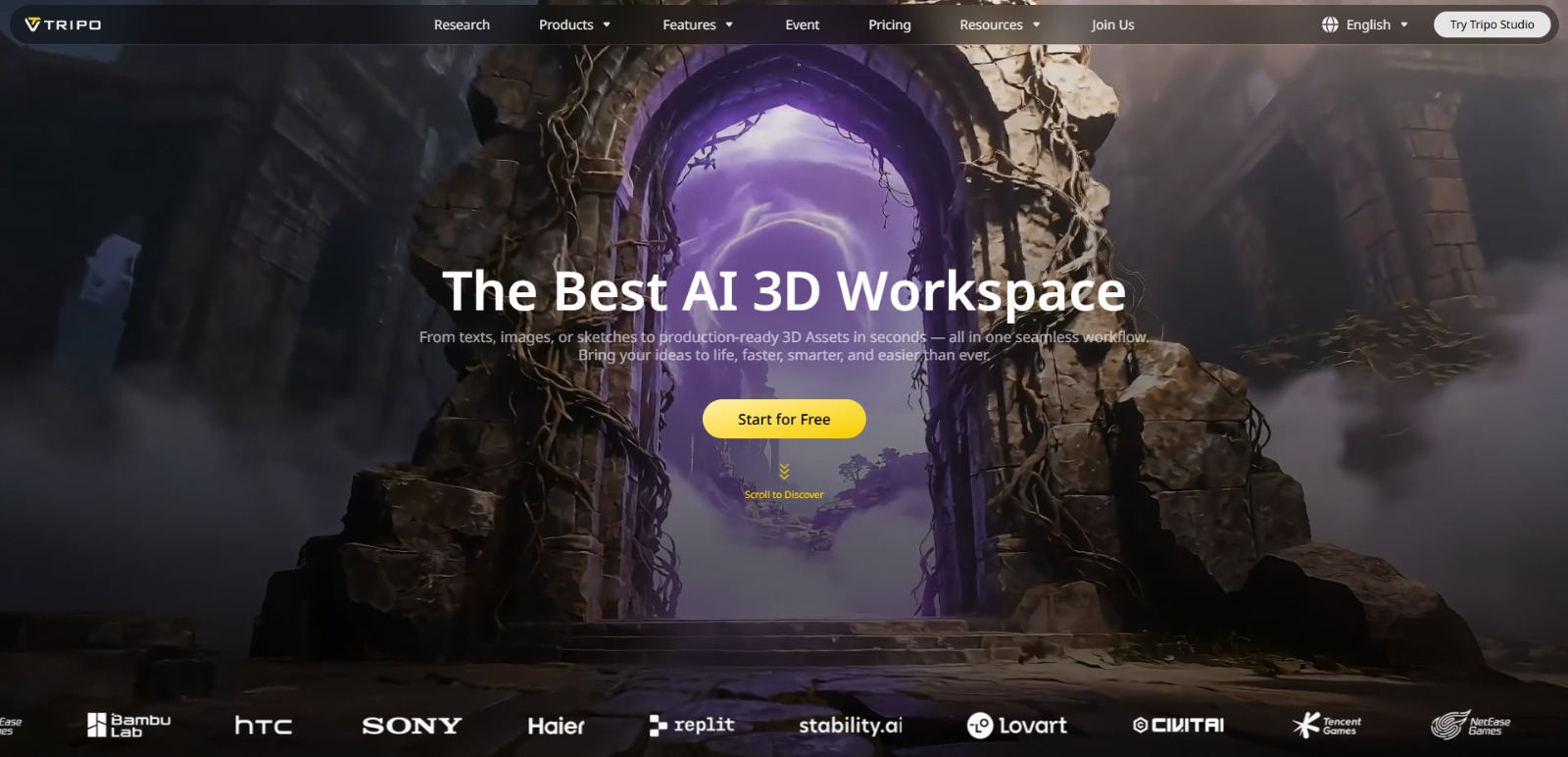
Tripo AI is an advanced AI-powered platform designed to generate 3D models from simple text prompts or 2D images. It acts as a comprehensive solution for 3D asset creation, streamlining the process from initial concept to production-ready models. Beyond just generating the base geometry, this tool also offers AI-driven texturing, automatic rigging, and animation capabilities, making it a powerful ally for anyone looking to quickly produce high-quality 3D content without extensive manual effort or specialized software knowledge.
Why Is This Tool Important?
The demand for 3D content is exploding across industries, from immersive gaming and AR/VR experiences to product visualization in e-commerce and architectural walkthroughs. However, the traditional methods of creating these assets are often plagued by significant challenges. Artists and developers frequently grapple with the immense time investment required for manual modeling, the high costs associated with professional software licenses and skilled talent, and the steep learning curve that can deter many aspiring creators.
This is precisely where solutions like Tripo AI become indispensable. By leveraging artificial intelligence, this platform addresses these core pain points head-on. It offers a pathway to bypass the laborious manual processes, drastically cutting down on both time and cost. Imagine generating a complex 3D object from a simple text description or a single image in minutes, rather than hours or days.
This efficiency allows creators to iterate faster, experiment more freely, and bring their visions to life with unprecedented speed. For professionals facing tight deadlines and limited budgets, the ability to generate production-ready 3D assets, complete with textures and rigging, can be a game-changer, enabling them to focus on creative direction rather than technical hurdles.
Top Features of This Tool
Tripo AI is packed with features designed to simplify and accelerate the 3D asset creation workflow. Here’s a closer look at some of its standout capabilities:
AI 3D Model Generation (Text-to-3D & Image-to-3D)
At its core, this platform excels at transforming abstract ideas or existing visuals into tangible 3D models. Users can simply input a text description, like “a futuristic cyberpunk car” or “a cozy forest cabin,” and the AI will generate a 3D model. Alternatively, you can upload a 2D image, and the tool will convert it into a 3D representation, providing a powerful bridge between 2D concepts and 3D realities. This feature significantly reduces the initial barrier to entry for 3D creation.
AI Texturing with One-Click & Magic Brush
Beyond just geometry, Tripo AI understands that a model isn’t complete without proper texturing. The platform offers AI-powered texturing capabilities, allowing users to apply PBR (Physically Based Rendering) textures with a single click. For more nuanced control, a “magic brush” feature enables users to refine textures and add details precisely where needed, ensuring the generated models are visually appealing and ready for various applications.
AI Model Segmentation
Complex 3D models often consist of multiple distinct parts. This AI solution includes model segmentation, which intelligently identifies and separates different components of a generated model. This feature is invaluable for artists and designers who need to manipulate individual parts, apply specific materials, or prepare models for rigging and animation with greater control and efficiency.
AI Auto-Rigging and Animation
Bringing 3D models to life traditionally involves a painstaking rigging process, where a skeletal structure is created to enable movement. Tripo AI automates this complex task with its AI auto-rigging feature, allowing users to quickly prepare their models for animation. While the platform’s animation capabilities may evolve, the foundation for dynamic 3D content is firmly in place, saving countless hours for animators and game developers.
Versatile Export Options
A powerful 3D generator is only as good as its ability to integrate with existing workflows. Tripo AI supports common 3D export formats such as GLB, STL, and OBJ. This ensures that the models generated can be easily imported into popular 3D software, game engines (like Unity or Unreal Engine), AR/VR environments, or prepared for 3D printing, making the assets truly production-ready and adaptable.
Key Benefits
- Rapid 3D Asset Generation: Significantly reduces the time required to create complex 3D models from concept to completion.
- Cost-Effective Solution: Lowers the need for expensive software licenses and specialized 3D artists, making 3D creation more accessible.
- Simplified Workflow: Automates intricate tasks like texturing and rigging, streamlining the entire 3D asset pipeline.
- Enhanced Accessibility: Empowers users without extensive 3D modeling expertise to generate high-quality assets.
- Production-Ready Output: Delivers models with good geometry and PBR textures, suitable for immediate use in games, AR/VR, and other applications.
- Increased Creative Freedom: Allows for quick prototyping and experimentation with diverse 3D ideas, fostering innovation.
Pros
- Generates 3D models quickly from simple text prompts or images.
- Includes integrated features like AI texturing and auto-rigging, offering a more complete solution.
- Offers a free-to-start option, lowering the barrier to entry for new users.
- Supports standard export formats, ensuring compatibility with various 3D applications.
Cons
- AI-generated models may sometimes require manual refinement to achieve perfect artistic detail or specific topology.
- The quality and complexity of outputs can vary depending on the input prompt or image, requiring user iteration.
Who Should Use It?
Indie Game Developers
- Need to create a wide variety of unique 3D assets for their games on a limited budget.
- Struggle with the time constraints of game development cycles.
- Seek to quickly prototype game environments and characters without extensive 3D modeling skills.
3D Artists & Designers
- Look for tools to accelerate their workflow and automate repetitive tasks like initial model generation, texturing, and rigging.
- Want to quickly generate base models for further refinement in traditional 3D software.
- Experiment with new creative ideas and rapidly iterate on designs.
AR/VR & Metaverse Creators
- Require a constant stream of diverse 3D assets for immersive experiences.
- Need to rapidly populate virtual worlds with objects and characters.
- Benefit from quick generation of models that can be optimized for real-time applications.
Content Creators & Marketing Professionals
- Need engaging 3D visuals for product showcases, social media, or digital campaigns.
- Aim to create unique 3D elements for presentations, videos, or website interactives.
- Look for efficient ways to visualize concepts without hiring expensive 3D specialists.
❤️ Also loved by: Animators, Architects, Product Designers, 3D Printing Enthusiasts, Hobbyists & Makers, Educators in Digital Arts, Students of 3D Design, Technical Artists, Visual Effects Artists, E-commerce Businesses, Digital Storytellers, Virtual Production Teams, Concept Artists, UI/UX Designers.
Best AI Categories
Tripo AI fits into these categories. Explore each page for alternatives and related tools.
Best Alternatives
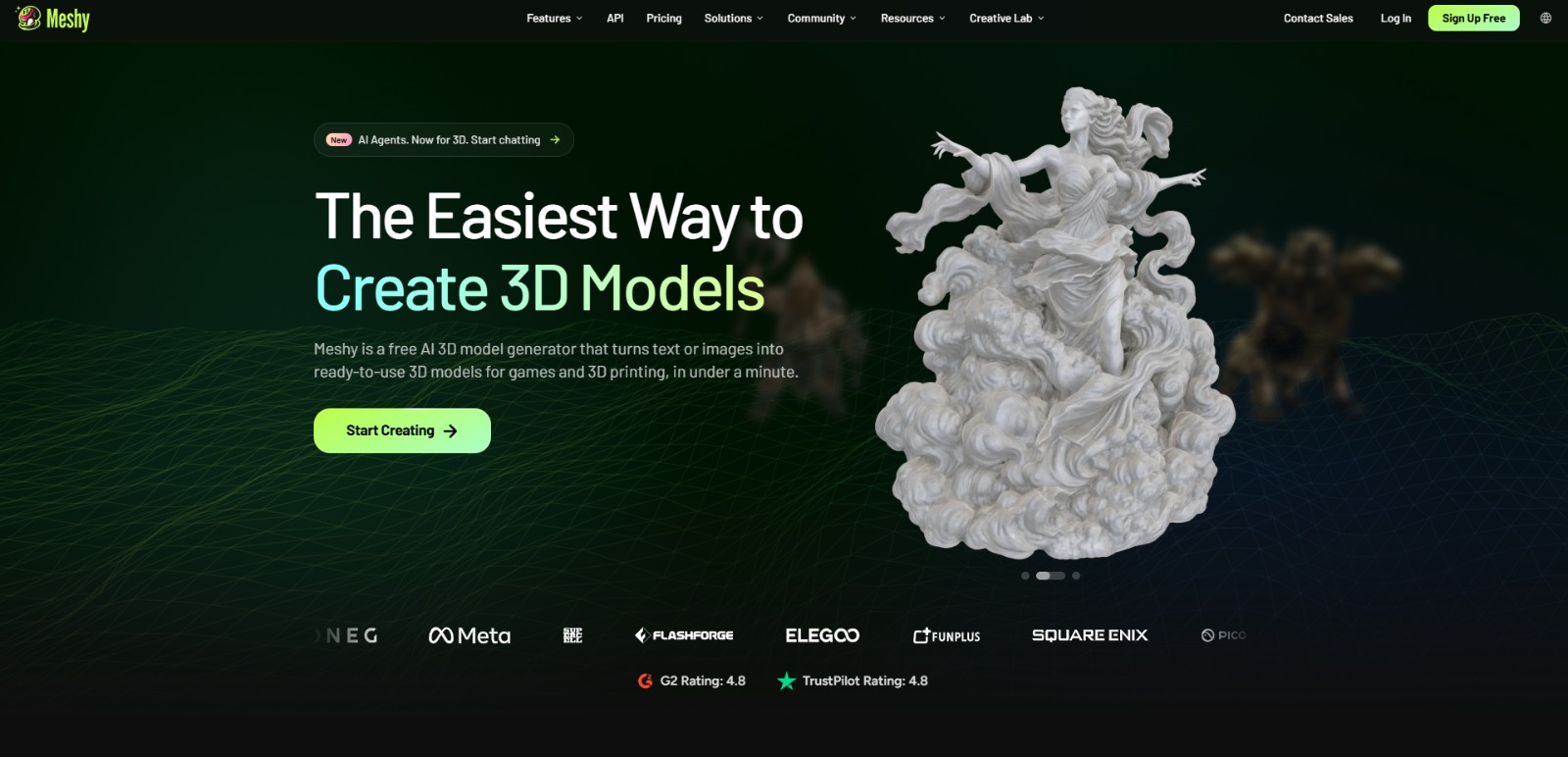
If Tripo AI is not a perfect fit, these alternative AI tools may cover different budgets, features, and use cases in AI 3D MODELING. Compare strengths, positioning, and why each tool might be a better fit for a specific workflow.
- Kaedim: This platform specializes in converting 2D images into production-ready 3D models with a focus on clean topology and game-engine compatibility, often preferred by game developers needing optimized assets.
- Luma AI: Known for its NeRF (Neural Radiance Fields) technology, Luma AI excels at capturing photorealistic 3D scenes and objects from videos, offering a different approach to 3D asset creation for highly realistic environments.
- Spline AI: A web-based 3D design tool that integrates AI features for generation, texturing, and animation, making it a strong alternative for designers who prefer a collaborative, browser-based workflow with a focus on interactive 3D.
Pricing & Plans: Costs, Features & Value
The pricing structure for Tripo AI is not clearly specified in the provided information. However, it does offer a free-to-start option, which is a fantastic way for users to explore its capabilities and determine if it aligns with their workflow before committing financially. Typically, AI tools in this category often feature tiered subscription models, with different plans offering varying levels of generation credits, access to advanced features, faster processing, or commercial usage rights.As with any evolving AI platform, pricing, available plans, and specific feature access may change over time. Therefore, it’s always recommended that users visit the official Tripo AI website directly to get the most up-to-date and accurate information regarding their current pricing models, subscription tiers, and any included features or limitations. This ensures you make an informed decision based on the latest offerings.
Ready to Transform Your 3D Workflow?
If you’ve ever felt the frustration of slow 3D modeling, the pinch of high costs, or the daunting complexity of traditional software, Tripo AI offers a compelling vision for the future of 3D creation. This platform isn’t just about generating models; it’s about empowering you to bring your ideas to life faster, more affordably, and with less friction. Whether you’re an indie developer dreaming up new game worlds, a designer prototyping innovative products, or a marketer crafting captivating visuals, the potential to streamline your workflow and unlock new creative possibilities is immense. It’s a tool designed to remove barriers, allowing your imagination to take center stage.
If Tripo AI sounds like the solution you’ve been searching for to accelerate your 3D projects, why not explore its capabilities for yourself? Visit Tripo AI today and see how this powerful AI 3D model generator can fit into your creative toolkit.
CharlieAITools was created with love to help you discover the best AI tools and transform your life, your ideas, and your projects. By signing up through my affiliate link, you help me keep this site running and continue to share valuable resources with fellow entrepreneurs. Thanks a ton for your support! 💛