What Is Polycam, and How Does This AI Tool Help with 3D Reality Capture?
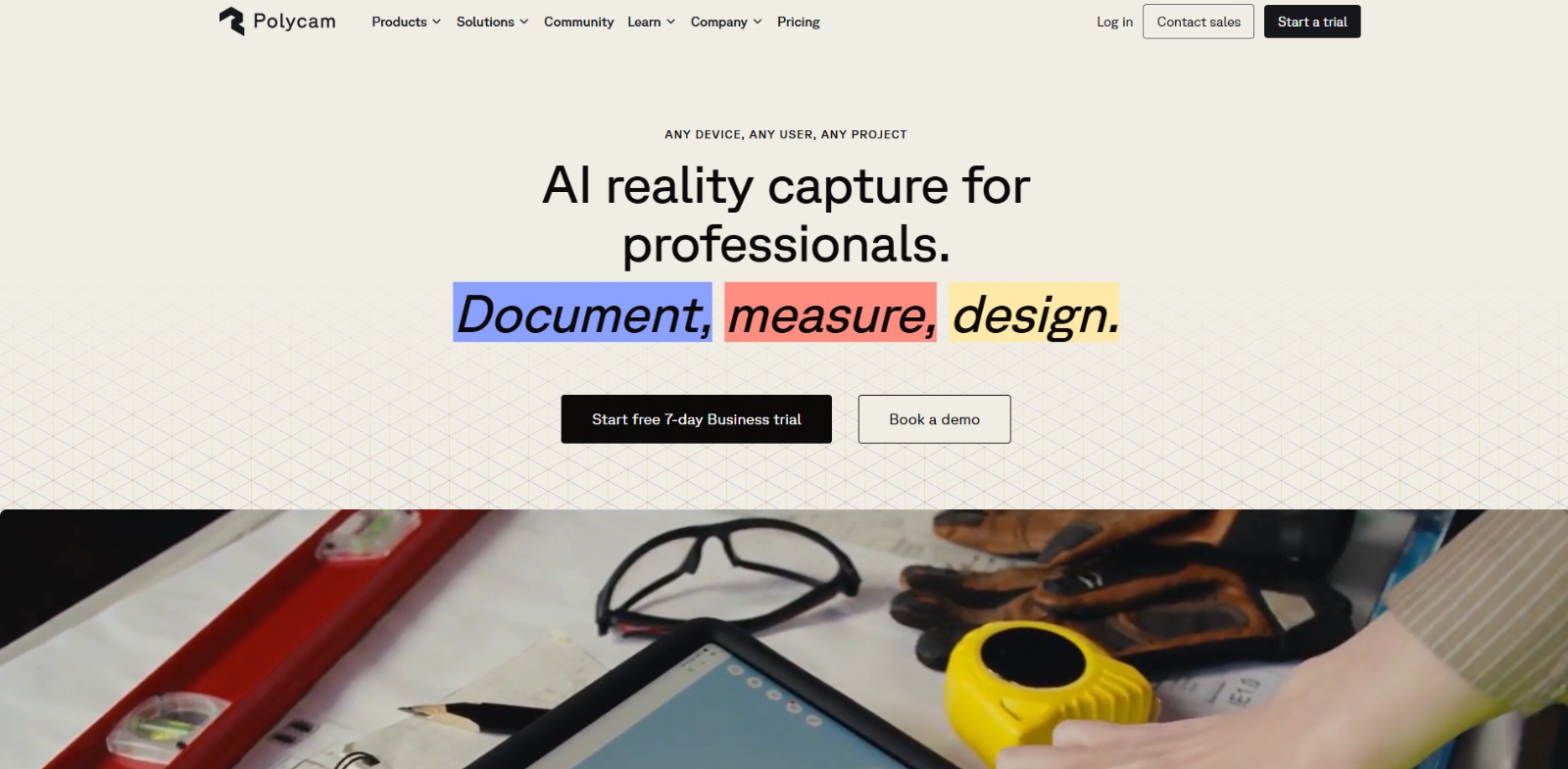
Many professionals and enthusiasts are constantly seeking easier, more accurate ways to digitize the real world around them. If you’ve found yourself asking what is Polycam, you’re likely searching for a powerful yet accessible solution to transform physical spaces and objects into detailed digital models. This innovative platform leverages advanced AI and mobile technology to make 3D reality capture simpler and more efficient than ever before, moving beyond traditional, cumbersome methods.
Understanding Polycam isn’t just about learning a new app; it’s about discovering a new approach to documentation, design, and collaboration. Whether you’re an architect needing precise site surveys, a product designer visualizing prototypes, or anyone keen to create digital twins, knowing how this tool works can unlock significant efficiencies and creative possibilities in your projects. It’s about solving real-world challenges with smart, accessible technology that fits right into your workflow. Once you understand What Is Polycam, check our detailed Polycam Review to compare features, pricing, pros, cons, and alternatives.
The Challenge of Accurate and Efficient Reality Documentation
For professionals across architecture, construction, real estate, and design, accurately documenting existing conditions is the bedrock of every successful project. Yet, this critical first step often relies on outdated, manual methods like tape measures, clipboards, and handwritten notes. This approach is not only incredibly time-consuming, consuming valuable project hours that could be spent on higher-value tasks, but it’s also highly susceptible to human error.
A single missed measurement or an overlooked detail during a site survey can quickly escalate into costly mistakes, impacting budgets, timelines, and client satisfaction. The struggle to capture precise, reliable data efficiently remains a persistent pain point across numerous industries, demanding a more modern solution.
Beyond basic measurements, the process of translating physical spaces into detailed 3D models or precise 2D floor plans presents an even greater challenge. Traditional 3D scanning equipment is often prohibitively expensive, demands specialized training, and isn’t always practical or portable enough for diverse, dynamic job sites.
This forces many teams to rely on labor-intensive manual modeling, which struggles to accurately and consistently capture complex geometries, especially in intricate environments. The result is frequently a compromise between desired detail, project speed, and overall cost, creating significant bottlenecks in modern design, planning, and documentation workflows.
Beyond Manual: The Hurdles of Accessibility, Consistency, and Collaboration
Professionals like Alex the Architect often face a significant hurdle in the accessibility of professional-grade 3D scanning. While the promise of mobile reality capture is enticing, many existing solutions lack the precision, detail, or comprehensive features needed for serious architectural, construction, or design work.
Traditional laser scanners, though accurate, demand a substantial financial investment and specialized training, making them impractical for smaller firms or for rapid, on-site assessments. This accessibility gap prevents many from leveraging cutting-edge technology to streamline their workflows and capture the necessary level of detail.
Another critical challenge lies in maintaining consistent data quality and facilitating seamless collaboration. When combining information from various measurement tools or different team members, inconsistencies can quickly arise, leading to unreliable models and floor plans.
Capturing complex geometries, from intricate building facades to detailed product prototypes, often proves difficult for manual methods, resulting in simplified models that lack crucial detail. Sharing large 3D files with clients, contractors, or remote teams frequently involves cumbersome transfers and incompatible formats, slowing down critical review cycles.
Why These Challenges Lead to Costly Delays and Missed Opportunities
These persistent challenges aren’t just minor inconveniences; they directly translate into significant financial and temporal costs for businesses and individuals. Manual measurements and labor-intensive 3D modeling consume countless hours that could be better spent on design innovation, client engagement, or strategic planning.
Errors introduced early in the documentation phase can lead to expensive rework during construction or manufacturing, causing project delays and budget overruns that severely erode profitability. For professionals like Alex, this means less time creating and more time fixing avoidable mistakes, directly impacting their firm’s bottom line and reputation.
Moreover, the inability to capture accurate, detailed, and consistent 3D data compromises the quality of deliverables and slows down critical decision-making. Clients expect professional, visually rich presentations and precise documentation, but inconsistent data makes this difficult, fostering uncertainty among stakeholders.
This lack of high-fidelity digital representations also limits the potential for advanced simulations, virtual walkthroughs, and precise project planning, ultimately hindering innovation and competitive advantage. The friction in sharing and collaborating on spatial data further creates operational inefficiencies, stifling creativity and leading to missed opportunities.
Polycam: Bridging the Gap to Effortless 3D Reality Capture
If you’ve been nodding along, recognizing those all-too-familiar struggles with manual measurements and costly 3D scanning, then it’s time to meet Polycam. This innovative platform steps in as your practical, AI-powered solution, designed specifically to address the inefficiencies and inaccuracies that plague traditional reality capture workflows. It transforms your everyday mobile device into a sophisticated 3D scanner, making professional-grade documentation accessible and straightforward for everyone.
Polycam empowers professionals like Alex the Architect, and anyone asking what is this AI tool that can simplify their workflow, to capture complex environments and objects with unprecedented ease. By leveraging advanced AI and your device’s capabilities, it democratizes 3D scanning, allowing you to create precise digital twins without the need for prohibitively expensive equipment or extensive specialized training. It’s about putting powerful technology directly into your hands, solving real-world challenges with smart, accessible tools.
How Polycam Transforms Your Device into a 3D Scanner
At its core, Polycam works by harnessing the power of your smartphone or tablet’s camera and, crucially, its LiDAR sensor (if your device is equipped). It captures a wealth of visual and spatial data from the real world, then employs sophisticated artificial intelligence algorithms to process this raw input into highly accurate and detailed 3D models. Think of it as giving your device a superpower for seeing and understanding the world in three dimensions.
Step 1: Choose Your Capture Method
Polycam typically offers users a choice between different capture modes, primarily Photogrammetry and LiDAR. Photogrammetry uses a series of overlapping photos to reconstruct an object or scene, excelling at capturing intricate textures and colors. LiDAR, available on newer devices, uses laser light to measure distances, creating highly accurate geometric models of spaces, even in challenging lighting conditions. You select the best method based on your project’s specific needs.
Step 2: Scan Your Environment with Guidance
Once your method is chosen, the scanning process is remarkably intuitive. You simply move your device around the object or through the space you wish to digitize. Polycam provides real-time visual feedback, guiding you to ensure optimal coverage and data capture. This on-screen assistance helps even beginners achieve comprehensive scans, making sure no crucial detail is missed and the resulting model is as complete as possible.
Step 3: AI Processing and Model Generation
After you’ve completed your scan, Polycam’s AI takes center stage. The captured images or LiDAR point clouds are uploaded (often processed on-device or in the cloud) and meticulously stitched together. The AI algorithms work tirelessly to reconstruct the 3D geometry, apply textures, and correct for any minor distortions or inconsistencies. This intelligent processing is what transforms raw data into a clean, usable, and high-fidelity 3D model in a surprisingly short amount of time.
Step 4: Refine, Export, and Collaborate
With your 3D model generated, Polycam typically offers tools for further refinement. You might be able to clean up meshes, crop unwanted elements, or make minor adjustments to perfect your digital twin. From there, the platform allows you to export your models in a variety of industry-standard formats (like OBJ, FBX, GLB, and more), ensuring compatibility with your existing design software. You can also easily share your creations for seamless collaboration with clients or team members, streamlining review cycles.
The Tangible Value: Efficiency, Accuracy, and Creative Freedom
The real magic of Polycam lies in the tangible value it brings to your workflow. By replacing slow, error-prone manual measurements with rapid, AI-driven digital capture, it dramatically cuts down on project hours and reduces the risk of costly mistakes. This means less time spent on tedious documentation and more time dedicated to high-value tasks like design, analysis, and client engagement, directly impacting your bottom line.
Furthermore, Polycam enhances accuracy and opens up new avenues for creativity. The precision of its 3D models provides reliable data for critical decision-making, while the ease of creating digital twins fosters faster iteration and more immersive visualizations. Professionals gain the freedom to explore designs, conduct virtual site visits, and collaborate more effectively, ultimately leading to better project outcomes and a significant competitive edge in their respective industries.
Embracing the Future of 3D Capture with Polycam
Polycam stands out as a transformative AI tool, fundamentally changing how we approach 3D reality capture. It’s not just another app; it’s a powerful solution that democratizes access to professional-grade 3D scanning, making it available right from your mobile device.
For architects, designers, construction managers, or anyone needing precise digital twins of physical spaces and objects, Polycam addresses the long-standing pain points of high costs, complex equipment, and time-consuming manual processes. This platform empowers you to capture intricate details with remarkable ease and accuracy.
Understanding what is this AI tool means recognizing its potential to streamline workflows and unlock new creative possibilities. Its value lies in its ability to convert real-world environments into actionable digital data, fostering better planning, collaboration, and visualization. By leveraging Polycam, professionals can significantly reduce project timelines, minimize errors, and dedicate more resources to innovation rather than tedious documentation. It represents a significant leap forward in making advanced 3D technology genuinely accessible and practical for everyday professional use.
Transform Your Projects, One Scan at a Time
Imagine cutting down hours of tedious manual measurements, eliminating costly rework due to inaccurate data, and bringing your creative visions to life with unprecedented precision. Polycam isn’t just a tool; it’s an enabler for a more efficient, accurate, and imaginative workflow.
It empowers you to move beyond the limitations of traditional methods, giving you the freedom to explore, innovate, and deliver exceptional results. If you’re ready to elevate your projects and gain a significant advantage in your field, embracing this kind of smart AI solution is your next logical step.
Ready to experience the power of mobile 3D scanning for yourself? Take the leap and discover how Polycam can transform your approach to reality capture, making your projects more efficient and your outcomes more impressive. It’s time to put advanced AI to work for you!
Visit Polycam and Start Scanning Today!
Polycam FAQs
What is Polycam used for?
What is Polycam used for?
Who is Polycam best for?
Who is Polycam best for?
How does Polycam generally work?
How does Polycam generally work?
Is Polycam beginner-friendly?
Is Polycam beginner-friendly?
CharlieAITools was created with love to help you discover the best AI tools and transform your life, your ideas, and your projects. We aim to share valuable resources with fellow entrepreneurs. Thanks a ton for your support!