

Polycam
Polycam Review: Unlocking Precision with AI 3D Scanning for Smarter Workflows In this Polycam review, we’ll explore its core capabilities, ideal use cases, benefits, and limitations, helping you decide if this AI 3D…

Polycam
Ever found yourself wishing you could instantly capture a complex space or object in perfect 3D, right from your phone? That’s where Polycam steps in, transforming your mobile device into a powerful AI 3D scanning tool. This innovative platform is designed to bridge the gap between physical reality and digital models, offering a streamlined approach to spatial intelligence. Whether you’re an architect needing precise floor plans or a designer creating digital twins, Polycam aims to simplify what was once a time-consuming and costly endeavor.
Polycam is a cross-platform AI 3D scanning and reality capture solution that empowers users to create high-quality 3D models, detailed floor plans, and digital twins directly from their mobile devices or drone data. Leveraging advanced technologies like LiDAR and photogrammetry, it transforms real-world environments and objects into digital assets, making professional-grade spatial data accessible to a wider audience. Essentially, it’s your pocket-sized portal to a 3D world, driven by intelligent AI.
In today’s fast-paced world, professionals across various industries often grapple with the challenge of accurately measuring and documenting physical spaces and objects. Traditional methods can be incredibly time-consuming, prone to human error, and require expensive, specialized equipment. Imagine an architect manually sketching a floor plan of an existing building, or a construction manager trying to meticulously measure every detail of a site – it’s a slow, arduous process that can delay projects and inflate costs.This is where the power of AI 3D scanning becomes indispensable.
Tools like this platform address the core pain points of inaccurate measurements and slow manual 3D model creation by offering a professional-grade solution accessible right from your smartphone or tablet. It democratizes 3D reality capture, allowing users to quickly generate precise spatial data without needing extensive training or a hefty budget for high-end scanners.For professionals like architects, interior designers, and construction managers, the ability to rapidly create detailed digital twins or AI floor plans from an iPhone or Android device is a game-changer. It not only saves significant time and resources but also enhances collaboration and decision-making. By transforming complex physical environments into easily shareable and editable digital models, this AI solution helps teams visualize, plan, and execute projects with unprecedented efficiency and accuracy.
Polycam offers a robust suite of features designed to make 3D reality capture and modeling accessible and efficient for everyone, from hobbyists to seasoned professionals. Here’s a look at some of its standout capabilities:
This platform harnesses the power of both LiDAR and photogrammetry to capture reality. For devices equipped with LiDAR sensors (like newer iPhones and iPads), it offers incredibly fast and accurate spatial AI scanning, perfect for large spaces. For other devices, its photogrammetry capabilities allow users to capture detailed 3D models of objects and environments using standard camera photos, processed with intelligent AI. This dual approach ensures broad accessibility and high-quality results.
One of the most sought-after features, this tool can automatically generate precise 2D floor plans directly from your 3D scans. This capability is a huge time-saver for architects, real estate agents, and interior designers, eliminating the need for manual measurements and drafting. It’s like having an AI assistant draw your floor plans instantly.
Beyond entire spaces, Polycam excels as a 3D object scanner. Users can capture intricate details of individual objects, transforming them into high-fidelity 3D models. This is invaluable for product designers, manufacturers, or anyone needing to digitize physical items for design, archiving, or virtual display.
For larger-scale projects, the software supports the processing of drone imagery to create expansive 3D models and maps. This feature is particularly useful for drone mapping for 3D models in construction, urban planning, and surveying, allowing for comprehensive aerial reality capture and digital twin creation from the sky.
Once a space or object is scanned, the platform provides intuitive AR measurement app tools within the 3D model. Users can accurately measure distances, areas, and volumes, making it easy to extract critical dimensions for design, construction, or forensic analysis without ever leaving the digital environment.
This AI solution understands the importance of teamwork. It offers robust features for sharing 3D scans and models with colleagues and clients. This facilitates improved collaboration, allowing teams to review, annotate, and work together on spatial data, regardless of their physical location.
This AI 3D scanning platform is a versatile tool, but it truly shines for specific professional user segments who need to bridge the gap between physical reality and digital design.
❤️ Also loved by: Surveyors, Forensic Investigators, Film and TV Set Designers, Event Planners, Facilities Managers, Urban Planners, Archaeologists, Drone Pilots, Game Developers, VFX Artists, Heritage Preservationists, Educators, Researchers, Insurance Adjusters.
Polycam fits into these categories. Explore each page for alternatives and related tools.
If Polycam is not a perfect fit, these alternative AI tools may cover different budgets, features, and use cases in AI 3D MODELING. Compare strengths, positioning, and why each tool might be a better fit for a specific workflow.
While specific pricing details and plan structures for Polycam can evolve as the company releases updates, the platform typically offers various tiers designed to cater to different user needs, from casual scanning to professional, high-volume projects. These plans often differentiate based on factors like scan resolution, processing limits, export options, and advanced features such as drone data processing or enhanced collaboration tools. Users should expect a subscription-based model to unlock the full potential of the software, especially for business-critical applications. For the most current and accurate information on costs, available plans, and included features, it’s always best to consult the official Polycam website directly before making any purchasing decisions.
If you’re tired of manual measurements, slow 3D modeling, and the limitations of traditional reality capture, Polycam offers a compelling solution. This AI-powered platform empowers you to leverage the device in your pocket to create accurate, professional-grade 3D models and floor plans with remarkable ease. It’s an investment in efficiency, accuracy, and the future of spatial intelligence, helping you streamline workflows and impress clients with stunning digital twins.
If Polycam sounds like the innovative AI 3D scanning tool you’ve been searching for to elevate your projects, why not explore its capabilities further? Visit Polycam today to see how it can transform your approach to reality capture.
CharlieAITools was created with love to help you discover the best AI tools and transform your life, your ideas, and your projects. By signing up through my affiliate link, you help me keep this site running and continue to share valuable resources with fellow entrepreneurs. Thanks a ton for your support! 💛

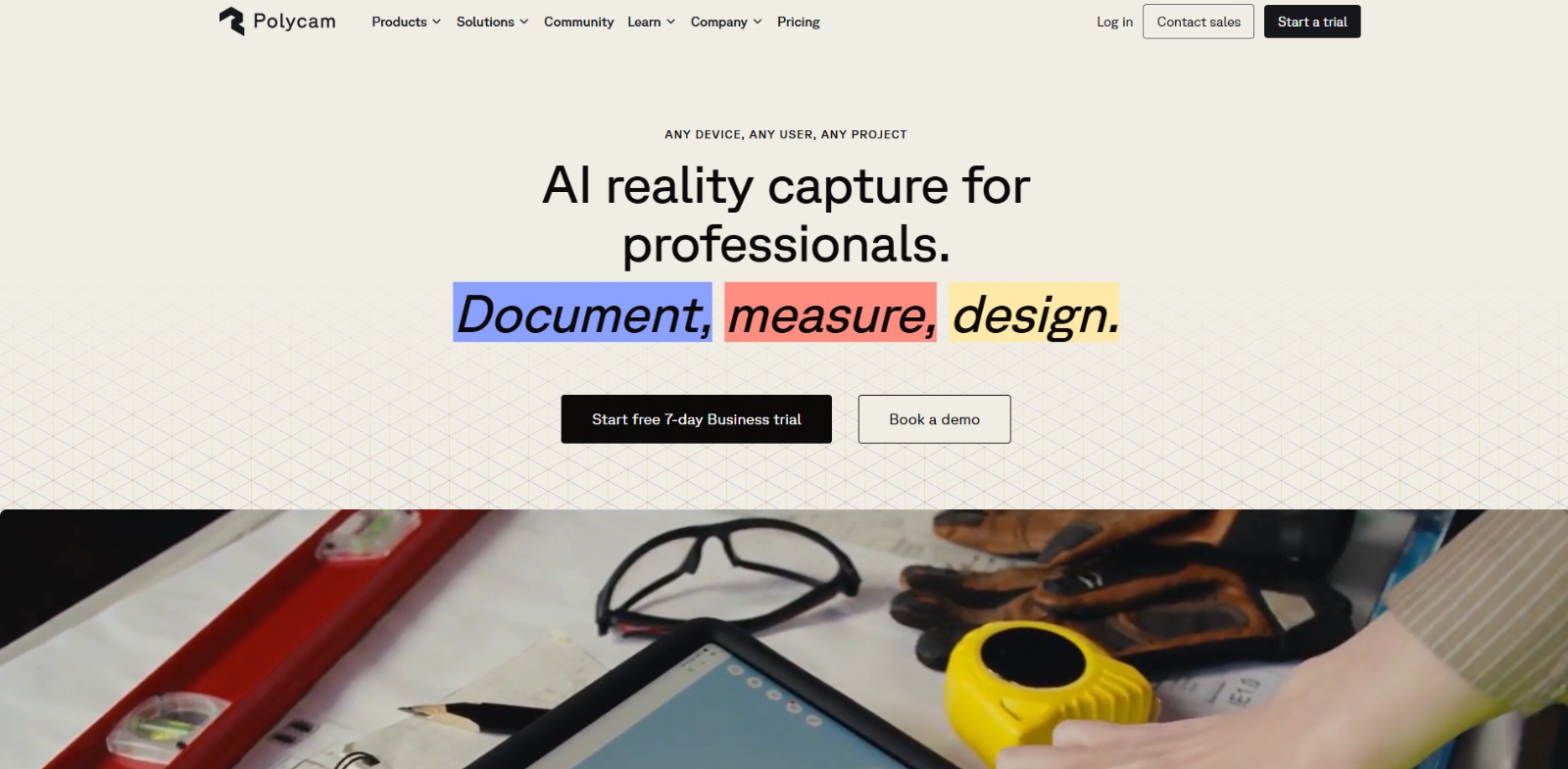
Polycam Review: Unlocking Precision with AI 3D Scanning for Smarter Workflows In this Polycam review, we’ll explore its core capabilities, ideal use cases, benefits, and limitations, helping you decide if this AI 3D…

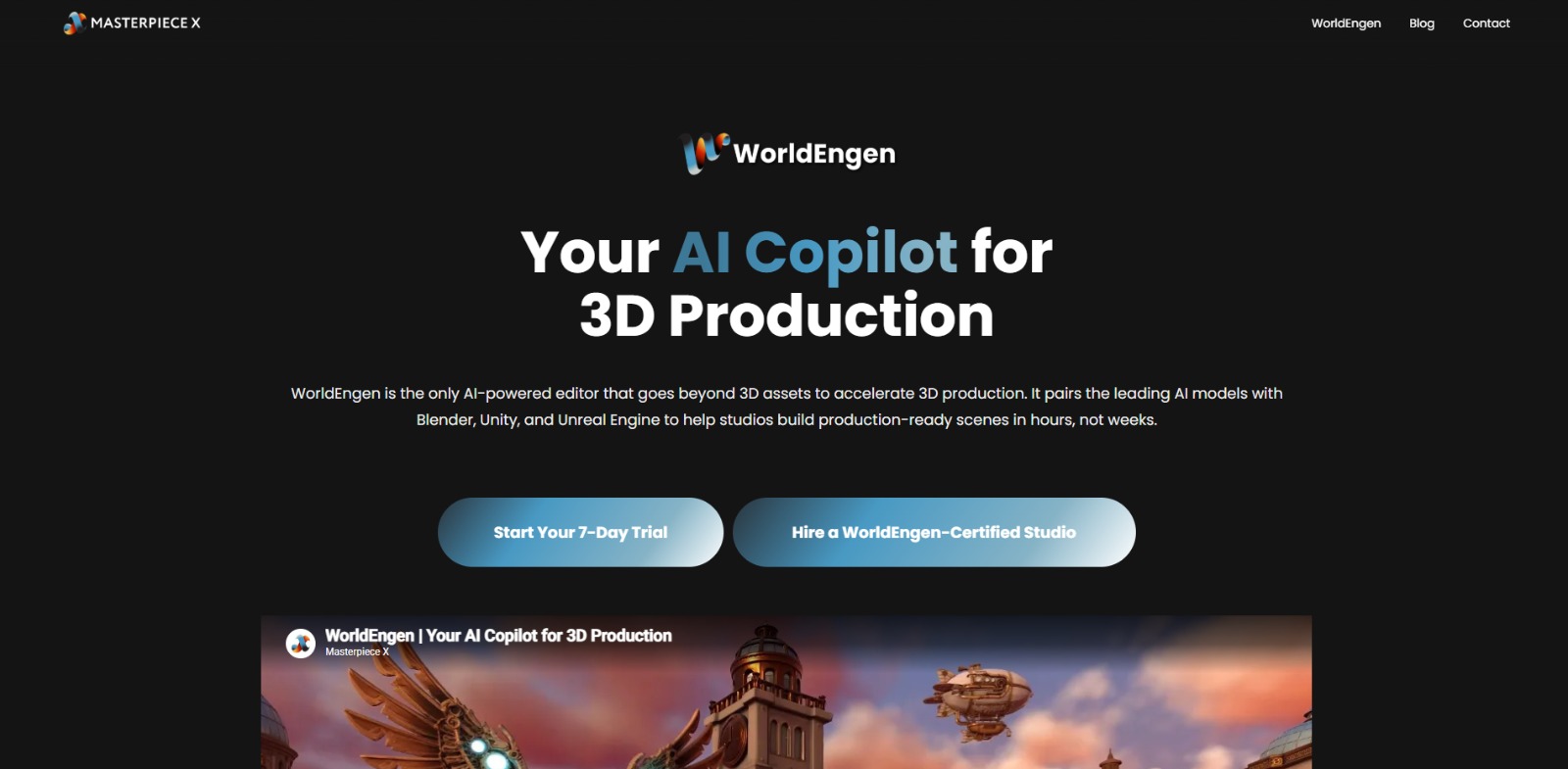
WorldEngen Review: Accelerate Your AI 3D Scene Creation Workflow? In this WorldEngen review, we’ll explore how this innovative AI co-pilot aims to transform 3D production, who stands to benefit most, and what to…
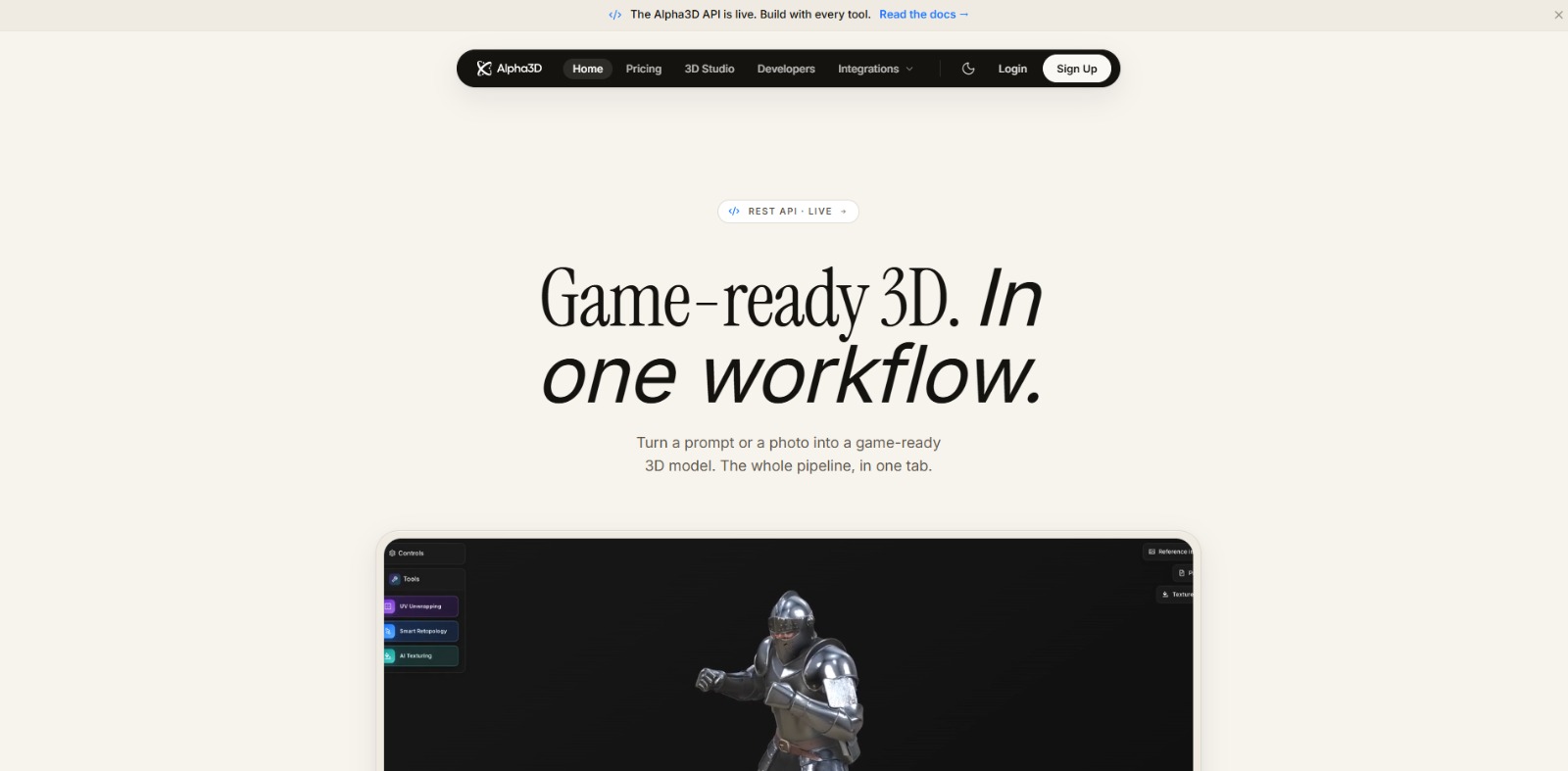
Alpha3D Review: Streamlining Your AI 3D Modeling Workflow? In this Alpha3D review, we’ll explore how this AI solution can transform your 3D asset creation, its core features, who benefits most, and whether it’s the…

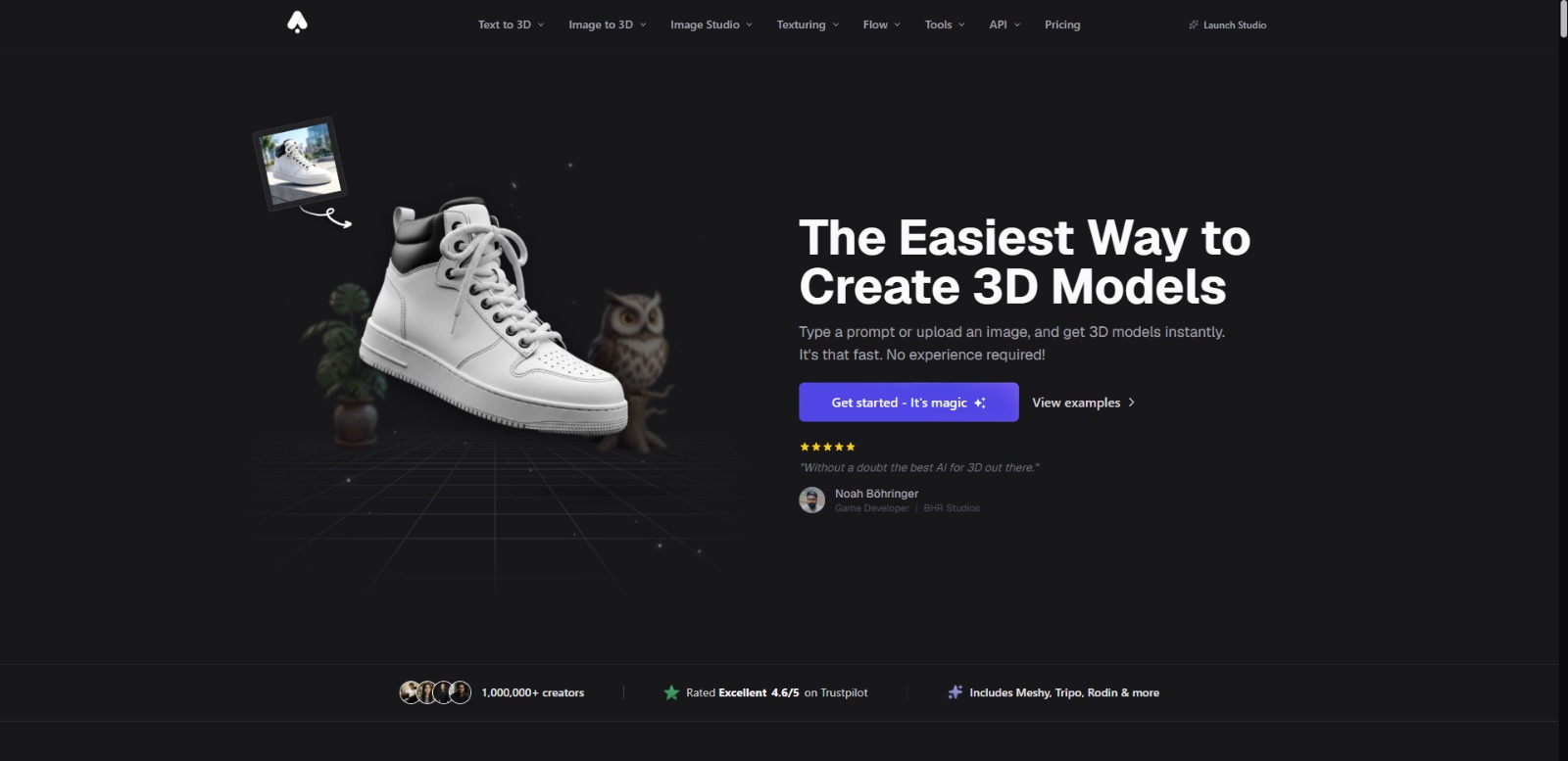
3D AI Studio Review: Is This AI 3D model generator the Future of Asset Creation? In this 3D AI Studio review, we’ll explore how this innovative platform simplifies 3D asset creation, who stands to benefit most, and what…


Tencent Hunyuan 3D Review: Is This AI 3D Modeling Solution Your Next Creative Catalyst? In this Tencent Hunyuan 3D review, we’ll explore how this platform is designed to transform 3D content creation, who stands to…
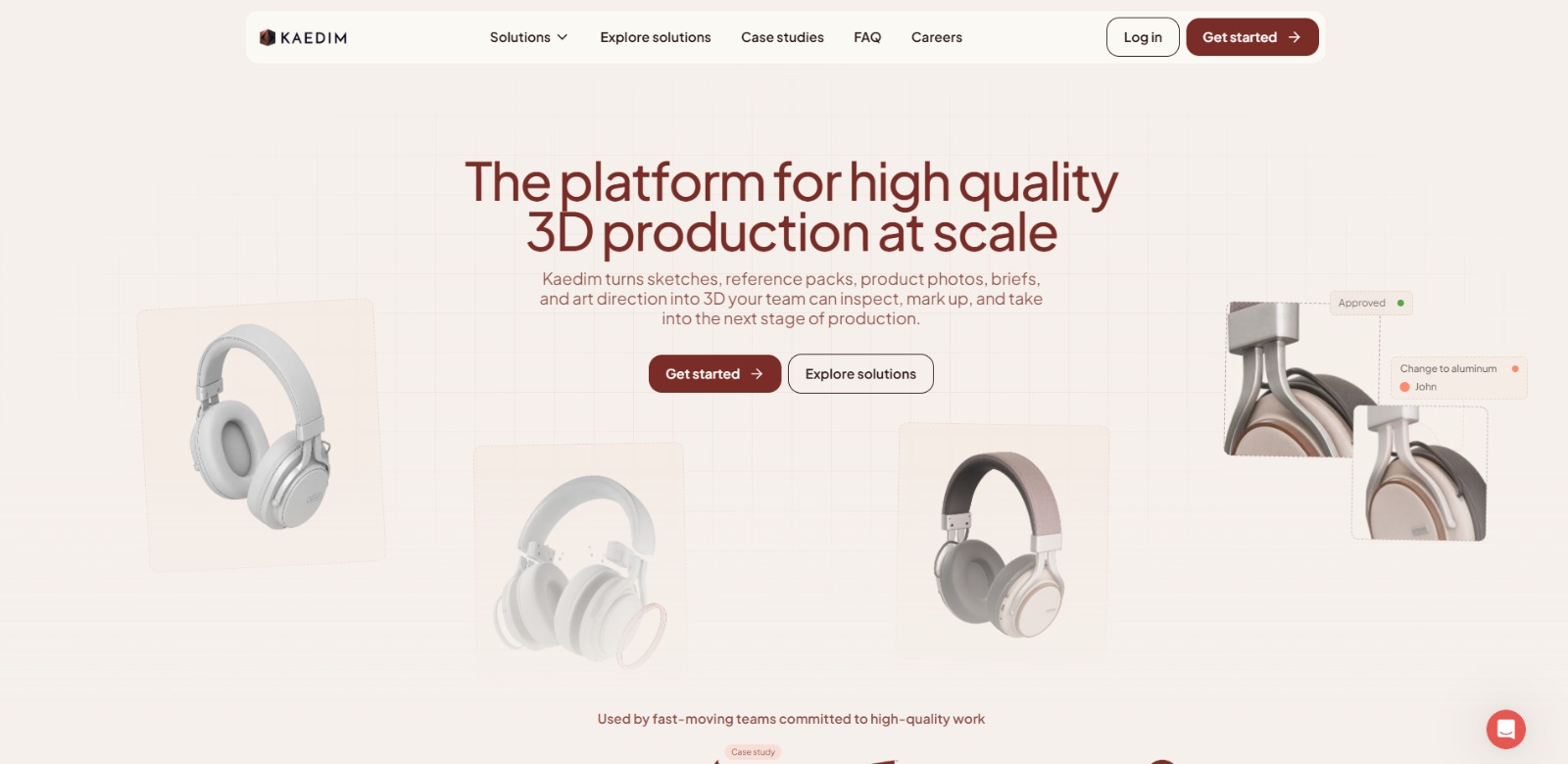
Kaedim Review: Accelerating AI 3D Asset Production for Creative Workflows In this Kaedim review, we’ll explore how this innovative AI solution can streamline your 3D asset pipeline, its core functionalities, key…

To provide the best experiences, we and our partners use technologies like cookies to store and/or access device information. Consenting to these technologies will allow us and our partners to process personal data such as browsing behavior or unique IDs on this site and show (non-) personalized ads. Not consenting or withdrawing consent, may adversely affect certain features and functions.
Click below to consent to the above or make granular choices. Your choices will be applied to this site only. You can change your settings at any time, including withdrawing your consent, by using the toggles on the Cookie Policy, or by clicking on the manage consent button at the bottom of the screen.