
AI 3D
Best AI 3D Tools to Generate Models, Characters, and Worlds Without Modeling
No Blender? No problem. Create stunning 3D visuals from text or images—zero experience needed.
AI 3D tools are transforming how creators, designers, and indie developers bring ideas to life. Whether you’re designing characters, game assets, or product prototypes, this category helps you generate high-quality 3D models in minutes—no complex software or 3D skills required. Ideal for freelancers, visual artists, students, and marketers who want exportable, ready-to-use models for Unity, Unreal, AR/VR, or 3D printing. From text-to-3D generation to turning 2D images into interactive models, these tools save time, reduce friction, and put the power of visual creation into your hands.
Explore the top AI tools for fast, intuitive, and no-code 3D creation
Curious? Find Your AI Category and See What Awaits!
Recently Added AI Tools


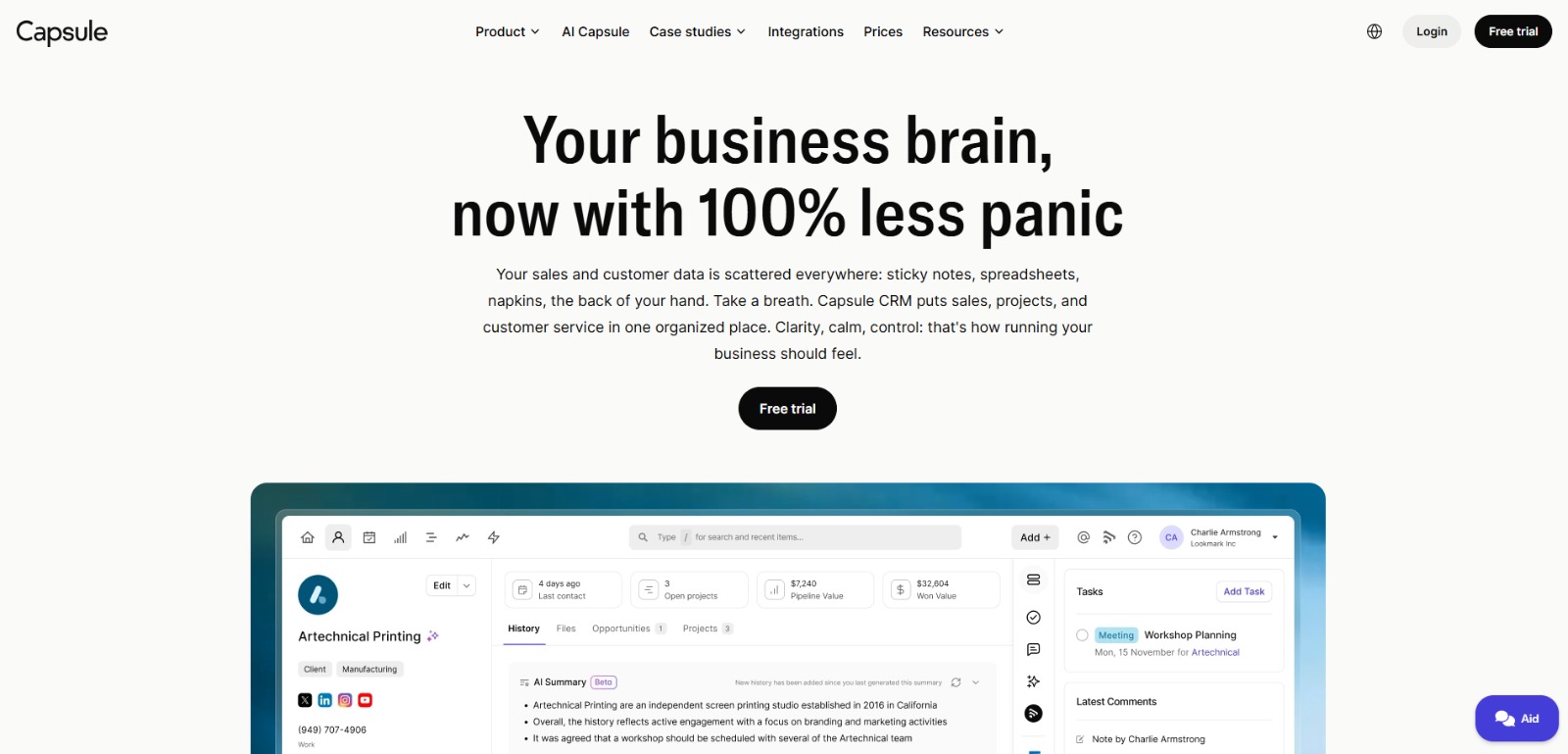
Capsule CRM: Simple yet powerful CRM to manage contacts, track sales pipelines, automate workflows, and grow customer relationships with less admin. 🚀
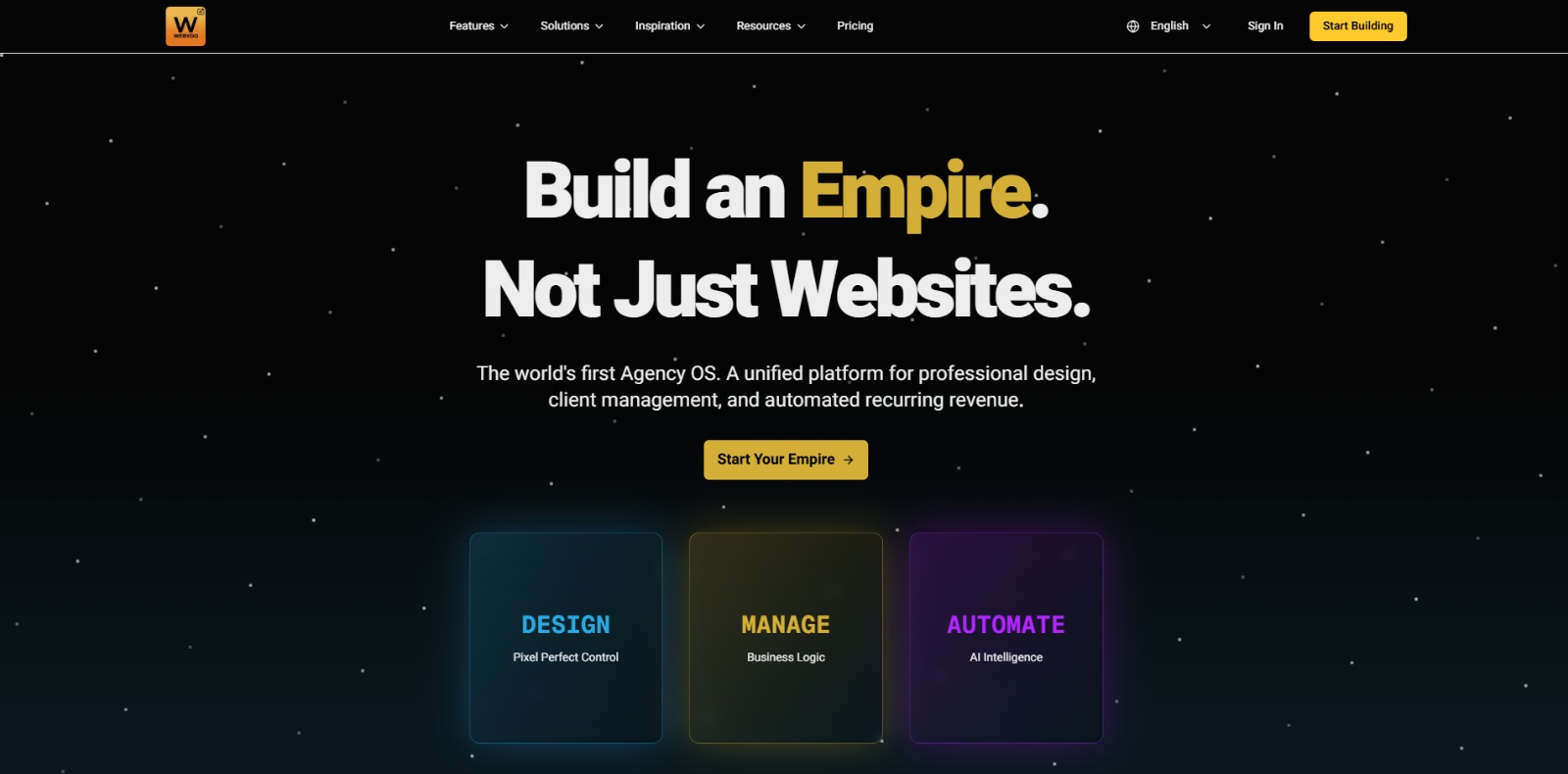
Webydo: All-in-one web design platform to create, launch, and manage client websites without code—fast, polished, and CMS-ready. 🚀

LearnWorlds: AI-powered LMS to create, market, and sell online courses with interactive learning, white-label sites, and built-in funnels. 🚀

Gamma: Create stunning presentations, websites, and documents with AI—fast drafting, smart design, easy sharing, and export-ready content. 🚀
Qwen Chat Review: Is This AI Chatbot Your Next Productivity Power-Up? In this Qwen Chat review, we’ll explore its core capabilities, ideal users, and how this AI assistant can streamline your daily tasks and creative…
Trainual: AI-powered employee training software to document processes, onboard teams, centralize knowledge, and automate role-based learning at scale. 🚀
Your AI 3D Starter Guide: Everything You Need Before Choosing a Tool
Whether you’re a designer looking to bring static concepts to life or a creative curious about turning text into 3D magic—this guide is for you. Here’s everything you need to know before picking the right AI 3D tool for your next visual project.
What is AI 3D?
AI 3D refers to the use of artificial intelligence to generate three-dimensional models, scenes, or animations without traditional manual modeling. Instead of sculpting every detail from scratch in software like Blender or Maya, AI 3D tools let you describe what you want—using text, images, or sketches—and then generate ready-to-use 3D assets in minutes. These models can be used in games, product design, VR/AR, animation, or 3D printing. It’s the easiest way to turn your ideas into interactive or visual objects—no 3D expertise needed.
How does an AI 3D model tool work?
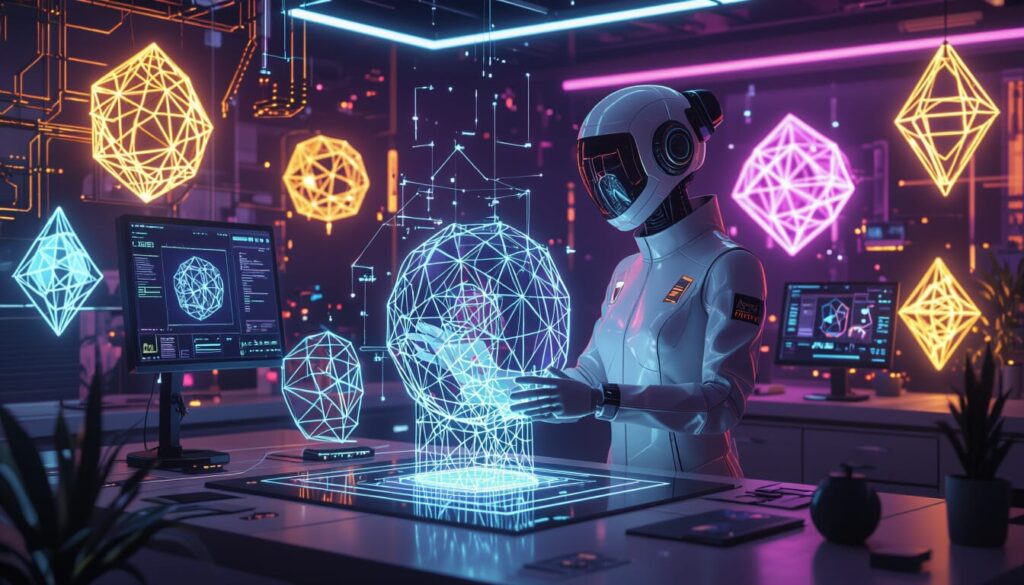
Most AI 3D tools use generative models trained on thousands of 3D shapes, textures, and patterns. You give the tool an input (like a written prompt or 2D image), and the AI interprets it to build a 3D object that matches your request. The output is usually a model in formats like .obj, .glb, or .fbx, ready for use in popular engines like Unity, Unreal, or WebAR. Some tools also offer rigging, texture mapping, and instant previews. It’s like having a virtual 3D artist who works 24/7—and never gets tired.
What are the top features to look for in an AI 3D model generator tool?
When comparing AI 3D tools, focus on features that match your creative goals:
- Input flexibility (text, image, sketch)
- Export formats (GLTF, FBX, OBJ, etc.)
- Realism or stylization of outputs
- Speed and ease of use
- Free trials or freemium plans
- Ability to edit or customize the models
- Compatibility with Unity, Unreal, WebAR, or 3D printing
Bonus: some tools include animation features or character rigging, which saves even more time.
What are the main benefits of using AI 3D tools?
AI 3D tools make 3D creation faster, easier, and more accessible than ever. You can:
- Skip the technical headaches of complex 3D software
- Rapidly prototype scenes, characters, or assets
- Impress clients with high-quality visuals—even if you’re not a 3D expert
- Save hours of modeling time with just a prompt or image
- Focus on creativity instead of geometry
For freelancers, indie game devs, marketers, or visual storytellers, these tools are game-changers.
Who should use AI 3D tools?
If you’ve ever thought, “I wish I could build this in 3D… but I don’t know how,” AI 3D tools are for you. They’re perfect for:
- Graphic designers who want to add depth to their visuals
- Content creators working on immersive or interactive media
- Indie developers who need game-ready assets
- Product designers or architects visualizing concepts
- Educators and students learning or teaching 3D environments
- Anyone curious about 3D but intimidated by traditional software
You don’t need to be technical—you just need an idea.
Ready to choose your perfect AI 3D tool?
We’ve tested and compared the top platforms so you don’t have to. Whether you’re crafting characters, prototyping products, or building game environments—there’s a tool here that fits your needs (and skill level).
👇 Explore our top AI 3D tools for fast, intuitive, no-code creation 👇
Real Questions About AI Writing Tools,
From People Who Actually Use Them
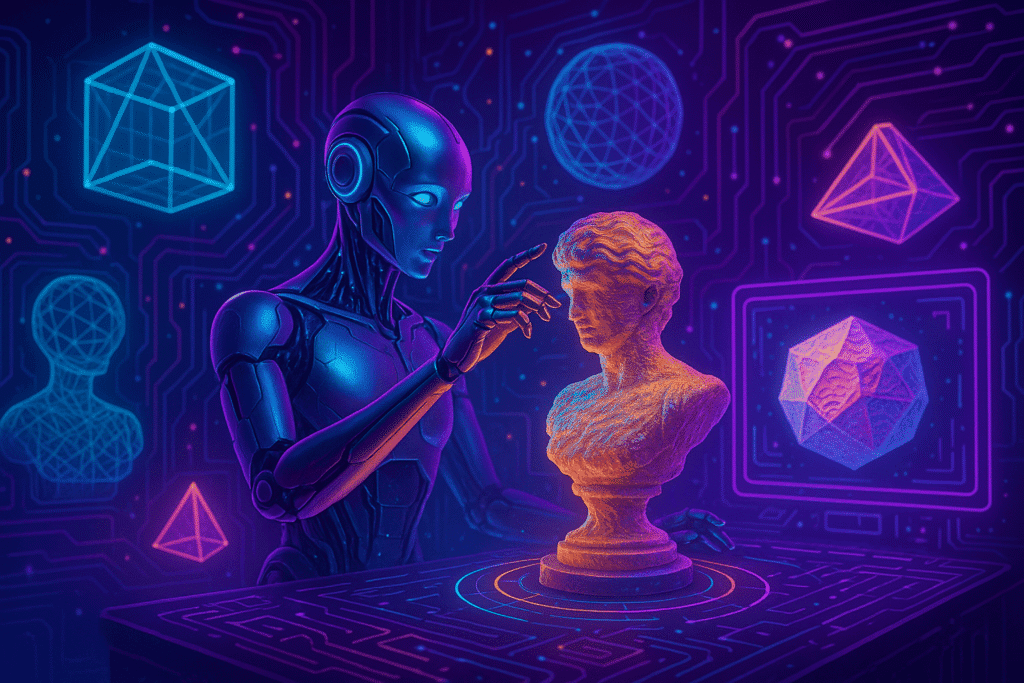
You’re not alone. From freelancers and product designers to indie game developers and marketers, more and more creators are using AI to skip the technical headaches and bring their 3D ideas to life—fast. Below, we answer real questions people are asking online about AI 3D tools: how they work, what you can build, and whether you need to know software like Blender or Maya to get started. Whether you’re curious or ready to create, these answers will help you take the next step with confidence.
Can I create 3D models without knowing how to use Blender?
Yes, you can. AI 3D tools are designed for creators who don’t have a technical background in modeling. Instead of learning complex software like Blender or Maya, you can simply type a prompt or upload an image, and the AI generates a usable 3D model for you. These tools handle the heavy lifting—geometry, textures, even rigging in some cases—so you can focus on creativity, not code. It’s ideal for designers, freelancers, and visual creators who want fast results without a steep learning curve.
What kind of 3D models can I make with AI?
AI 3D tools can generate a wide range of models—from simple props to detailed characters, environments, furniture, vehicles, and even architectural mockups. Some platforms are better for stylized game assets, while others focus on realistic outputs for product design or animation. Depending on the tool, you can use text, sketches, or 2D images as input to create objects for games, NFTs, marketing visuals, or 3D printing. The key is choosing the right platform for your specific use case.
Are AI-generated 3D models good enough for professional use?
It depends on your standards and project. Many AI 3D tools now produce high-quality, realistic models that are more than good enough for prototyping, presentations, or indie projects. However, they might not yet replace the precision of hand-modeled assets in AAA productions. The smart move? Use AI to accelerate your workflow and refine the output manually if needed. Think of it as your fast-first draft artist—saving hours, especially for early-stage ideation.
What should I do if the AI 3D output looks weird or low quality?
It’s common to get odd results at first. The best way to improve your AI 3D results is to be specific with your prompts or inputs. Include details like shape, material, scale, and context. Some tools also let you iterate or adjust the output after generation. If the model still feels off, try changing tools—some excel at characters, others at architecture or objects. And remember: using a reference image often leads to better outcomes than text-only prompts.
How can I use AI 3D tools in my workflow as a designer?
AI 3D tools can speed up your workflow at different stages: ideation, prototyping, client previews, or final asset delivery. You can quickly test design variations, generate visual references, or create scenes for product visualization. If you’re working on game design, webAR, or marketing, AI 3D helps you avoid starting from scratch and gives you usable files in minutes. It’s like having a virtual assistant for your creative pipeline—fast, flexible, and efficient.
Do I need a powerful computer to use AI 3D tools?
Most AI 3D platforms run in the cloud, so you don’t need a high-end computer. You can generate models using a browser on a regular laptop. That said, if you’re planning to export the models and work with them in software like Unity, Unreal, or Blender later, you’ll need a setup that can handle those programs. But for most users, especially those who just need quick visual assets or prototypes, a basic system works just fine.
Can I sell or publish the 3D models I create with AI tools?
In many cases, yes—but it depends on the tool’s terms of use. Some platforms offer commercial-use rights even on free plans, while others require a paid subscription. Before using the models in commercial projects, always check for licensing details, export limitations, and attribution rules. If your goal is to sell game assets, 3D prints, or use models in ads or client work, choose tools that clearly allow “commercial use” and offer downloadable files in standard formats.
What are the biggest mistakes beginners make with AI 3D tools?
The most common mistake is expecting perfect results without giving clear input. Vague prompts lead to vague models. Another is choosing the wrong tool for the job—some are better for hard-surface objects, others for stylized characters. Many beginners also overlook export formats, which can affect compatibility with other software. Finally, people often jump between tools too quickly. Stick with one for a bit, learn its quirks, and you’ll get much better results over time.
Which AI 3D tool is best for turning sketches into 3D objects?
If you’re a designer who loves drawing, look for AI 3D tools that support image-to-3D input. Some platforms let you upload hand-drawn sketches or concept art and generate a 3D object from it. Tools like Kaedim or Meshy are popular for this purpose. While results vary, this method can save hours of manual modeling—especially for concept visualization, toy design, or stylized props. Always test with a simple sketch first and see how well the AI interprets your lines.
Can I really make money using AI 3D tools?
Absolutely—and not just a little. AI 3D tools are helping freelancers, creators, and small studios turn creativity into income. You can use them to offer rapid prototyping, asset design, character generation, or mockups to clients who need fast results. Indie game developers and VR creators save time by generating ready-to-use environments or objects, allowing them to take on more projects or reduce outsourcing costs.
Product designers use AI to test multiple versions of a concept without rebuilding everything from scratch. On top of that, you can sell your models on marketplaces like Sketchfab, CGTrader, or Turbosquid, use them in your NFT collections, or repurpose them for client presentations and marketing visuals. The real advantage? AI lets you work faster, automate repetitive tasks, and deliver more value with less effort—turning your creative time into real, scalable income.
AI 3D Tools FAQs
AI 3D tools are generating massive curiosity—especially among creators, developers, and digital entrepreneurs. These FAQs answer some of the most searched, practical questions users have when exploring 3D creation with AI. From cost to usability to safety, this block builds trust while supporting SEO visibility.
Is AI 3D modeling free to use?
Is AI 3D modeling free to use?
Some AI 3D modeling tools offer free versions or trials, but most have limitations like low-resolution exports, watermarks, or restricted usage rights. Popular platforms may allow you to test their AI 3D generation features for free, but advanced customization, high-quality downloads, and commercial licensing usually require a paid plan. If you need professional results for business or creative projects, investing in a paid option ensures better quality and fewer restrictions.
How is AI 3D different from traditional 3D modeling?
How is AI 3D different from traditional 3D modeling?
Traditional 3D modeling requires manually building objects in software like Blender, Maya, or 3ds Max, often involving hours of design, texturing, and rendering work. AI 3D modeling, on the other hand, uses artificial intelligence to generate 3D models automatically from text prompts, images, or sketches—dramatically reducing time and skill barriers. While traditional methods offer more precision and full creative control, AI 3D excels in speed, accessibility, and rapid prototyping, making it ideal for beginners or fast-paced projects.
Is it safe to use AI-generated 3D models for commercial projects?
Is it safe to use AI-generated 3D models for commercial projects?
Yes, as long as you verify the licensing terms of the AI tool you’re using. Many AI 3D generators grant commercial rights for assets created with paid plans, but free versions may limit or prohibit commercial use. Always check for clauses on ownership, resale, and modification before integrating AI-generated models into your work. Following the platform’s terms ensures you avoid copyright issues and can confidently use the assets in games, marketing, product design, or other commercial applications.
What can I create with AI 3D tools?
What can I create with AI 3D tools?
AI 3D tools are incredibly versatile, allowing you to generate a wide variety of assets—without needing to model them manually. You can create characters, objects, props, architectural models, products, game environments, and even full 3D scenes ready for use in video games, animations, films, virtual reality (VR), augmented reality (AR), or 3D printing. Some tools focus on realism (great for product visualization or marketing), while others offer stylized outputs ideal for games, NFTs, or concept art.
Whether you’re building a sci-fi spaceship, an interior design mockup, a fantasy landscape, or a realistic sneaker prototype, AI 3D lets you go from idea to asset in minutes. These tools are popular among game devs, metaverse creators, content studios, product designers, and educators—anyone who needs fast, flexible, and visual creation without the steep learning curve of traditional 3D software.
Do I need coding or design experience to use AI 3D tools?
Do I need coding or design experience to use AI 3D tools?
Not necessarily. Most AI 3D tools are built to be user-friendly, even for beginners with no coding or design background. Instead of manually modeling objects in complex software, you can simply describe what you want using text prompts, upload a reference image, or sketch a basic shape. The AI then generates a 3D model automatically. Some platforms also include drag-and-drop editors for quick adjustments, making them accessible to hobbyists, educators, marketers, and small businesses. While advanced design skills can help fine-tune results, they’re not required to start creating with AI 3D.
