AI DETECTOR
AI Detector to Verify AI-Generated Content with Accuracy and Confidence
Need clarity fast? The right AI checker can help you detect AI content, avoid false positives, and protect your reputation.

Whether you’re a student trying to avoid academic penalties, a freelancer proving your content is 100% human, or an editor verifying submissions, choosing the right AI detector is no longer optional—it’s essential. This category brings you the most accurate and trusted tools to detect AI-generated content across academic, editorial, and professional contexts.
Compare features, explore real use cases, and choose with confidence.
Explore the most reliable AI content detectors trusted by writers, students, and editors


Winston AI: Detect AI-generated text with high accuracy, plus plagiarism and deepfake image checks—multilingual, API & Chrome extension. 🚀
Curious? Find Your AI Category and See What Awaits!
Recently Added AI Tools

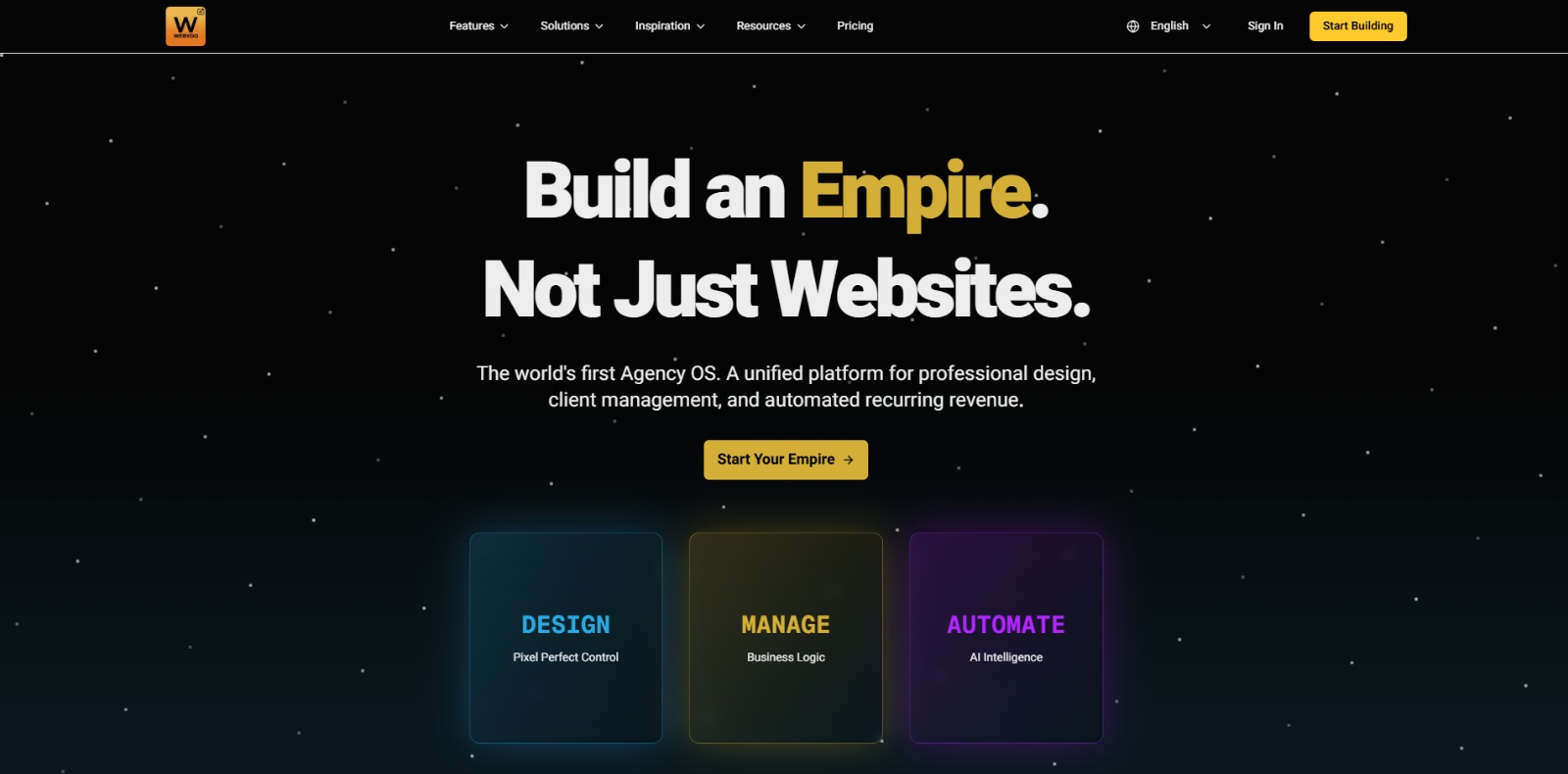
Webydo: All-in-one web design platform to create, launch, and manage client websites without code—fast, polished, and CMS-ready. 🚀

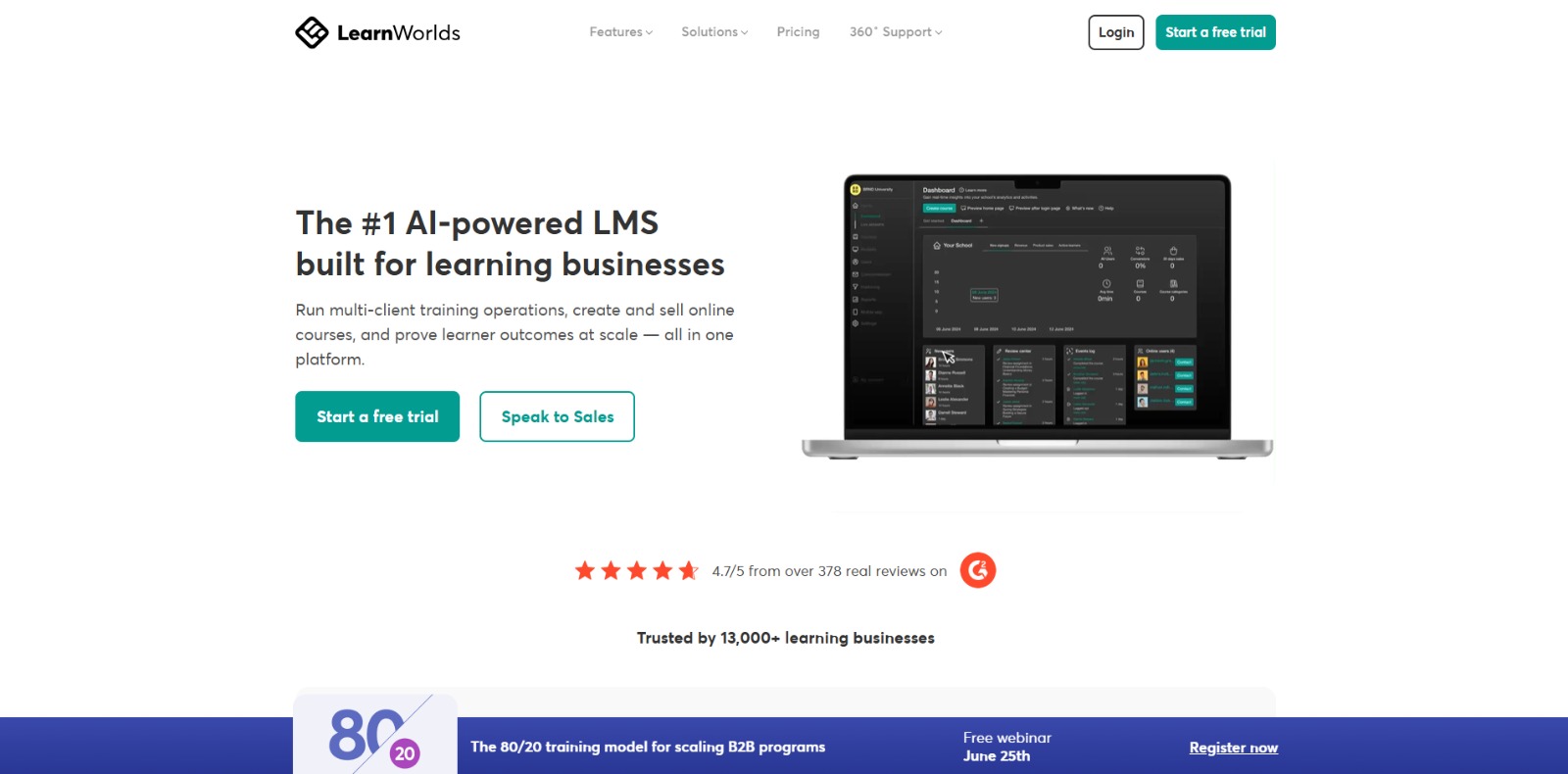
LearnWorlds: AI-powered LMS to create, market, and sell online courses with interactive learning, white-label sites, and built-in funnels. 🚀
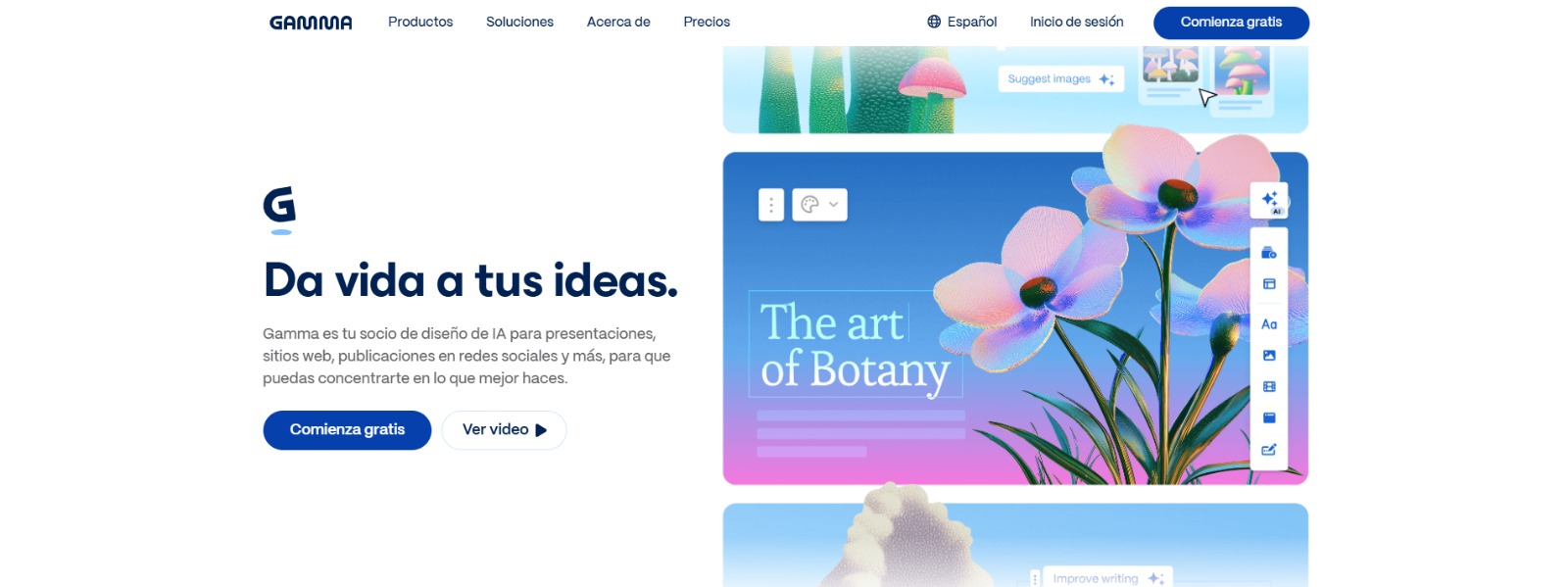
Gamma: Create stunning presentations, websites, and documents with AI—fast drafting, smart design, easy sharing, and export-ready content. 🚀
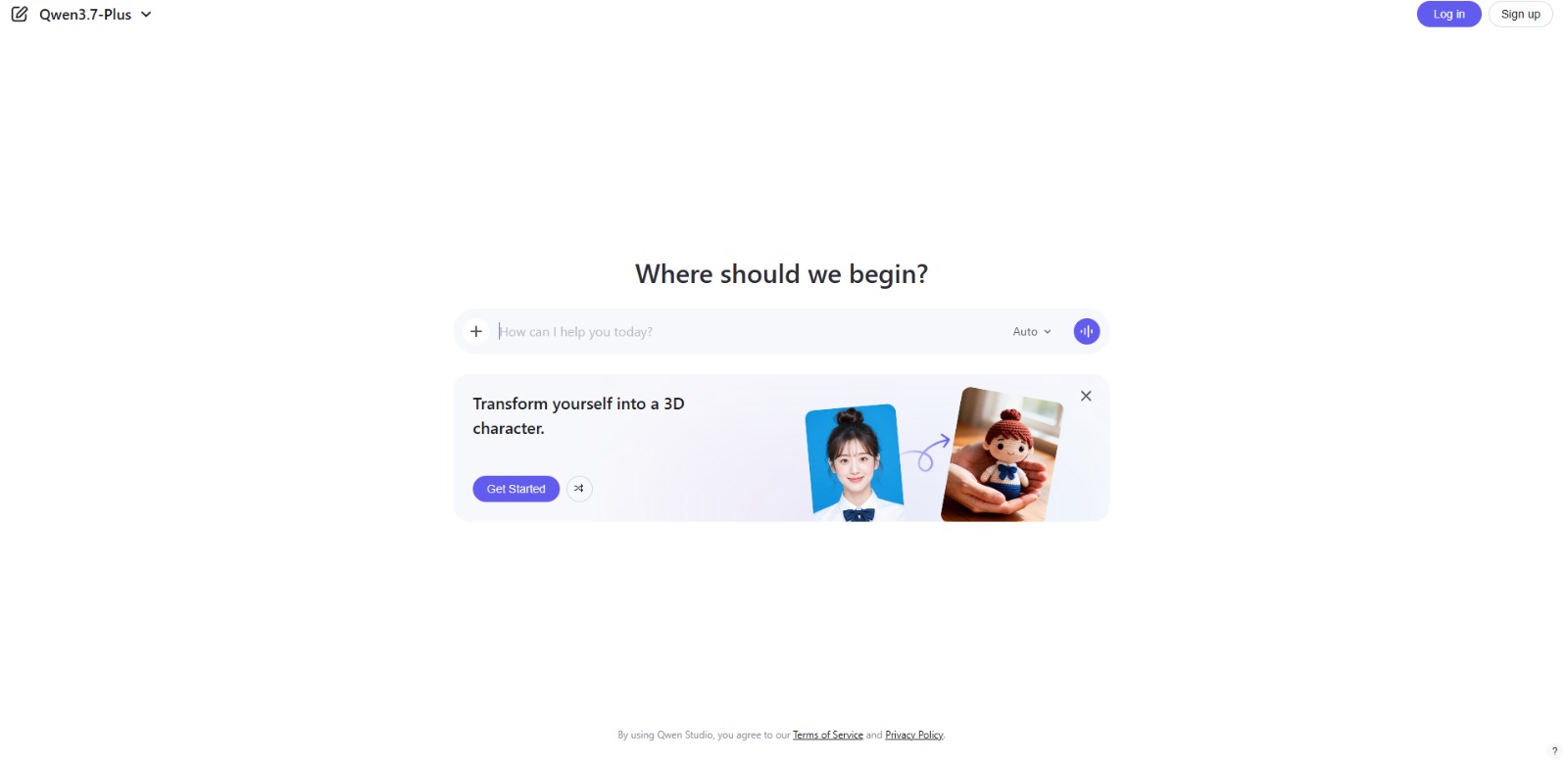
Qwen Chat Review: Is This AI Chatbot Your Next Productivity Power-Up? In this Qwen Chat review, we’ll explore its core capabilities, ideal users, and how this AI assistant can streamline your daily tasks and creative…
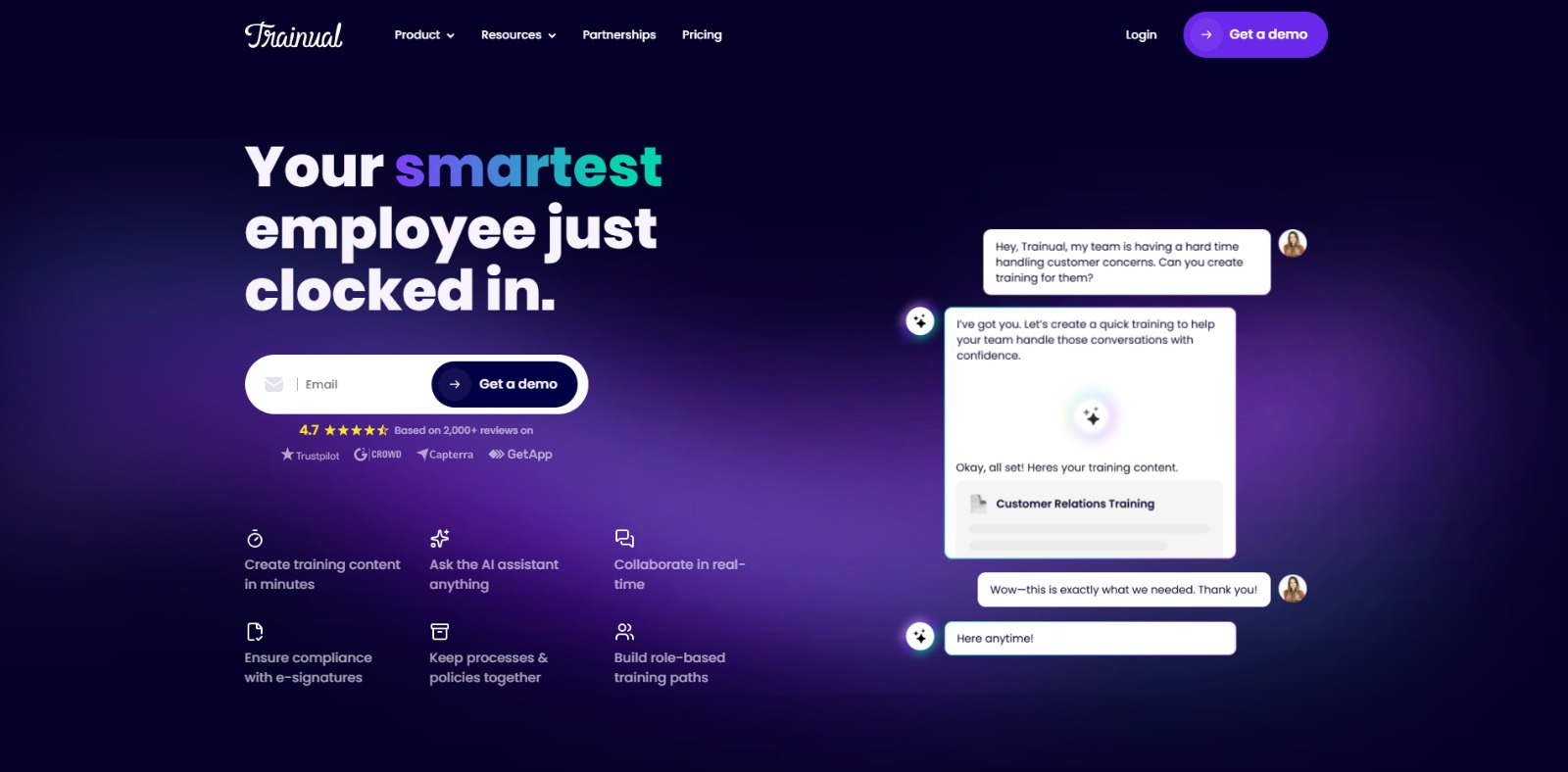
Trainual: AI-powered employee training software to document processes, onboard teams, centralize knowledge, and automate role-based learning at scale. 🚀
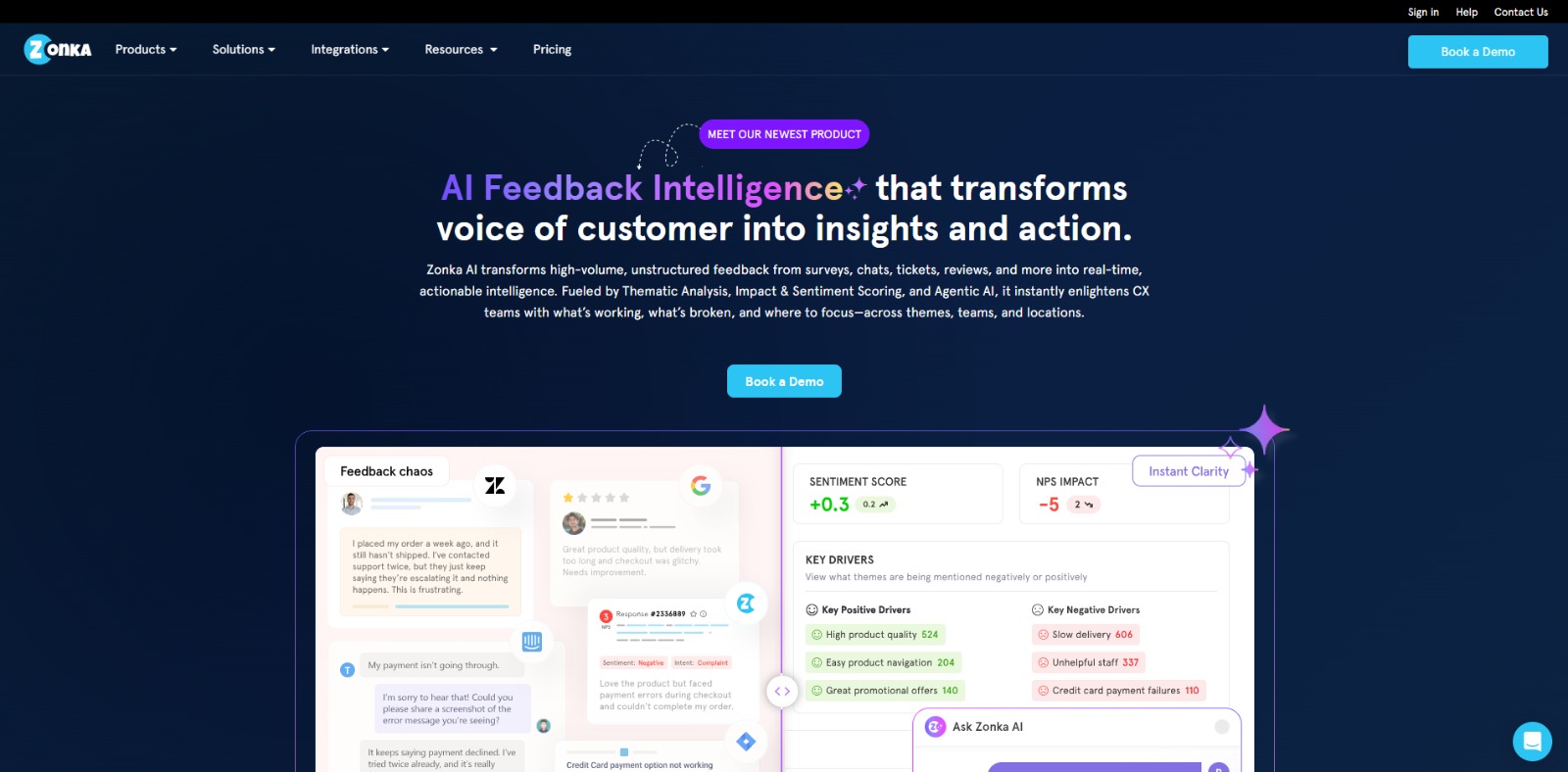
Zonka Feedback: Turn customer feedback into actionable insights with AI-powered surveys, analytics, sentiment tracking, and multichannel CX automation. 🚀
Understanding AI Detectors: A Friendly Guide to What They Do and Why They Matter
1. What is an AI detector?
An AI detector is a tool designed to analyze text and determine if it was written by a human or generated by artificial intelligence—like Gemini, ChatGPT. These tools scan for linguistic patterns, sentence structure, repetition, and predictability to estimate whether content was machine-written. For students, freelancers, and content reviewers, AI detectors have become essential for verifying originality and avoiding plagiarism or ethical issues. They’re not just for “catching cheaters”—they help protect your credibility and ensure transparency in a world flooded with AI-generated content.
2. How does an AI detector tool work?
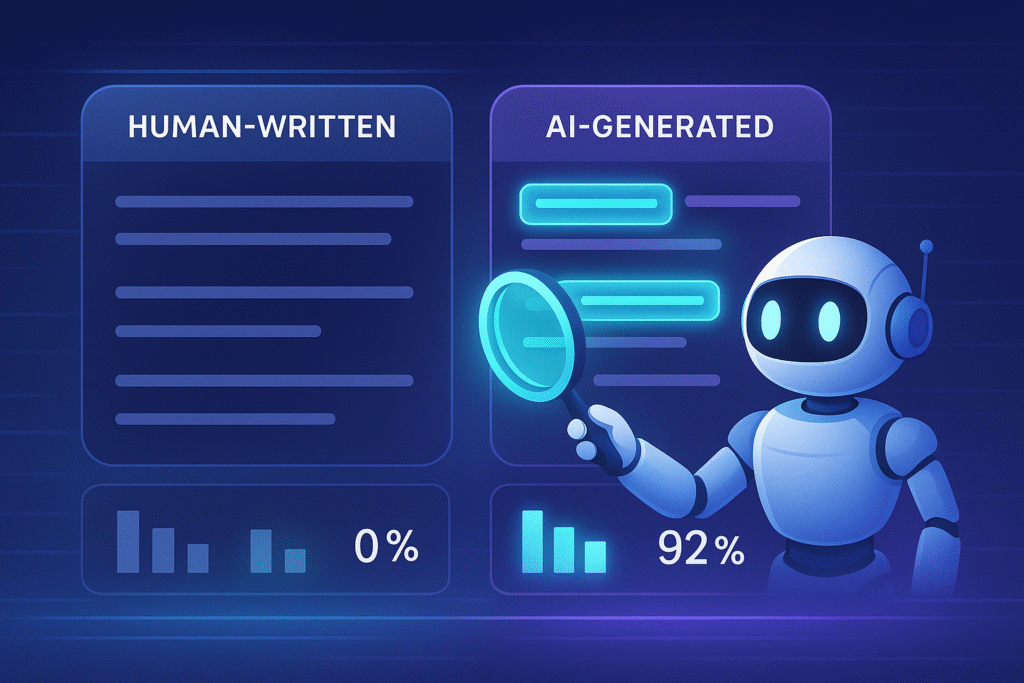
An AI detector works by scanning the text and applying algorithms—often based on machine learning—to identify statistical patterns and stylistic markers associated with AI-generated writing. It may analyze sentence structure, word choice, repetition, and predictability to assign a probability score indicating AI involvement. Some detectors compare the text against models of known AI outputs, while others focus on detecting the absence of human-like variability. Results are usually presented as a percentage or confidence level, which should be interpreted carefully, as even advanced detectors can produce false positives or negatives.
3. What are the top features to look for in an AI detector tool?
Not all AI detectors are created equal. Look for tools that offer:
- High accuracy (especially for GPT-5 detection)
- Clear result explanations—not just a percentage, but context
- Support for multiple languages, especially English and Spanish
- Free trials or demos so you can test before buying
- Reports or exportable results for academic or client proof
Some detectors also include plagiarism checks or integrations with writing platforms, making them even more versatile.
4. What are the main benefits of using AI detector tools?
AI detectors offer both emotional peace of mind and functional protection. You get to:
- Ensure your work is viewed as authentic and ethical
- Prevent academic or professional penalties due to AI misuse
- Protect your brand or reputation as a creator, editor, or freelancer
- Gain client trust by verifying your content is human-made
- Save time comparing multiple tools thanks to clear results
Ultimately, they help you feel safe and confident in a content landscape that’s evolving fast.
5. Who should use AI detector tools?
AI detectors are ideal for:
- Students submitting essays or research
- Freelancers delivering copy to clients who want human-written content
- Professors and editors verifying submissions
- Recruiters reviewing cover letters or candidate assessments
- Agencies ensuring SEO or blog content is compliant
Basically, if you’re involved in writing, reviewing, or publishing content—an AI detector might just be your new best friend.
Ready to choose your perfect AI detector tool?
You’re in the right place. At CharlieAITools.com, we’ve curated the most accurate and trustworthy AI detectors on the market—tested by real users for real-world use cases. Whether you’re a student, freelancer, or content reviewer, our expert reviews, feature breakdowns, and usage guides will help you find the right tool fast.
👇 Scroll down to explore the best AI detection tools for every need 👇
Real Questions Real Users Ask About AI Detectors - Answered
What’s the most reliable AI Detector for academic writing?
For academic writing, the most reliable AI detector is one that offers high accuracy, low false positives, and is designed for long-form, formal text. Tools like Turnitin, Copyleaks, and Winston AI are commonly used in educational settings due to their ability to handle structured, citation-heavy writing. Reliability also depends on regular updates to detect newer AI models, clear reporting of confidence scores, and strong privacy protections for sensitive documents. Even with the best tool, results should be combined with human review to avoid misclassifying legitimate scholarly work.Can AI Detectors give false positives?
Yes, and that’s a major concern for students, freelancers, and professionals. A false positive happens when a human-written text is incorrectly flagged as AI-generated. This can lead to academic penalties, client disputes, or personal stress. It often occurs with structured writing or formal language that “sounds robotic.” That’s why choosing a trustworthy detector with context-aware scoring and explainable results is key. Don’t rely on free tools that offer no transparency. The best detectors show why a text might be flagged and how confident they are. Always review the output before jumping to conclusions.Are AI Checkers safe to use with sensitive documents?
It depends on the tool. Some AI detectors upload your text to cloud servers, while others analyze locally or promise not to store your data. Before pasting sensitive content—like unpublished work, client copy, or academic projects—read the privacy policy. Look for guarantees like “no data stored” or “local-only analysis.” Trustworthy platforms highlight their data practices clearly. If you’re dealing with NDAs, confidential writing, or student projects, always choose AI checkers that prioritize privacy. Charlie’s tip: use tools that offer encryption and let you delete your text after scanning.How do I interpret the AI score in detection tools?
AI detection scores can be confusing. A result like “63% AI” doesn’t mean 63% of your text was written by AI—it’s more of a likelihood estimate. Some detectors offer color-coded heatmaps or breakdowns that show which parts of your text raise flags. The best tools explain how the score was calculated and offer advice on what to do next. If your content scores high, it doesn’t always mean it’s AI—it may just be too predictable. If your score is low, that’s usually a green light. Either way, context and clarity matter more than raw percentages.Can AI Detectors work with text in Spanish or other languages?
Some can, but not all. Many AI detectors are trained primarily on English texts, which means their accuracy drops when analyzing Spanish, French, or other languages. If you’re working in Spanish, choose a detector that explicitly supports multilingual detection or has been trained on GPT-generated content in multiple languages. Tools like Winston AI and Originality.AI have growing support for non-English texts, but always test them before trusting the results. Look for examples, demos, or reviews from users in your language. Detection is only helpful if it understands your writing style.Is it worth paying for a premium AI Checker?
If you rely on accurate results for school, work, or content creation, then yes. Free tools often have limitations—like small word counts, vague feedback, or outdated models. Paid AI checkers offer deeper analysis, better accuracy, and features like plagiarism checks, document history, and humanization tips. Think of it as an investment in your reputation. If you’re a freelancer or student, a single false positive could cost you a client or a grade. Paying for a tool that gives you confidence, clarity, and peace of mind? Totally worth it.How do I know if my content is “too AI-like” even if I wrote it myself?
It’s frustrating, but it happens. If your writing is too structured, repetitive, or generic, it might trigger an AI detector—even if it’s 100% human. Tools like GPTZero and Copyleaks can help flag sections that “look” AI-written so you can adjust tone, vary vocabulary, or personalize more. If you’re getting flagged unfairly, it’s not about cheating—it’s about sounding natural. Try adding personal anecdotes, rhetorical questions, or a more conversational tone. Humanizing your writing isn’t just about avoiding detection—it’s about better connection with your readers.What’s the best way to test different AI Detectors?
The best way to test AI detectors is to evaluate them with a variety of texts: fully human-written, fully AI-generated, and mixed or edited content. Use consistent samples across tools to compare results, and note both accuracy and false positives. Testing should include different writing styles, lengths, and complexity levels—especially content similar to what you actually need to check. Keep a record of scores from each detector and see which tool consistently aligns with known authorship. This method helps identify not just accuracy, but also the reliability and stability of each detector’s performance.
Can I make money offering AI Detection as a service?
Absolutely—and it’s a growing opportunity. Many freelancers, solopreneurs, and small agencies are now offering “AI content verification” as a paid service to clients who need to ensure their content is human-written or want to avoid AI-related penalties. This is especially valuable in industries like education, publishing, journalism, SEO, and corporate training. If you’re already working in editing, proofreading, ghostwriting, or content strategy, adding AI detection reports is a smart upsell.Tools like Originality.AI, Winston AI, or Copyleaks allow you to run detailed scans and export branded reports. You can charge per document, per word, or even offer monthly monitoring packages. Some freelancers bundle this with humanization services or revision suggestions for flagged content. The key is building trust—position yourself as someone who helps clients stay credible, compliant, and ahead of the curve. With the right tools and messaging, this side service can evolve into a serious revenue stream that also boosts your professional authority.What should I do if my text gets flagged by an AI Checker?
First: don’t panic. A flagged result doesn’t always mean you used AI. Review the highlighted sections—are they too predictable or formulaic? Try rewriting them with a more natural flow, adding personal insights, or changing sentence structures. Some tools let you run revisions to see if the score improves. If you’re submitting work to a client or institution, include a note explaining that the text is human-written and offer transparency. And if your tool allows exports, attach the report. Being proactive, not defensive, builds trust and shows responsibility.AI Detector Tools FAQs
As AI-generated content becomes more widespread, many users are turning to AI detector tools to verify text authenticity. But how reliable are these tools? What do detection percentages really mean? And can you legally use them for professional or academic purposes? In this FAQ section, CharlieAITools.com answers the most common questions about AI detection to help you better understand how these tools work, their limitations, and how to use them responsibly and effectively. Whether you’re a student, content creator, or business professional, this guide will help you make smarter decisions when using AI detector platforms.
Are AI detectors 100% accurate?
Are AI detectors 100% accurate?
No—AI detectors are not 100% accurate. While some tools, such as Copyleaks, claim up to 99% accuracy and Turnitin advertises 98%, independent studies show that real-world performance is often much lower. Many detectors average around 60% accuracy, with academic evaluations placing several below 80%, and some dropping to as low as 27% when tested against humanized or adversarially modified text. Bias is also a concern: non-native English writing is more likely to be incorrectly flagged. This means AI detectors should not be used as the sole or final authority in determining if text is AI-generated.
Can I trust free AI detector tools?
Can I trust free AI detector tools?
Free AI detector tools can provide a basic indication of whether text might be AI-generated, but they’re generally less reliable than paid versions. Many free tools use older detection models, have limited accuracy, or cap the amount of text you can check. They may also lack transparency about false positives and negatives. While they’re useful for quick checks, results from free detectors should be interpreted cautiously and, if important decisions depend on them, confirmed with more advanced or professional-grade tools.
Is using an AI detector safe and legal?
Is using an AI detector safe and legal?
Yes—using an AI detector is both safe and legal in most countries. These tools analyze the patterns and structure of text without storing personal data, though you should always review the platform’s privacy policy before pasting sensitive content. In educational, professional, and publishing contexts, AI detectors can be used as part of quality assurance or compliance checks. However, they should be applied ethically, avoiding misuse such as making unverified accusations based solely on detection results.
What does it mean if a detector says 40% AI?
What does it mean if a detector says 40% AI?
If an AI detector reports that a text is “40% AI,” it means the system estimates that roughly 40% of the content matches patterns typically produced by AI models, while the rest appears human-written. This score is probabilistic, not absolute proof—different detectors may give varying percentages for the same text. Factors like paraphrasing, editing, or mixed authorship can influence the score. A mid-range percentage often signals hybrid content, so it’s best to review the text manually and consider the context before drawing conclusions.
What is the most accurate AI detector tool?
What is the most accurate AI detector tool?
Among available options, Winston AI stands out for claiming 99.98% accuracy, while Copyleaks reports 99% accuracy with just 0.2% false positives. However, these numbers usually come from internal testing or marketing claims. In real-world conditions, even the highest-rated tools can produce false positives or negatives, especially when the text is rewritten or partially human-generated. While Winston AI and Copyleaks are among the top contenders in reported accuracy, no AI detector is truly infallible, so results should be interpreted with caution.
