

Capsule CRM
Capsule CRM: Simple yet powerful CRM to manage contacts, track sales pipelines, automate workflows, and grow customer relationships with less admin. 🚀

Capsule CRM
Imagine a world where your customer data isn’t scattered across messy spreadsheets, sticky notes, and a chaotic inbox. A world where you never miss a follow-up and can see your entire sales pipeline at a glance. Sounds too good to be true? Enter Capsule CRM, the refreshingly simple platform designed to bring order, clarity, and growth to small and medium-sized businesses. If you’re tired of overly complex and expensive CRMs that your team refuses to use, this Capsule CRM Review is for you. We’ll dive deep into why this tool might just be the central hub your business has been desperately needing.
Capsule CRM is a smart, flexible, and incredibly easy-to-use online Customer Relationship Management (CRM) tool built specifically for small and medium-sized businesses. It focuses on doing the essentials perfectly: managing contacts, tracking sales opportunities, and fostering better customer relationships without the bloat, complexity, or intimidating price tag of enterprise-level software.
For any growing business, the tipping point comes when managing leads and customers via spreadsheets and email becomes unsustainable. This is where the chaos begins: leads fall through the cracks, customer history is lost in endless email threads, and the team works in disconnected silos. This disorganization isn’t just frustrating; it costs real money in missed opportunities. Capsule CRM is important because it directly solves this primary pain point. It provides a “single source of truth” where every contact, email, note, task, and deal lives in one organized, accessible place.
Furthermore, the CRM market is crowded with powerful but overwhelmingly complex platforms. Many small businesses invest in these tools only to face a steep learning curve and poor team adoption, wasting both time and money. Capsule’s importance lies in its philosophy of simplicity. It’s designed to be used, not just purchased. By providing a clean interface and the core features a small business CRM truly needs—like intuitive pipeline management and seamless email add-ins—it empowers teams to get organized quickly and focus on what matters most: building relationships and selling more.
Capsule CRM packs a powerful punch by focusing on features that deliver the most impact for growing businesses. Here’s a breakdown of the tools that will transform your workflow.
This is the heart of Capsule’s sales functionality. It gives you a clear, visual overview of every deal in your pipeline, organized by stages you can customize (e.g., Lead, First Contact, Proposal, Won). You can drag and drop deals between stages, see potential revenue at a glance, and instantly identify bottlenecks. This feature alone transforms sales forecasting from a guessing game into a data-informed strategy. Learning how to set up pipelines in Capsule is incredibly intuitive and takes minutes.
Say goodbye to scattered contact info. Capsule allows you to store a complete history of every interaction with your contacts—people and organizations. You can see emails, notes, files, deals, and tasks associated with any contact in one unified view. With powerful tagging and custom fields, you can segment your audience for targeted communication, making your contact management both simple and highly effective.
Capsule’s Gmail and Outlook add-ons are game-changers. You can save emails directly to a contact’s history in Capsule without leaving your inbox. You can also create tasks and sales opportunities from an email, ensuring no action item is ever lost. Calendar integration syncs your tasks and appointments, making sure your CRM workflow and daily schedule are always aligned.
Never miss a follow-up again. You can create tasks for yourself or delegate them to team members, set due dates, and link them to specific contacts or deals. Capsule also includes “Tracks,” which are pre-defined sets of tasks for repeatable processes. For example, you can create an “Onboarding” track that automatically assigns a series of tasks whenever you win a new client, ensuring a consistent and professional experience every time.
Capsule acts as the central hub for your business by connecting with the tools you already use. The ability to connect Capsule with Xero/QuickBooks allows you to see a contact’s invoicing history directly within the CRM. Integrations with Mailchimp, Zapier, Google Workspace, and Microsoft 365 create a seamless workflow, eliminating data silos and the need for manual data entry. These are some of the best Capsule CRM integrations available.
While designed for simplicity, Capsule provides the essential data you need to make smart decisions. Its reporting dashboards offer insights into your sales pipeline, team activity, win/loss rates, and more. You can easily filter reports to track performance and identify trends, giving you the visibility required to guide your sales strategy without overwhelming you with unnecessary metrics.
A recent and powerful addition, the AI Content Assistant helps you craft professional, high-quality emails and notes quickly. It can help you rephrase sentences, adjust the tone, correct grammar, and even translate text. This feature saves time and ensures your team’s communication is always polished and on-brand.
❤️ Also loved by: tech startups, real estate agents, financial advisors, non-profits, recruitment agencies, B2B consultants, software companies, professional service providers, creative studios, event planners, trades and construction companies, legal firms, educational institutions, wellness coaches, e-commerce managers.
Capsule CRM fits into these categories. Explore each page for alternatives, and related tools.
If Capsule CRM isn’t a perfect fit, these alternatives cover different budgets, features, and use cases in small business CRM. Compare strengths, pricing, and why each might beat Capsule CRM for your workflow.
One of the most appealing aspects of Capsule is its simple, transparent, and fair pricing structure. The Capsule CRM plans and pricing are designed to scale with your business without locking you into expensive, feature-gated tiers. Here are the typical Capsule CRM pricing plans 2025:
All paid plans come with a 14-day free trial, allowing you to test the full functionality before committing. The value proposition is clear: you get a powerful, user-friendly sales pipeline software for a fraction of the cost of its more complex competitors.
Stop letting lost leads and disorganized data dictate your growth potential. Imagine your entire team on the same page, every follow-up scheduled, and a crystal-clear view of your sales future. That’s not a distant dream; it’s the organized reality Capsule CRM delivers. It’s more than just a tool; it’s a system for calm, consistent growth, designed for businesses that value simplicity and effectiveness over complexity and clutter.
Ready to see the difference for yourself? Start your free 14-day trial of Capsule CRM today and transform how you manage your customer relationships. No credit card required.
CharlieAITools was created with love to help you discover the best AI tools and transform your life, your ideas, and your projects. By signing up through my affiliate link, you help me keep this site running and continue to share valuable resources with fellow entrepreneurs. Thanks a ton for your support! 💛

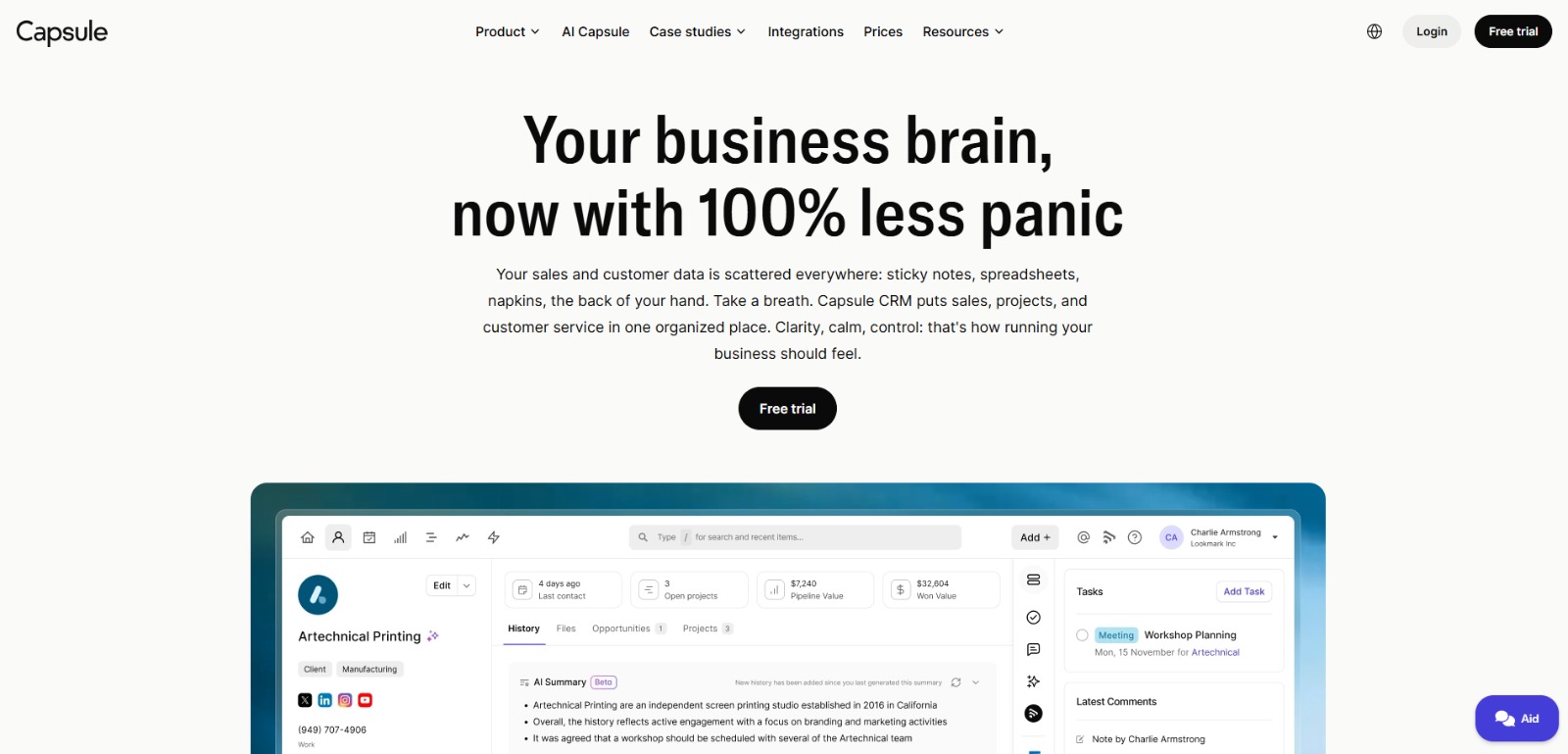
Capsule CRM: Simple yet powerful CRM to manage contacts, track sales pipelines, automate workflows, and grow customer relationships with less admin. 🚀

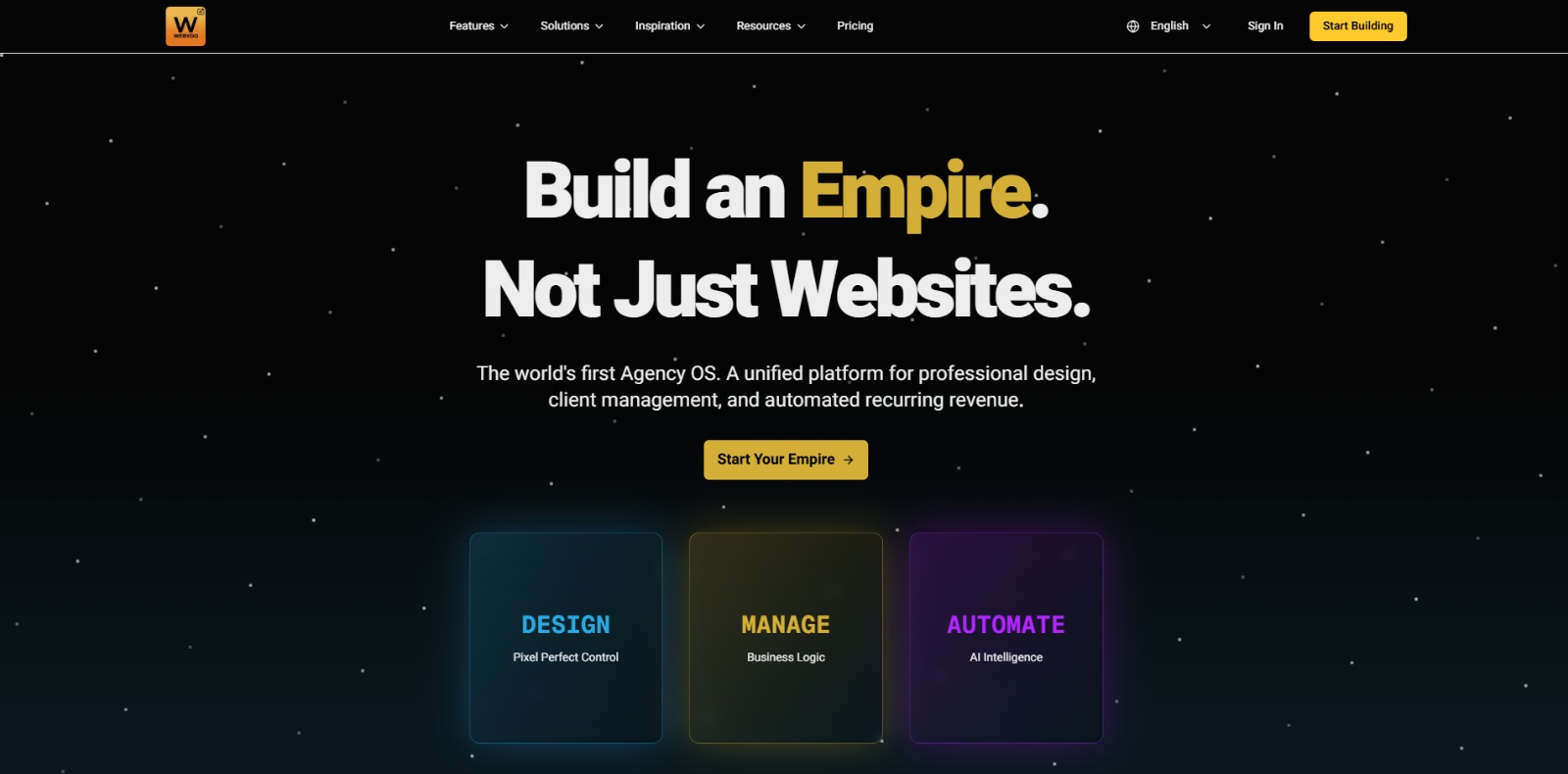
Webydo: All-in-one web design platform to create, launch, and manage client websites without code—fast, polished, and CMS-ready. 🚀

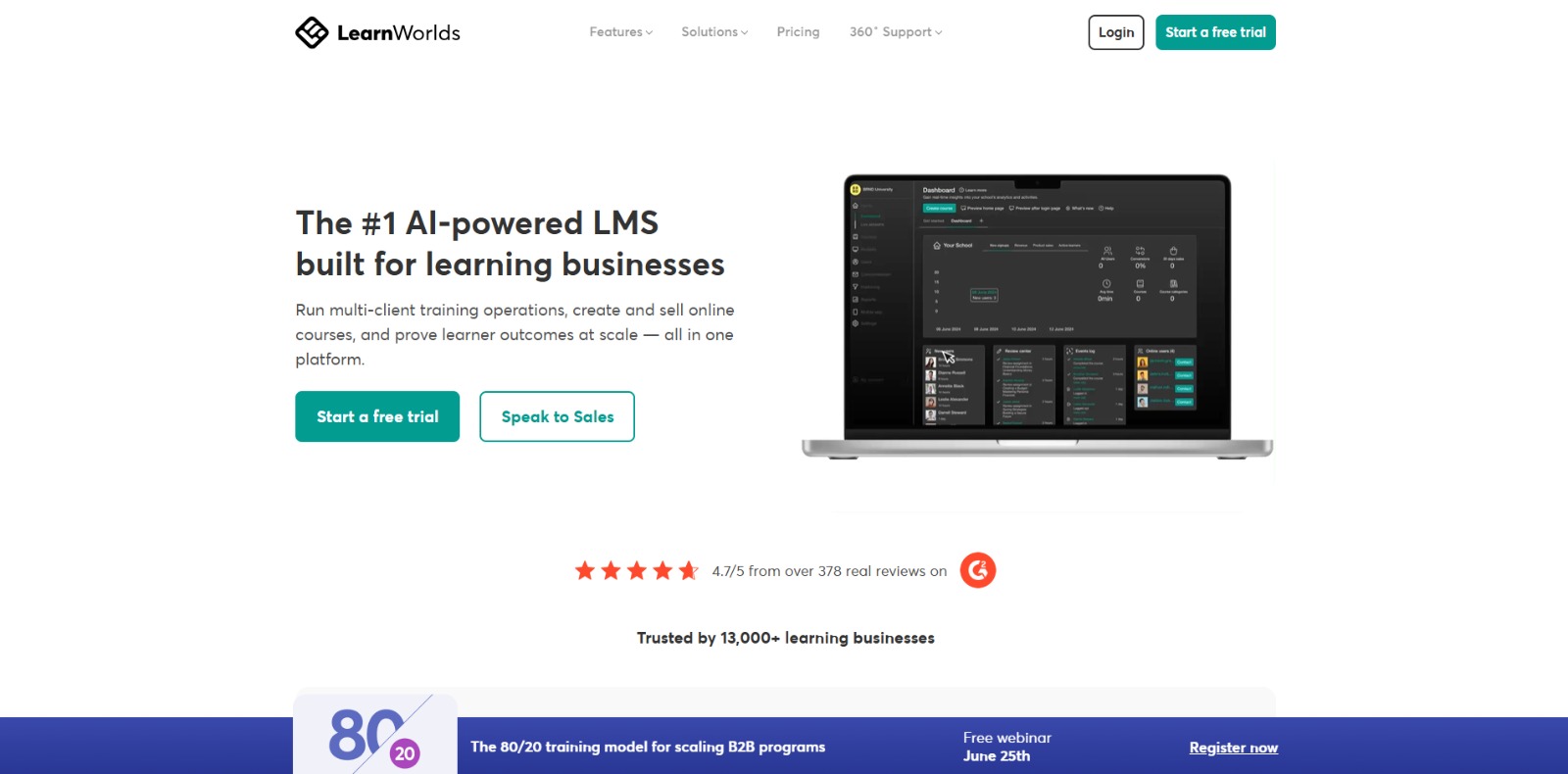
LearnWorlds: AI-powered LMS to create, market, and sell online courses with interactive learning, white-label sites, and built-in funnels. 🚀

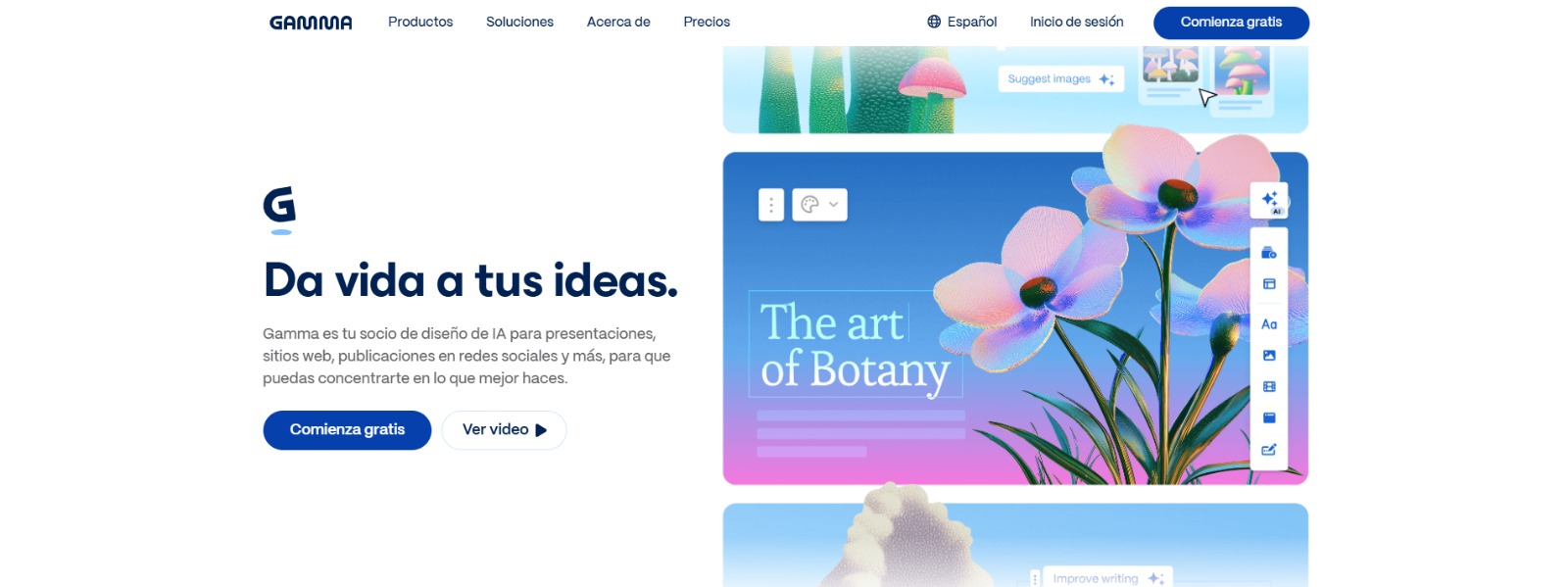
Gamma: Create stunning presentations, websites, and documents with AI—fast drafting, smart design, easy sharing, and export-ready content. 🚀

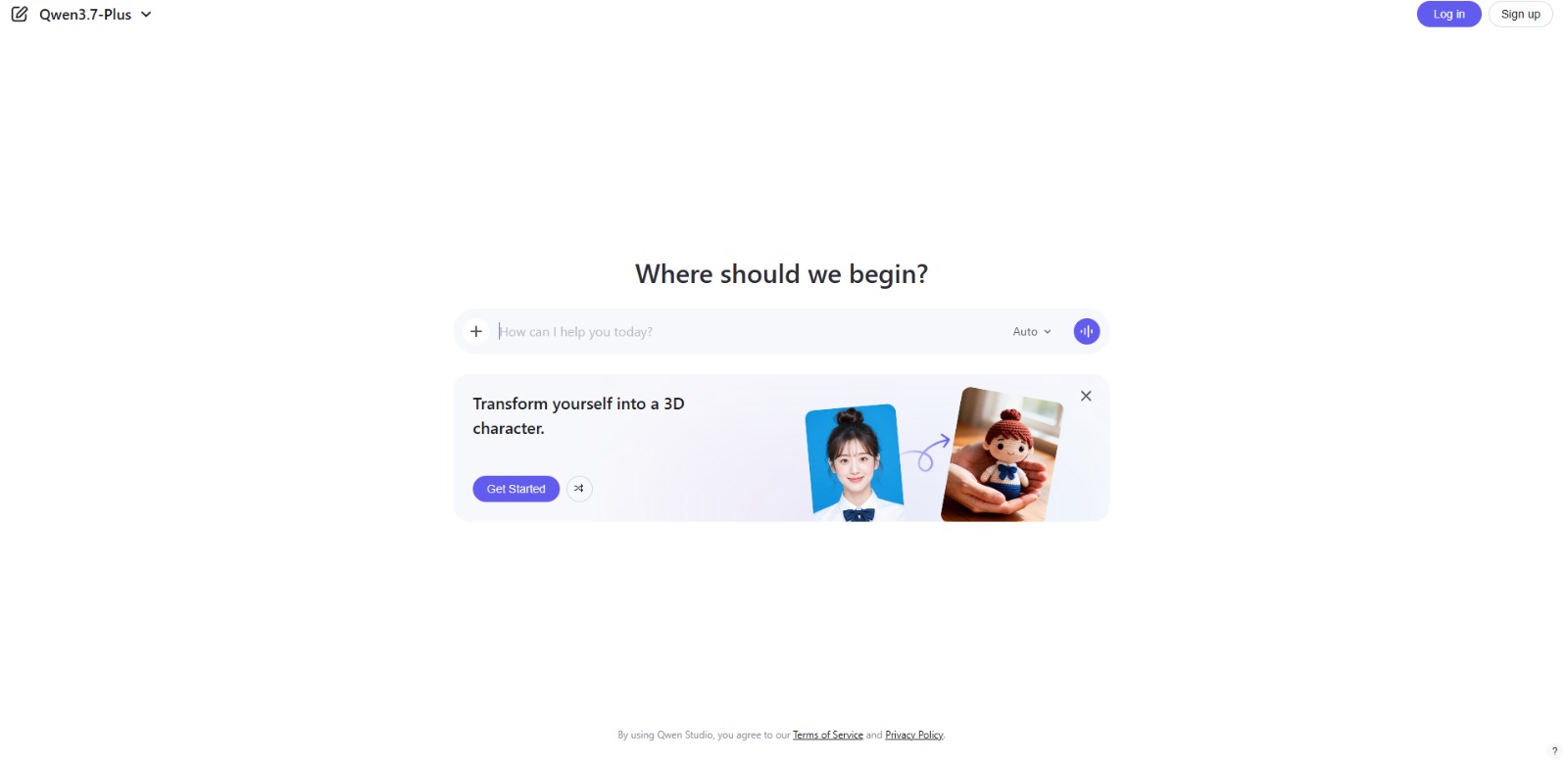
Qwen Chat Review: Is This AI Chatbot Your Next Productivity Power-Up? In this Qwen Chat review, we’ll explore its core capabilities, ideal users, and how this AI assistant can streamline your daily tasks and creative…

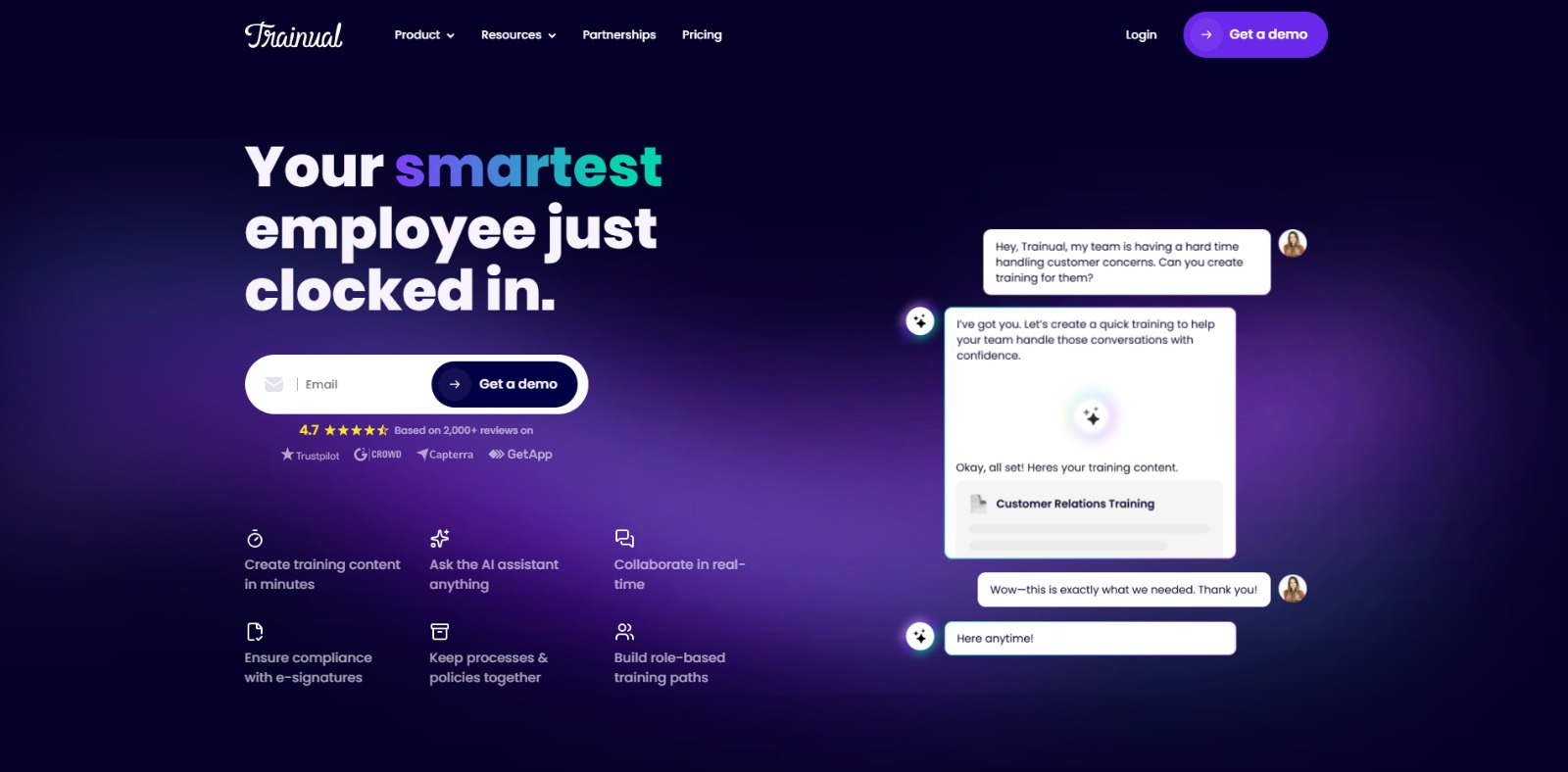
Trainual: AI-powered employee training software to document processes, onboard teams, centralize knowledge, and automate role-based learning at scale. 🚀

To provide the best experiences, we and our partners use technologies like cookies to store and/or access device information. Consenting to these technologies will allow us and our partners to process personal data such as browsing behavior or unique IDs on this site and show (non-) personalized ads. Not consenting or withdrawing consent, may adversely affect certain features and functions.
Click below to consent to the above or make granular choices. Your choices will be applied to this site only. You can change your settings at any time, including withdrawing your consent, by using the toggles on the Cookie Policy, or by clicking on the manage consent button at the bottom of the screen.