

Brave Leo
Brave Leo Review: Your Private AI Assistant for Smarter Browsing In this Brave Leo review, we’ll dive into how this integrated AI assistant works, who benefits most from its features, its core advantages and…

Brave Leo
Navigating the vast ocean of online information can often feel like a never-ending quest. From summarizing lengthy articles to generating quick content ideas, the demand for intelligent assistance directly within our browsing experience is growing. Enter Brave Leo, an AI assistant seamlessly integrated into the Brave browser, designed to bring powerful AI capabilities to your fingertips while prioritizing your digital privacy. This tool aims to transform how you interact with the web, making productivity and information retrieval more efficient and secure.
Brave Leo is an AI assistant built directly into the Brave web browser. It functions as a privacy-focused chatbot that can interact with the content you’re viewing, summarize web pages, generate text, answer questions, translate languages, and even analyze documents like PDFs. Unlike many other AI tools, it operates locally or with a strong emphasis on user privacy, ensuring your conversations are not logged or used for model training, making it a unique solution for those who value both AI power and data security.
In today’s fast-paced digital world, information overload is a constant challenge. Professionals across various fields, from content writers to researchers and students, often find themselves sifting through extensive web pages, needing to quickly extract key insights or generate content on the fly. The traditional workflow often involves switching between multiple tabs and applications, breaking focus and consuming valuable time. This is where the need for an integrated AI assistant becomes critical – a tool that can streamline these tasks without disrupting the browsing experience.
Furthermore, a significant concern for many users when adopting AI tools is privacy. The worry that personal data, queries, and interactions might be collected, stored, or used to train AI models is a major deterrent. Users are actively searching for solutions that offer the convenience of AI without compromising their digital security. This demand for a private AI chat experience, free from logins and data retention, highlights a crucial gap in the market.
Brave Leo steps into this space by directly addressing these pain points. It offers a solution for those who want to be more productive online, appreciate tools that simplify complex tasks, and seek convenience and efficiency, all while maintaining peace of mind regarding their personal data. By bringing AI directly into the browser, it eliminates the need to switch tools, reduces information overload, and provides a secure environment for AI-powered assistance, making it an important addition to any privacy-conscious professional’s toolkit.
Brave Leo is packed with features designed to enhance your browsing and productivity, all while keeping your privacy front and center. Here’s a closer look at what this AI assistant brings to your digital workspace:
The core strength of this platform is its seamless integration directly into the Brave browser. This means you can access AI capabilities without opening new tabs or switching applications. It’s always there, ready to assist you with a click, making your workflow smoother and more efficient.
One of the most popular uses for this tool is its ability to quickly summarize lengthy articles, reports, or any web page you’re viewing. This feature helps users grasp the main points of complex content in seconds, saving valuable time and combating information overload. It can also analyze PDFs, Google Docs, and Google Sheets.
Need to draft an email, brainstorm ideas for an article, or even generate code snippets? This AI solution can assist with various content creation tasks directly within your browser. It acts as an AI content creator, helping you overcome writer’s block and accelerate your output.
Privacy is a cornerstone of this assistant. It offers a private AI chat experience where your conversations are not retained, logged, or used to train AI models. For basic use, no account or login is required, providing peace of mind for users concerned about data collection.
Beyond summarization and generation, the assistant can answer specific questions about the content you’re viewing or general queries. It can leverage Brave Search for up-to-date information, making it a valuable AI for research directly within your browsing context.
Break down language barriers with the tool’s translation features. Whether you need to understand a foreign article or communicate in another language, the assistant can help translate text on the fly, making global content more accessible.
The platform is designed to support various large language models (LLMs), which may include options like Mixtral, Claude, or Llama, providing flexibility in AI capabilities. Advanced users may even have the option to ‘Bring Your Own Model’ (BYOM), allowing for greater customization and control over their AI experience.
Leveraging this browser AI integration offers a range of compelling benefits for users seeking enhanced productivity and privacy:
This AI assistant is particularly well-suited for individuals and professionals who prioritize both efficiency and privacy in their digital tasks. Here are some key audiences who will find immense value in its capabilities:
❤️ Also loved by: Journalists, Business Analysts, Legal Professionals, Project Managers, Customer Support Agents, Educators, Bloggers, Editors, Copywriters, SEO Specialists, Data Analysts, UX Designers, Product Managers, Entrepreneurs, Consultants.
Brave Leo fits into these categories. Explore each page for alternatives and related tools.
If Brave Leo is not a perfect fit, these alternative AI tools may cover different budgets, features, and use cases in AI ASSISTANT. Compare strengths, positioning, and why each tool might be a better fit for a specific workflow.
Brave Leo offers a flexible approach to access, providing a free tier that includes core AI capabilities directly within the Brave browser. This allows users to experience the benefits of an integrated AI assistant without an initial financial commitment. For those requiring more advanced features, higher usage limits, or access to a wider selection of premium large language models, a premium subscription is available. This tiered structure ensures that both casual users and power users can find a plan that suits their needs. It’s important to remember that pricing structures, available models, and specific feature sets can evolve as the platform updates. Therefore, users should always check the official Brave Leo website for the most current and detailed information on plans and pricing before making any decisions.
If you’ve been searching for an AI assistant that truly understands the value of your privacy while boosting your productivity, Brave Leo is designed with you in mind. Imagine cutting through information overload, generating content effortlessly, and getting instant answers—all without the nagging worry of your data being tracked or used. This integrated AI solution isn’t just another tool; it’s a commitment to a more efficient and secure online experience. It’s about empowering you to do more, know more, and create more, all within the comfort and security of your browser.
Explore Brave Leo and Transform Your Workflow Today
CharlieAITools was created with love to help you discover the best AI tools and transform your life, your ideas, and your projects. By signing up through my affiliate link, you help me keep this site running and continue to share valuable resources with fellow entrepreneurs. Thanks a ton for your support! 💛

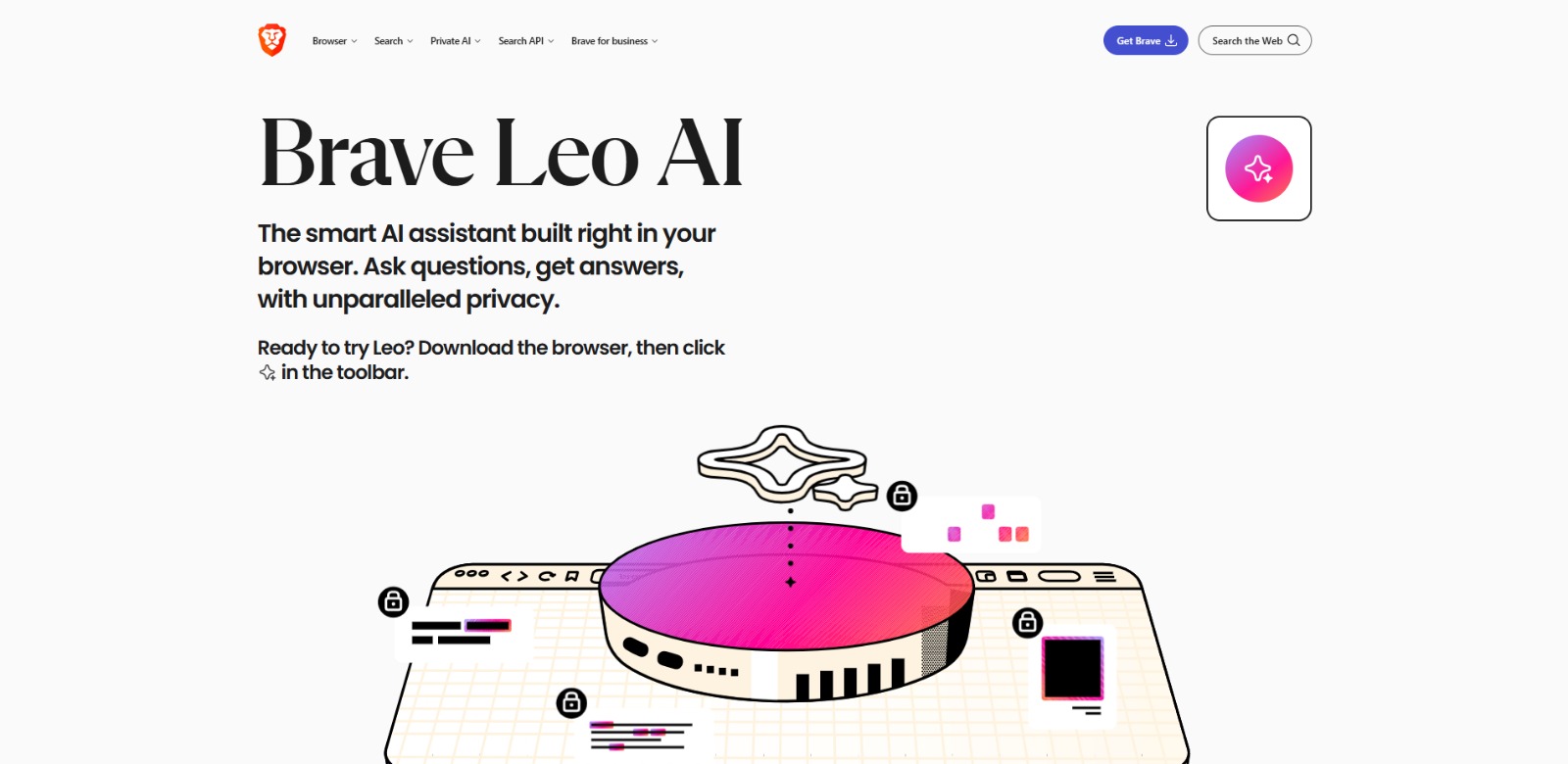
Brave Leo Review: Your Private AI Assistant for Smarter Browsing In this Brave Leo review, we’ll dive into how this integrated AI assistant works, who benefits most from its features, its core advantages and…

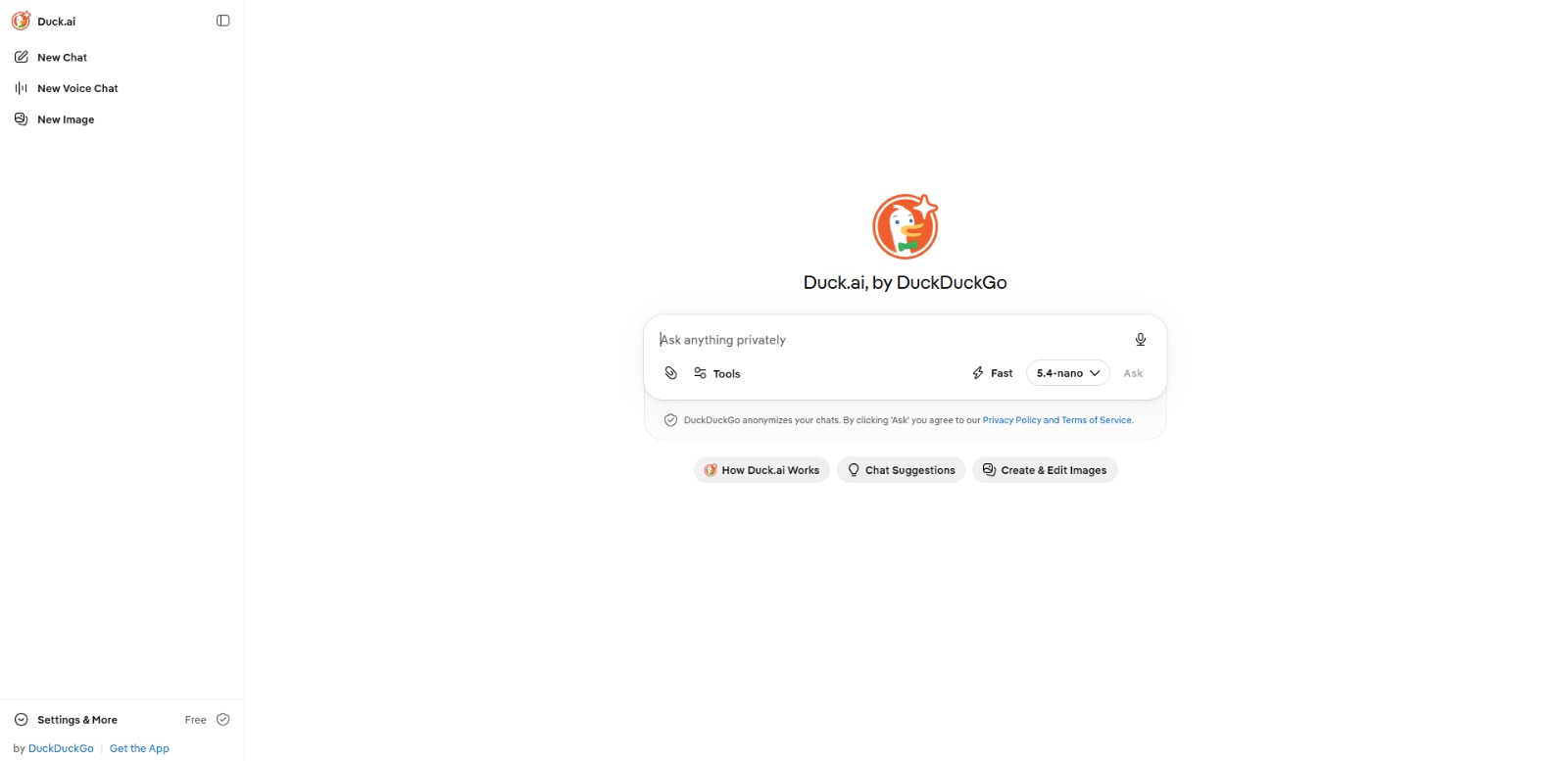
Duck.ai Review: Is This private AI chat the Secure Solution You Need? In this Duck.ai review, we’ll dive into what makes this platform a standout choice for private AI chat, its core features, who it’s best for, and why…

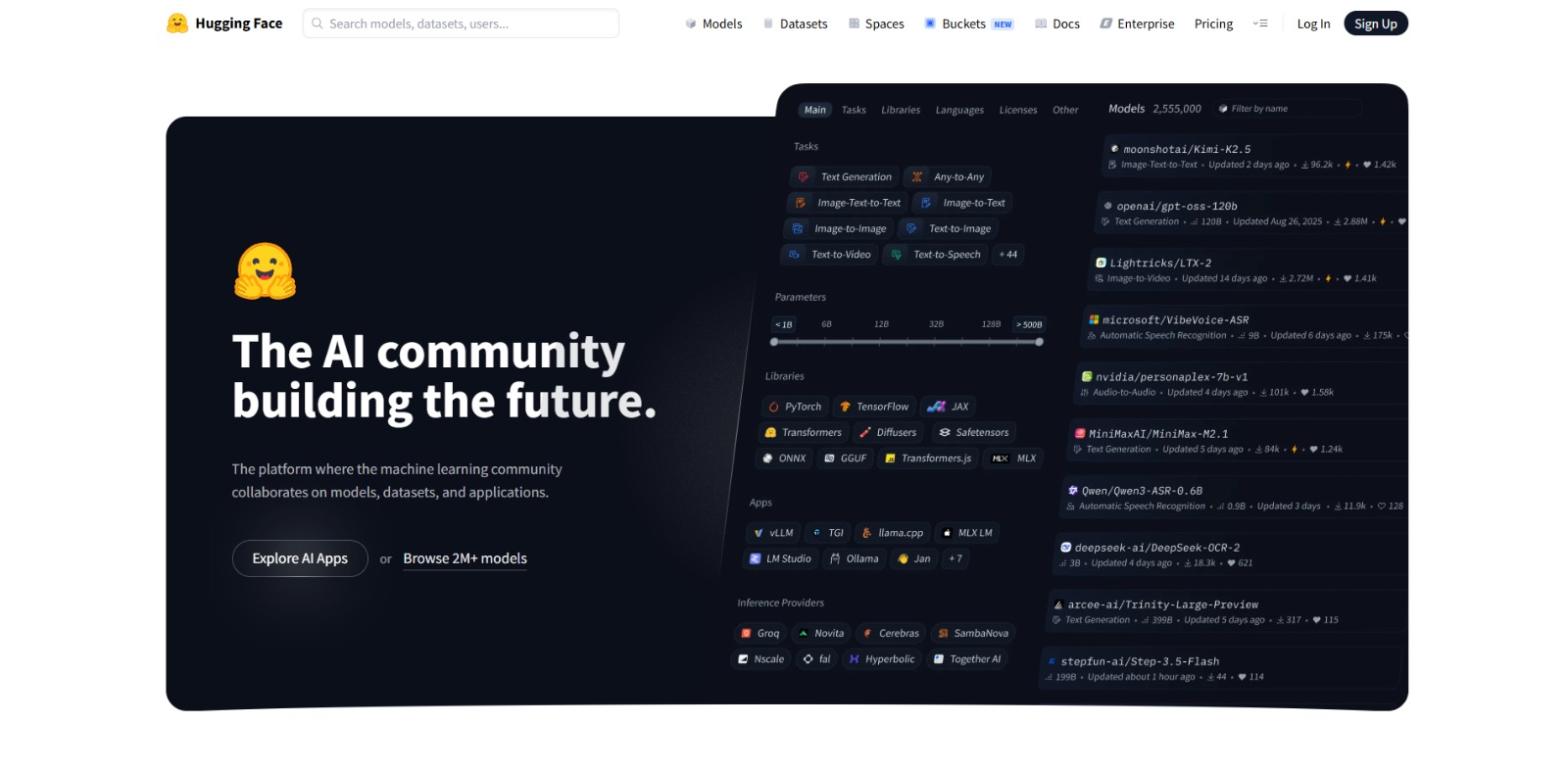
HuggingChat Review: Explore Open-Source AI Conversations for Free In this HuggingChat review, we’ll dive into how this platform empowers you to interact with diverse AI models, evaluate its benefits and limitations, and…


Pi Review: Your Personal AI for Smarter Thinking and Growth In this Pi review, we’ll explore its unique approach to personal intelligence, key features, benefits, and who stands to gain the most from this conversational…


Kimi Review: Is This AI Coding Assistant Your Next Productivity Power-Up? In this Kimi review, we’ll dive into its core features, explore who stands to benefit most, weigh its pros and cons, and help you decide if this…
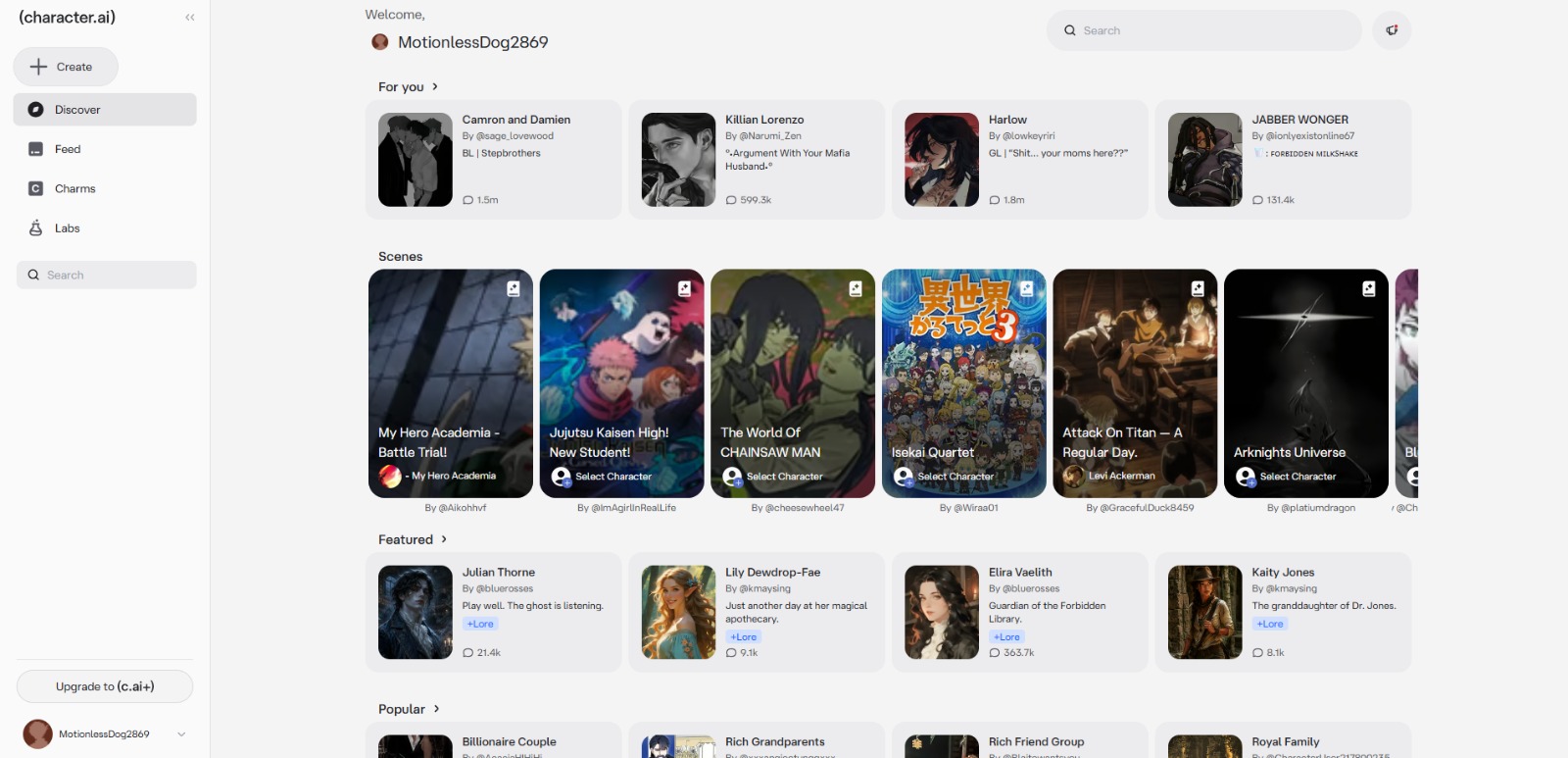
Character.AI Review: The Ultimate AI Chatbot for Creative Exploration In this Character.AI review, we’ll explore how this platform empowers you to create, interact with, and discover unique AI personalities for endless…

To provide the best experiences, we and our partners use technologies like cookies to store and/or access device information. Consenting to these technologies will allow us and our partners to process personal data such as browsing behavior or unique IDs on this site and show (non-) personalized ads. Not consenting or withdrawing consent, may adversely affect certain features and functions.
Click below to consent to the above or make granular choices. Your choices will be applied to this site only. You can change your settings at any time, including withdrawing your consent, by using the toggles on the Cookie Policy, or by clicking on the manage consent button at the bottom of the screen.