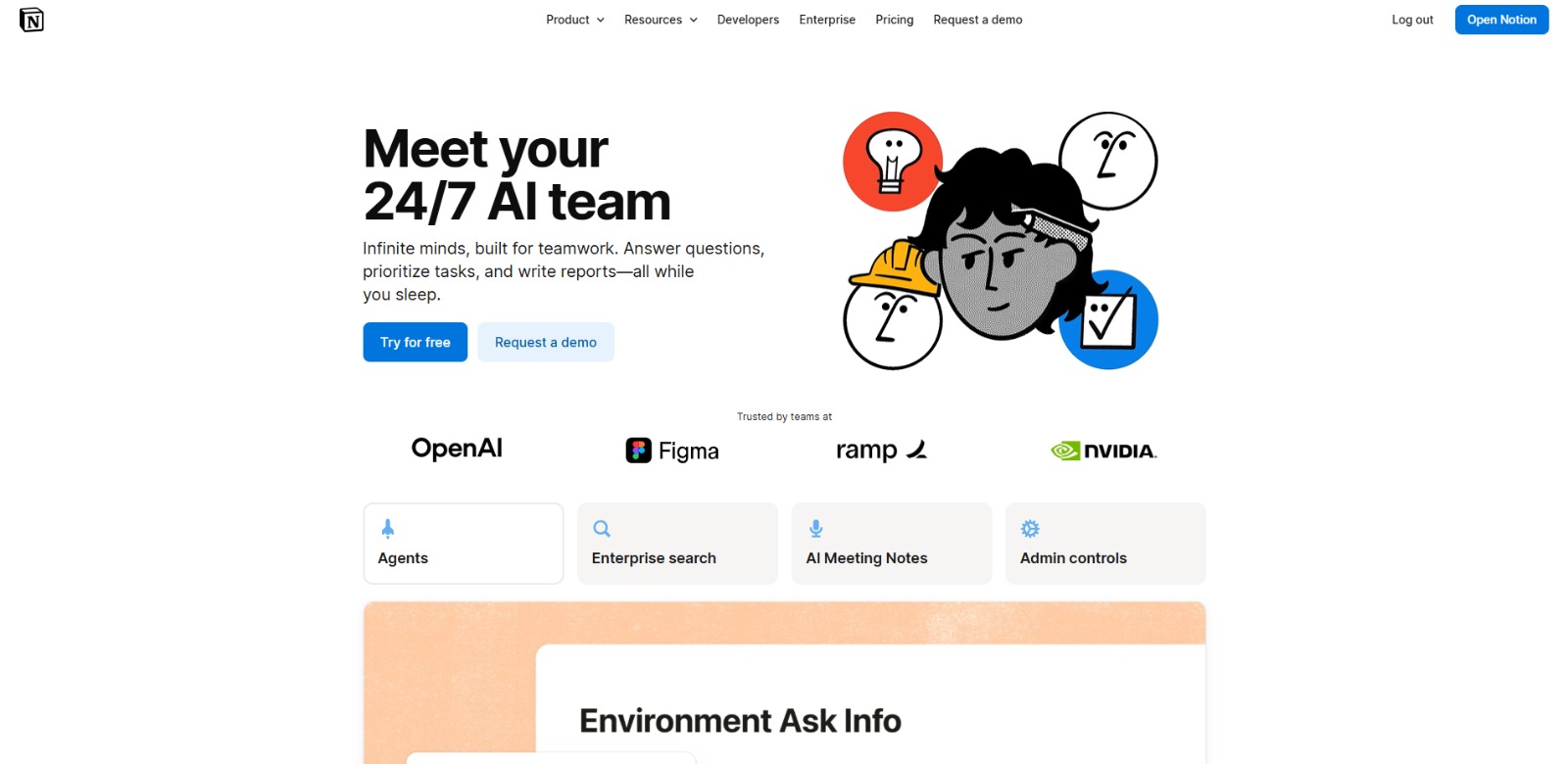
What Is Notion AI?: Your Guide to Smarter Workflows and AI Writing Assistance
Ever found yourself drowning in a sea of digital notes, tasks, and documents? In today’s fast-paced work environment, managing information and staying productive can feel like an uphill battle. Many professionals are searching for ways to streamline their efforts, and that’s where the question of what is Notion AI frequently arises. This powerful addition to the familiar Notion workspace promises to transform how you work, offering intelligent assistance right where you need it.
Understanding Notion AI isn’t just about learning a new feature; it’s about unlocking a new level of efficiency. Imagine having an AI writing assistant Notion built directly into your project management, documentation, and collaboration hub.
This article will guide you through what Notion AI is, how it works, and why it’s becoming an indispensable tool for individuals and teams looking to reclaim their time and focus on what truly matters. Once you understand What Is Notion AI, check our detailed Notion AI Review to compare features, pricing, pros, cons, and alternatives.
The Daily Grind: Overcoming Repetitive Tasks and Information Overload
For many professionals, a significant portion of the workday is consumed by tasks that feel more like administrative overhead than strategic work. Imagine the endless cycle of drafting emails, summarizing long documents, organizing meeting notes, or even just formatting content. These repetitive, time-consuming activities chip away at valuable hours, leaving less room for creative problem-solving, deep work, or focusing on high-impact projects. This constant cycle of manual effort often leads to burnout and a feeling of being perpetually behind, rather than ahead, impacting individual focus and team velocity and stifling innovation.
Compounding this challenge is the sheer volume of information we encounter daily. Data is scattered across countless apps, documents, and communication channels, creating a labyrinth where finding specific details can be a frustrating quest. This information overload isn’t just a nuisance; it actively hinders productivity by creating information silos that prevent seamless knowledge sharing.
When you spend precious minutes searching for a key fact or trying to piece together fragmented knowledge, the flow of work grinds to a halt, impacting project timelines and overall team efficiency. The struggle to quickly generate content or distill insights from this data further exacerbates the problem, making quick decision-making a distant dream.
Beyond Repetition: The Challenges of Information Silos and Meeting Management
Beyond the sheer volume of repetitive tasks, professionals often grapple with the frustrating reality of information silos. Picture this: critical project details reside in one platform, client communications in another, and internal notes in a third.
This fragmentation means that even when information exists, it’s often difficult to locate, share, or synthesize effectively. Team members waste valuable time chasing down data, leading to miscommunications, duplicated efforts, and a general sense of disorganization that can derail even the most well-planned projects. It’s a common scenario where colleagues struggle with similar productivity challenges, seeing complex workflows that could be vastly simplified and made more cohesive.
Another pervasive challenge is the inefficiency surrounding meeting management. How often have you left a meeting feeling unsure about action items, or struggled to find the key takeaways from a previous discussion? Inconsistent meeting notes, delayed follow-ups, and a lack of clear accountability are widespread frustrations. This isn’t just about poor note-taking; it’s about the lost opportunity to translate discussions into actionable progress. When crucial decisions or tasks aren’t properly documented and disseminated, projects can stall, deadlines are missed, and the overall pace of work slows down, creating a ripple effect across the entire team and impacting overall project success.
The Hidden Costs of Inefficiency: Why These Problems Matter
These seemingly minor daily frustrations accumulate into significant hidden costs for individuals and organizations. The most immediate impact is the sheer amount of lost time. Every minute spent on manual data entry, searching for files, or rewriting content is a minute not dedicated to strategic thinking, client engagement, or innovative development.
This isn’t just about individual productivity; it’s about the collective output of a team. When everyone is bogged down by administrative tasks, the entire organization’s capacity to move forward, adapt, and innovate is severely hampered, leading to missed opportunities and slower growth. This directly impacts the potential for demonstrable ROI through time savings and efficiency gains.
Beyond time, these inefficiencies directly impact the quality of work and the speed of decision-making. Scattered information leads to incomplete insights, which can result in suboptimal choices or even costly errors. Slow content creation processes mean delayed marketing campaigns, outdated reports, or missed communication windows. This can lead to a decline in overall work quality, a lack of competitive edge, and increased stress for team members. The constant struggle to keep up can also stifle creativity, turning engaging work into a monotonous chore. For ambitious achievers, these frustrations are barriers to achieving higher productivity and staying competitive in a rapidly evolving business landscape.
What is Notion AI? Your Intelligent Partner for Streamlined Workflows
Feeling overwhelmed by the digital deluge is a common modern challenge, but what if you had a smart assistant working right alongside you, within your most important workspace? This is precisely where Notion AI steps in, transforming the familiar Notion environment into a dynamic hub of productivity.
It’s designed to be the practical fix for those endless cycles of drafting, summarizing, and organizing that consume so much of your valuable time. By integrating powerful AI capabilities directly into your notes, documents, and project boards, this AI solution helps you cut through the noise and focus on what truly matters.
Imagine the relief of having an AI writing assistant Notion built-in, ready to tackle content generation, distill complex information, or even brainstorm ideas on demand. Notion AI isn’t just about adding another feature; it’s about fundamentally changing how you interact with your work. It empowers you to automate mundane tasks, accelerate content creation, and ensure that your information is not just stored, but intelligently leveraged. For anyone asking what is this AI tool and how it can genuinely improve their daily grind, Notion AI offers a compelling answer by turning administrative overhead into effortless efficiency.
How Notion AI Integrates Intelligence into Your Daily Tasks
Understanding how Notion AI works is simpler than you might think, especially since it’s not a separate application but an intelligent layer woven directly into your existing Notion pages. Think of it as having a highly capable co-pilot available at your fingertips, ready to assist with a wide range of tasks.
At its core, this AI solution operates by taking your natural language prompts and the context of your Notion page to generate relevant, helpful content or insights. It’s designed to be intuitive, allowing you to activate its power exactly where and when you need it most within your workspace.
Getting Started with AI Assistance
To begin, you simply navigate to any Notion page where you need assistance. Whether you’re drafting a new document, compiling research, or organizing meeting notes, Notion AI is just a few clicks or a simple command away.
You can typically invoke the AI by typing a forward slash (/) and selecting an AI command, or by highlighting existing text and choosing an AI action from the context menu. This seamless integration means you don’t have to export data or switch between different applications, keeping your workflow smooth and uninterrupted.
Crafting Your Request (Prompting)
Once activated, the magic truly begins with your prompt. You’ll tell Notion AI what you want it to do, much like you would instruct a human assistant. This could be anything from “Summarize this article” to “Brainstorm five blog post ideas about productivity” or “Write a social media post announcing our new feature.”
The beauty here is that Notion AI leverages the content already on your page, using it as crucial context to provide more accurate and relevant outputs. The more specific your request and the richer the surrounding information, the better the AI can tailor its response to your needs.
Instant Content Generation and Transformation
With your prompt in place, Notion AI quickly processes your request and generates output directly within your Notion page. This could manifest as a first draft of an email, a concise summary of a lengthy report, a structured outline for a presentation, or even a list of action items extracted from meeting notes.
It’s an incredibly versatile AI writing assistant Notion users can rely on to jumpstart their creative process or quickly distill key information, saving significant time and mental effort that would otherwise be spent on manual drafting or reading.
Refining and Integrating AI Output
The generated content isn’t necessarily the final word; it’s a powerful starting point. You have full control to review, edit, and refine the AI’s suggestions to perfectly match your voice and requirements.
You can ask Notion AI to “make it shorter,” “change the tone to professional,” or “expand on this point.” This iterative process allows you to collaborate with the AI, guiding it to produce the best possible outcome. Once satisfied, the content is seamlessly integrated into your Notion page, ready for further collaboration or publication.
This dynamic interaction makes Notion AI an invaluable tool for a wide array of professional tasks. From generating marketing copy and drafting job descriptions to simplifying complex legal documents and creating personalized learning plans, its applications are vast. It truly empowers users to transform raw ideas into polished content and disorganized information into actionable insights, all within the unified environment of Notion.
Unlock Your Potential: The Transformative Benefits of Notion AI
The real magic of Notion AI lies in its ability to transform daily frustrations into significant advantages, directly addressing the hidden costs of inefficiency we discussed earlier. One of the most immediate and impactful benefits is the immense time savings it offers.
By automating repetitive writing tasks, generating quick summaries, and assisting with content creation, this AI solution frees up countless hours that professionals can then dedicate to strategic thinking, creative problem-solving, or client engagement. It’s about shifting your focus from manual labor to high-value work, dramatically improving overall productivity and helping you stay ahead.
Beyond saving time, Notion AI significantly enhances the quality and speed of your work. It acts as a powerful brainstorming partner, helping to overcome writer’s block and generate fresh ideas, thereby boosting creativity. The ability to quickly distill complex information into digestible summaries supports faster, more informed decision-making.
Moreover, by keeping all your AI-assisted content within your Notion workspace, it streamlines workflows, reduces context switching, and ensures consistency across your projects. This leads to higher quality output, reduced stress, and a more cohesive, efficient work environment, ultimately helping you achieve better business outcomes.
Notion AI: Your Intelligent Co-Pilot for a Smarter Workspace
So, what is this AI tool, Notion AI, truly about? At its core, it’s a powerful, integrated AI assistant designed to transform your Notion workspace into a hub of efficiency and creativity. It’s not just another feature; it’s a fundamental shift in how you interact with your digital information and tasks. By seamlessly weaving artificial intelligence into your notes, documents, and project boards, Notion AI empowers you to move beyond manual drudgery and focus on strategic, high-impact work.
This AI solution is ideal for anyone feeling the weight of digital overload – from content creators and project managers to students and entrepreneurs. If you spend countless hours drafting, summarizing, brainstorming, or organizing, Notion AI offers a compelling answer to your productivity woes. It’s about making your existing workflows smoother, your content creation faster, and your information more actionable, all within an environment you already know and trust.
The durable value of Notion AI lies in its ability to automate the mundane, accelerate the creative, and distill the complex. It helps you reclaim valuable time and mental energy, allowing you to dedicate more attention to innovation and deeper engagement with your work. Understanding this tool means recognizing its potential to not just assist, but to truly augment your capabilities, making your professional life significantly more streamlined and productive.
Imagine a workday where the tedious tasks melt away, leaving you free to innovate, strategize, and create. Notion AI isn’t just a fancy add-on; it’s a genuine partner in your pursuit of efficiency and excellence. It’s about turning those frustrating moments of writer’s block or information overload into opportunities for swift, intelligent action. By integrating this AI solution, you’re not just saving time; you’re investing in a smarter, more focused approach to every project, every idea, and every deadline.
Ready to experience the transformative power of an AI writing assistant Notion built-in? Discover how Notion AI can streamline your work and amplify your creativity today.
Notion AI FAQs
What is Notion AI used for?
What is Notion AI used for?
Who is Notion AI best for?
Who is Notion AI best for?
How does Notion AI generally work?
How does Notion AI generally work?
What should users check before choosing Notion AI?
What should users check before choosing Notion AI?
CharlieAITools was created with love to help you discover the best AI tools and transform your life, your ideas, and your projects. We aim to share valuable resources with fellow entrepreneurs. Thanks a ton for your support!