

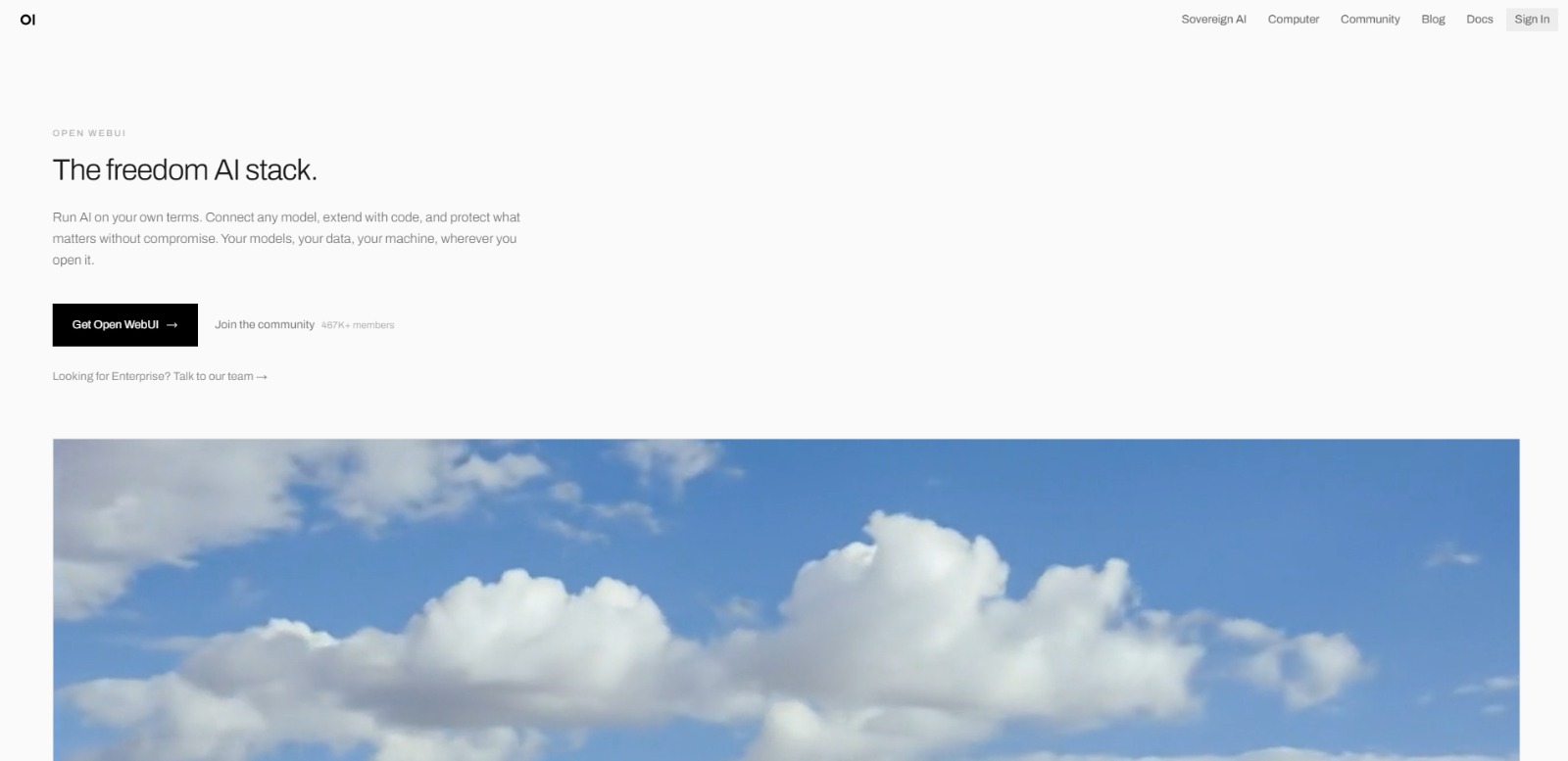
What Is Open WebUI and How Does It Help with local AI interface?
Have you ever wondered about running powerful AI models directly on your own computer, with full control over your data and privacy? If so, you’re likely searching for what is Open WebUI, a robust and user-friendly platform designed to make self-hosted AI accessible. It’s an open-source solution that transforms the way individuals and organizations interact with artificial intelligence, moving beyond reliance on external cloud services.
Understanding Open WebUI is crucial for anyone keen on leveraging AI on their own terms. This platform isn’t just another chatbot; it’s a comprehensive local AI interface that empowers you to manage, integrate, and extend various AI models securely. By delving into its capabilities, you’ll discover how it addresses common frustrations and opens up new possibilities for customization and data sovereignty in your AI endeavors. Once you’re clear on What Is OpenWebUI, our OpenWebUI Review can help you decide whether it’s worth trying.
The Challenge of Data Privacy and Control in AI
In today’s fast-paced digital world, the allure of AI is undeniable, yet many users face a significant hurdle: data privacy. Relying on cloud-based AI services often means entrusting sensitive information to third-party servers, raising valid concerns about security breaches, data handling policies, and potential misuse. For tech-savvy individuals, developers, and businesses, this lack of direct control over their AI interactions and data can be a major deterrent, limiting the types of projects they can confidently pursue.
This concern isn’t just theoretical; it impacts real-world applications. Imagine working on proprietary code, confidential research, or personal data. Sending this information to external AI models, even for a quick query, introduces a layer of risk that many are unwilling to accept. The desire for a truly sovereign AI experience, where data remains on-premises and under strict user control, has become a paramount need, driving the search for solutions like a self-hosted AI platform.
Navigating High Costs and Limited Customization in AI Tools
Beyond privacy, users frequently encounter frustrations with the high costs and restrictive nature of many proprietary AI platforms. Cloud AI services, while convenient, often come with escalating subscription fees, especially as usage scales. This can quickly become a significant financial burden for startups, independent developers, or even larger organizations looking to experiment or deploy AI extensively. The economic barrier can stifle innovation and limit access to cutting-edge AI capabilities for those with tighter budgets.
Furthermore, these commercial solutions frequently impose limitations on customization and integration. Developers often find themselves constrained by vendor lock-in, unable to seamlessly integrate AI models with their existing tools or extend functionality with custom code. The inability to swap out models, modify behaviors, or build unique workflows means sacrificing flexibility and control, forcing users into predefined ecosystems that may not fully meet their specific project requirements or evolving needs.
Why These AI Challenges Are Costly and Limiting
These pervasive problems—data privacy concerns, escalating costs, and limited customization—aren’t just minor inconveniences; they translate into significant real-world consequences. A lack of data sovereignty can lead to severe security vulnerabilities, potential compliance issues, and a constant underlying anxiety about information exposure. This can slow down development cycles as teams spend valuable time implementing workarounds or seeking legal counsel, rather than focusing on core innovation.
The financial strain of expensive cloud AI services can drain budgets, diverting resources from other critical areas of development or business growth. This not only impacts profitability but also limits the scope of AI projects, forcing difficult choices about which initiatives to pursue. Moreover, the lack of customization and integration flexibility results in operational inefficiency, as developers struggle to adapt generic tools to specific needs, leading to slower decisions, lower quality work, and missed opportunities to leverage AI’s full potential.
Open WebUI: Your Solution for Private, Flexible, and Cost-Effective AI
After grappling with the challenges of data privacy, escalating costs, and rigid customization, many are seeking a robust alternative. This is precisely where Open WebUI shines as a beacon of empowerment for local AI. It directly addresses those core frustrations by providing a self-hosted platform that puts you firmly in control. Imagine an AI environment where your sensitive data never leaves your machine, ensuring unparalleled privacy and security for all your projects.Open WebUI isn’t just about avoiding problems; it’s about unlocking potential.
It offers a tangible solution for those wondering “what is this AI tool” that truly respects user sovereignty and budget. By enabling you to run powerful AI models locally, it eliminates the recurring subscription fees associated with cloud services, making advanced AI capabilities accessible and sustainable. This platform empowers you to build, customize, and experiment with AI on your own terms, fostering innovation without the usual constraints.
How Open WebUI Puts Local AI Power in Your Hands
Understanding how Open WebUI works is key to appreciating its value. At its core, this platform acts as a user-friendly gateway to the complex world of local AI models. Instead of interacting with command-line interfaces or intricate APIs directly, Open WebUI provides an intuitive web-based interface that simplifies the entire process.
It’s designed to make running powerful AI on your own hardware as straightforward as possible, even if you’re not a seasoned developer.The general workflow involves a few key steps, transforming your local machine into a powerful AI hub. This AI solution abstracts away much of the technical complexity, allowing you to focus on what you want to achieve with AI, rather than getting bogged down in setup details. Think of it as your personal AI control panel, ready to manage various models and interactions with ease.
Setting Up Your Local AI Environment
The first step typically involves deploying Open WebUI on your local system. This often utilizes containerization technologies like Docker, which package the application and its dependencies into a neat, portable unit. This method ensures a consistent and relatively simple installation process across different operating systems, getting you up and running quickly. You’ll need to ensure your hardware meets the basic requirements, especially for running larger AI models, but the platform itself is designed for accessibility.
Once the Open WebUI application is installed and running, it creates the foundational environment for your local AI endeavors. It’s like setting up a blank canvas, ready for you to bring in your chosen artistic tools – in this case, the AI models themselves. This initial setup establishes the secure, private space where all your AI interactions will take place, entirely within your control.
Integrating AI Models
With Open WebUI ready, the next exciting phase is integrating the AI models you wish to use. This platform supports a wide array of models, often allowing you to download them directly from popular repositories like Hugging Face. You have the freedom to choose from various open-source language models, image generation models, or other specialized AI tools that fit your specific needs and hardware capabilities.The integration process is streamlined through the interface.
You can typically point Open WebUI to the model files, and it handles the loading and configuration, making them available for interaction. This flexibility means you’re not locked into a single model or vendor; you can experiment, swap models, and even run multiple models concurrently, all managed from one central dashboard.
Interacting and Customizing Your AI Experience
Once your models are integrated, you can start interacting with them through Open WebUI’s intuitive chat interface. This is where the magic happens! You can send prompts, receive responses, and engage in natural language conversations, much like you would with cloud-based AI. The key difference, of course, is that all these interactions are happening locally, on your machine, with your data remaining private.
Beyond basic interaction, the platform offers robust customization options. You can manage conversation history, adjust model parameters (like temperature or token limits), and even create custom prompts or system messages to guide the AI’s behavior. This level of control allows you to fine-tune the AI’s responses to better suit your specific tasks, whether it’s creative writing, coding assistance, or data analysis.
Extending Capabilities and Workflows
For those who want to push the boundaries, Open WebUI often provides avenues for extending its capabilities. Its open-source nature means a vibrant community frequently contributes new features, integrations, and enhancements. Users can explore options for connecting the platform with other local tools, automating workflows, or even developing custom extensions to tailor the AI experience even further.This extensibility is particularly valuable for developers and “Architects” who need to integrate AI into existing software or build unique applications.
By offering a stable and accessible local AI interface, Open WebUI serves as a powerful foundation for innovative projects, ensuring that your AI tools evolve alongside your needs without external dependencies or prohibitive costs.
The Unlocked Value: Privacy, Flexibility, and Efficiency with Open WebUI
The true value of Open WebUI lies in its ability to transform common AI frustrations into powerful advantages. First and foremost, it delivers unparalleled data sovereignty. Your sensitive information, proprietary code, or personal research stays exactly where it belongs – on your own hardware. This eliminates the anxiety of third-party data handling and compliance risks, allowing you to leverage AI with complete peace of mind.
Beyond privacy, this platform offers significant cost savings and immense flexibility. By moving away from expensive cloud subscriptions, you gain control over your budget, making advanced AI accessible for sustained use and experimentation. The freedom to choose, swap, and customize AI models means you’re no longer constrained by vendor lock-in, empowering you to adapt your AI tools precisely to your evolving project requirements and innovative ideas.
Embracing Control: Your AI Future with Open WebUI
So, what is this AI tool, Open WebUI, truly about at its core? It’s a game-changer for anyone who believes their data should stay theirs, their budget should be respected, and their AI tools should adapt to them, not the other way around. This platform isn’t just another interface; it’s a foundational shift towards personal sovereignty in the age of artificial intelligence. It empowers you to build a robust, private AI ecosystem right on your own hardware, free from the typical constraints of cloud-based services.For developers, researchers, privacy-conscious individuals, and innovative small businesses, Open WebUI offers a compelling answer to the growing need for secure and flexible AI deployment.
It’s about more than just running models; it’s about fostering an environment where experimentation thrives, sensitive projects remain confidential, and advanced capabilities are always within reach without recurring fees. Understanding Open WebUI means recognizing a path to sustainable, ethical, and powerful AI integration into your workflow.
Reclaim Your AI Journey: Privacy, Power, and Unbounded Potential
Imagine an AI assistant that truly works for *you*, on *your* terms. No more worrying about data breaches, unexpected bills, or limitations on your creative freedom. Open WebUI isn’t just a tool; it’s an invitation to a future where AI is a private, powerful extension of your own capabilities. It’s about empowering your projects, protecting your insights, and fostering innovation without compromise. Ready to take full control of your AI experience?
Open WebUI FAQs
What is Open WebUI primarily used for?
What is Open WebUI primarily used for?
Who is Open WebUI best suited for?
Who is Open WebUI best suited for?
How does Open WebUI generally work to provide local AI?
How does Open WebUI generally work to provide local AI?
Is Open WebUI suitable for beginners in AI?
Is Open WebUI suitable for beginners in AI?
CharlieAITools was created with love to help you discover the best AI tools and transform your life, your ideas, and your projects. We aim to share valuable resources with fellow entrepreneurs. Thanks a ton for your support!