

Open WebUI
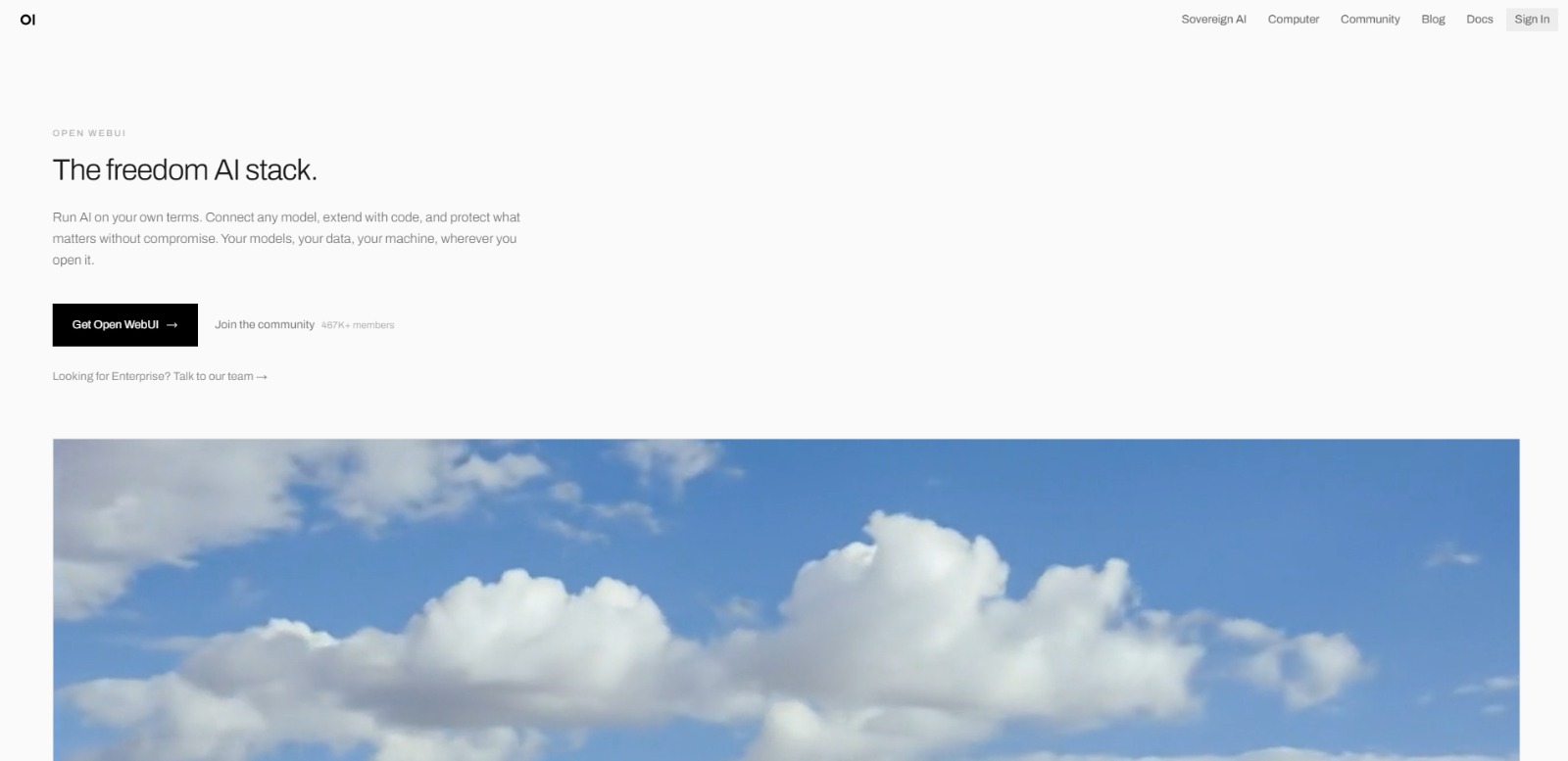
Open WebUI Review: Your Gateway to Sovereign self-hosted AI? In this Open WebUI review, we’ll dive into how this powerful platform empowers you to run AI models locally, manage them with ease, and build your own…

Open WebUI
In an era where data privacy and control are paramount, the allure of running artificial intelligence on your own terms is stronger than ever. Open WebUI emerges as a compelling solution for those who want to harness the power of AI without the inherent dependencies and privacy trade-offs of cloud-based services. This platform isn’t just another interface; it’s a statement about owning your AI infrastructure.
Open WebUI is an open-source, self-hosted web interface designed to simplify the management and interaction with various AI models directly on your local machine or private server. It acts as a unified dashboard, allowing users to connect, deploy, and converse with a wide array of AI models, ranging from large language models (LLMs) to vision and voice models, all within a secure, customizable environment. Essentially, it’s your personal control center for sovereign AI.
The digital landscape is increasingly dominated by powerful AI, but with that power comes a growing concern: who truly controls your data and your AI interactions? Many users feel a lack of control over their AI data and models when relying on cloud-based solutions, often leading to privacy and security anxieties. This is where Open WebUI steps in, addressing a critical need for data sovereignty in the AI space.For developers, researchers, and privacy advocates alike, the ability to run AI locally means freedom from vendor lock-in and the high, often unpredictable, costs associated with proprietary AI solutions.
Imagine experimenting with cutting-edge AI models without worrying about API call limits or sensitive data leaving your secure perimeter. This platform transforms complex local AI setups into a more manageable experience, making advanced AI accessible to a broader range of technical users. It’s about putting the power of AI back into the hands of the individual or organization, fostering innovation in a secure and controlled environment.
Open WebUI is packed with features designed to give you maximum control and flexibility over your local AI environment. From seamless model integration to advanced customization options, this platform aims to be your go-to hub for all things self-hosted AI.
At its core, Open WebUI allows you to run AI models directly on your own hardware, whether it’s a personal computer (Linux, macOS, Windows are supported) or a dedicated server. This capability ensures your data remains private and secure, never leaving your controlled environment unless you explicitly choose to integrate with external services. It’s the ultimate solution for those prioritizing data sovereignty.
This platform isn’t picky! It’s designed to connect with a wide range of AI models, including popular local runtimes like Ollama, as well as cloud-based APIs from providers like OpenAI and Anthropic. This flexibility means you can experiment with different models, compare their outputs, and switch between them effortlessly, all from a single, unified interface.
For developers and power users, the ability to extend AI functionality with custom code is a game-changer. Open WebUI supports Python extensibility, allowing you to integrate your own scripts and logic to tailor AI workflows, automate tasks, or add unique capabilities that aren’t available out-of-the-box. This feature truly empowers you to build AI on your terms.
Leveraging the power of open source, this tool fosters a vibrant community. Users can share models, extensions, and insights, creating a rich ecosystem of resources. This collaborative spirit means you benefit from collective innovation and can contribute your own developments back to the community, accelerating progress for everyone.
Despite its powerful backend, Open WebUI offers an intuitive and clean web interface. It simplifies the often-complex process of managing local AI models, making it easier to interact with your AI, manage conversations, and configure settings without needing deep command-line expertise.
While primarily an open-source solution, the platform also caters to more demanding environments with features like Single Sign-On (SSO), Role-Based Access Control (RBAC), and audit logs. These capabilities are crucial for organizations looking to deploy sovereign AI solutions with robust security and compliance requirements.
Beyond just text, this AI solution is built to handle a diverse range of AI tasks. It offers robust toolkits for voice interaction, image processing (vision), and various content generation tasks. This broad capability makes it a versatile platform for a multitude of AI-driven projects and applications.
Open WebUI is designed for a specific kind of user – one who values control, privacy, and customization in their AI endeavors. If you identify with any of the following, this platform might be your next favorite tool.
❤️ Also loved by: Technical Leads, Hobbyists, Startup Founders, Product Managers, Academics, System Integrators, Open Source Enthusiasts, Custom Solution Builders, AI Infrastructure Managers, Cost-Conscious Innovators, Secure AI Implementers, AI Experimenters, Python Developers, Local AI Enthusiasts.
Open WebUI fits into these categories. Explore each page for alternatives and related tools.
If Open WebUI is not a perfect fit, these alternative AI tools may cover different budgets, features, and use cases in AI ASSISTANT. Compare strengths, positioning, and why each tool might be a better fit for a specific workflow.
Open WebUI is an open-source project, meaning the core software itself is generally free to download and use. This makes it an incredibly cost-effective solution for running AI models, as it eliminates recurring software licensing fees. However, “free” doesn’t mean “zero cost.” Users will need to factor in the investment in their own hardware (CPU, GPU, RAM) to run AI models effectively, as well as the time and technical expertise required for setup and maintenance. While the platform offers enterprise-grade features like SSO and RBAC, specific pricing or licensing models for these advanced functionalities are not clearly specified and may depend on custom deployments or community contributions. As with any evolving open-source project, pricing, available features, and model access may change over time, so users should always check the official Open WebUI website for the latest details before making a decision.
If the idea of owning your AI, safeguarding your data, and customizing your intelligent workflows resonates with you, then Open WebUI offers a compelling path forward. It’s more than just a tool; it’s an invitation to build a more private, flexible, and powerful AI future on your own terms. Imagine the possibilities when you’re no longer constrained by cloud limitations or privacy concerns.
Ready to explore a world where AI works for you, securely and privately? Visit Open WebUI today to learn more and begin your journey into sovereign AI.
CharlieAITools was created with love to help you discover the best AI tools and transform your life, your ideas, and your projects. By signing up through my affiliate link, you help me keep this site running and continue to share valuable resources with fellow entrepreneurs. Thanks a ton for your support! 💛

Open WebUI Review: Your Gateway to Sovereign self-hosted AI? In this Open WebUI review, we’ll dive into how this powerful platform empowers you to run AI models locally, manage them with ease, and build your own…


Ollama Review: Run AI Models Locally with Ease? In this Ollama review, we’ll explore its core capabilities, who benefits most, its advantages and limitations, and how it empowers local AI deployment. In an era where AI…


LM Studio Review: Is This LM Studio Bionic Worth It for Local AI Agents? In this LM Studio review, we’ll explore its unique approach to local AI agents, key features, who it’s best for, and how it empowers…


Jan Review: The Private open-source ChatGPT alternative for Local AI? In this Jan review, we’ll explore how this open-source platform empowers you to run AI models locally, its core features, who it’s best for, and if…

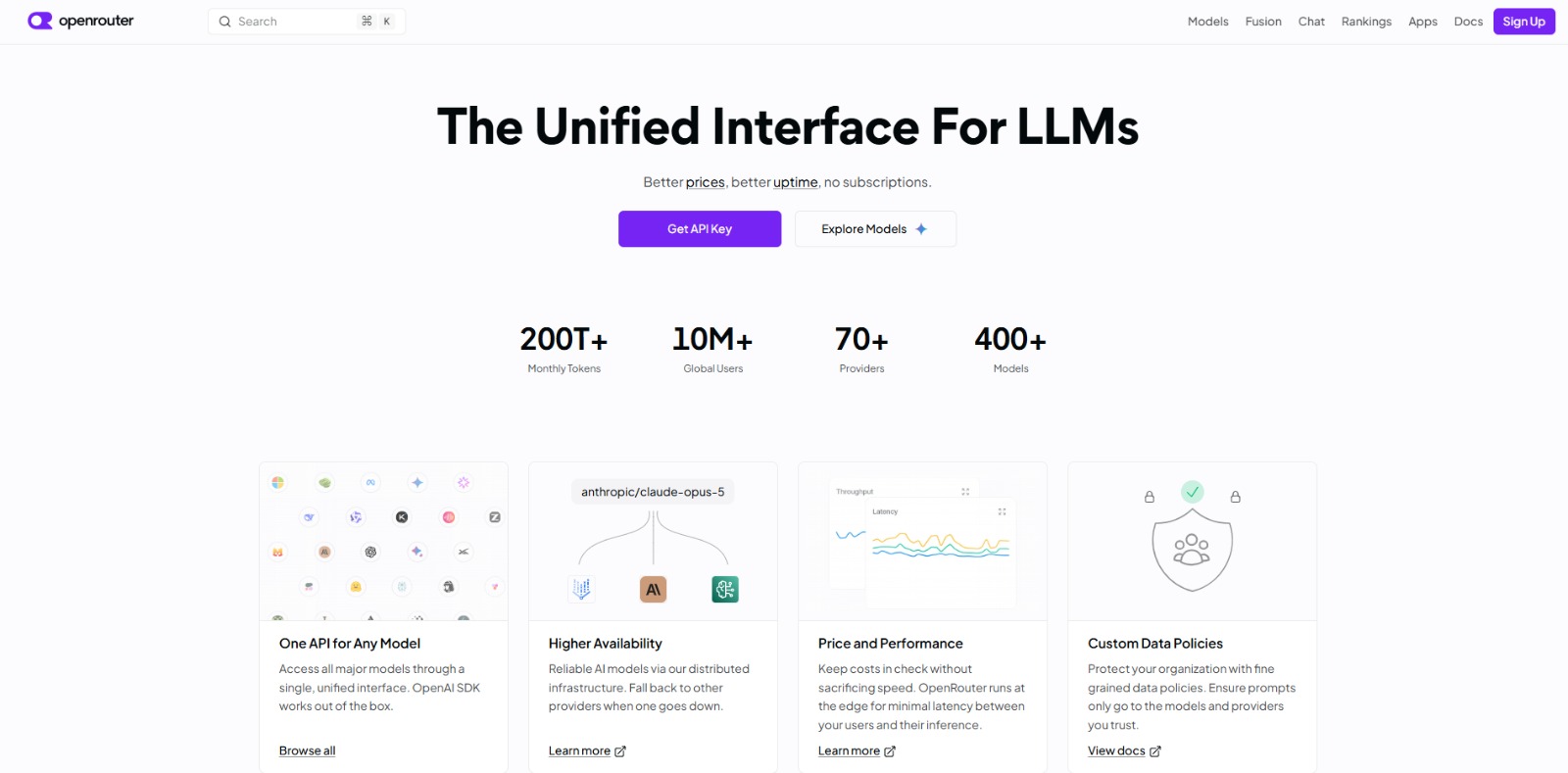
OpenRouter Review: Your Unified AI API Gateway for Smarter Workflows? In this OpenRouter review, you’ll learn how this innovative platform simplifies AI model access, optimizes costs, and enhances reliability for…


Replit Agent Review: Build Production-Ready Apps with AI Chat In this Replit Agent review, we’ll dive into how this innovative AI app builder empowers you to create functional applications, its core features, who stands…

To provide the best experiences, we and our partners use technologies like cookies to store and/or access device information. Consenting to these technologies will allow us and our partners to process personal data such as browsing behavior or unique IDs on this site and show (non-) personalized ads. Not consenting or withdrawing consent, may adversely affect certain features and functions.
Click below to consent to the above or make granular choices. Your choices will be applied to this site only. You can change your settings at any time, including withdrawing your consent, by using the toggles on the Cookie Policy, or by clicking on the manage consent button at the bottom of the screen.