

Notion AI
Notion AI Review: Supercharge Your Productivity and Workflow In this Notion AI review, we’ll dive into how this powerful tool integrates with your existing workspace to boost efficiency, streamline tasks, and unlock new…

Notion AI
In today’s fast-paced world, staying on top of tasks, managing information, and generating content can feel like a constant uphill battle. That’s where intelligent assistance comes in. If you’re already a Notion user, or even if you’re exploring ways to enhance your team’s productivity, you’ve likely heard whispers about Notion AI. This integrated AI solution promises to transform how you work, moving beyond simple automation to truly intelligent assistance right within your familiar workspace. But does it deliver on its promise? Let’s explore.
Notion AI is an integrated artificial intelligence feature set built directly into the Notion platform. It’s designed to act as a powerful AI writing assistant, automation engine, and productivity enhancer, all within your existing Notion pages and databases. Rather than being a standalone application, this tool seamlessly extends Notion’s capabilities, allowing users to leverage AI for tasks like content generation, summarization, task automation, and intelligent search without ever leaving their workspace.
Many professionals today grapple with a common set of challenges: repetitive tasks eating into valuable time, information scattered across countless tools, the constant demand for quick content generation, and the struggle to keep meeting notes organized and actionable. These pain points often lead to decreased productivity, increased stress, and a feeling of being overwhelmed by the sheer volume of daily work.
This is precisely where Notion AI steps in as a game-changer. It addresses these core frustrations by embedding AI directly into the heart of your workflow. Imagine automating those tedious parts of your job, finding information across multiple tools with a simple query, or generating a first draft of a report in minutes instead of hours. The platform helps teams collaborate better by ensuring consistent note-taking and follow-up, and it provides a centralized hub where AI can assist with everything from brainstorming to complex data management.
For individuals and teams striving for greater efficiency and productivity, this AI solution offers a compelling answer. It’s not just about doing tasks faster; it’s about freeing up cognitive load, allowing you to focus on strategic, high-value work. By bringing powerful AI capabilities into an already robust workspace, Notion AI helps users navigate information overload and transform complex workflows into streamlined, intelligent processes.
Notion AI isn’t just one feature; it’s a suite of intelligent capabilities designed to enhance various aspects of your work within Notion. Here are some of its standout offerings:
This feature allows you to generate text, brainstorm ideas, summarize documents, translate content, or improve existing writing directly within any Notion page. Whether you need a quick draft for a blog post, a summary of a lengthy meeting transcript, or help refining your prose, the AI blocks are there to assist.
Say goodbye to manual transcription and disjointed follow-ups. The AI can help transcribe discussions, summarize key decisions, extract action items, and even suggest next steps, making your meetings more productive and ensuring nothing falls through the cracks.
This powerful capability allows you to create custom AI agents that can automate recurring workflows. Think of it as having a smart assistant that can handle routine tasks, gather information, or even initiate actions based on specific triggers within your Notion workspace.
Beyond standard Notion search, this AI-powered feature can intelligently retrieve information not just from your Notion pages but potentially across connected applications. This helps to break down information silos and ensures you can find what you need, when you need it, quickly and efficiently.
For those who work extensively with Notion databases, this feature is a lifesaver. The AI can help you automatically fill in database properties based on context, or even generate complex formulas to calculate, categorize, or organize your data, saving significant manual effort.
Building on the AI Agent concept, custom agents allow for even more tailored automation. You can define specific instructions and triggers for the AI to follow, creating highly personalized workflows that adapt to your team’s unique needs and processes.
Notion AI is a versatile assistant, but it truly shines for specific professional user segments looking to maximize their Notion workspace.
❤️ Also loved by: Product Managers, Software Developers, HR Professionals, Sales Teams, Consultants, Writers, Editors, Designers, Analysts, Educators, Legal Professionals, Financial Advisors, Customer Support Agents, Event Planners.
Notion AI fits into these categories. Explore each page for alternatives and related tools.
If Notion AI is not a perfect fit, these alternative AI tools may cover different budgets, features, and use cases in AI PRODUCTIVITY. Compare strengths, positioning, and why each tool might be a better fit for a specific workflow.
Notion AI operates on a credit-based system, which means you pay for the AI assistance you use. While the core Notion platform offers various plans, the AI capabilities are typically an add-on. This model allows users to scale their AI usage according to their needs, from occasional assistance to heavy daily automation.
The value derived from Notion AI often comes from the time saved on repetitive tasks, faster content generation, and improved information management, which can translate into significant productivity gains for individuals and teams. However, it’s always wise to check the official Notion website for the most current pricing, plan details, and available AI features, as these may evolve over time.
If you’re tired of manual drudgery, information overload, and slow content creation, Notion AI offers a compelling path forward. By seamlessly embedding powerful AI capabilities into your Notion workspace, it empowers you to automate, create, and organize with unprecedented efficiency.
Imagine reclaiming hours in your week, focusing on strategic initiatives, and elevating the quality of your output, all within the collaborative environment you already know and love. This tool isn’t just about doing more; it’s about working smarter, making every task a little easier and every project a little smoother.
If Notion AI aligns with your goals for enhanced productivity and streamlined workflows, why not explore its potential? Discover how this intelligent assistant can integrate into your daily tasks and help you achieve more. Visit Notion AI today to learn more and see it in action.
CharlieAITools was created with love to help you discover the best AI tools and transform your life, your ideas, and your projects. By signing up through my affiliate link, you help me keep this site running and continue to share valuable resources with fellow entrepreneurs. Thanks a ton for your support! 💛

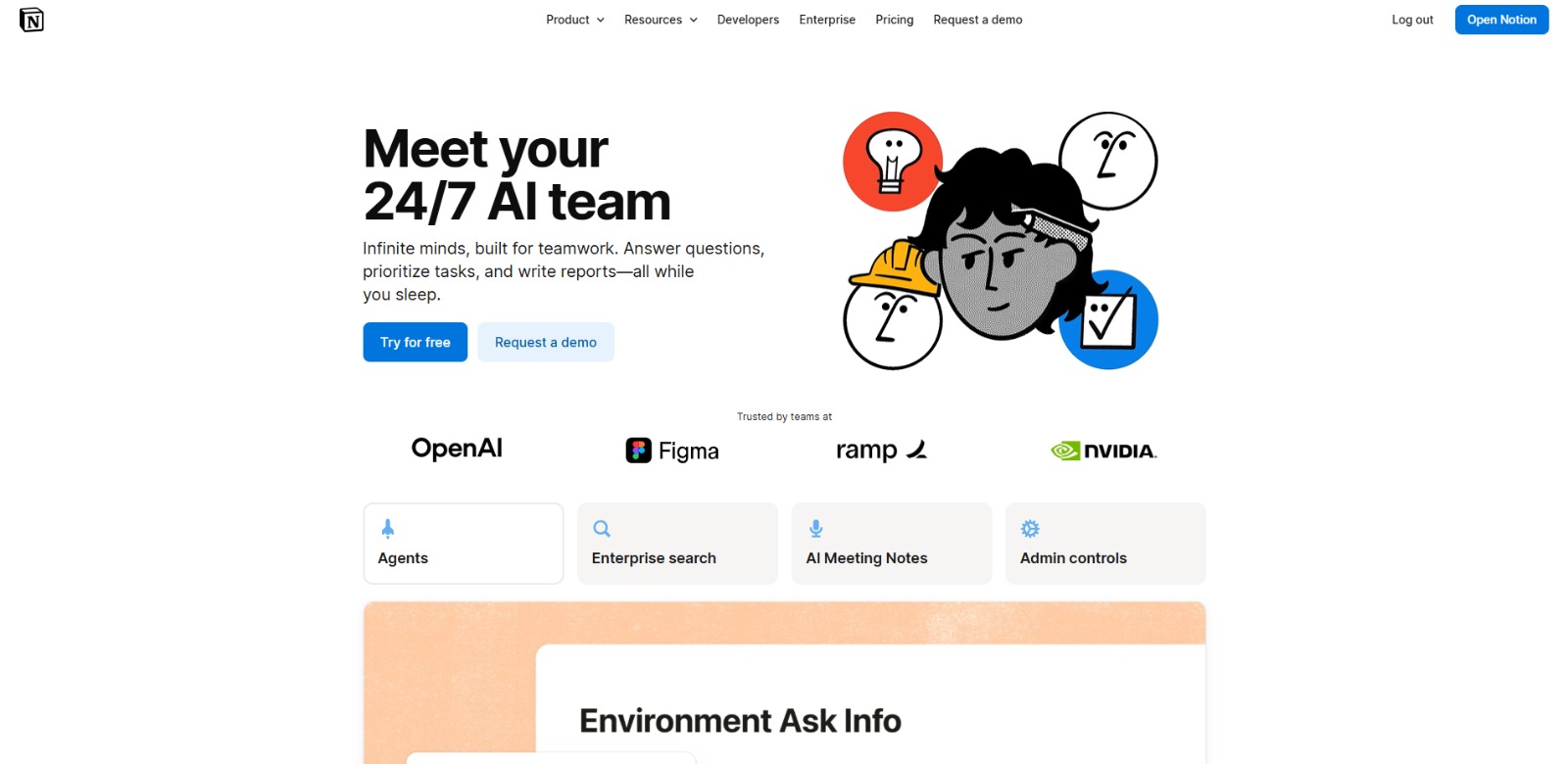
Notion AI Review: Supercharge Your Productivity and Workflow In this Notion AI review, we’ll dive into how this powerful tool integrates with your existing workspace to boost efficiency, streamline tasks, and unlock new…
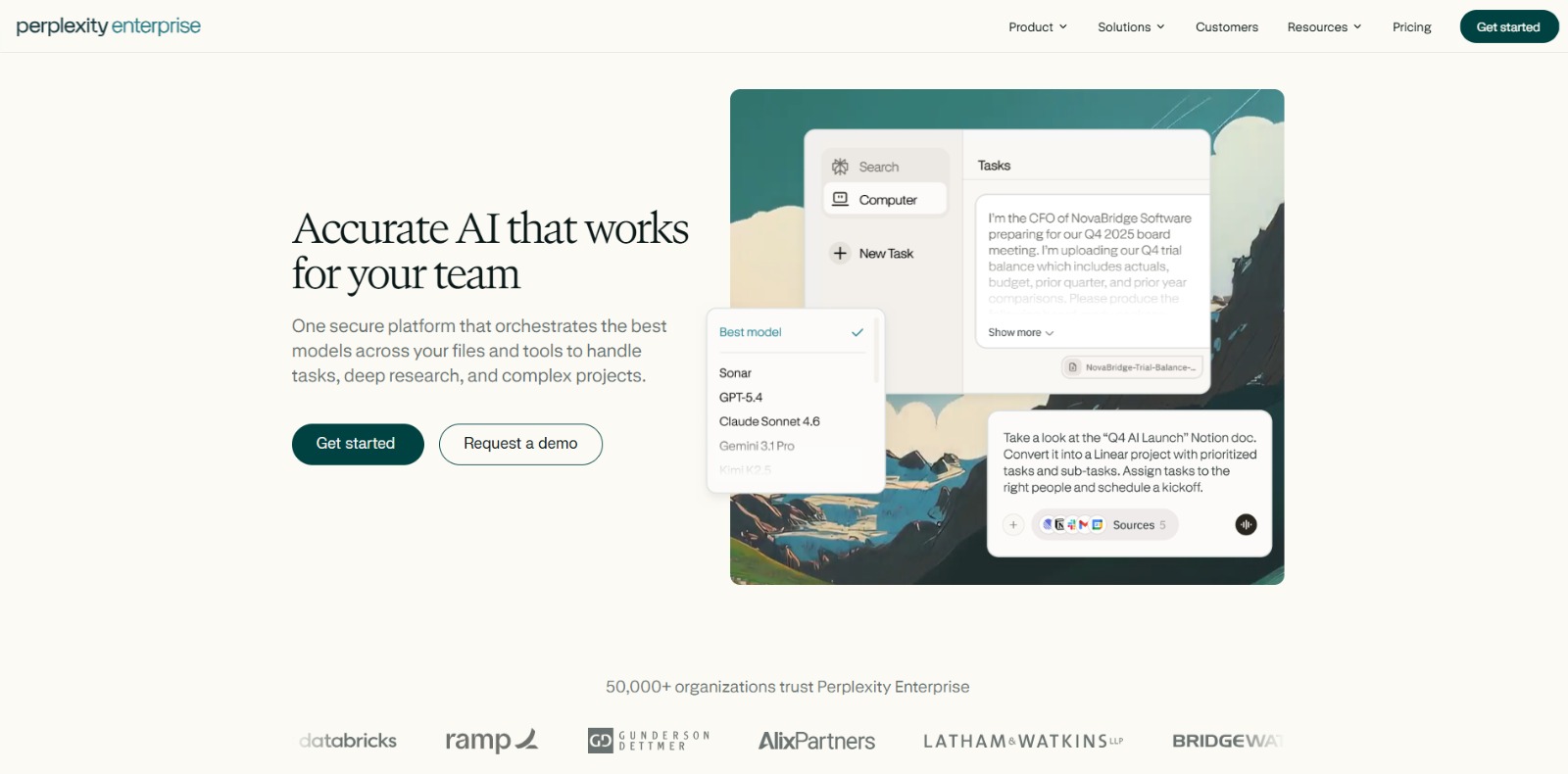
Perplexity Enterprise Pro Review: Is This AI Research Tool Your Next Strategic Advantage? In this Perplexity Enterprise Pro review, we’ll dive into its core features, ideal use cases, potential benefits, and how it can…
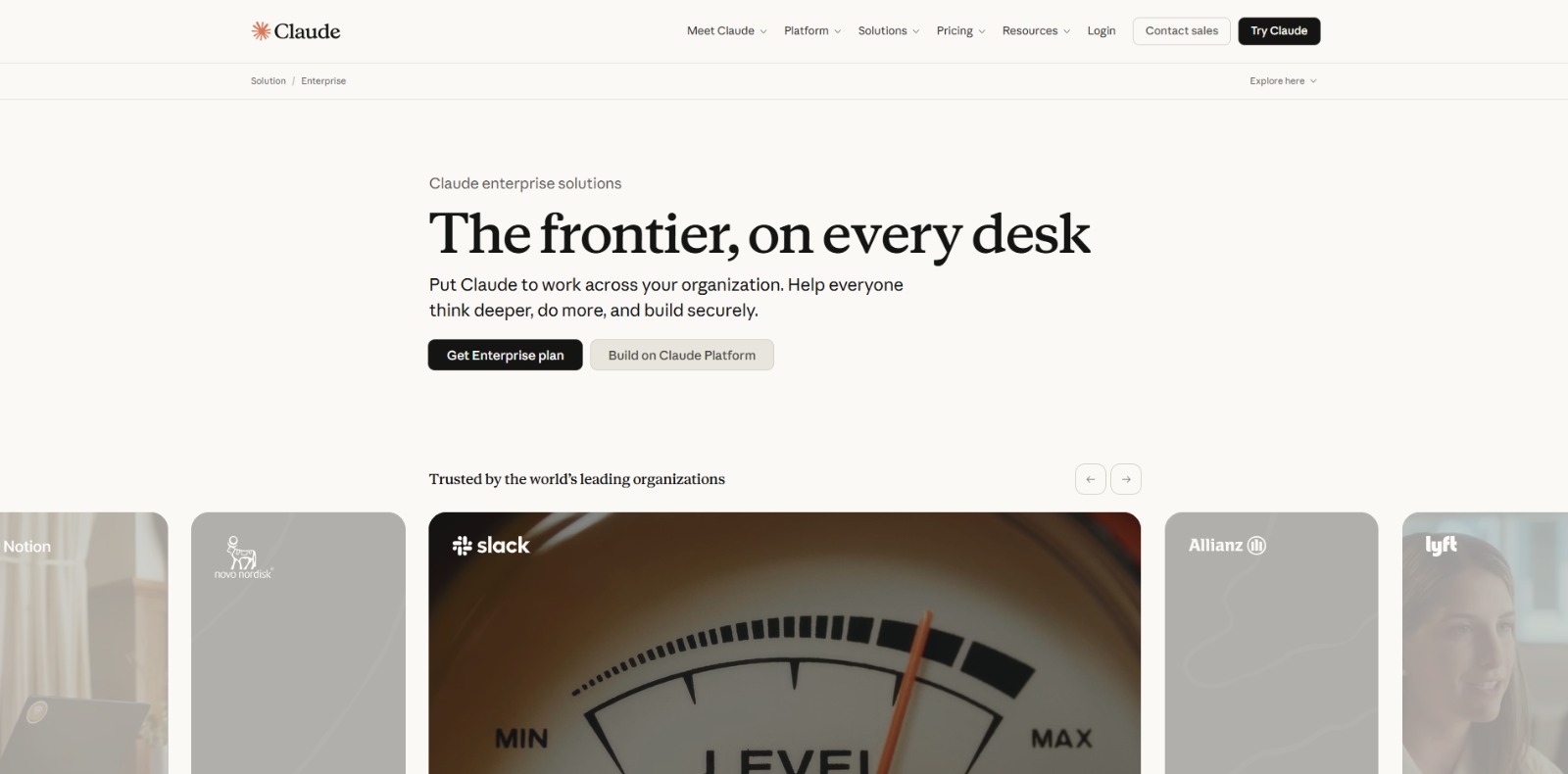
Claude Enterprise Review: Elevating Business Productivity with Secure AI In this Claude Enterprise review, we’ll explore how this advanced AI platform empowers large organizations, its core features, and whether it’s…

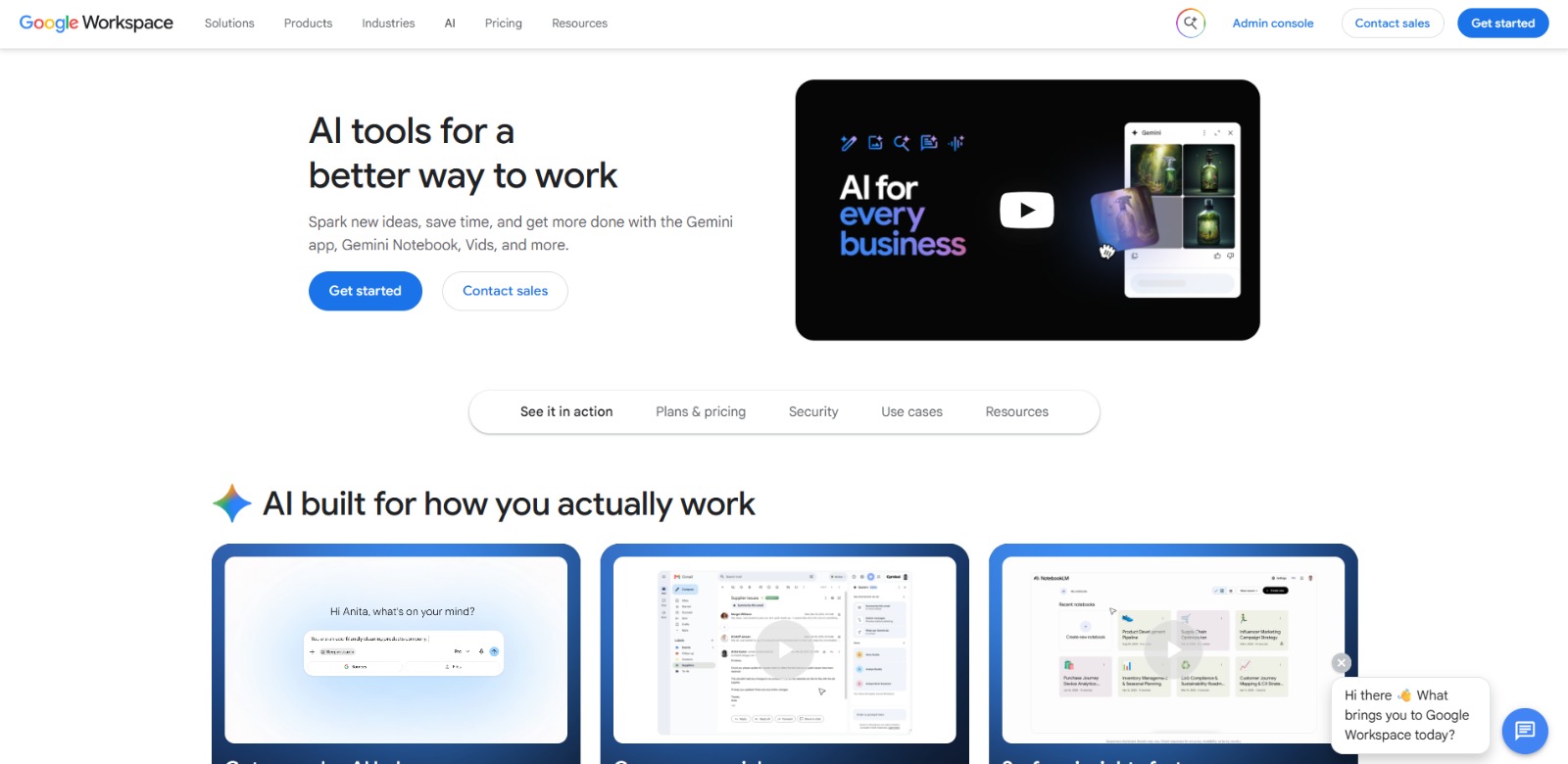
Google Workspace with Gemini Review: A Practical AI tools for business for Productivity and Growth In this Google Workspace with Gemini review, we’ll explore its integrated AI features, key benefits, who it’s best for,…

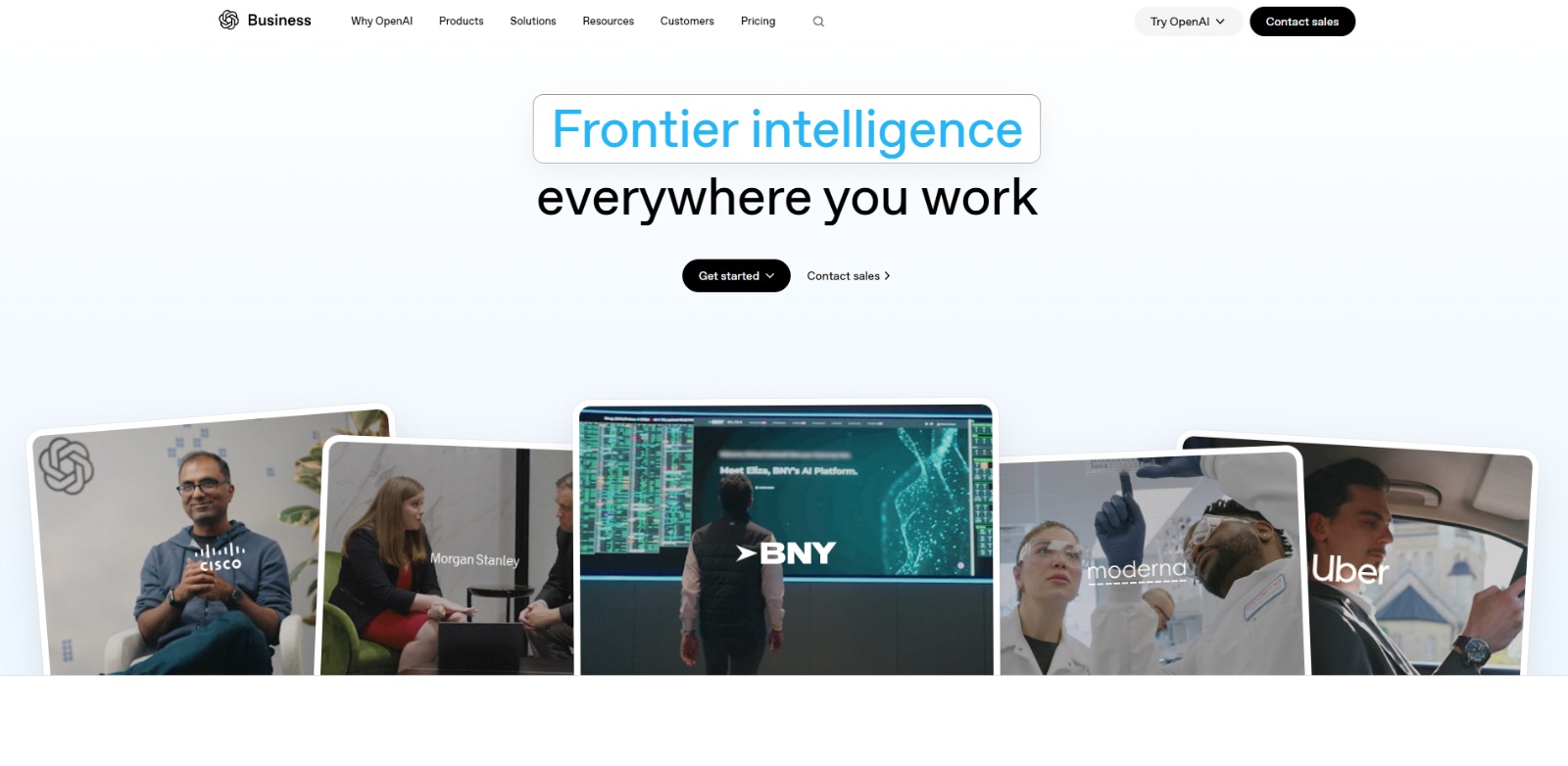
ChatGPT Business Review: Unlocking Enterprise Productivity with Advanced AI In this ChatGPT Business review, we’ll dive into its core capabilities, ideal use cases, potential benefits, and limitations, helping you…


Higgsfield AI Review: Unlock Cinematic AI Video Generation? In this Higgsfield AI review, we’ll dive into its unique approach to AI video generation, exploring its core features, ideal users, and what sets it apart in a…

To provide the best experiences, we and our partners use technologies like cookies to store and/or access device information. Consenting to these technologies will allow us and our partners to process personal data such as browsing behavior or unique IDs on this site and show (non-) personalized ads. Not consenting or withdrawing consent, may adversely affect certain features and functions.
Click below to consent to the above or make granular choices. Your choices will be applied to this site only. You can change your settings at any time, including withdrawing your consent, by using the toggles on the Cookie Policy, or by clicking on the manage consent button at the bottom of the screen.