

Gamma
Gamma: Create stunning presentations, websites, and documents with AI—fast drafting, smart design, easy sharing, and export-ready content. 🚀

Gamma
Imagine having a brilliant idea for a presentation, but dreading the hours you’ll spend fighting with text boxes, hunting for icons, and trying to make it look professional. We’ve all been there. Now, what if an AI tool could take your raw notes and transform them into a polished, interactive, and visually stunning presentation in under a minute? That’s the promise of Gamma.app. This isn’t just another slide builder; it’s a revolutionary platform designed to eliminate the tedious work of creation, letting your ideas shine. In this comprehensive Gamma Review, we’ll dive deep into its features, benefits, and why it’s rapidly becoming the go-to tool for professionals who value both time and impact.
Gamma is an AI-powered platform that completely rethinks how we create and share information. It moves beyond traditional, linear slides to offer a flexible, interactive canvas. Using a single text prompt, Gamma can generate a complete presentation, a detailed document, or even a simple webpage, complete with text, layout, and beautiful imagery. It’s designed to be the fastest way to get from an idea to a finished, engaging piece of content, no design skills required.
Gamma is important because it directly solves some of the most universal pain points in professional communication. For decades, tools like PowerPoint and Google Slides have forced us to act as part-time designers, creating what many call a “presentation tax”—the countless hours wasted on formatting rather than on the quality of our ideas. This is especially frustrating for the “Agile Professional” who wears many hats and needs to communicate effectively without a dedicated design team. Gamma eliminates this tax. It tackles the dreaded “blank page syndrome” by generating a structured first draft instantly, allowing you to focus on refining your message, not aligning pixels.
Furthermore, in a world saturated with boring, static content, Gamma provides a competitive edge. Its ability to embed interactive elements like videos, apps, and forms transforms passive viewing into an active, engaging experience. This shift is crucial for sales teams trying to capture a lead’s attention, marketers creating compelling content, and educators looking to hold their students’ focus. By blending the functionality of a document editor, a presentation builder, and a website creator, the gamma app offers a more modern, fluid, and impactful way to communicate. It’s not just about making slides faster; it’s about making your ideas more memorable and persuasive.
Gamma is packed with intelligent features designed to streamline your entire creation process. Here’s a breakdown of the tools that make it a powerhouse for productivity and design:
This is Gamma’s core magic trick. Instead of starting with a blank template, you provide a prompt, an outline, or existing notes. The AI then acts as your creative partner, generating a fully-fleshed-out presentation, document, or webpage in seconds. It writes the text, selects relevant icons and images, and lays everything out in a clean, professional design. This feature alone saves hours and is perfect for creating first drafts of sales pitches, project plans, or marketing one-pagers.
Hate the design the AI chose? No problem. With a single click, you can completely change the entire look and feel of your Gamma creation. This “one-click restyle” feature allows you to cycle through dozens of professional themes instantly without breaking your content’s layout. For businesses, the ability to create custom brand themes (on paid plans) ensures every presentation is perfectly on-brand with your company’s logos, fonts, and color palette.
This is where Gamma truly outshines traditional presentation tools. You can embed almost anything directly into your Gamma deck, making it a living, breathing document. This includes:
This turns a static presentation into an engaging, multimedia experience for your audience.
Ever wonder if people actually read the presentation you sent? Gamma’s built-in analytics provide valuable insights into viewer engagement. You can track who viewed your deck, which “cards” (slides) they spent the most time on, and the overall completion rate. This is invaluable data for sales teams refining their pitch or marketers assessing content performance.
Gamma uses a “card” system instead of rigid slides. This makes editing feel more like using a modern tool like Notion. You can easily drag and drop blocks of content, resize columns with a flick of the mouse, and add new elements without wrestling with clunky text boxes. This intuitive interface dramatically speeds up the editing and refinement process after the AI has done the heavy lifting.
❤️ Also loved by: Product Managers, HR Professionals, Corporate Trainers, Content Creators, Team Leaders, Business Analysts, Project Managers, UX/UI Designers, Customer Success Managers, Event Planners, Real Estate Agents, Non-Profit Organizers, Researchers, Financial Analysts, Operations Managers.
Gamma fits into these categories. Explore each page for alternatives, and related tools.
If Gamma isn’t a perfect fit, these alternatives cover different budgets, features, and use cases in AI Presentation Software. Compare strengths, pricing, and why each might beat Gamma for your workflow.
Gamma offers a straightforward pricing structure designed to scale with your needs. The gamma pricing model is competitive and provides a great entry point with its free plan.
Overall, the value is excellent. The time saved by using the AI generator on just one or two major presentations can easily justify the monthly cost of a paid plan.
This Gamma Review focuses on whether the tool is worth using. For a beginner-friendly explanation, read What Is Gamma?.
Stop wasting your creative energy on tedious formatting. Stop settling for boring, uninspired presentations. Gamma empowers you to transform your best ideas into compelling, professional, and interactive stories in a fraction of the time. Imagine the confidence of walking into your next meeting knowing your presentation not only delivers a powerful message but also looks absolutely stunning—all without spending hours in front of a screen. This is your chance to work smarter, communicate more effectively, and make a lasting impact.
Click here to try Gamma for free and create your first AI-powered presentation in minutes!
CharlieAITools was created with love to help you discover the best AI tools and transform your life, your ideas, and your projects. By signing up through my affiliate link, you help me keep this site running and continue to share valuable resources with fellow entrepreneurs. Thanks a ton for your support! 💛


Webydo: All-in-one web design platform to create, launch, and manage client websites without code—fast, polished, and CMS-ready. 🚀

LearnWorlds: AI-powered LMS to create, market, and sell online courses with interactive learning, white-label sites, and built-in funnels. 🚀
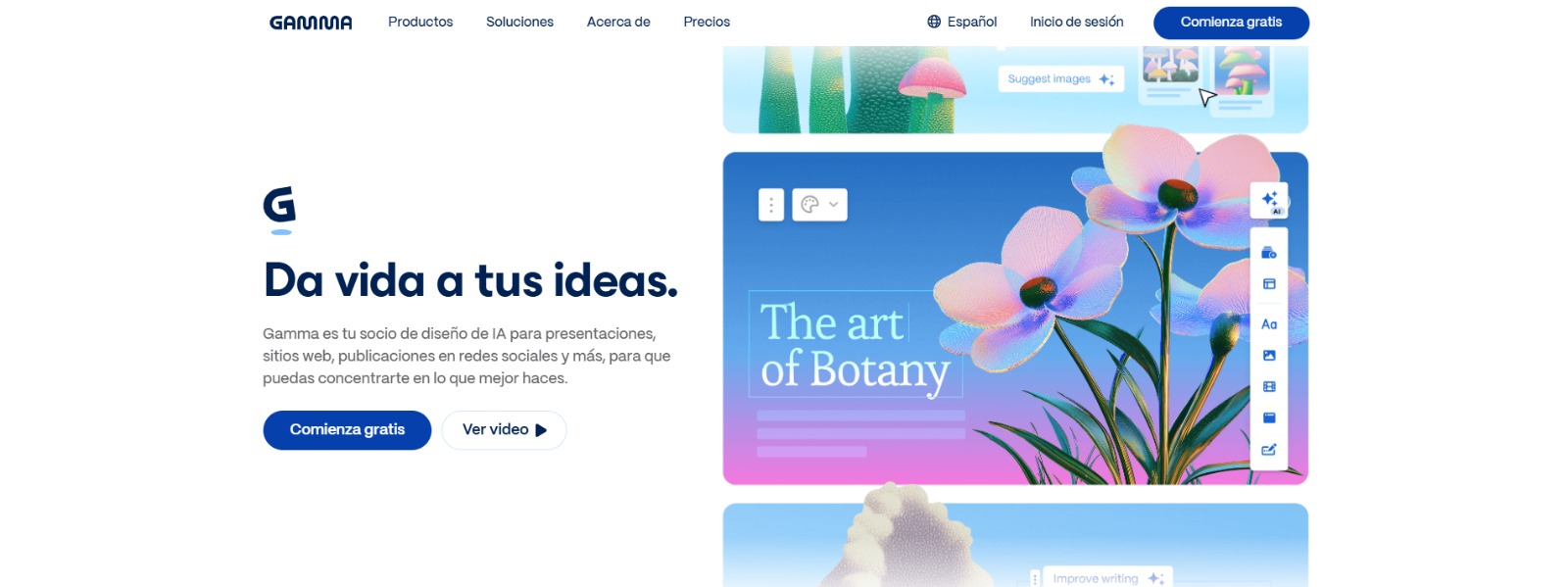
Gamma: Create stunning presentations, websites, and documents with AI—fast drafting, smart design, easy sharing, and export-ready content. 🚀
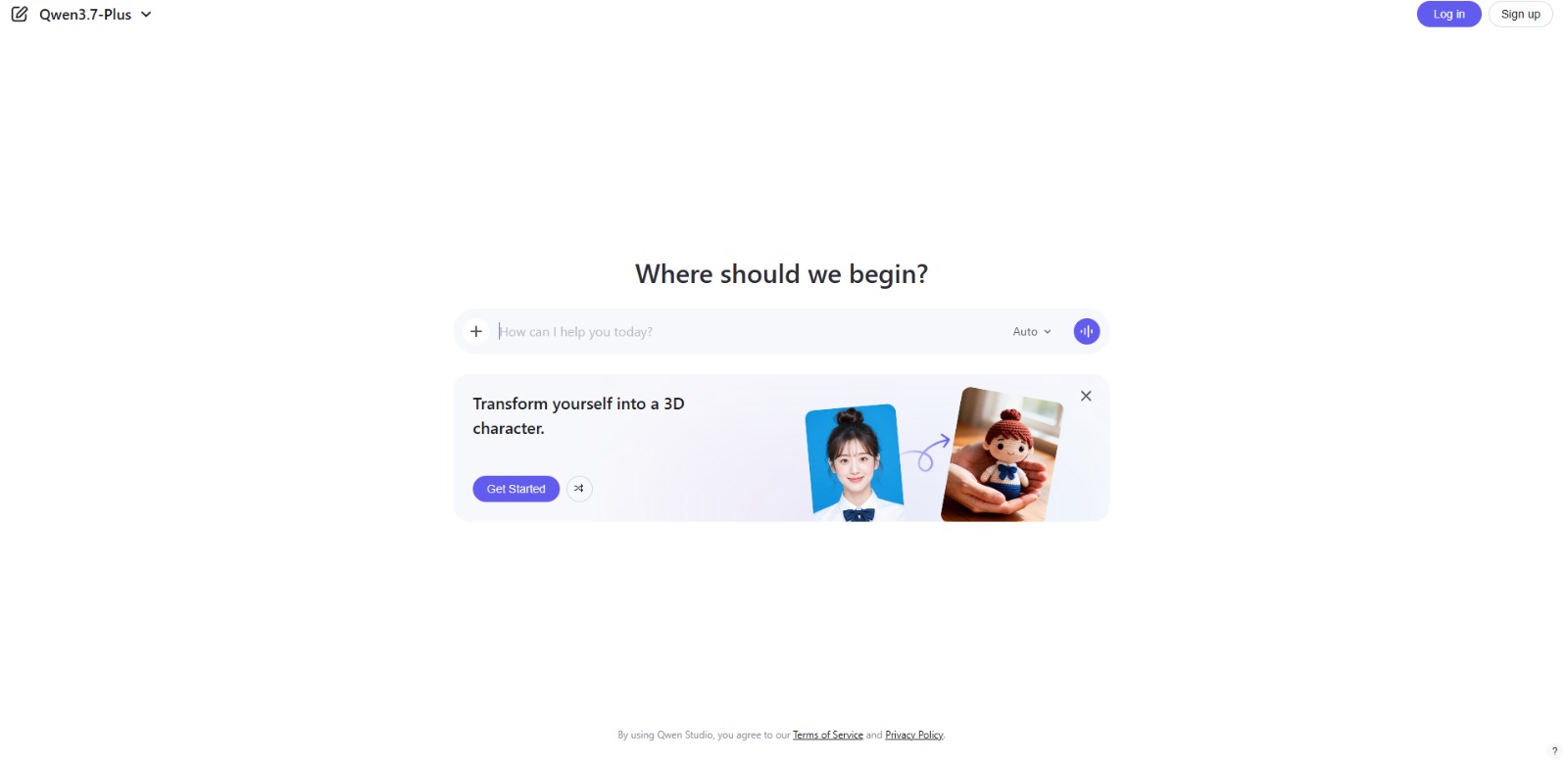
Qwen Chat Review: Is This AI Chatbot Your Next Productivity Power-Up? In this Qwen Chat review, we’ll explore its core capabilities, ideal users, and how this AI assistant can streamline your daily tasks and creative…


Trainual: AI-powered employee training software to document processes, onboard teams, centralize knowledge, and automate role-based learning at scale. 🚀

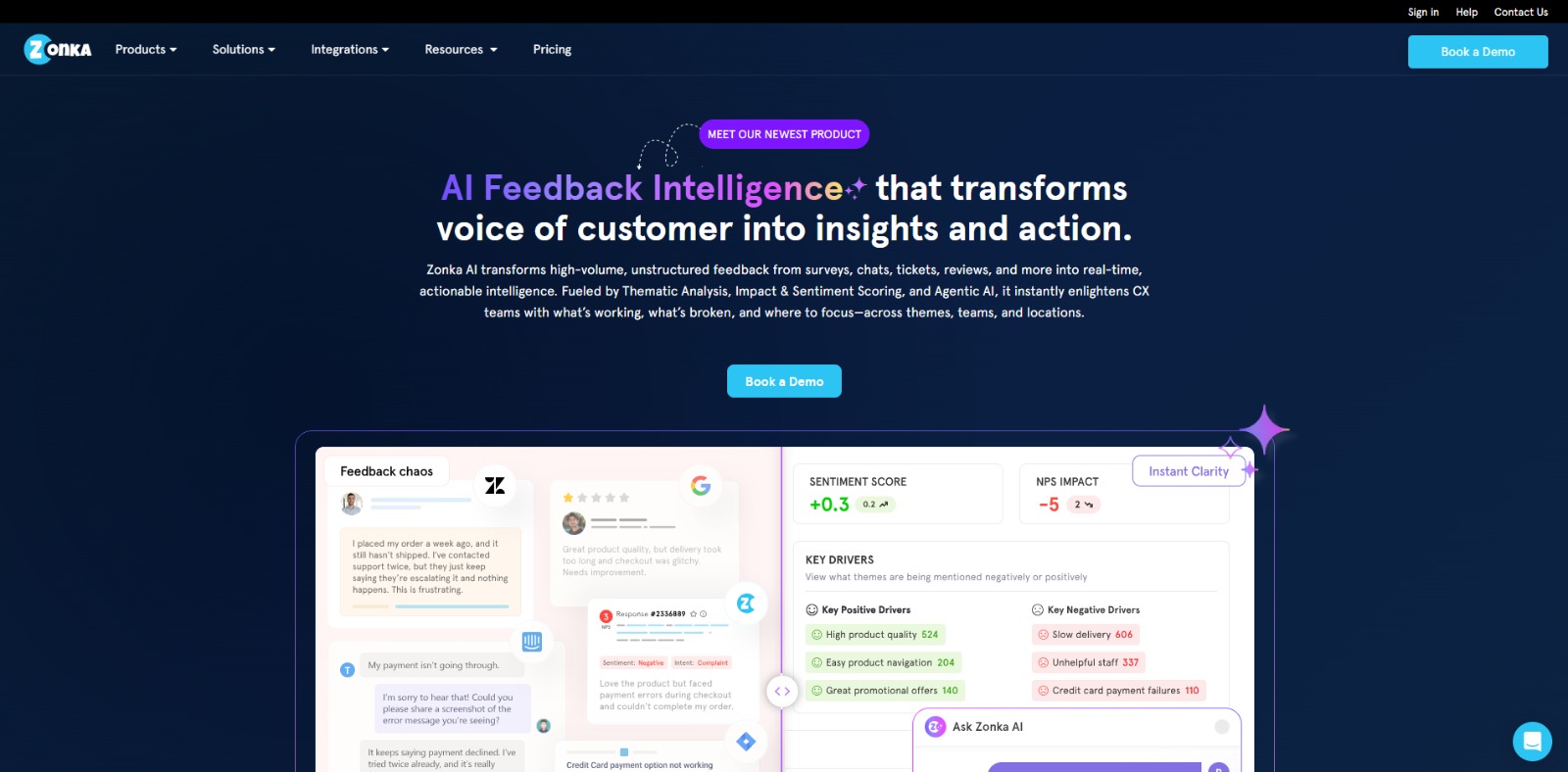
Zonka Feedback: Turn customer feedback into actionable insights with AI-powered surveys, analytics, sentiment tracking, and multichannel CX automation. 🚀

To provide the best experiences, we and our partners use technologies like cookies to store and/or access device information. Consenting to these technologies will allow us and our partners to process personal data such as browsing behavior or unique IDs on this site and show (non-) personalized ads. Not consenting or withdrawing consent, may adversely affect certain features and functions.
Click below to consent to the above or make granular choices. Your choices will be applied to this site only. You can change your settings at any time, including withdrawing your consent, by using the toggles on the Cookie Policy, or by clicking on the manage consent button at the bottom of the screen.