

Adobe Firefly Video
Adobe Firefly Review: Is This AI Video Generator Your Next Creative Partner? In this Adobe Firefly review, we’ll explore its AI video generation capabilities, who it’s best for, and how it can streamline your content…

Adobe Firefly Video
In the fast-paced world of digital content, video is no longer a luxury—it’s a necessity. But let’s be honest, creating compelling video content can feel like climbing Mount Everest without a guide: time-consuming, expensive, and often requiring specialized skills. Enter Adobe Firefly, an AI-powered solution designed to make video creation more accessible.
This platform aims to transform your text prompts and images into dynamic video clips, from quick B-roll to cinematic scenes. If you’re looking to boost your visual storytelling without the usual hurdles, this review is for you.
Adobe Firefly, specifically its AI video generator feature, is an online tool that leverages artificial intelligence to create video content from simple text descriptions or existing images. It’s designed to democratize video production, allowing users to generate various types of video clips—such as B-roll, cinematic sequences, or product showcases—without needing extensive video editing experience or complex software.
Think of it as your creative assistant, ready to bring your visual ideas to life with just a few prompts.
The demand for engaging video content across social media, marketing campaigns, and websites has never been higher. Yet, many individuals and small businesses face significant hurdles: the high cost of professional video production, the steep learning curve of traditional editing software, and the sheer time commitment involved in creating even short clips.
These pain points often leave creators feeling frustrated and unable to compete effectively. This is where an AI video generator like Adobe Firefly steps in. It addresses these challenges head-on by offering a faster, more accessible, and potentially more cost-effective way to produce video. Imagine being able to describe the exact B-roll footage you need, or a specific cinematic scene, and have an AI generate it for you in moments.
This capability not only saves precious time and budget but also empowers users who may lack advanced video creation skills to produce professional-looking content. For marketers, content creators, and small business owners, this AI solution can be a game-changer. It allows for rapid prototyping of video ideas, quick generation of supplementary visual assets, and the ability to experiment with diverse video styles without significant investment. In a world where visual engagement is key, tools like this platform are becoming indispensable for staying competitive and effectively communicating your message.
Adobe Firefly’s AI video generation capabilities are built around simplifying the creative process. Here are some of the key features that make this platform a compelling option for content creators:
The core of this AI tool lies in its ability to transform written prompts into video clips. Users can simply describe the scene, action, or style they envision, and the AI will generate corresponding video content. This feature significantly reduces the barrier to entry for video creation, making it accessible even to those without prior video production experience.
Beyond text, the platform may also allow users to input existing images and use them as a basis for video generation. This can be particularly useful for animating static visuals, adding dynamic elements, or creating short clips that build upon existing brand assets or photographs.
One of the most practical applications of this AI solution is its ability to quickly generate B-roll footage or supplementary video clips. Whether you need background visuals for a presentation, cutaway shots for a vlog, or atmospheric scenes to enhance your main content, this feature can provide rapid, on-demand assets.
For those aiming for a more polished aesthetic, this tool can assist in creating cinematic scenes. By understanding stylistic prompts, the AI can generate clips with specific lighting, camera angles, and moods, helping users achieve a professional and engaging visual narrative.
E-commerce businesses and marketers can leverage the platform to generate product videos from text. This allows for quick creation of promotional content, showcasing products in various settings or highlighting specific features without the need for elaborate photoshoots or video production.
Designed to be web-based, this AI video generator is accessible via any modern browser, eliminating the need for complex software installations. Its user-friendly interface aims to simplify the video creation process, making it intuitive for beginners while still offering powerful capabilities.
This AI video generator is particularly well-suited for individuals and teams looking to streamline their video content production without compromising on visual appeal. If you resonate with the challenges of traditional video creation, this tool might be your next best ally.
❤️ Also loved by: Educators, Students, Product Managers, Graphic Designers, Marketing Agencies, Startup Founders, Affiliate Marketers, Digital Strategists, Event Organizers, Brand Managers, Influencers, Online Course Creators, Web Developers, UX Designers.
Adobe Firefly fits into these categories. Explore each page for alternatives and related tools.
If Adobe Firefly is not a perfect fit, these alternative AI tools may cover different budgets, features, and use cases in AI VIDEO. Compare strengths, positioning, and why each tool might be a better fit for a specific workflow.
While Adobe Firefly aims to make AI video generation accessible, its specific pricing structure, including potential free tiers, trial periods, or subscription plans, is best confirmed directly on the official Adobe website. As part of the Adobe ecosystem, it may be offered as a standalone service, integrated into existing Creative Cloud subscriptions, or available through various tiers that unlock different features and usage limits.
It’s always recommended to visit the official product page to get the most up-to-date information on costs, available features, and any bundled offerings, as these details can evolve over time.
The world of video creation is constantly evolving, and AI tools like Adobe Firefly are at the forefront of this revolution. If you’re tired of the traditional hurdles of video production—the time, the cost, the steep learning curve—then exploring an AI video generator could be your next smart move.
Imagine transforming your creative visions into dynamic video content with just a few simple prompts, freeing up your time to focus on strategy and storytelling. This platform offers a compelling solution for anyone looking to enhance their visual content strategy, from quick social media clips to more polished cinematic scenes. It’s about empowering you to create more, faster, and with greater ease.
If Adobe Firefly sounds like the creative partner you’ve been searching for, why not take a closer look? Explore its capabilities and see how it can fit into your workflow today.
CharlieAITools was created with love to help you discover the best AI tools and transform your life, your ideas, and your projects. By signing up through my affiliate link, you help me keep this site running and continue to share valuable resources with fellow entrepreneurs. Thanks a ton for your support! 💛

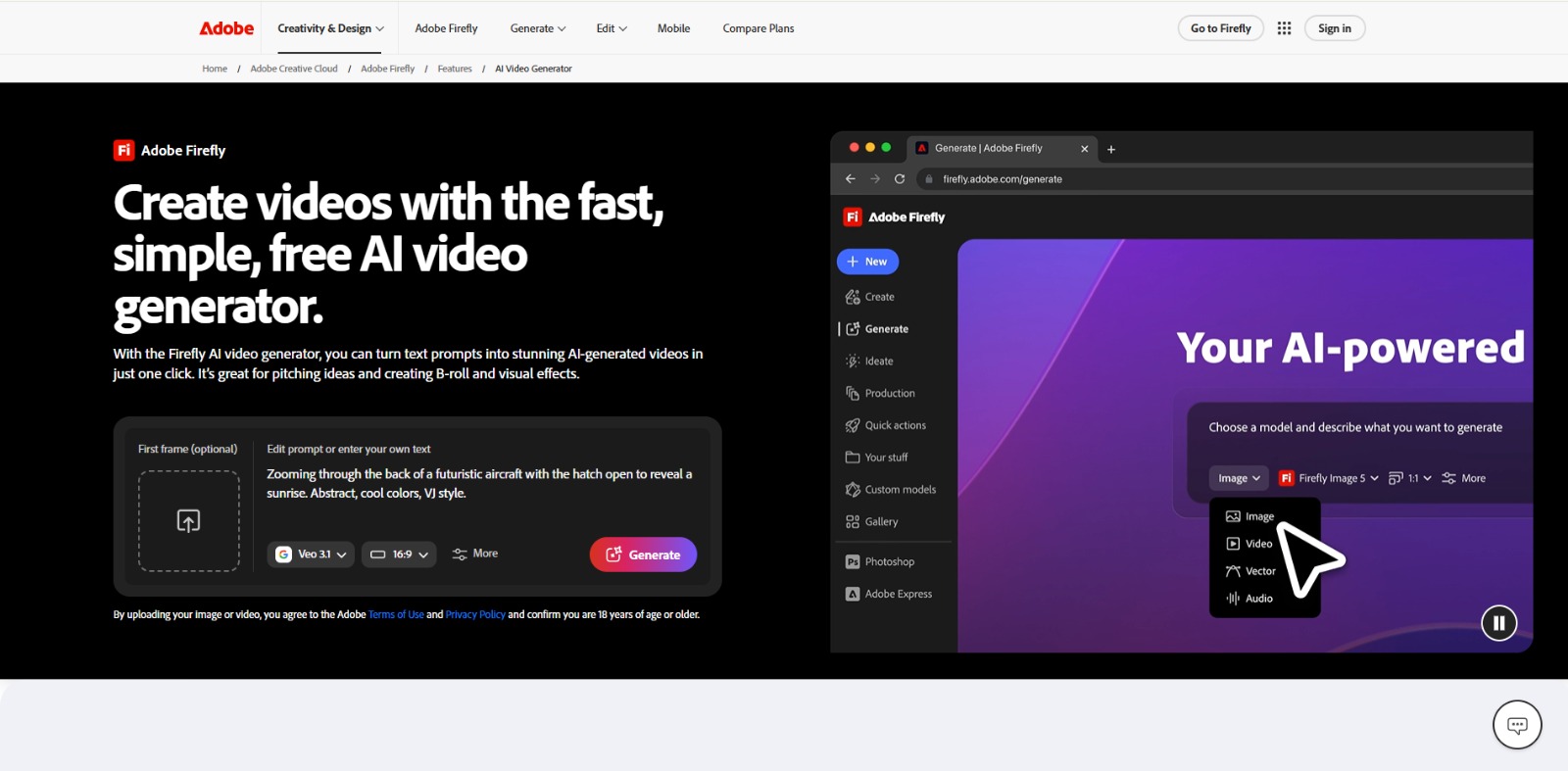
Adobe Firefly Review: Is This AI Video Generator Your Next Creative Partner? In this Adobe Firefly review, we’ll explore its AI video generation capabilities, who it’s best for, and how it can streamline your content…


Luma Review: Unlocking Creative Control with AI Video Generation? In this Luma review, we’ll explore its core capabilities, who it’s designed for, its benefits, limitations, and how it can transform your creative…


Kling AI Review: Is This AI Video Generator Your Next Creative Powerhouse? In this Kling AI review, we’ll dive into its unique capabilities, who it’s built for, and whether it’s the AI video generator you’ve been…
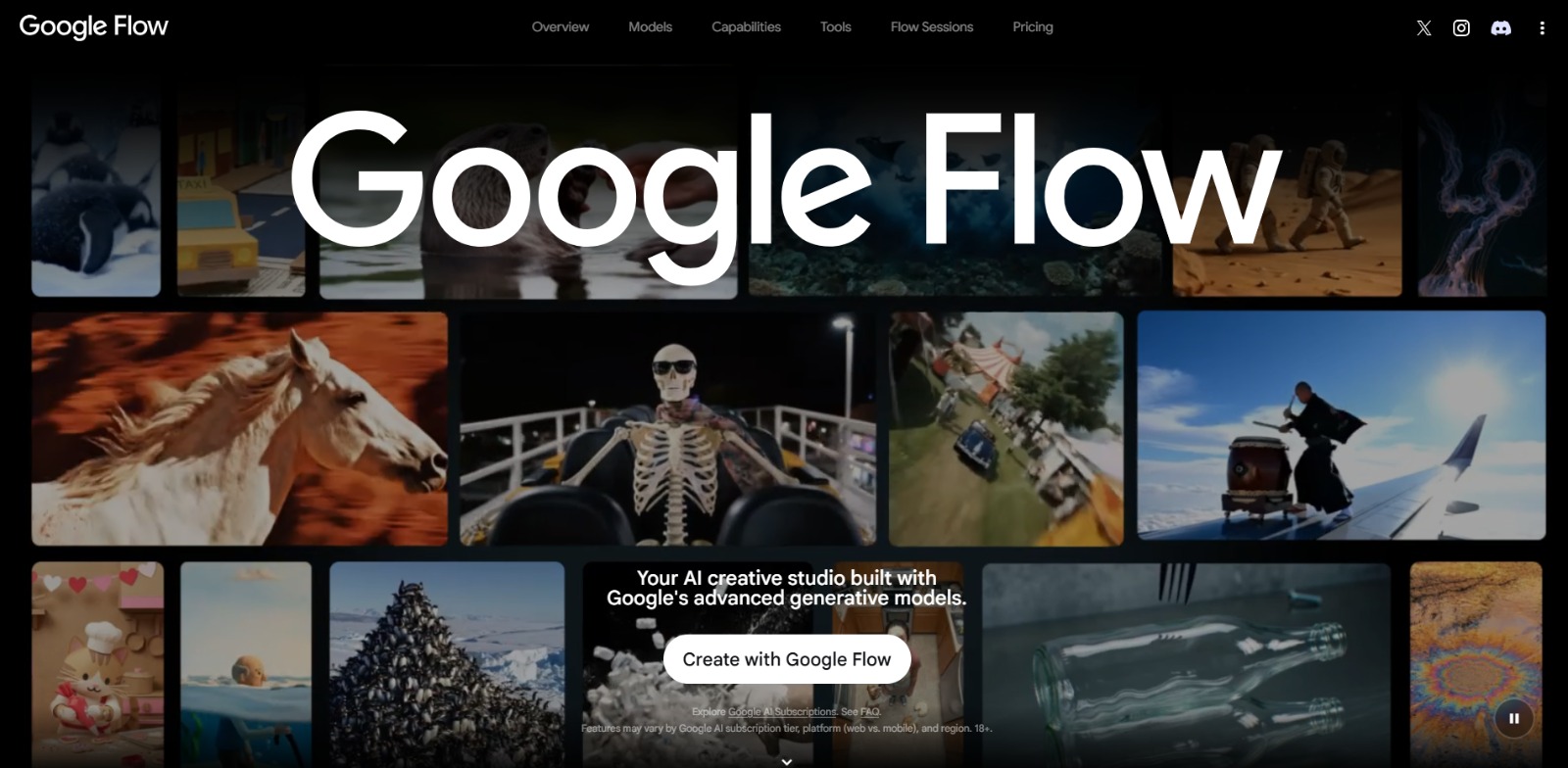
Google Flow Review: Is This AI video generator Your Next Creative Powerhouse? In this Google Flow review, we’ll explore how this innovative platform empowers creators with advanced AI for video and image generation,…

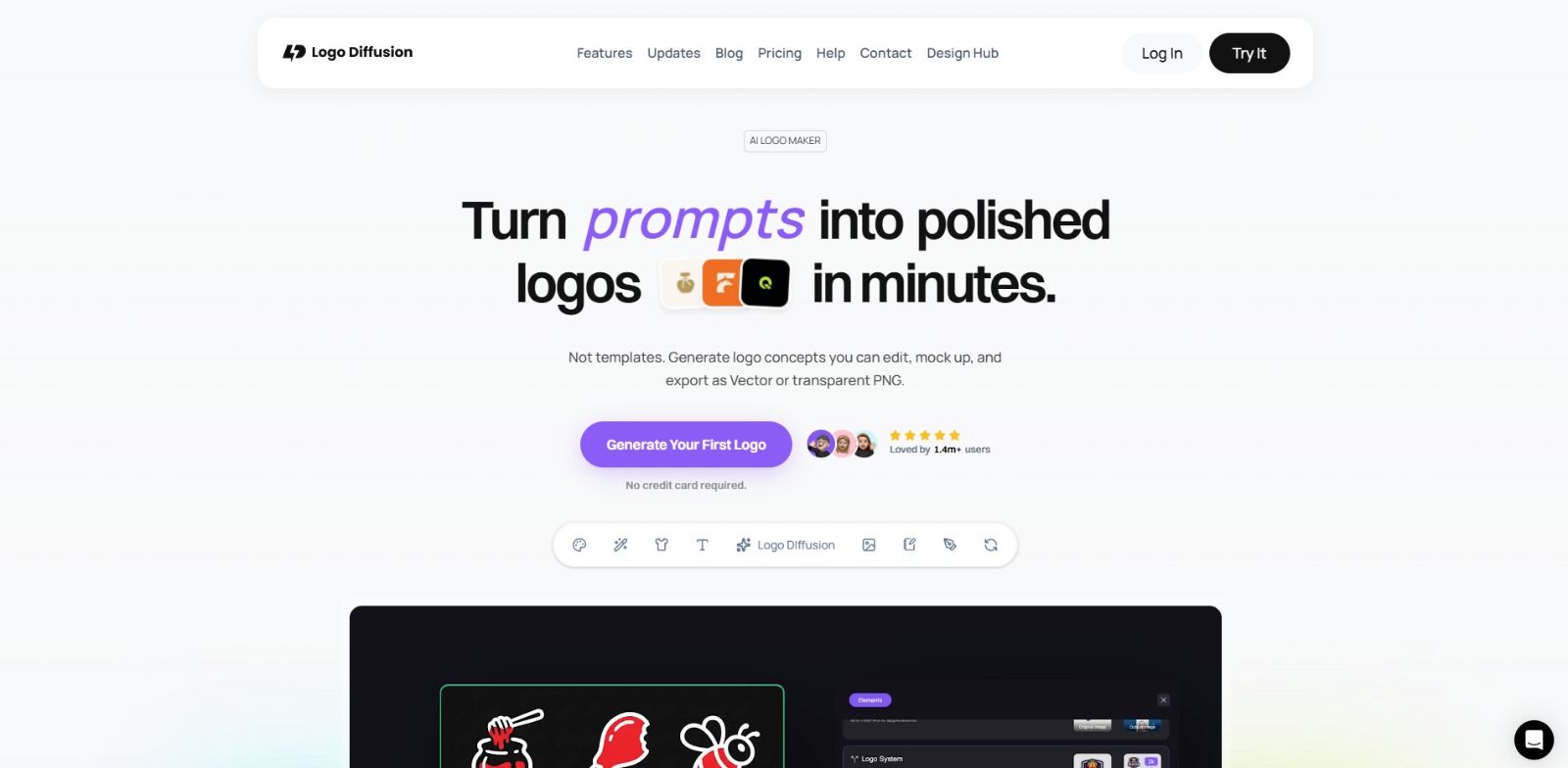
Logo Diffusion Review: Is This AI logo generator Your Next Creative Partner? In this Logo Diffusion review, we’ll explore its core capabilities, ideal use cases, and how this AI solution can help you create professional…


Fiverr Logo Maker Review: Is This AI Logo Maker the Right Choice for Your Brand? In this Fiverr Logo Maker review, we’ll look at its key features, best use cases, pricing considerations, pros and cons, and whether it’s…

To provide the best experiences, we and our partners use technologies like cookies to store and/or access device information. Consenting to these technologies will allow us and our partners to process personal data such as browsing behavior or unique IDs on this site and show (non-) personalized ads. Not consenting or withdrawing consent, may adversely affect certain features and functions.
Click below to consent to the above or make granular choices. Your choices will be applied to this site only. You can change your settings at any time, including withdrawing your consent, by using the toggles on the Cookie Policy, or by clicking on the manage consent button at the bottom of the screen.