
Grammarly Business
Grammarly Business Review: Your AI writing assistant for business for Smarter Team Communication? In this Grammarly Business review, we’ll explore its core features, understand who benefits most, weigh its pros and…
Grammarly Business
In today’s fast-paced business world, clear, consistent, and error-free communication isn’t just a nice-to-have – it’s a necessity. From marketing campaigns to internal emails, every word reflects on your brand. That’s where an AI writing assistant for business like Grammarly Business steps in, promising to elevate your team’s output. But can this platform truly deliver on its promise of unified brand voice and enhanced productivity? Let’s dive into what makes this AI solution tick and whether it’s the professional ally your team needs.
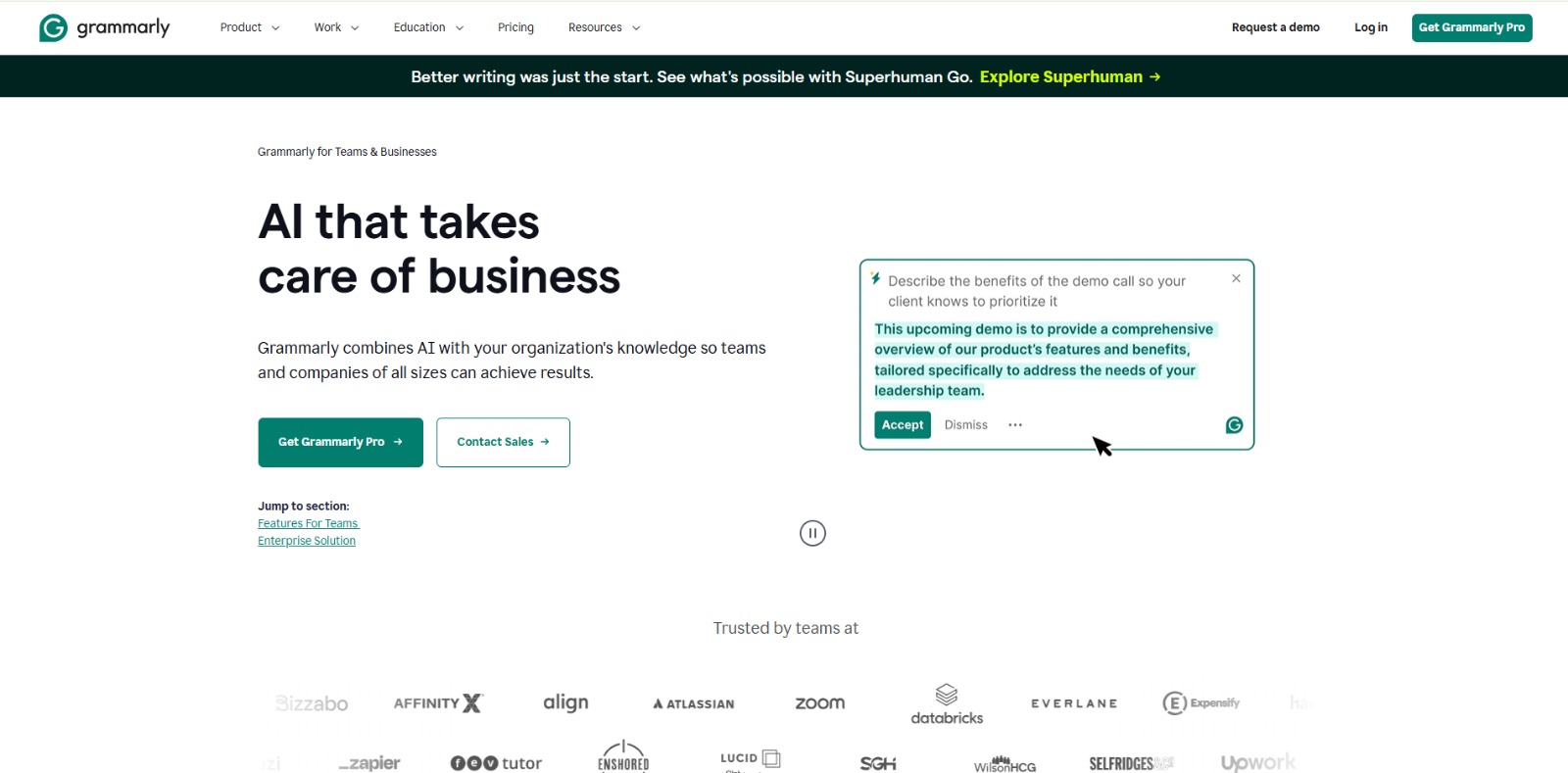
Grammarly Business is an AI-powered writing assistant specifically designed for teams and enterprises. It goes beyond basic grammar and spelling checks to help organizations maintain a consistent brand voice, improve communication clarity, and streamline content creation across various platforms. This platform acts as a centralized hub for writing standards, offering real-time feedback and generative AI capabilities to ensure all team members produce high-quality, on-brand written content.
In the modern business landscape, effective communication is the bedrock of success. However, many teams face significant challenges: an inconsistent brand voice across different departments can dilute messaging, time spent on repetitive proofreading and editing drains productivity, and simple errors can lead to an unprofessional image or even misinterpretations. Imagine a marketing manager like Maria, who constantly worries about her team’s campaigns not aligning perfectly with the company’s established tone, or a sales team struggling to craft clear, concise proposals under tight deadlines.
These are common struggles that impact efficiency and reputation.The need for a unified writing style guide is more critical than ever, especially with remote and hybrid workforces. Onboarding new team members to specific writing standards can be a lengthy process, and without a robust system, maintaining quality control becomes a constant uphill battle. Furthermore, with the increasing reliance on digital communication, businesses need tools that not only enhance writing quality but also ensure data security and privacy.
This is where an AI writing assistant for business becomes indispensable, transforming these pain points into opportunities for clarity, consistency, and confidence.This AI solution addresses these core challenges by providing a comprehensive framework for organizational writing. It helps eliminate the frustration of manual editing, reduces the risk of reputational damage from errors, and empowers teams to generate clear, professional content more efficiently. By centralizing control over writing quality and offering intelligent assistance, the software allows businesses to focus on their core objectives, knowing their communication is always on point and aligned with their strategic goals.
Grammarly Business offers a robust suite of features designed to empower teams and ensure high-quality, consistent communication. These capabilities are built to integrate seamlessly into existing workflows, providing real-time assistance and strategic oversight.
At its core, this AI writing assistant provides advanced, real-time suggestions for correcting grammar, spelling, and punctuation errors. It goes beyond basic checks, offering context-specific recommendations to improve clarity and conciseness, ensuring every piece of writing is polished and professional.
A standout feature for businesses, the platform allows organizations to create and enforce custom style guides and brand tone profiles. This ensures that all team members adhere to company-specific terminology, tone of voice, and writing conventions, maintaining a consistent brand identity across all communications.
To accelerate content workflows, the software includes generative AI capabilities. This feature can assist teams in drafting outlines, generating initial content ideas, or even expanding on existing text, helping to overcome writer’s block and speed up the creation of various business documents and marketing materials.
This feature allows teams to centralize company-specific information, such as product names, legal disclaimers, or common phrases. The AI assistant can then reference this knowledge base to provide accurate and consistent suggestions, ensuring that all communications reflect the latest and most accurate company information.
Ensuring originality is crucial for business content. The platform includes a plagiarism checker that scans billions of web pages and academic papers to identify potential instances of unoriginal content, helping teams maintain integrity and avoid costly mistakes.
The tool is designed to integrate widely with popular business applications and operating systems. It supports web browsers, desktop apps (Windows, Mac), mobile devices (iOS, Android), email clients, and document editors like Microsoft Word and Google Docs, making it accessible wherever your team works.
This AI writing assistant is particularly valuable for organizations that prioritize clear, consistent, and professional communication across all levels.
❤️ Also loved by: Customer Support Agents, Editors, Legal Teams, Executive Assistants, Remote Workers, Freelancers, IT Professionals, Communication Specialists, Public Relations Managers, Training & Development Teams, Business Development Managers, Product Managers, Technical Writers, Educators.
Grammarly Business fits into these categories. Explore each page for alternatives and related tools.
If Grammarly Business is not a perfect fit, these alternative AI tools may cover different budgets, features, and use cases in AI BUSINESS. Compare strengths, positioning, and why each tool might be a better fit for a specific workflow.
Grammarly Business typically offers tiered pricing plans designed to scale with the size and needs of your team, often providing more advanced features like brand voice customization, analytics, and dedicated support at higher tiers. While specific pricing details are not provided here, the value proposition lies in the potential for significant time savings, improved communication quality, and strengthened brand consistency across the organization.
Users should check the official website for the latest model availability, pricing, and feature details, as these may evolve over time. Investing in such a platform can be seen as an investment in your team’s efficiency and your brand’s professional image.
Imagine a world where every email, report, and marketing piece your team produces is consistently clear, professional, and perfectly on-brand. No more endless editing cycles, no more worrying about typos, and a unified voice that strengthens your company’s identity.
This AI writing assistant for business offers the tools to make that vision a reality, empowering your team to communicate with confidence and efficiency. If inconsistent messaging or time-consuming edits are holding your business back, exploring this solution could be the catalyst for a significant upgrade in your operational workflow.
If you’re looking to elevate your team’s communication and ensure every word reflects your brand’s professionalism, consider exploring Grammarly Business. It might just be the AI writing assistant for business that helps your organization achieve new levels of clarity and consistency.
CharlieAITools was created with love to help you discover the best AI tools and transform your life, your ideas, and your projects. By signing up through my affiliate link, you help me keep this site running and continue to share valuable resources with fellow entrepreneurs. Thanks a ton for your support! 💛

Grammarly Business Review: Your AI writing assistant for business for Smarter Team Communication? In this Grammarly Business review, we’ll explore its core features, understand who benefits most, weigh its pros and…

Notion AI Review: Supercharge Your Productivity and Workflow In this Notion AI review, we’ll dive into how this powerful tool integrates with your existing workspace to boost efficiency, streamline tasks, and unlock new…
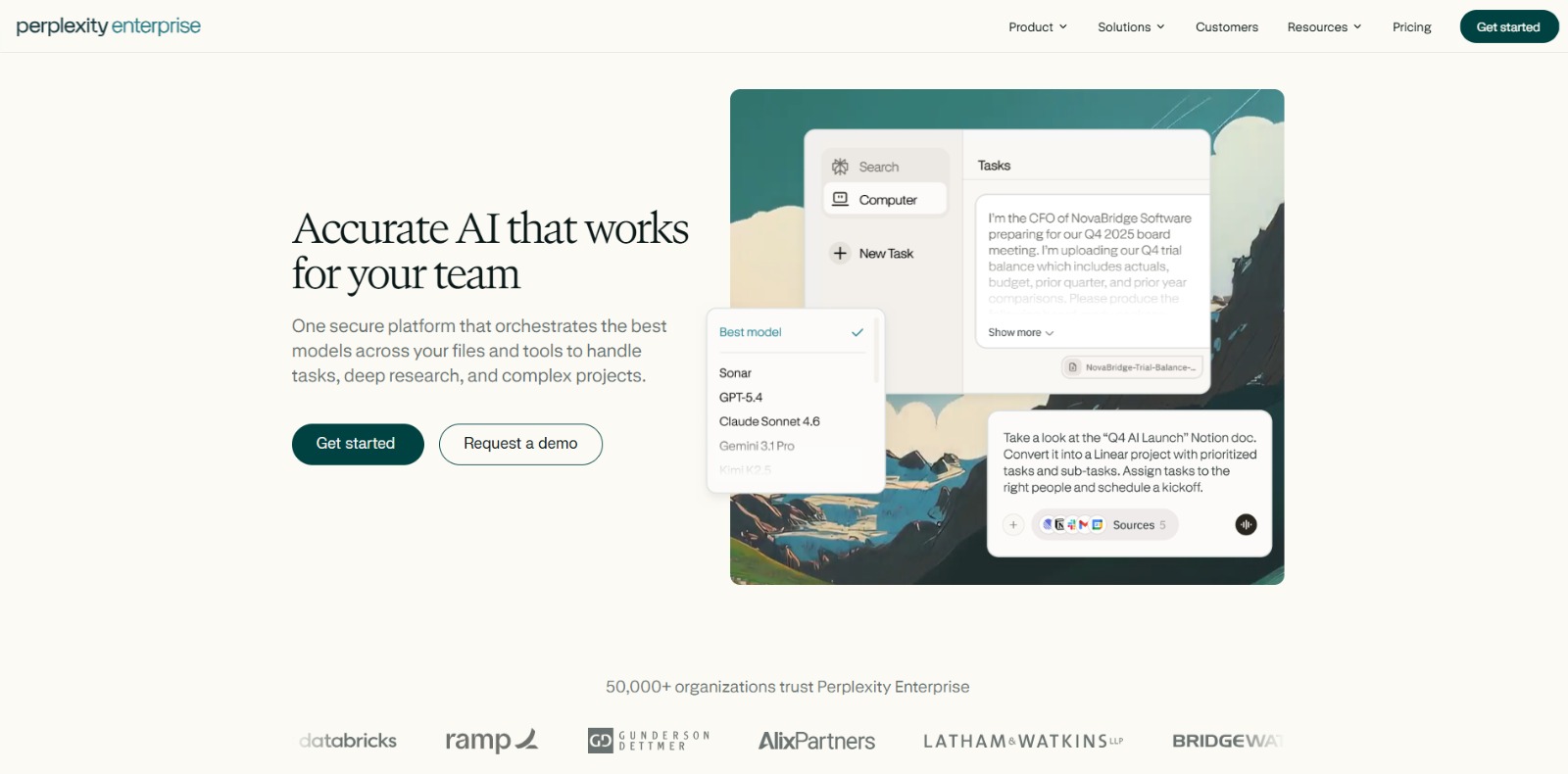
Perplexity Enterprise Pro Review: Is This AI Research Tool Your Next Strategic Advantage? In this Perplexity Enterprise Pro review, we’ll dive into its core features, ideal use cases, potential benefits, and how it can…

Claude Enterprise Review: Elevating Business Productivity with Secure AI In this Claude Enterprise review, we’ll explore how this advanced AI platform empowers large organizations, its core features, and whether it’s…
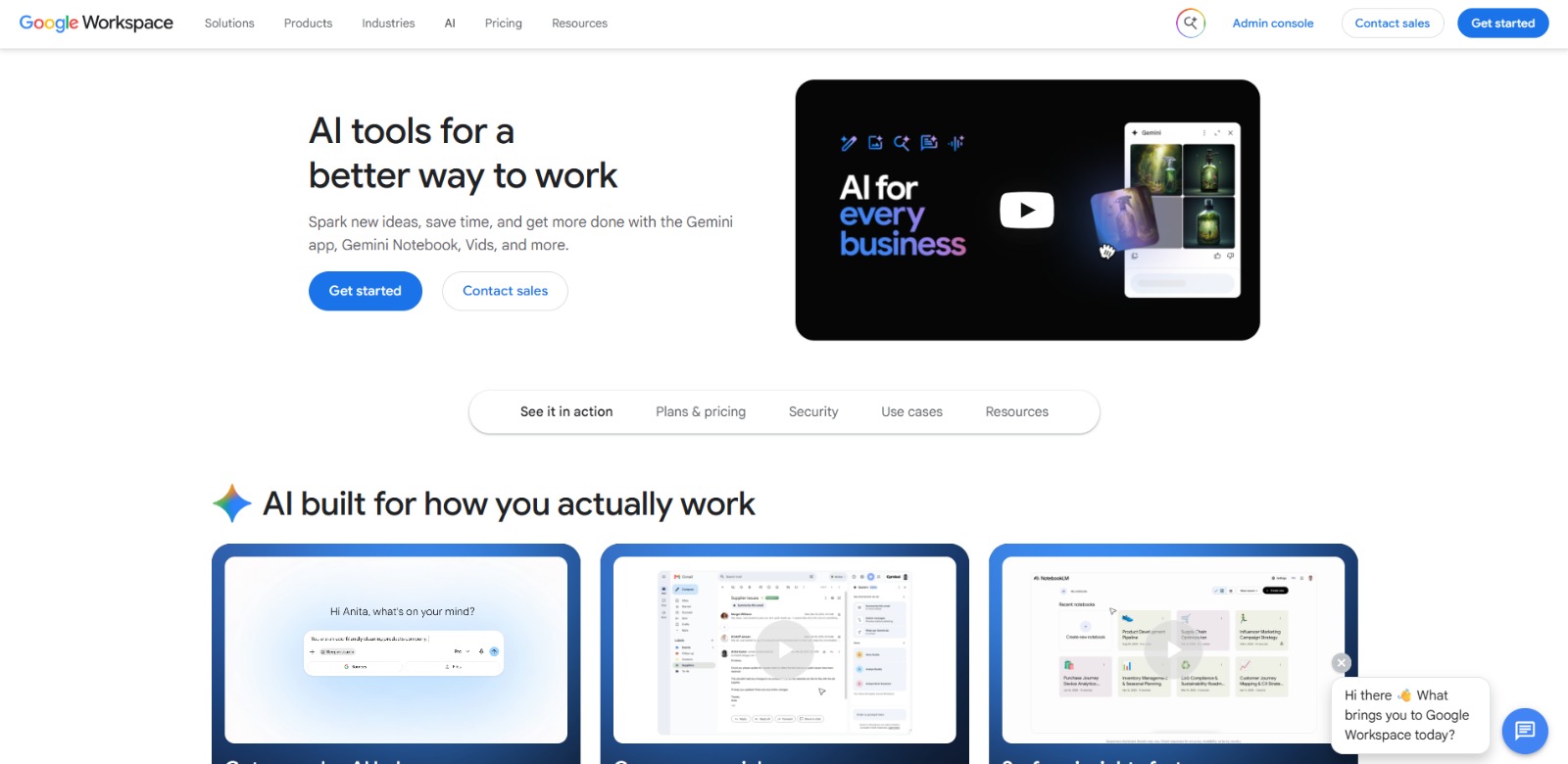
Google Workspace with Gemini Review: A Practical AI tools for business for Productivity and Growth In this Google Workspace with Gemini review, we’ll explore its integrated AI features, key benefits, who it’s best for,…

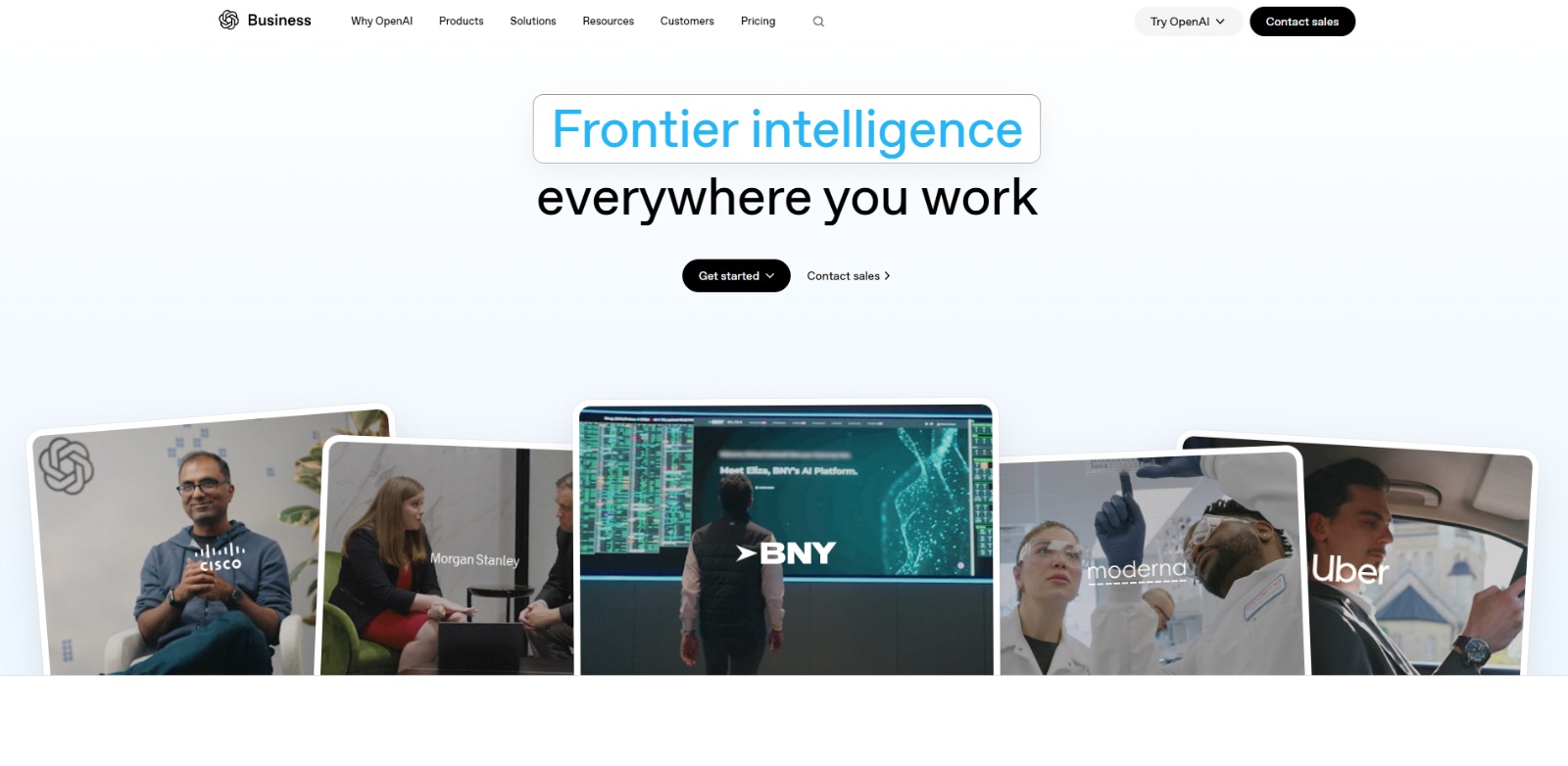
ChatGPT Business Review: Unlocking Enterprise Productivity with Advanced AI In this ChatGPT Business review, we’ll dive into its core capabilities, ideal use cases, potential benefits, and limitations, helping you…

To provide the best experiences, we and our partners use technologies like cookies to store and/or access device information. Consenting to these technologies will allow us and our partners to process personal data such as browsing behavior or unique IDs on this site and show (non-) personalized ads. Not consenting or withdrawing consent, may adversely affect certain features and functions.
Click below to consent to the above or make granular choices. Your choices will be applied to this site only. You can change your settings at any time, including withdrawing your consent, by using the toggles on the Cookie Policy, or by clicking on the manage consent button at the bottom of the screen.