

LM Studio
LM Studio Review: Is This LM Studio Bionic Worth It for Local AI Agents? In this LM Studio review, we’ll explore its unique approach to local AI agents, key features, who it’s best for, and how it empowers…

LM Studio
Ever felt like you’re walking a tightrope between leveraging powerful AI and safeguarding your precious data? Many professionals grapple with this dilemma, longing for the intelligence of advanced models without the privacy concerns of cloud-based solutions. That’s where LM Studio steps in, offering a compelling answer for those who want to bring AI home, quite literally. This platform is designed to put the power of local AI directly onto your desktop, transforming how you interact with artificial intelligence for work and code.
LM Studio is a desktop application that empowers users to download, run, and manage large language models (LLMs) directly on their local machines. It acts as a comprehensive ecosystem for local AI processing, enabling individuals and teams to experiment with various open models without relying on cloud infrastructure. With its agentic capabilities, particularly highlighted by its Bionic features, the software aims to transform your computer into a powerful AI agent for code, document creation, and general productivity, all while prioritizing data privacy and user control.
In today’s fast-paced digital world, professionals across various fields are constantly seeking ways to enhance productivity, automate tasks, and innovate. However, a significant hurdle often arises: data privacy and security. Many powerful AI tools operate in the cloud, requiring users to upload sensitive information, which can be a major concern for software developers, data scientists, and content creators dealing with proprietary data or confidential projects. This is where the need for a robust, local AI solution becomes paramount.
LM Studio directly addresses these pain points by allowing you to run frontier open models locally. This means your data never leaves your machine, offering unparalleled privacy and security. Imagine an AI agent for work that helps you write code, generate documents, or even control your computer, all without a single byte of your information touching an external server. This level of control and autonomy is a game-changer for those who feel overwhelmed by complex AI setups or worry about where their information goes when using cloud services.
Furthermore, the platform simplifies the often-complex process of managing local LLMs. It provides a user-friendly interface that makes it easier to download, configure, and interact with various models. This accessibility democratizes advanced AI, making it available to a broader range of professional user segments, from independent researchers to small business owners, who might otherwise be deterred by the technical challenges of setting up local AI environments. For anyone seeking to integrate AI into their workflows securely and efficiently, this AI solution presents a compelling and empowering option.
LM Studio is packed with features designed to bring powerful, private AI to your desktop. Here’s a closer look at what makes this platform stand out:
At its core, this software is built to function as a natively local AI agent. This means it can perform a wide array of tasks directly on your computer, from understanding context to executing commands, without sending your data to external servers. It’s designed to be a work agent that operates securely within your own environment, offering enhanced privacy and control over your AI interactions.
The platform allows users to run frontier open models locally, providing access to a diverse and evolving ecosystem of advanced AI. You can download and experiment with various local LLMs, giving you the flexibility to choose the best model for your specific needs, whether it’s for creative writing, complex coding, or data analysis. This ensures you can leverage cutting-edge AI technology without being tied to a single provider.
One of the standout features is its ability to perform real-time voice transcription, processed entirely locally. This is a significant advantage for privacy-conscious users who need to convert spoken words into text without concerns about their audio data being sent to the cloud. It enables more natural and intuitive interaction with your AI agent, making it easier to dictate documents or issue commands.
LM Studio facilitates AI document creation by allowing local AI models to assist with generating, editing, and refining various types of documents. Whether you’re drafting reports, crafting marketing copy, or preparing presentations, the platform can help streamline your content creation process, ensuring your sensitive information remains private throughout.
For developers, this tool acts as a powerful AI coding assistant. It can help with writing, debugging, and optimizing code by leveraging local LLMs. This capability is invaluable for software developers and freelance coders who need intelligent assistance without exposing their proprietary code to external AI services. It functions as an effective AI agent for code, boosting productivity and reducing errors.
Managing local LLMs can often be complex, but LM Studio aims to simplify this. It provides an intuitive interface for downloading, configuring, and switching between different models. This ease of use makes advanced local AI accessible even for those who might not have extensive technical expertise, allowing more users to run frontier open models locally with minimal hassle.
❤️ Also loved by: Freelance Coders, Independent Researchers, Cybersecurity Analysts, UX/UI Designers, Students (Computer Science/AI), Hobbyist AI Enthusiasts, Small Business Owners, Product Managers, Marketing Professionals, Legal Professionals, Healthcare Practitioners, Educators, Journalists, Financial Analysts, Architects.
LM Studio fits into these categories. Explore each page for alternatives and related tools.
If LM Studio is not a perfect fit, these alternative AI tools may cover different budgets, features, and use cases in AI AGENTS. Compare strengths, positioning, and why each tool might be a better fit for a specific workflow.
Specific pricing and plan details for LM Studio are not clearly specified on the official website, as the focus appears to be on providing a robust platform for local AI processing. Typically, tools that enable local LLM execution often operate on a freemium model or are entirely free, with costs potentially arising from premium models or advanced features if introduced. The primary value proposition lies in the ability to leverage powerful AI without the recurring costs or data privacy trade-offs associated with cloud-based services.
Users should consider the value of enhanced privacy, control, and the ability to work offline as significant benefits that can offset any potential future costs. It’s always a good practice to check the official LM Studio website for the most current information regarding model availability, pricing structures, and feature details before making any decisions, as these aspects may evolve over time.
If you’re a professional who values data privacy, seeks greater control over your AI tools, and wants to harness the power of local LLMs for everything from AI document creation to acting as an AI agent for code, LM Studio presents a compelling solution. It’s a platform designed to empower your workflow, offering a secure and efficient way to integrate advanced AI directly into your daily tasks. Imagine the peace of mind knowing your sensitive projects are handled by an AI that never leaves your machine, all while boosting your productivity and creativity. It’s about bringing the future of AI to your desktop, on your terms.
If LM Studio aligns with your needs for privacy-focused, powerful local AI, why not explore what it can do for your workflow? Visit LM Studio today and discover a new level of AI autonomy. You can also explore more AI AGENTS and other innovative AI tools on CharlieAITools.
CharlieAITools was created with love to help you discover the best AI tools and transform your life, your ideas, and your projects. By signing up through my affiliate link, you help me keep this site running and continue to share valuable resources with fellow entrepreneurs. Thanks a ton for your support! 💛


LM Studio Review: Is This LM Studio Bionic Worth It for Local AI Agents? In this LM Studio review, we’ll explore its unique approach to local AI agents, key features, who it’s best for, and how it empowers…


Jan Review: The Private open-source ChatGPT alternative for Local AI? In this Jan review, we’ll explore how this open-source platform empowers you to run AI models locally, its core features, who it’s best for, and if…

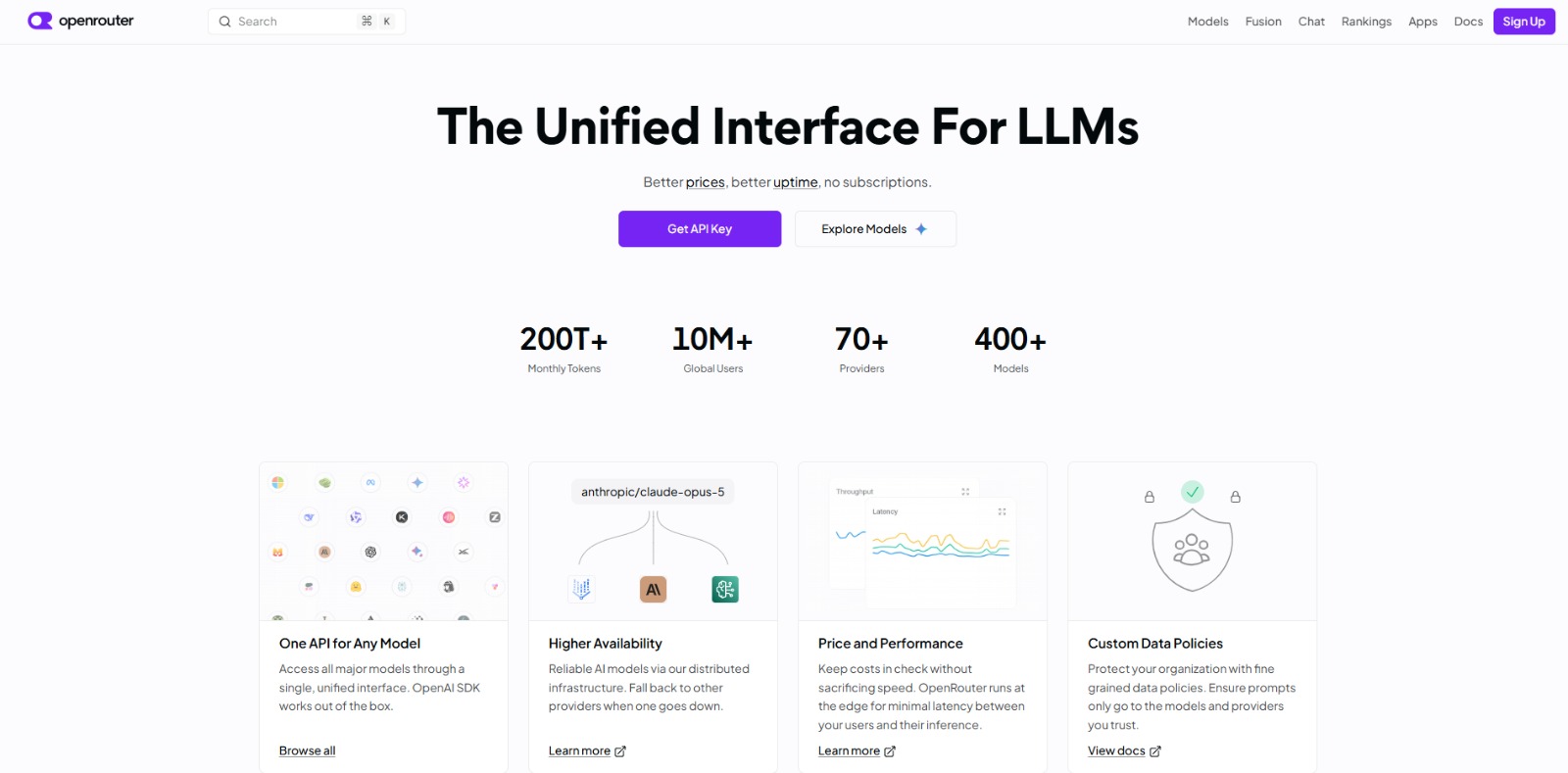
OpenRouter Review: Your Unified AI API Gateway for Smarter Workflows? In this OpenRouter review, you’ll learn how this innovative platform simplifies AI model access, optimizes costs, and enhances reliability for…


Replit Agent Review: Build Production-Ready Apps with AI Chat In this Replit Agent review, we’ll dive into how this innovative AI app builder empowers you to create functional applications, its core features, who stands…


Cursor Review: The AI Coding Agent for Ambitious Software Development In this Cursor review, we’ll dive into how this AI coding agent can transform your development workflow, its core features, benefits, and who stands…


GitHub Copilot Review: Is This AI pair programmer Worth It for Developers? In this GitHub Copilot review, we’ll dive into its core capabilities, who it’s designed for, and how it can transform your coding workflow. The…

To provide the best experiences, we and our partners use technologies like cookies to store and/or access device information. Consenting to these technologies will allow us and our partners to process personal data such as browsing behavior or unique IDs on this site and show (non-) personalized ads. Not consenting or withdrawing consent, may adversely affect certain features and functions.
Click below to consent to the above or make granular choices. Your choices will be applied to this site only. You can change your settings at any time, including withdrawing your consent, by using the toggles on the Cookie Policy, or by clicking on the manage consent button at the bottom of the screen.