

Ollama
Ollama Review: Run AI Models Locally with Ease? In this Ollama review, we’ll explore its core capabilities, who benefits most, its advantages and limitations, and how it empowers local AI deployment. In an era where AI…

Ollama
In an era where AI is rapidly transforming every industry, the ability to harness powerful models without relying solely on cloud services has become a game-changer. For many, the dream of running advanced AI locally on their own machines has been hampered by complex setups, hardware compatibility issues, and a steep learning curve. This is where Ollama steps in, promising to simplify the process of deploying and managing open-source AI models right on your desktop. But does it truly deliver on the promise of making AI models locally accessible for everyone? Let’s dive in.
Ollama is a platform designed to simplify the process of running large language models (LLMs) and other open-source AI models directly on your personal computer. It provides a straightforward way to download, set up, and interact with a variety of AI models, making advanced AI capabilities accessible without the need for extensive technical expertise or constant internet connectivity. Essentially, it acts as a local server for AI, allowing users to experiment, develop, and automate tasks with powerful models while maintaining full control over their data and environment.
The rise of AI has brought incredible innovation, but it has also introduced significant challenges for users and developers alike. Many individuals and organizations struggle with the complexity of setting up and running AI models locally, often facing intricate dependencies, compilation issues, and compatibility headaches. This technical barrier can prevent valuable experimentation and integration of AI into workflows.Furthermore, a major concern for anyone leveraging AI is data privacy and security. When using cloud-based AI services, sensitive information must often be sent to third-party servers, raising questions about who has access to the data and how it’s protected. This anxiety about potential privacy breaches is a significant deterrent for businesses and individuals dealing with confidential information.
Beyond privacy, the costs associated with accessing powerful AI models through cloud APIs can quickly escalate, especially for frequent or large-scale usage. This financial burden can limit innovation, particularly for startups, independent developers, and researchers operating on tight budgets. The lack of control over AI model deployment and usage in cloud environments also means users are often at the mercy of service providers’ terms, updates, and potential outages.
This is precisely why a solution like Ollama is so crucial. It directly addresses these pain points by offering an easier, more secure, and cost-effective way to run open models locally. By bringing AI processing onto your own machine, this platform empowers users to keep their data safe, reduce operational costs, and gain unparalleled control over how AI models are deployed and utilized. It democratizes access to advanced AI, enabling a broader range of users, from hobbyists to professional developers, to integrate AI into their workflows without the traditional hurdles.
Ollama is packed with features designed to make local AI model deployment as seamless as possible. From simplified installation to robust integration options, this platform aims to put powerful AI capabilities directly into the hands of users.
The software simplifies the often-complex process of getting AI models up and running on your machine. It provides a user-friendly interface and command-line tools that allow you to download and run models with minimal setup, abstracting away many of the underlying technical complexities.
This platform supports a wide array of open-source AI models, including various large language models (LLMs). Users can browse, download, and manage different models from a curated collection, ensuring access to a diverse range of capabilities for different tasks. The library is designed to evolve, incorporating new and updated models as they become available in the open-source community.
By running AI models locally, Ollama inherently enhances data privacy and security. Your data remains on your machine, never needing to be sent to external cloud servers for processing. This is a critical feature for sensitive applications and users concerned about information confidentiality.
For developers, the tool offers a robust API that allows seamless integration of local AI models into custom applications and workflows. This means you can build your own tools, scripts, and services that leverage the power of locally run AI, enabling automation and advanced functionality within your existing ecosystem.
Ollama is designed to run across major operating systems, including macOS, Linux, and Windows. This broad compatibility ensures that a wide range of users can benefit from its capabilities, regardless of their preferred development environment.
The platform provides capabilities for users to customize and fine-tune models. This can involve quantizing models for better performance on local hardware or adapting them with custom datasets to better suit specific use cases, offering a high degree of flexibility and control over AI behavior.
While primarily focused on local deployment, the software also offers pathways for scaling. Users can start with local experimentation and, if needed, explore options for deploying these models in cloud environments, providing a flexible path from personal projects to larger-scale applications.
Ollama is a versatile tool that caters to a broad spectrum of tech-savvy individuals and professionals looking to harness AI on their own terms.
Developers can use this platform to integrate AI capabilities directly into their applications without relying on external APIs, ensuring data privacy and reducing latency. It’s perfect for building AI-powered features, testing models, and automating development tasks.
For AI/ML engineers, the software provides a convenient environment for deploying, testing, and fine-tuning open-source models locally. It simplifies the management of various models and allows for rapid iteration on AI projects.
Data scientists can leverage this tool to experiment with AI models for data analysis, natural language processing, and generative tasks, all while keeping their potentially sensitive datasets secure on their local machines.
Anyone keen on exploring the world of AI, from academic researchers to tech enthusiasts, will find Ollama an invaluable resource. It lowers the barrier to entry for running advanced AI models, fostering learning and innovation.
❤️ Also loved by: System Administrators, DevOps Engineers, Product Managers (AI), Cybersecurity Analysts, Independent Contractors, Startup Founders, Technical Writers, UX/UI Designers (AI integration), Ethical AI Advocates, Students, Educators, AI Consultants, Solution Architects, Cloud Engineers.
Ollama fits into these categories. Explore each page for alternatives and related tools.
If Ollama is not a perfect fit, these alternative AI tools may cover different budgets, features, and use cases in AI AGENTS. Compare strengths, positioning, and why each tool might be a better fit for a specific workflow.
Ollama is fundamentally designed to enable free local deployment of open-source AI models, leveraging your existing hardware. This means the core functionality of downloading and running a wide array of models on your machine comes without a direct monetary cost from the platform itself. The primary “cost” considerations revolve around your hardware investment and electricity usage.While the local deployment is free, the platform’s capabilities may evolve to include cloud scaling options or integrations that could involve associated costs from third-party cloud providers. However, for running AI models locally, the value proposition is immense: access to powerful AI without recurring subscription fees or per-token charges. Users should always check the official Ollama website for the latest model availability, any potential premium features, and detailed pricing information for any future cloud-integrated services, as these details may change over time.
Imagine a world where your AI experiments are private, your data is secure, and your innovation isn’t bottlenecked by cloud costs or complex setups. Ollama offers that world, putting the power of cutting-edge AI directly on your desktop. It’s an invitation to explore, build, and automate with confidence, knowing you have full control over your models and your data. If you’re a developer, researcher, or just an AI enthusiast eager to dive deep without the usual hurdles, this platform could be the missing piece in your toolkit.
Ready to unlock the potential of local AI? Visit Ollama today and see how easy it is to start running powerful AI models on your own machine.
CharlieAITools was created with love to help you discover the best AI tools and transform your life, your ideas, and your projects. By signing up through my affiliate link, you help me keep this site running and continue to share valuable resources with fellow entrepreneurs. Thanks a ton for your support! 💛


Ollama Review: Run AI Models Locally with Ease? In this Ollama review, we’ll explore its core capabilities, who benefits most, its advantages and limitations, and how it empowers local AI deployment. In an era where AI…


LM Studio Review: Is This LM Studio Bionic Worth It for Local AI Agents? In this LM Studio review, we’ll explore its unique approach to local AI agents, key features, who it’s best for, and how it empowers…


Jan Review: The Private open-source ChatGPT alternative for Local AI? In this Jan review, we’ll explore how this open-source platform empowers you to run AI models locally, its core features, who it’s best for, and if…

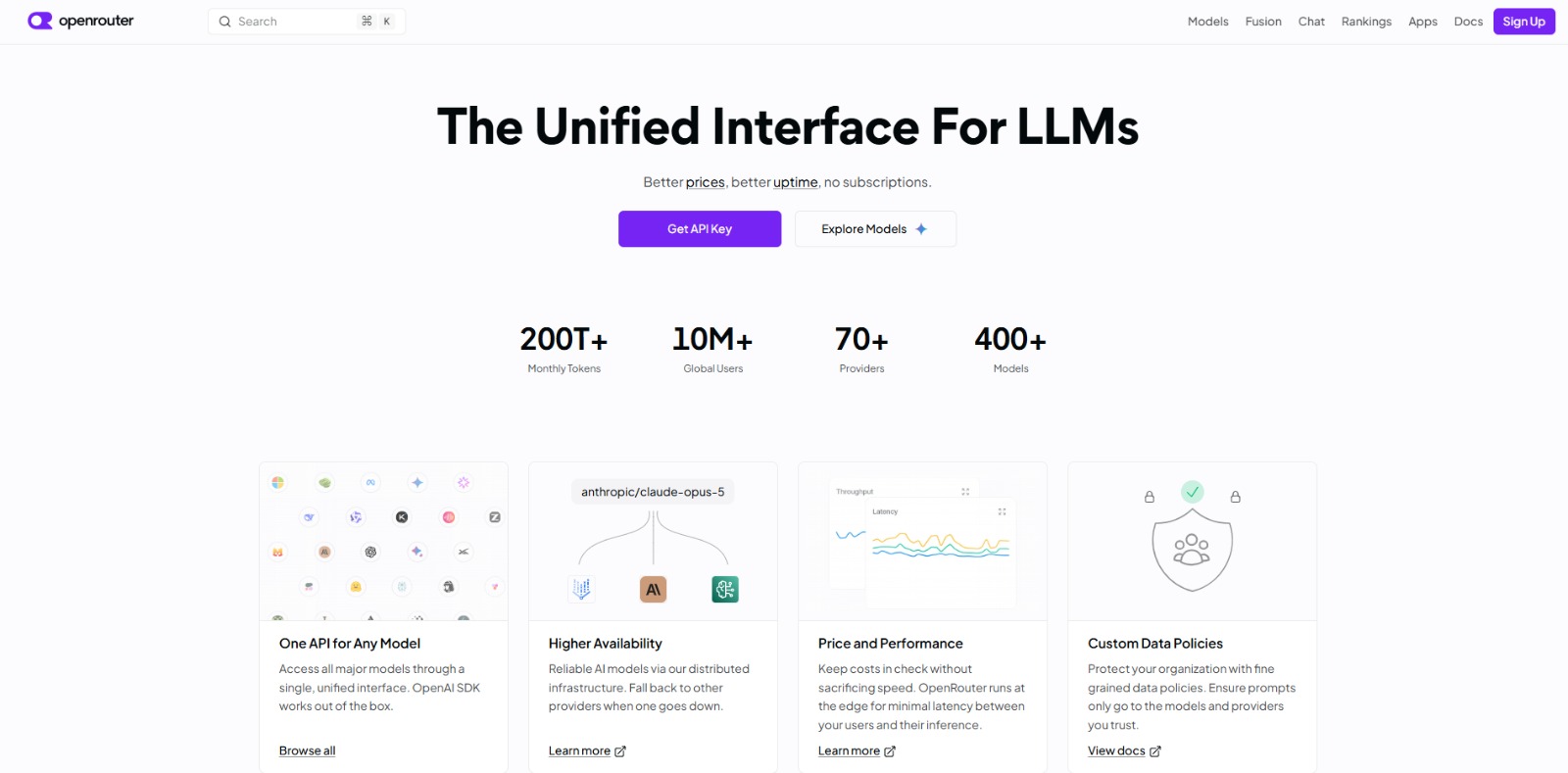
OpenRouter Review: Your Unified AI API Gateway for Smarter Workflows? In this OpenRouter review, you’ll learn how this innovative platform simplifies AI model access, optimizes costs, and enhances reliability for…


Replit Agent Review: Build Production-Ready Apps with AI Chat In this Replit Agent review, we’ll dive into how this innovative AI app builder empowers you to create functional applications, its core features, who stands…


Cursor Review: The AI Coding Agent for Ambitious Software Development In this Cursor review, we’ll dive into how this AI coding agent can transform your development workflow, its core features, benefits, and who stands…

To provide the best experiences, we and our partners use technologies like cookies to store and/or access device information. Consenting to these technologies will allow us and our partners to process personal data such as browsing behavior or unique IDs on this site and show (non-) personalized ads. Not consenting or withdrawing consent, may adversely affect certain features and functions.
Click below to consent to the above or make granular choices. Your choices will be applied to this site only. You can change your settings at any time, including withdrawing your consent, by using the toggles on the Cookie Policy, or by clicking on the manage consent button at the bottom of the screen.