Microsoft Copilot 3D Review: Is This AI 3D Modeling Worth It for Creators?
In this Microsoft Copilot 3D review, we’ll explore its innovative approach to AI 3D modeling, who stands to benefit most, and whether this experimental tool can streamline your creative workflow.
The world of 3D design can often feel like a labyrinth of complex software and steep learning curves. For many creators, the dream of quickly transforming a simple 2D image into a usable 3D model remains just that – a dream. Enter Microsoft Copilot 3D, an intriguing experiment from Copilot Labs designed to bridge this gap. This AI solution promises to simplify the often time-consuming process of 3D asset generation, making it more accessible to a wider audience.
What Is This Tool?
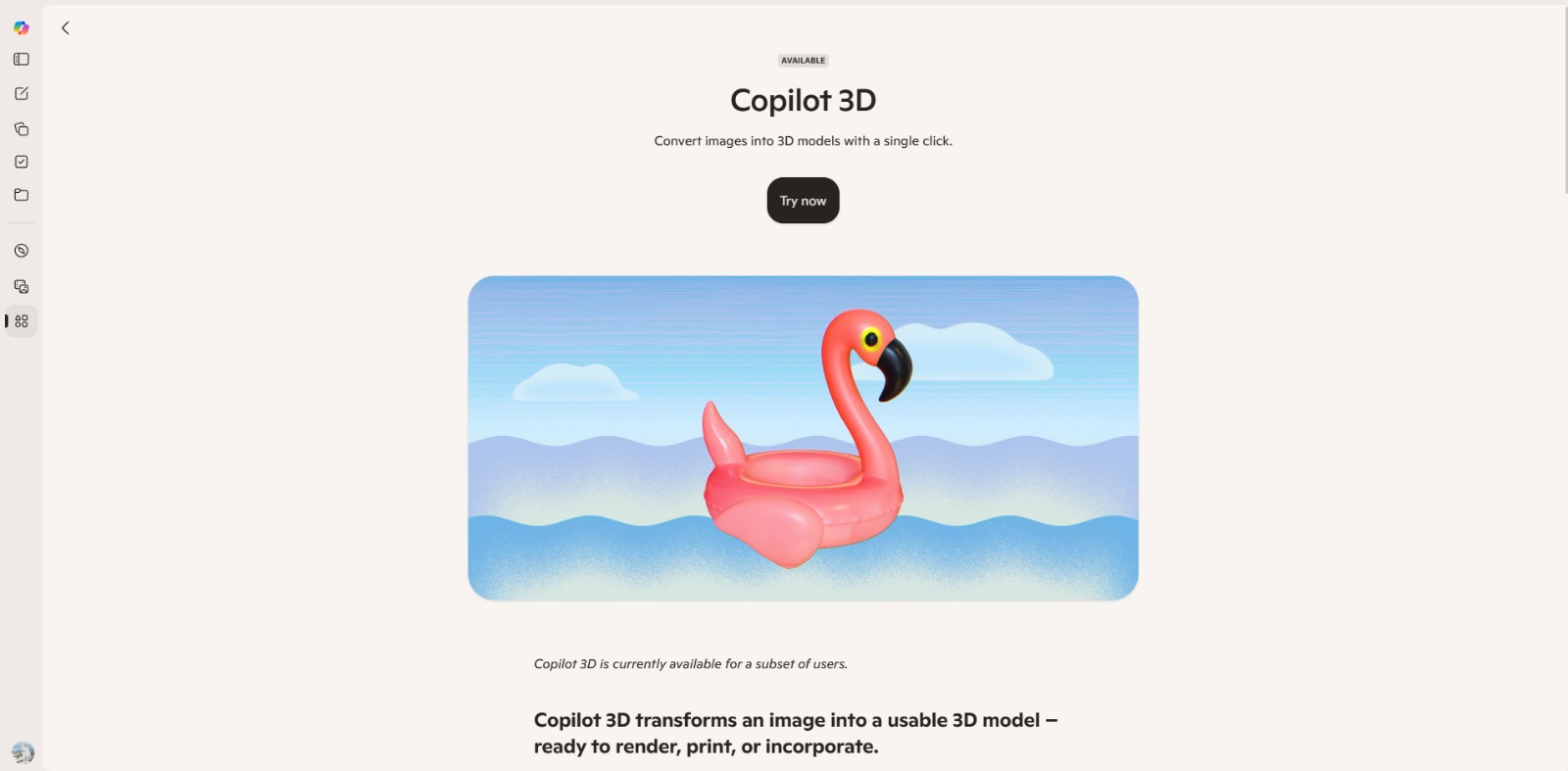
Microsoft Copilot 3D is an experimental AI tool developed by Copilot Labs, focusing on automatic 3D modeling. Its primary function is to convert existing 2D images into 3D models, offering a streamlined approach to creating 3D assets. This platform aims to democratize 3D content creation by leveraging artificial intelligence to simplify what has traditionally been a complex and specialized task.
Why Is This Tool Important?
In today’s fast-paced digital landscape, the demand for 3D content is skyrocketing, from immersive AR/VR experiences and engaging game environments to realistic product visualizations and architectural walkthroughs. However, the path to creating these assets is often fraught with challenges. Traditional 3D modeling software requires significant time, specialized skills, and often a substantial financial investment, creating a high barrier to entry for many aspiring creators and even seasoned professionals looking for efficiency.This is where the importance of an AI 3D modeling tool like Microsoft Copilot 3D shines.
It directly addresses the core pain points faced by individuals and teams who struggle with the complexity and cost of manual 3D modeling. Imagine needing to quickly prototype a new game asset from a concept sketch or wanting to bring a product photo to life in a virtual showroom. Manually reconstructing these in 3D can be a laborious process, draining valuable time and resources.The ability to create 3D models from images with AI offers a powerful solution. It allows users to leverage their existing 2D visual assets, transforming them into dynamic 3D objects with minimal effort. This capability is particularly vital for rapid prototyping, content creation for emerging platforms like the metaverse, and for hobbyists or small studios with limited budgets and expertise. This AI 3D converter promises to unlock new creative possibilities, making 3D design more accessible and efficient for everyone.
Top Features of This Tool
This AI solution is designed to simplify the creation of 3D models, particularly for those who need to convert 2D images into 3D assets. While it’s an experimental platform, its core capabilities are focused on making 3D generation more accessible.
AI-Powered Image to 3D Conversion
The cornerstone of this tool is its ability to automatically generate 3D models from 2D images using artificial intelligence. This feature aims to significantly reduce the manual effort typically required in 3D asset creation, allowing users to quickly transform visual inputs into three-dimensional outputs.
Simplified 3D Asset Generation
Designed for ease of use, the platform focuses on a streamlined workflow. The goal is to provide a one-click or minimal-step process for creating 3D models, making it accessible even for users without extensive 3D modeling experience.
Experimental Platform from Copilot Labs
As part of Microsoft’s Copilot Labs, this tool is presented as an experiment. This means it’s at the forefront of AI innovation, potentially offering novel approaches to 3D design, though its features and capabilities may evolve as the company releases updates and gathers user feedback.
Web-Based Accessibility
The tool is accessible directly through a web browser, eliminating the need for complex software installations. This ensures broad compatibility across various operating systems and devices, making it easy for users to access and utilize its features from anywhere with an internet connection.
Potential for Rapid Prototyping
By automating the conversion of images to 3D models, this AI solution offers a fast track for prototyping. Users can quickly generate initial 3D representations of ideas, objects, or characters, accelerating the design iteration process for games, AR/VR experiences, or product concepts.
Key Benefits
- Accelerated 3D Asset Creation: Significantly reduces the time and effort traditionally required to create 3D models, especially from existing 2D images.
- Lower Barrier to Entry: Makes 3D modeling more accessible to beginners and those without specialized software knowledge, democratizing 3D content creation.
- Cost-Effective Prototyping: Offers a potentially free or low-cost solution for generating 3D prototypes, reducing the need for expensive software or expert outsourcing.
- Leverages Existing 2D Assets: Allows creators to transform their current image libraries into dynamic 3D content, maximizing the value of their visual resources.
- Streamlined Workflow: Simplifies the process of generating 3D models, enabling faster iteration and integration into various projects.
Pros
- Simplifies complex 3D modeling tasks with AI.
- Offers a quick and easy way to turn images into 3D models.
- Accessible via web browser, no software installation needed.
- Great for rapid prototyping and exploring 3D ideas efficiently.
Cons
- As an experimental tool, output quality and features may vary and are subject to change.
- Specific details on customization options, export formats, and advanced controls are not clearly specified.
Who Should Use It?
Indie Game Developers
- Need to quickly generate unique 3D assets for their games.
- Seek to prototype game environments and characters without extensive 3D modeling expertise.
- Operate with limited budgets and time, requiring efficient asset creation tools.
AR/VR Content Creators
- Require rapid creation of 3D objects and scenes for immersive experiences.
- Look for tools to convert existing 2D images or concepts into AR/VR-ready assets.
- Aim to explore new methods for populating virtual worlds efficiently.
Hobbyist 3D Artists & Makers
- Are passionate about 3D design but find traditional software daunting.
- Want an easy way to bring their 2D sketches or photos into the third dimension.
- Enjoy experimenting with new AI technologies for creative projects.
Product Designers & Prototypers
- Need to quickly visualize product concepts in 3D from initial sketches or images.
- Seek to accelerate the prototyping phase of their design process.
- Are looking for cost-effective ways to generate early-stage 3D models.
Marketing Professionals & Content Creators
- Require dynamic 3D visuals for campaigns, social media, or presentations.
- Want to transform 2D product shots into engaging 3D assets for digital marketing.
- Are exploring innovative ways to create compelling visual content.
❤️ Also loved by:Educators, Architectural Visualizers, Technical Artists, Virtual Production Specialists, UI/UX Designers, Industrial Designers, CAD Technicians, Digital Sculptors, Texture Artists, Animation Students, Metaverse Builders, E-commerce Retailers, Digital Storytellers, Creative Directors.
Best AI Categories
Microsoft Copilot 3D fits into these categories. Explore each page for alternatives and related tools.
Best Alternatives
If Microsoft Copilot 3D is not a perfect fit, these alternative AI tools may cover different budgets, features, and use cases in AI 3D MODELING. Compare strengths, positioning, and why each tool might be a better fit for a specific workflow.
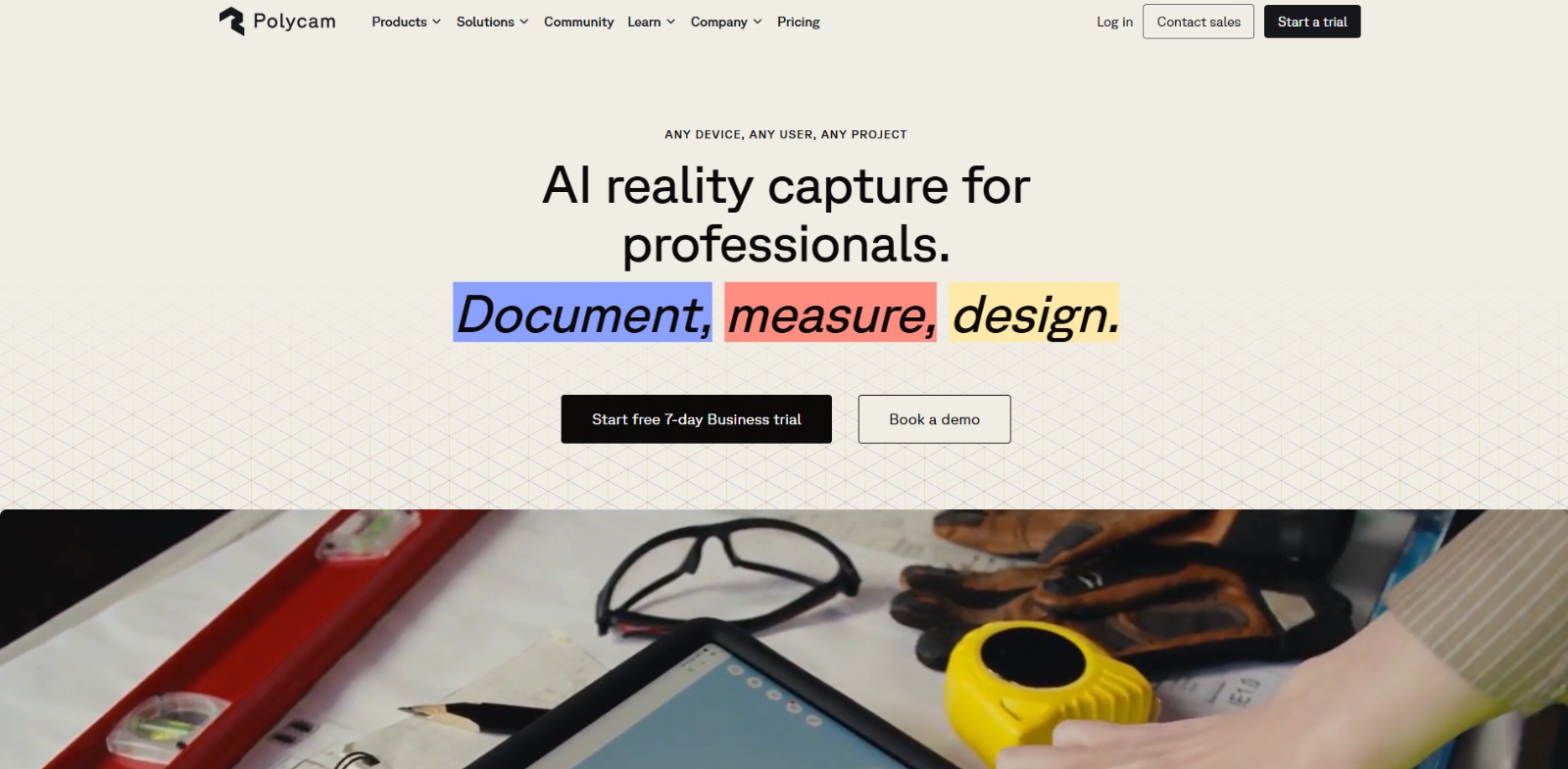
- Kaedim: This platform specializes in converting 2D images and text prompts into production-ready 3D models, often offering more control and higher fidelity for professional use cases. Users seeking robust output for game development or film might prefer it.
- Luma AI: Known for its NeRF (Neural Radiance Fields) technology, Luma AI excels at capturing realistic 3D scenes and objects from videos, making it ideal for creating highly detailed, photorealistic 3D assets from real-world captures.
- Spline AI: A web-based 3D design tool that integrates AI features to assist with asset creation, texturing, and animation. It’s a great option for designers who want an intuitive, collaborative environment with AI enhancements for web and app interfaces.
- Blockade Labs (Skybox AI): While primarily focused on generating immersive 360-degree environments and skyboxes from text prompts, it offers a unique approach to creating expansive 3D backdrops for games and virtual experiences.
- RunwayML: This comprehensive AI creative suite includes features for generating 3D textures and even basic 3D models from text or images, alongside its powerful video generation capabilities. It’s suitable for creators looking for an all-in-one AI media tool.
- Blender (with AI plugins): While Blender is a traditional, powerful open-source 3D software, a growing ecosystem of AI-powered plugins allows users to leverage AI for tasks like texturing, mesh generation, and even character rigging, offering advanced control for experienced users.
Pricing & Plans: Costs, Features & Value
As an experimental tool from Copilot Labs, specific pricing and detailed plans for Microsoft Copilot 3D are not clearly specified. It’s currently presented as an exploration of AI capabilities in 3D modeling, suggesting it may be available for free or as part of a broader Microsoft Copilot offering during its experimental phase. The value proposition lies in its potential to significantly reduce the time and complexity of 3D asset generation, offering a cost-effective alternative to traditional methods. Users should check the official Microsoft Copilot Labs website for the latest model availability, pricing, and feature details, as these aspects may evolve over time.
Ready to Transform Your 2D Ideas into 3D Realities?
If you’re tired of the endless hours spent on manual 3D modeling or the steep learning curve of traditional software, Microsoft Copilot 3D offers a glimpse into a more efficient future. This AI solution could be the missing piece in your creative toolkit, empowering you to quickly bring your visual concepts to life in three dimensions. Whether you’re an indie game developer, an AR/VR content creator, or a hobbyist looking for an easier way to explore 3D, this tool presents an exciting opportunity to streamline your workflow and unlock new creative possibilities.
Ready to see how this innovative AI 3D modeling tool can simplify your creative process? Visit Microsoft Copilot 3D and explore its capabilities today.
CharlieAITools was created with love to help you discover the best AI tools and transform your life, your ideas, and your projects. By signing up through my affiliate link, you help me keep this site running and continue to share valuable resources with fellow entrepreneurs. Thanks a ton for your support! 💛