
Synthesia
Synthesia Review: The AI Video Platform Revolutionizing Content Creation? In this Synthesia review, we’ll dive into its core features, explore who benefits most, weigh its pros and cons, and help you decide if this AI…
Synthesia
Creating professional, engaging video content has long been a cornerstone of effective communication, but it often comes with a hefty price tag and a steep learning curve. From marketing campaigns to corporate training, the demand for video is constant, yet the resources to produce it are often limited. Enter Synthesia, an AI video platform designed to transform how businesses approach video creation.
This innovative tool promises to streamline production, reduce costs, and empower anyone to generate high-quality videos with AI avatars, all from simple text. But does it truly deliver on these ambitious promises? Let’s explore.
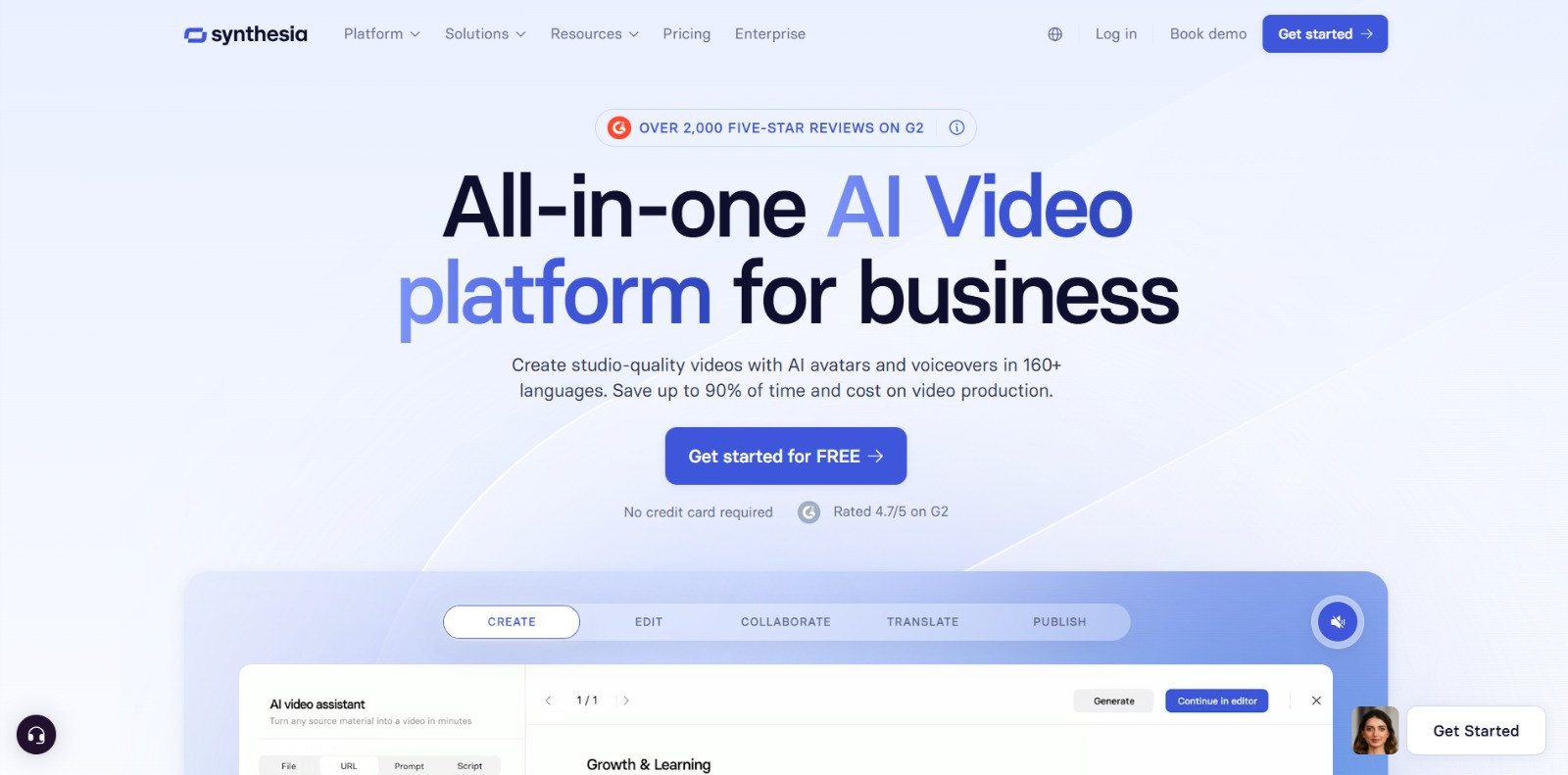
Synthesia is an advanced AI video platform that enables users to create professional-looking videos from text scripts, without the need for cameras, microphones, or actors. It leverages sophisticated artificial intelligence to generate realistic AI avatars and natural-sounding voiceovers in multiple languages, allowing businesses to produce scalable, high-quality video content efficiently.
Think of it as your personal, AI-powered video studio, ready to bring your scripts to life.
In today’s fast-paced digital landscape, video content is no longer a luxury—it’s a necessity. However, businesses often grapple with significant pain points when it comes to traditional video production. The high cost of equipment, studio rentals, actors, and post-production can quickly deplete budgets. The process itself is notoriously time-consuming, involving scripting, shooting, editing, and revisions, leading to slow turnaround times that can hinder agile marketing or training initiatives.
Many organizations also lack the in-house video production skills or specialized equipment, forcing them to rely on expensive external agencies. This creates a bottleneck, especially when there’s a need to scale content across multiple languages for global audiences or maintain consistent branding across diverse video assets. Marketing Manager Maya, for instance, often finds herself frustrated by the complexity and expense of traditional video, wishing for a simpler way to launch product videos quickly and localize campaigns without breaking the bank.
This is where an AI video platform like Synthesia becomes incredibly important. It directly addresses these challenges by automating and simplifying the video creation process. By transforming text into video with AI avatars and voiceovers, this platform empowers businesses to overcome budget constraints, drastically cut production time, and produce professional-grade content without needing a film crew. It’s a game-changer for anyone looking to create engaging, scalable video content efficiently and cost-effectively, ensuring brand consistency and enabling global reach with ease.
Synthesia is packed with features designed to make video creation accessible and efficient for businesses. Here’s a look at some of its standout capabilities:
At the heart of this platform is its ability to generate videos featuring realistic AI avatars. Users can choose from a diverse library of pre-designed avatars or even create a custom avatar that represents their brand. These avatars can convey a range of emotions and gestures, making the video content more engaging and human-like, all without the need for a physical presenter.
Simply type or paste your script into the intuitive editor, and Synthesia will convert it into a video. The platform’s script editor allows for easy adjustments, ensuring perfect timing and delivery by the AI avatar. This feature drastically reduces the time and effort typically associated with video scripting and production.
Reaching a global audience is made easy with support for numerous languages and accents. The tool offers high-quality AI voiceovers that sound natural and can be automatically translated from your original script, enabling one-click localization of your video content for international markets.
To ensure brand consistency, Synthesia provides a wide array of customizable video templates. Users can integrate their brand colors, logos, fonts, and other visual elements into these templates, creating on-brand videos quickly and efficiently. This helps maintain a professional and cohesive look across all video communications.
Designed for team environments, the platform includes features that facilitate collaboration. Multiple users can work on video projects, share feedback, and streamline the approval process, making it easier for departments like marketing and L&D to produce content together.
For corporate training and e-learning, this AI solution offers SCORM export functionality, allowing videos to be easily integrated into Learning Management Systems (LMS). This is a crucial feature for instructional designers and L&D specialists who need to deploy engaging training modules.
Synthesia offers a compelling suite of benefits for businesses looking to enhance their video content strategy:
Synthesia is a powerful tool designed for a variety of professionals and businesses seeking to revolutionize their video content strategy.
❤️ Also loved by: Content Creators, Instructional Designers, Communications Specialists, Project Managers, Small Business Owners, E-learning Developers, Product Marketers, Customer Support Managers, IT Managers, Social Media Managers, Corporate Trainers, Digital Marketers, Brand Managers.
Synthesia fits into these categories. Explore each page for alternatives and related tools.
If Synthesia is not a perfect fit, these alternative AI tools may cover different budgets, features, and use cases in AI VIDEO. Compare strengths, positioning, and why each tool might be a better fit for a specific workflow.
Synthesia is positioned as a professional-grade solution for businesses, and its pricing reflects the advanced capabilities and scalability it offers. While specific pricing tiers and features may evolve over time, the platform typically provides various plans tailored to different organizational needs, from small teams to large enterprises. These plans often include varying numbers of video minutes, access to premium avatars, custom branding options, and collaboration features.
Given its robust feature set designed to replace traditional video production costs, the value proposition often lies in the significant time and cost savings it delivers. For the most current and detailed information on pricing, plans, and available features, users should always check the official Synthesia website directly before making any purchasing decisions.
If the challenges of traditional video production—high costs, lengthy timelines, and technical hurdles—are holding your business back, Synthesia offers a compelling solution. This AI video platform empowers you to create professional, engaging, and scalable video content with unprecedented ease.
Imagine producing marketing videos, training modules, or internal communications in a fraction of the time and cost, all while maintaining consistent branding and reaching global audiences. It’s about unlocking new possibilities for communication and efficiency.
If you’re ready to explore how AI can streamline your video production and elevate your content strategy, it’s worth taking a closer look. Discover the potential to create stunning videos without the traditional complexities.
CharlieAITools was created with love to help you discover the best AI tools and transform your life, your ideas, and your projects. By signing up through my affiliate link, you help me keep this site running and continue to share valuable resources with fellow entrepreneurs. Thanks a ton for your support! 💛

Synthesia Review: The AI Video Platform Revolutionizing Content Creation? In this Synthesia review, we’ll dive into its core features, explore who benefits most, weigh its pros and cons, and help you decide if this AI…

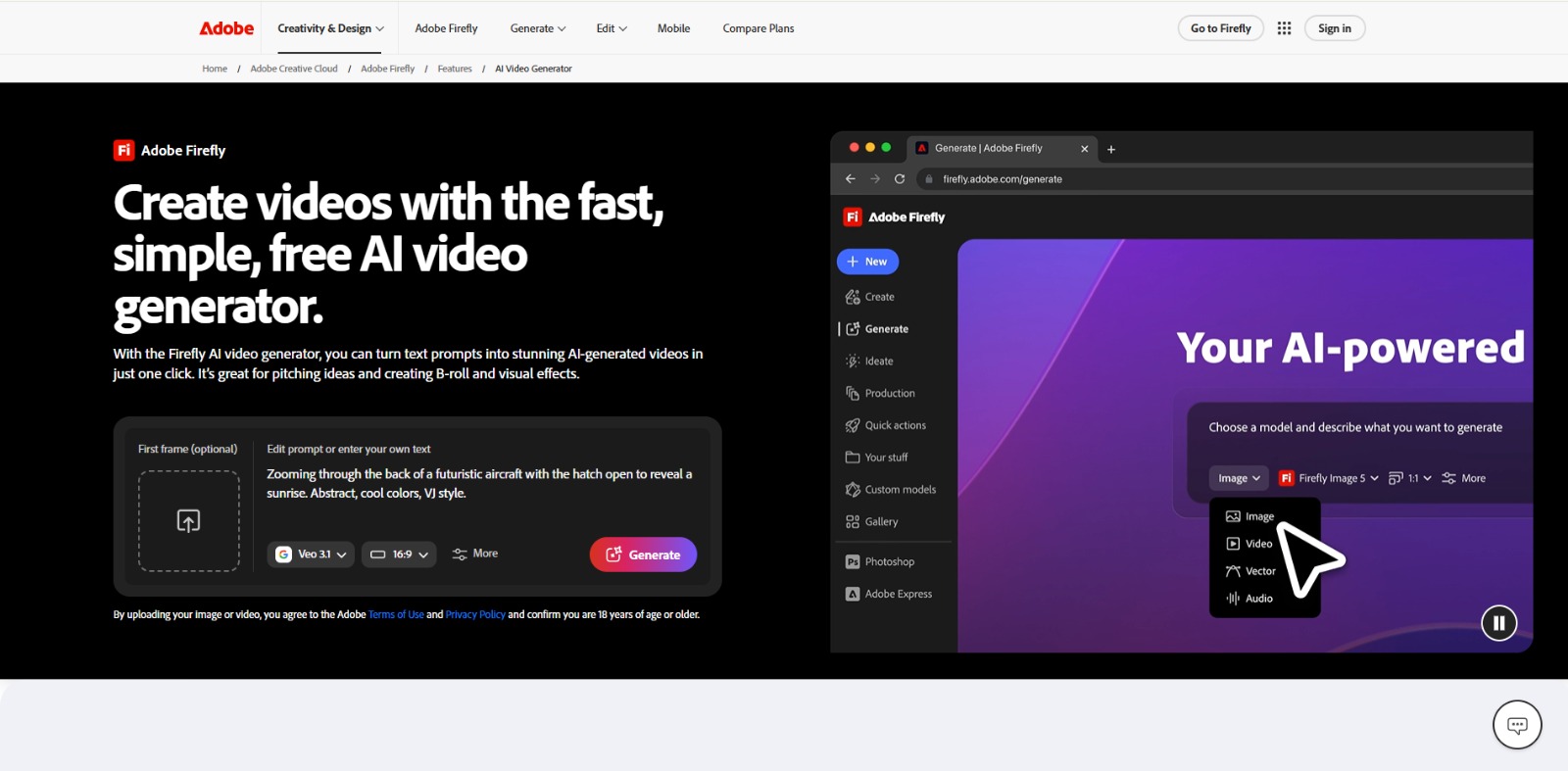
Adobe Firefly Review: Is This AI Video Generator Your Next Creative Partner? In this Adobe Firefly review, we’ll explore its AI video generation capabilities, who it’s best for, and how it can streamline your content…


Luma Review: Unlocking Creative Control with AI Video Generation? In this Luma review, we’ll explore its core capabilities, who it’s designed for, its benefits, limitations, and how it can transform your creative…


Kling AI Review: Is This AI Video Generator Your Next Creative Powerhouse? In this Kling AI review, we’ll dive into its unique capabilities, who it’s built for, and whether it’s the AI video generator you’ve been…
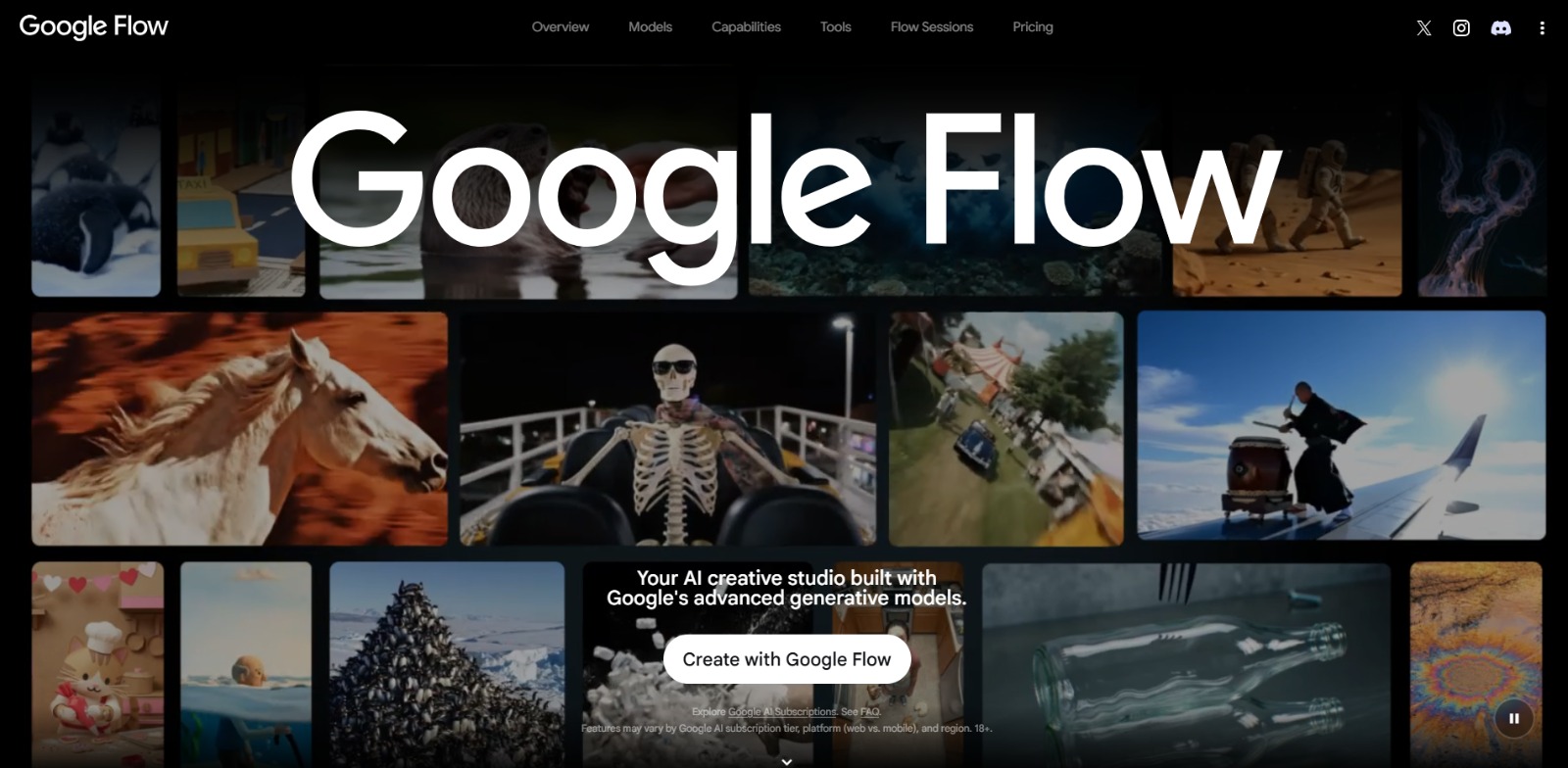
Google Flow Review: Is This AI video generator Your Next Creative Powerhouse? In this Google Flow review, we’ll explore how this innovative platform empowers creators with advanced AI for video and image generation,…

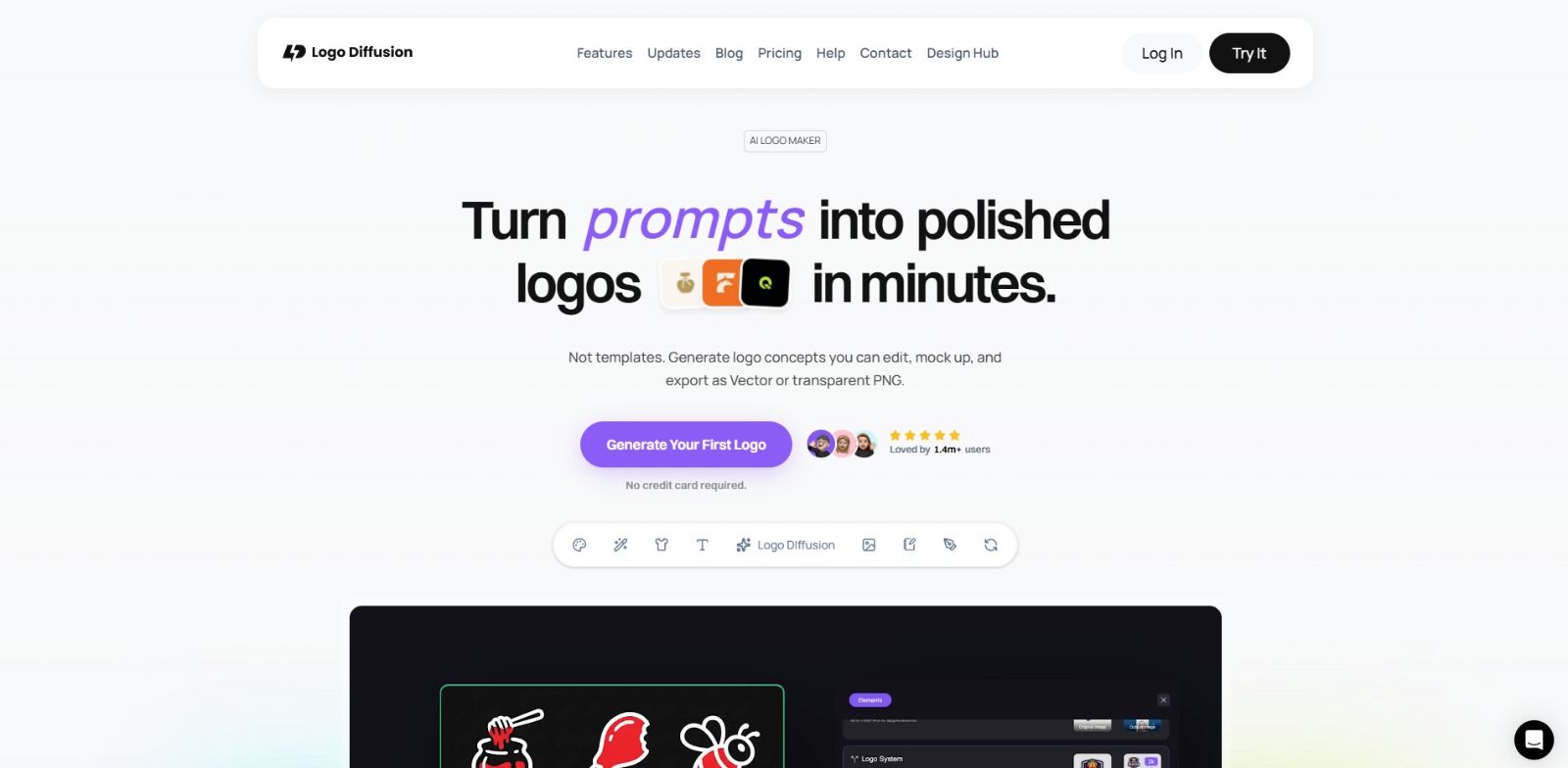
Logo Diffusion Review: Is This AI logo generator Your Next Creative Partner? In this Logo Diffusion review, we’ll explore its core capabilities, ideal use cases, and how this AI solution can help you create professional…

To provide the best experiences, we and our partners use technologies like cookies to store and/or access device information. Consenting to these technologies will allow us and our partners to process personal data such as browsing behavior or unique IDs on this site and show (non-) personalized ads. Not consenting or withdrawing consent, may adversely affect certain features and functions.
Click below to consent to the above or make granular choices. Your choices will be applied to this site only. You can change your settings at any time, including withdrawing your consent, by using the toggles on the Cookie Policy, or by clicking on the manage consent button at the bottom of the screen.